Supabase at Scale: From 10K to 10M Records Without Burning Out
Yes, Supabase scales to 10M+ records on Postgres. Here is the architecture to run enterprise sync at that scale without rebuilding or hiring DevOps.
- Author
- Ruben Burdin · Founder & CEO
- Published
- Updated
- Read time
- 5 min read

Your Supabase prototype just landed an enterprise client with 10M+ records. You need to scale fast without rebuilding your stack, compromising developer experience, or hiring a DevOps team. The good news: scaling Supabase for enterprise workloads doesn’t require abandoning what made it great. It requires extending it with the right sync architecture.
The Supabase Scaling Paradox: When Success Becomes Your Biggest Problem
You chose Supabase for speed. Postgres at the core, real-time subscriptions, auth out of the box. Your MVP shipped in weeks. Early customers loved it. Then enterprise arrived with requirements your current setup was never designed for.
Common breaking points appear quickly:
- 10M+ records synced across multiple systems when you’re handling 50K today
- Sub-second latency while you’re seeing 3–5 second delays
- Bidirectional sync with Salesforce, NetSuite, and a data warehouse
- SOC 2 compliance and audit logs that your architecture doesn’t support yet
| Layer | Holds to 10M+ records? | What actually breaks | Fix |
|---|---|---|---|
| Database (Postgres) | Yes | Nothing at the storage layer | Keep Supabase as system of record |
| Real-time sync & latency | No | 3-5s delays, missed updates | Add a dedicated sync layer |
| Cross-system integrations | No | API limits, data loops, conflicts | Field-level two-way sync |
| Compliance & audit | No | No audit logs, no SOC 2 trail | Sync layer with retries + logs |
At this moment, most teams believe they have only two options.
The Two Paths Everyone Knows (And Why They’re Painful)
Option 1: Rebuild on “enterprise-grade” infrastructure
- 6+ months of engineering work
- $500K+ in opportunity cost
- Lost momentum and delayed roadmap
Option 2: Build custom sync infrastructure in-house
- 3–6 months just to reach production
- Constant maintenance of brittle APIs and webhooks
- Senior engineers stuck doing data plumbing instead of product work
Both paths sacrifice the very thing that made Supabase attractive: developer velocity.
The Third Path: Scale Without Rebuilding
There’s a third approach that preserves Supabase’s developer experience while meeting enterprise requirements: treat Supabase as your operational core, and layer enterprise-grade two-way sync on top of it.
According to Ant Wilson, Co‑Founder and CTO at Supabase:
“Triggers to external systems and workflow automation are a game-changer for both operational use cases and analytics.”
This shift matters now more than ever. In the AI era, winning teams aren’t defined by models. They’re defined by real-time access to operational data. Supabase already gives you the foundation. What’s missing is production-grade sync.
Why Supabase Is the Right Foundation (If You Extend It Correctly)
Supabase is built on PostgreSQL, which gives you powerful primitives:
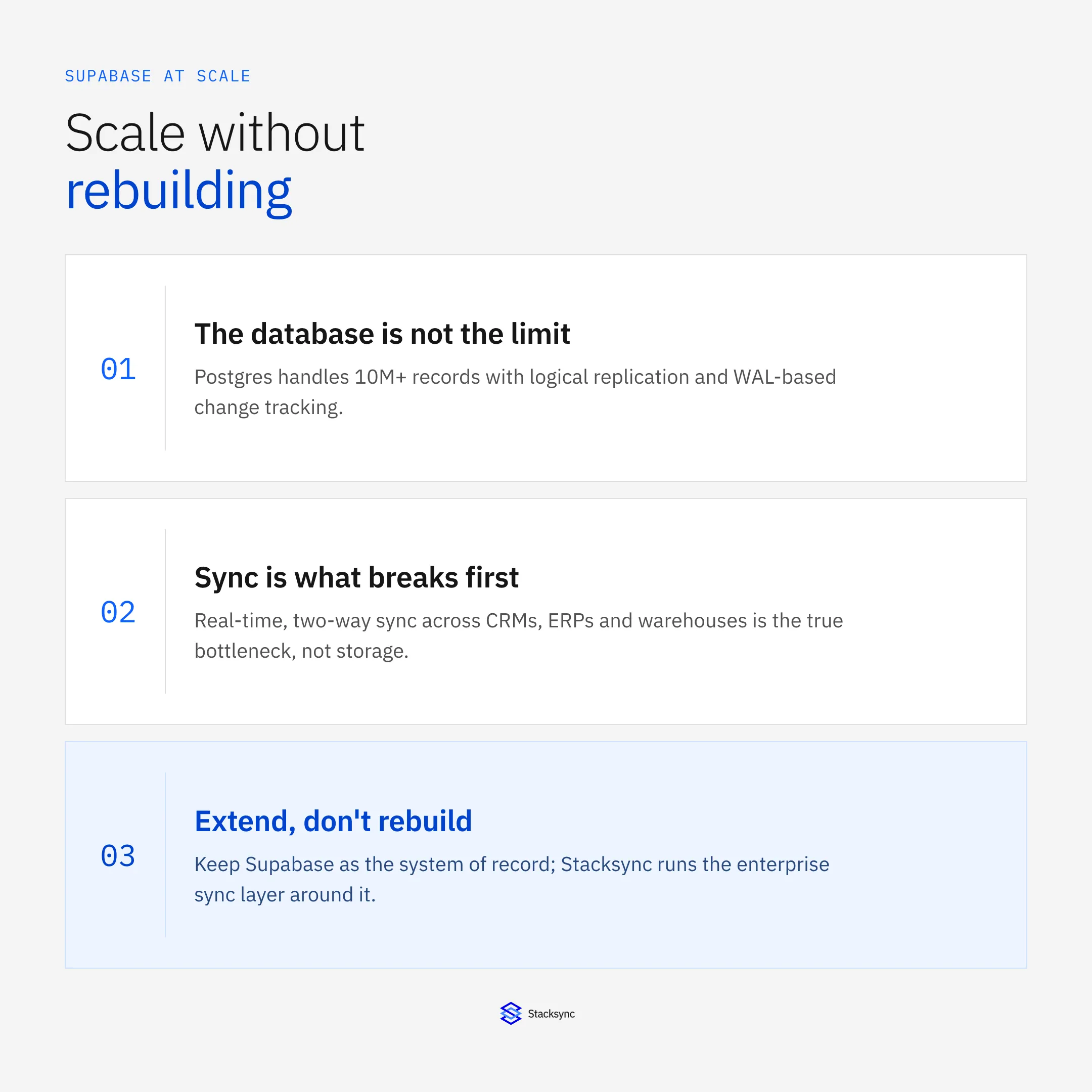
- Logical replication and WAL-based change tracking
- SQL-first data modeling
- Strong transactional guarantees
What it doesn’t provide out of the box is enterprise operational sync: the ability to reliably propagate changes across CRMs, ERPs, and warehouses in real time without loops, conflicts, or API failures.
That gap is where teams usually break or scale cleanly.
Architecture Patterns That Actually Scale Supabase
True Bidirectional Sync (Not Two One-Way Pipelines)
Two one-way syncs create data loops, race conditions, and silent overwrites at scale. True bidirectional sync tracks field-level changes, enforces conflict resolution, and guarantees consistency across systems.
This is the difference between “it works in staging” and “it survives enterprise traffic.”
SQL-First Operational Hub
With a SQL-first approach, your team continues working in Postgres while data syncs automatically to systems like Salesforce and NetSuite. Engineers don’t learn new APIs. They keep shipping features.
Event-Driven Triggers
Change events in Supabase become operational signals:
- A deal update triggers downstream workflows
- Inventory changes propagate instantly to ERP and CRM
- Customer state stays consistent everywhere
Your database becomes the orchestration layer for the entire stack.
Proven Enterprise Architecture
These patterns are validated in the Complete Architecture Guide for Two-Way Sync Between Enterprise Systems, with insights from:
- Ant Wilson (CTO, Supabase)
- Armon Petrossian (CEO, Coalesce)
- Data specialists from Google Cloud and MongoDB
This isn’t theory. It’s production architecture.

Buy vs Build: The ROI CTOs Actually Care About
For technical leaders like Alex, the pragmatic CTO measured on delivery and ROI, the math is simple.
Building and maintaining enterprise sync infrastructure typically costs:
- 10+ developer-months upfront
- Ongoing operational and maintenance burden
- Increased risk of failure as scale grows
Buying purpose-built sync infrastructure:
- Saves months of engineering time
- Eliminates long-term maintenance
- Preserves developer velocity
- De-risks enterprise deals
| Factor | Build in-house | Buy purpose-built sync |
|---|---|---|
| Time to production | 3-6 months | Days |
| Upfront cost | 10+ developer-months | No build cost |
| Ongoing maintenance | Permanent burden | Handled for you |
| Risk as scale grows | Rises | De-risked |
| Developer velocity | Drained by plumbing | Preserved |
Those saved developer-months translate directly into faster product innovation and revenue.
How Supabase and Stacksync Work Together (Without Breaking DX)
Supabase doesn’t need to be replaced to meet enterprise requirements. It needs to be extended.
This is where Supabase and Stacksync naturally fit together.
Supabase remains your system of record: PostgreSQL, auth, real-time subscriptions, and the developer experience your team already loves. Stacksync operates as the operational sync layer that Supabase was never meant to be, handling enterprise-grade, two-way data movement across CRMs, ERPs, and warehouses.
The division of responsibility is clean:
- Supabase continues to power your product and internal tooling
- Stacksync manages bidirectional sync, conflict resolution, retries, audit logs, and compliance
From an engineering perspective, nothing changes in how you build features. Teams keep working in SQL and Postgres. There are no new APIs to learn, no webhooks to maintain, and no fragile glue code to own. When a record changes in Supabase, Stacksync propagates that change in real time to systems like Salesforce or NetSuite. When updates happen in those systems, they flow back safely, without data loops, overwrites, or latency spikes.
For technical leaders, this pairing solves a specific problem: scaling operational data flows without reallocating senior engineers to integration maintenance. Instead of rebuilding or hiring a DevOps team, Supabase + Stacksync provides a pragmatic path to enterprise readiness, preserving developer velocity while meeting performance, reliability, and compliance expectations.
It’s not a new stack. It’s the same stack, scaled with intent.

FAQ
Frequently asked questions










Related articles