






















Plan Clinic Supply Replenishment Across Postgres and NetSuite
Clinic supply replenishment should compare local stock and recent consumption with usable NetSuite inventory and incoming deliveries before proposing another purchase.
- Author
- Stacksync · App tips writer
- Published
- Read time
- 6 min read

Replenish uncovered demand, not every low balance
Clinic supply replenishment should compare local stock and recent consumption with usable NetSuite inventory and incoming deliveries before proposing another purchase. A low balance is an investigation trigger; it is not proof that new supply needs to be ordered. Every morning, identify shortages that existing inbound quantities will not cover in time.
Define the review window, business timezone, approved consumption measure, and the procurement team’s stock policy. Use the same item and unit definitions across Postgres and NetSuite. A clinic counting individual units and an ERP counting boxes can produce a large false shortage unless the approved conversion is applied.
Systems and prerequisites
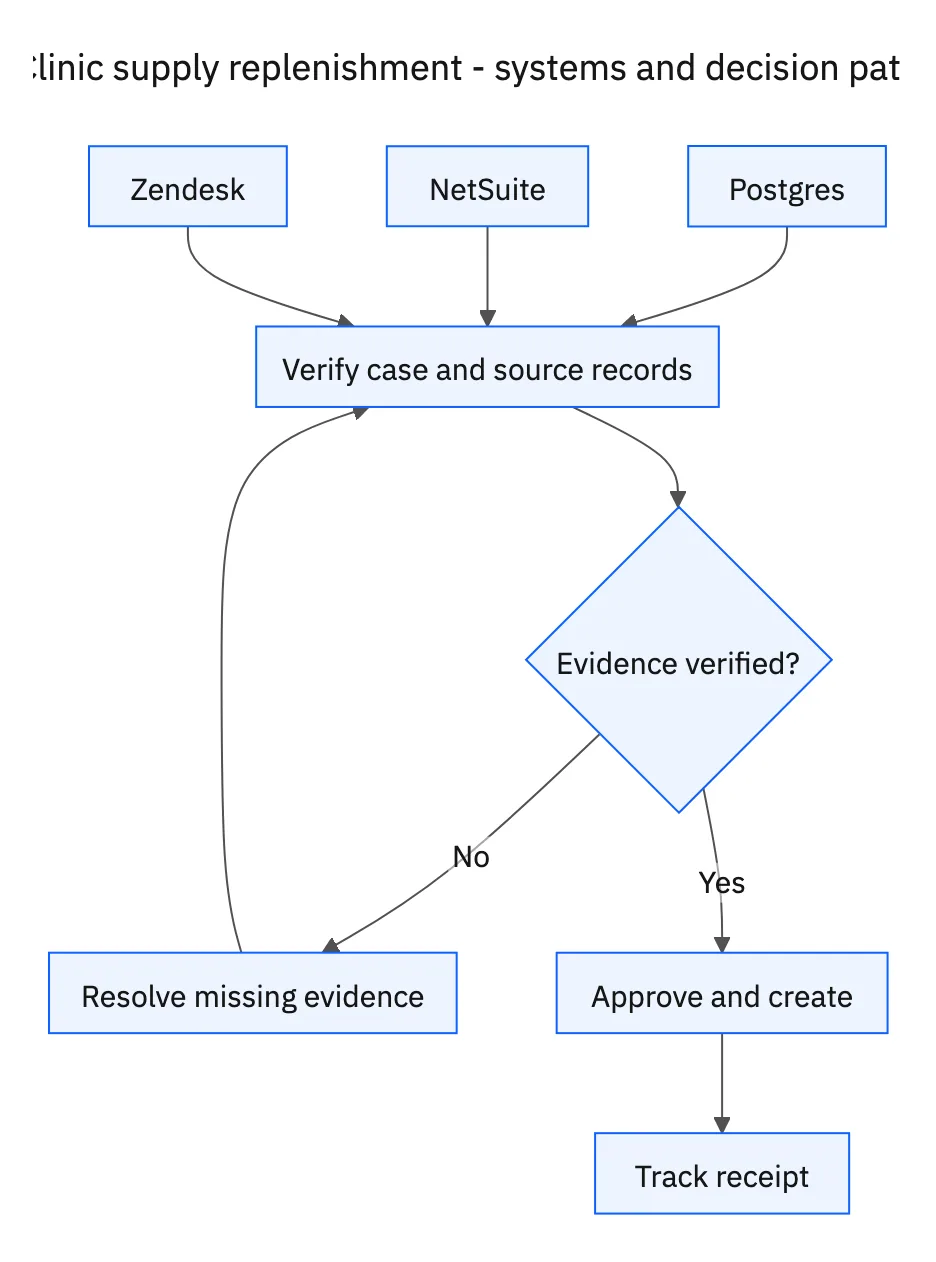
This is a workflow design to configure with Stacksync Genies and your existing systems. Connecting an application does not by itself establish the permissions, record mappings, approval routing, or operational process described here. Before enabling the job, confirm which records the Genie can read, which actions it can take, and who receives clarification or approval requests.
| System or owner | Evidence and responsibility |
|---|---|
| Postgres | Clinic supply levels, recent consumption, and location-specific demand evidence. |
| NetSuite | Usable inventory, open purchase orders, transfers, and approved supply records. |
| Zendesk | Procurement follow-up and receipt confirmation. |
| Procurement | Approval of purchases or transfer requests. |
Required context for this workflow design.
Compare purchases and transfers with the same evidence
Estimate demand across the configured planning horizon using recent consumption and the operation’s agreed method. Keep the assumption visible instead of presenting a forecast as a clinical requirement. Subtract usable local supply and eligible incoming deliveries, considering both their remaining quantities and expected receipt dates.
For an uncovered gap, prepare a purchase or a transfer from another location. Verify that the donor location has supply available for transfer after its own commitments. Include the item, quantity, location, timing, cost where known, and existing inbound references so procurement can compare options without repeating the research.
Approve the proposal and follow it through receipt
Ask procurement to approve the specific proposal before creating an order or transfer request. Recheck existing supply records and open Zendesk cases immediately before creation, because another run or buyer may already have covered the shortage. Record the approved result and its identifier in the follow-up case.
Track progress in Zendesk until receipt is confirmed for the expected location and quantity. A supplier acknowledgment, dispatch notice, or transfer request is not a receipt. If only part arrives, update the remaining gap and revisit it in the next morning’s review. Use facility supply data throughout; patient records are not needed for this inventory coordination.
A five-step operating sequence
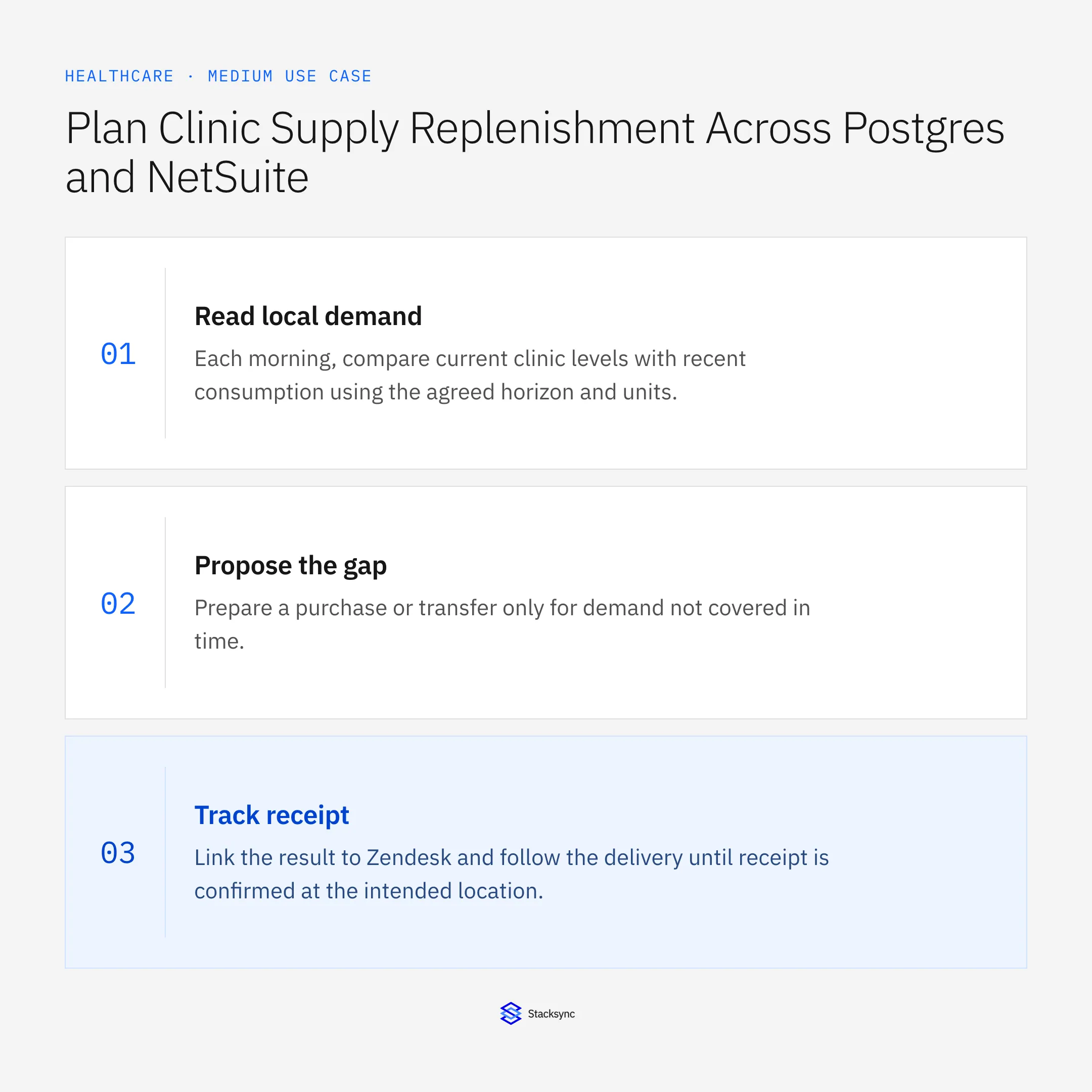
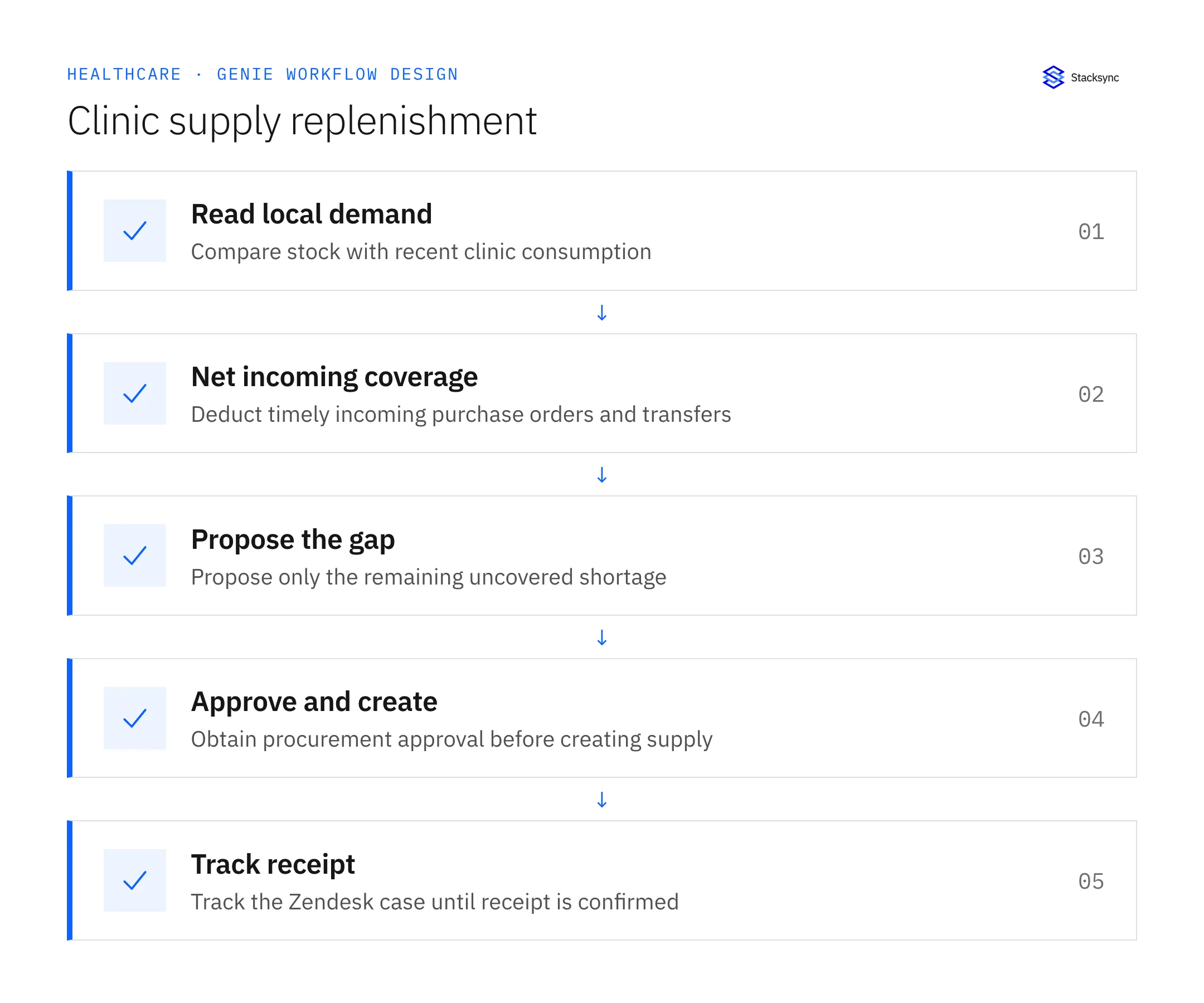
- 01Read local demandEach morning, compare current clinic levels with recent consumption using the agreed horizon and units. Check freshness and known conversions. The workflow should support the procurement policy, not invent a clinical demand requirement from incomplete stock data.
- 02Net incoming coverageRead usable NetSuite stock and open purchase or transfer lines with remaining quantities and arrival dates. Subtract timely coverage once. Reconcile partial receipts so already received units are not counted again as inbound supply.
- 03Propose the gapPrepare a purchase or transfer only for demand not covered in time. Check donor-location commitments before suggesting a transfer. Give procurement quantity, location, timing, costs when known, and the existing inbound references that explain the remainder.
- 04Approve and createWait for procurement approval before creating the corresponding order or transfer request. Recheck prior records and open cases immediately before writing. If another buyer already covered the gap, update the proposal instead of creating redundant supply.
- 05Track receiptLink the result to Zendesk and follow the delivery until receipt is confirmed at the intended location. Keep partial quantities outstanding. On later morning runs, refresh the existing supply case and avoid creating another order for goods already in transit.
Illustrative workflow example
A clinic projects a need for forty boxes over its planning window, holds twelve usable boxes, and has twenty arriving in time. The proposal covers the remaining eight boxes, with the existing inbound reference included for procurement review.
This example uses fictional records to show the decision logic. It is not a customer case study or a claim of measured results. In a live case, retain the actual record IDs and evidence behind each statement, and replace all illustrative quantities or timing assumptions with the approved operational inputs.
What the handoff should contain
A procurement proposal showing uncovered quantity and timing, an approved purchase or transfer reference, and a Zendesk case tracking receipt at the intended clinic.
Keep the evidence reference, observation time, current owner, and outstanding decision with the case. A colleague taking over should be able to distinguish a proposal from a confirmed result without reading every previous message. If a source value changes while the case is waiting, recheck the affected decision before proceeding.
Approval and completion checklist
- Run every morning using recent consumption and consistent units of measure.
- Exclude shortages already covered by timely incoming deliveries.
- Require procurement approval before creating an order or transfer request.
- Track the resulting supply in Zendesk until receipt is confirmed.

Validate the job before enabling it
Start with a small reviewed set of cases from the systems above. Include a complete case, an ambiguous match, a missing source record, and an interrupted action where the result is uncertain. Use a draft or test environment for validation and compare the output with the source records before allowing the configured production actions.
For this job, the most important checks are run every morning using recent consumption and consistent units of measure. Track the resulting supply in Zendesk until receipt is confirmed. Record the expected result before the trial, then compare both the proposed action and the final evidence. A fluent message is not a passing result if it skips one of these conditions.
- Proposals excluding timely incoming coverage
- Purchases and transfers linked to procurement approval
- Open replenishment cases without confirmed full receipt
Use these as operating measures, not promised performance improvements. Establish the current baseline and review exceptions with the team that owns the process. Investigate an increase in incorrect matches, unauthorized actions, or premature closure before expanding the job’s scope.
Give your Genie a job description
Copy the job description below. It preserves the scope and decision boundaries of this use case. Configure the referenced systems, record relationships, policies, and approval owners in your workspace before enabling the job.
Paste this into “Give your Genie a job description.” Explore Stacksync Genies.
Implementation references
These first-party references document the underlying records and interfaces. The cross-system sequence, approvals, and completion rules in this article are a proposed operational configuration; validate them against your connected workspace before enabling it.

FAQ
Frequently asked questions
Explore these integrations and topics
Related articles





