






















Route Clinic Equipment Support Tickets Using Salesforce Asset Data
Clinic equipment support routing matches a Zendesk report to the facility, registered device, and service agreement in Salesforce.
- Author
- Stacksync · App tips writer
- Published
- Read time
- 6 min read

Route the equipment issue with the correct asset context
Clinic equipment support routing matches a Zendesk report to the facility, registered device, and service agreement in Salesforce. The output is an internal summary and an assignment to the appropriate service team. This workflow gathers administrative equipment context; it does not diagnose faults, provide clinical instructions, or require patient records.
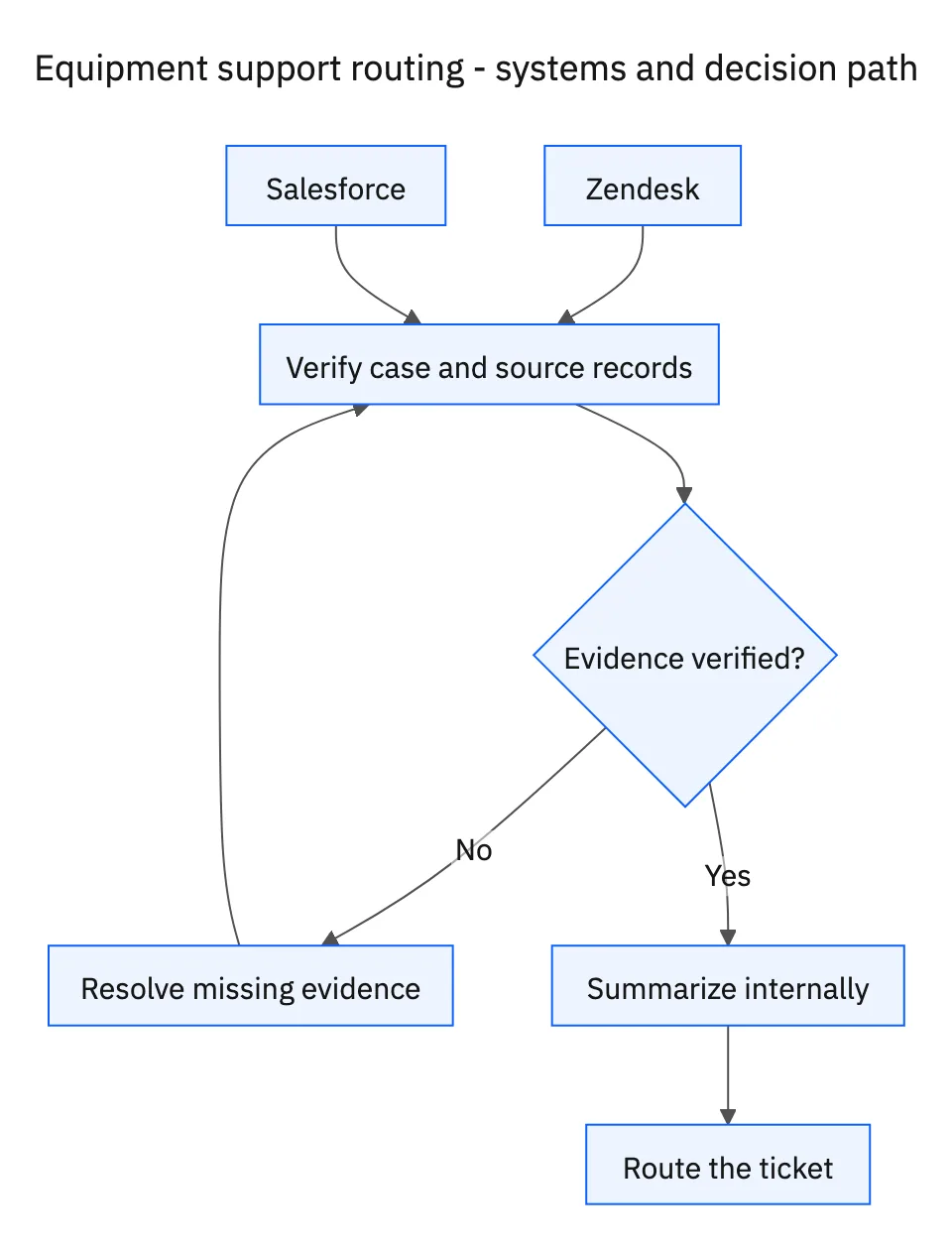
Start with the clinic’s known facility identifier and the device information in the ticket. Organizations can have several sites using the same model. A familiar clinic name and a product description may still leave multiple matching assets. Verify the facility-to-asset relationship before selecting a service entitlement or assigning a team.
Systems and prerequisites
This is a workflow design to configure with Stacksync Genies and your existing systems. Connecting an application does not by itself establish the permissions, record mappings, approval routing, or operational process described here. Before enabling the job, confirm which records the Genie can read, which actions it can take, and who receives clarification or approval requests.
| System or owner | Evidence and responsibility |
|---|---|
| Zendesk | Clinic’s equipment issue, clarification request, internal summary, and service-team assignment. |
| Salesforce | Facility identity, registered assets, and the applicable service agreement. |
Required context for this workflow design.
Ask for the serial number when the match is ambiguous
If several devices match, ask the clinic for the serial number through Zendesk and pause routing that depends on choosing the asset. Explain that the serial identifies the registered device and relevant service coverage. Request the specific equipment detail, not a broad collection of clinic records or screenshots that could include patient information.
Once a unique device is established, read its registered location, model, agreement reference, and the service details needed for routing. An agreement for another device at the same site may have different terms. If no applicable agreement can be verified, flag the gap for the service team rather than inventing coverage or a response-time promise.
Write an internal summary that reduces repetition
Summarize the facility, asset identifier, reported issue in the clinic’s own terms, applicable agreement, evidence references, and any unresolved administrative question. Keep internal routing details as an internal Zendesk note. Use the established routing rules to select the service team responsible for that asset and coverage.
Treat correct assignment as the completion of this routing job. Repair completion belongs to the service team’s subsequent process. If the report contains patient information, avoid copying it into the summary or using it for matching. The agent needs facility and equipment information only to perform the requested task.
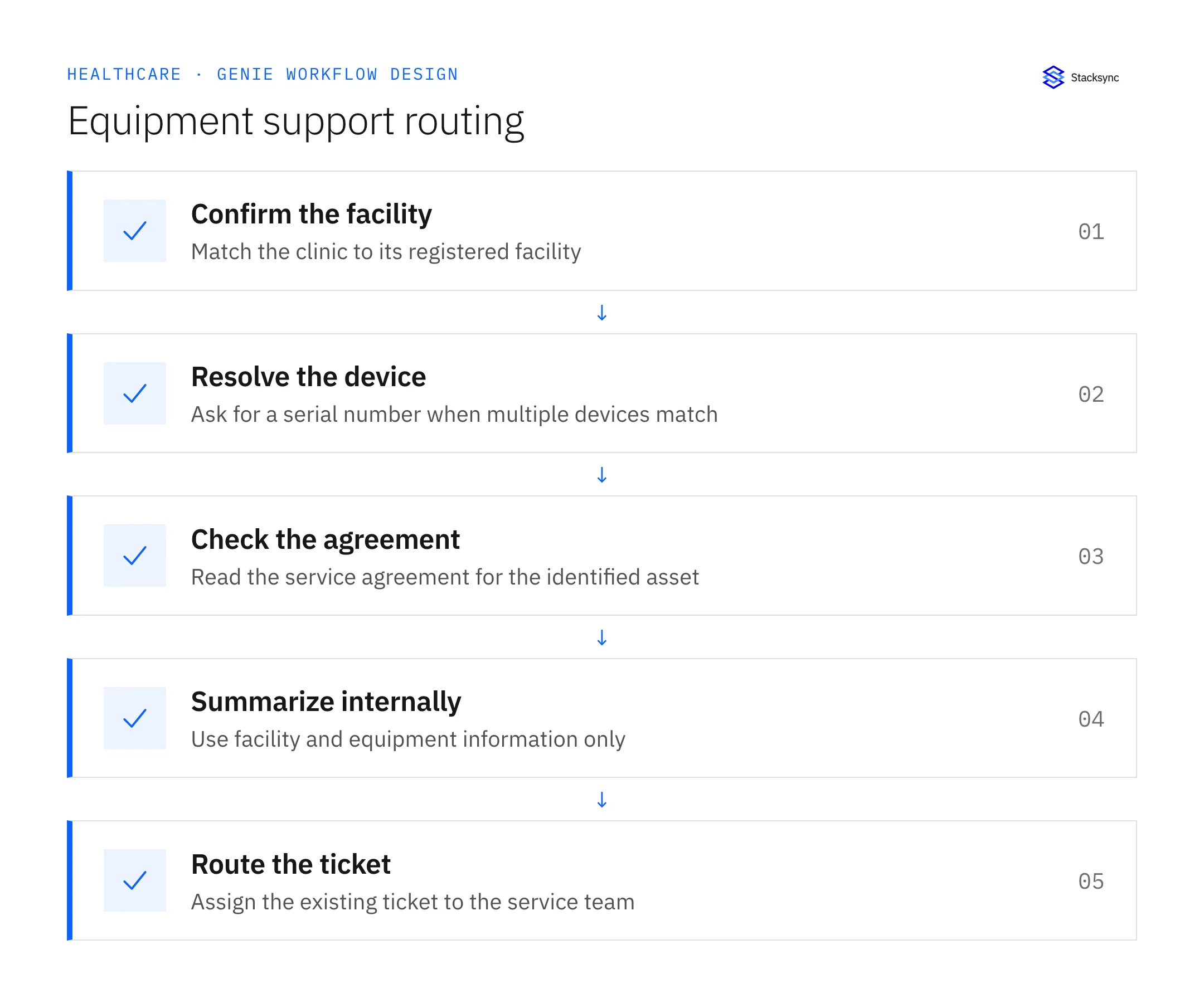
A five-step operating sequence
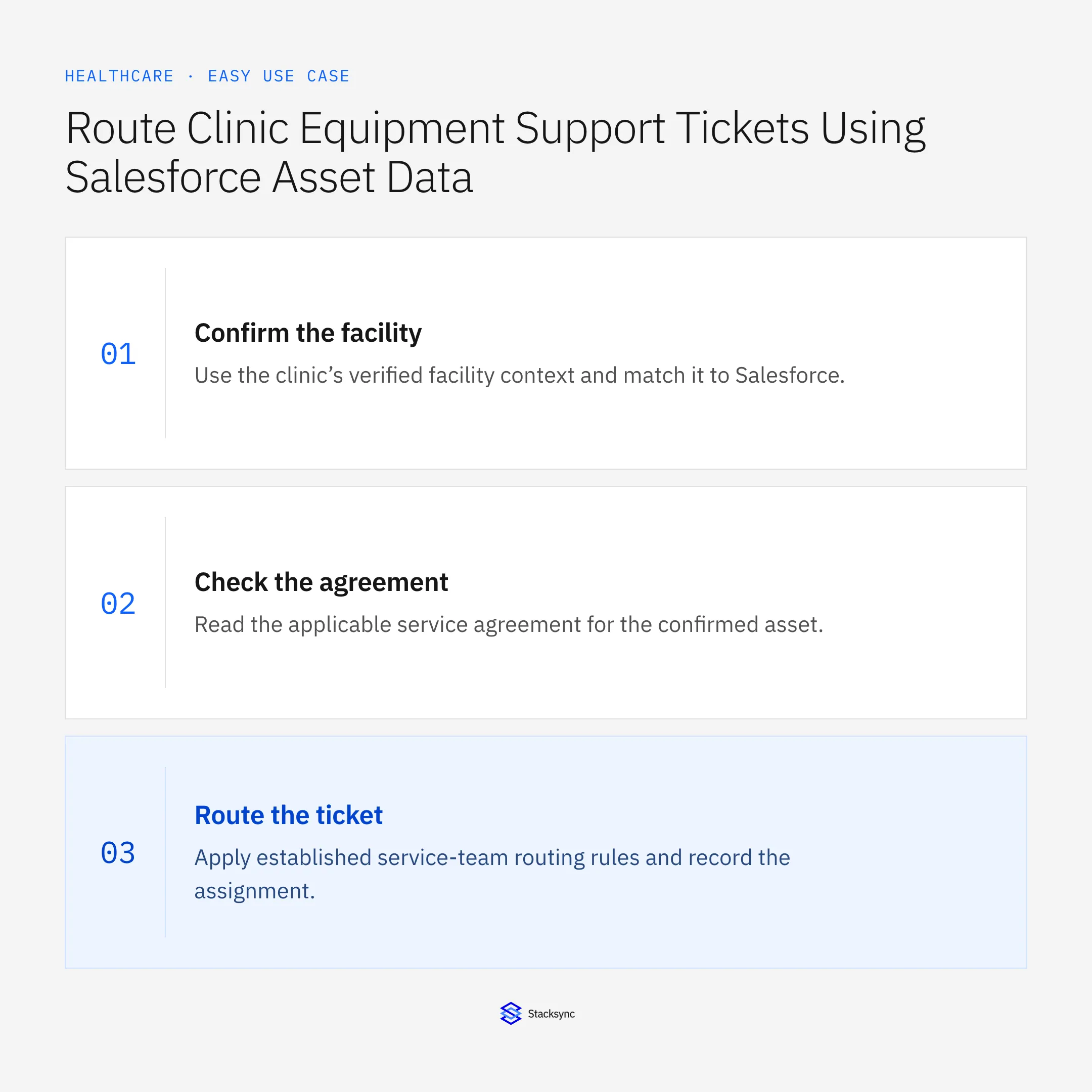
- 01Confirm the facilityUse the clinic’s verified facility context and match it to Salesforce. Keep the report attached to that location. A clinic group name may cover multiple sites, and service routing depends on the actual registered facility.
- 02Resolve the deviceCompare the reported equipment with registered assets at the facility. If several match, request the serial number before continuing. Do not select the first model match or ask for patient records to compensate for a missing equipment identifier.
- 03Check the agreementRead the applicable service agreement for the confirmed asset. Preserve the reference and any uncertainty about coverage. A service arrangement for another device at the same clinic should not be applied by proximity.
- 04Summarize internallyWrite the reported issue, facility, serial or asset ID, agreement, and remaining question as an internal Zendesk note. Restrict the summary to equipment and facility information. Do not add clinical interpretation or patient details.
- 05Route the ticketApply established service-team routing rules and record the assignment. This completes the administrative routing job. Do not imply that the equipment was diagnosed, repaired, or cleared for use merely because the support ticket reached the right team.
Illustrative workflow example
A clinic reports that one of two identical registered units has an issue. The workflow requests the serial number, matches the response to one asset and its agreement, adds an internal note, and routes the existing ticket to that asset’s service team.
This example uses fictional records to show the decision logic. It is not a customer case study or a claim of measured results. In a live case, retain the actual record IDs and evidence behind each statement, and replace all illustrative quantities or timing assumptions with the approved operational inputs.
What the handoff should contain
An internal Zendesk handoff containing facility, unique registered asset, reported equipment issue, agreement reference, routing rationale, and any unresolved administrative gap.
Keep the evidence reference, observation time, current owner, and outstanding decision with the case. A colleague taking over should be able to distinguish a proposal from a confirmed result without reading every previous message. If a source value changes while the case is waiting, recheck the affected decision before proceeding.
Approval and completion checklist
- Match the clinic to the correct Salesforce facility and registered asset.
- Ask for the serial number before proceeding when several devices match.
- Use the applicable service agreement and add an internal Zendesk summary.
- Route to the service team using facility and equipment information only, excluding patient records.

Validate the job before enabling it
Start with a small reviewed set of cases from the systems above. Include a complete case, an ambiguous match, a missing source record, and an interrupted action where the result is uncertain. Use a draft or test environment for validation and compare the output with the source records before allowing the configured production actions.
For this job, the most important checks are match the clinic to the correct Salesforce facility and registered asset. Route to the service team using facility and equipment information only, excluding patient records. Record the expected result before the trial, then compare both the proposed action and the final evidence. A fluent message is not a passing result if it skips one of these conditions.
- Tickets routed with a unique facility and asset match
- Ambiguous matches resolved before assignment
- Internal summaries limited to facility and equipment information
Use these as operating measures, not promised performance improvements. Establish the current baseline and review exceptions with the team that owns the process. Investigate an increase in incorrect matches, unauthorized actions, or premature closure before expanding the job’s scope.
Give your Genie a job description
Copy the job description below. It preserves the scope and decision boundaries of this use case. Configure the referenced systems, record relationships, policies, and approval owners in your workspace before enabling the job.
Paste this into “Give your Genie a job description.” Explore Stacksync Genies.
Implementation references
These first-party references document the underlying records and interfaces. The cross-system sequence, approvals, and completion rules in this article are a proposed operational configuration; validate them against your connected workspace before enabling it.

FAQ
Frequently asked questions
Related articles





