






















HVAC, Plumbing, and Electrical Customer Sites: Align Salesforce Accounts With NetSuite Billing Hierarchies
Connect commercial MEP service sites to the right relationship account, billing customer and operating branch.
- Author
- Ruben Burdin · Founder & CEO
- Published
- Read time
- 5 min read

The operating decision
Commercial HVAC, plumbing and electrical contractors need a site hierarchy that distinguishes the business relationship from the physical equipment location and legal payer. In Salesforce–NetSuite two-way sync, link the Salesforce account to the appropriate NetSuite customers and retain a separate site reference for service activity. Finance should own billing identity; service operations should own site details. A property manager's contact change should not move historical invoices or rewrite the customer responsible for an existing service agreement.
Explore the complete commercial HVAC, plumbing and electrical contractors integration and automation hub for the systems and processes around this guide.
What this looks like in commercial HVAC, plumbing and electrical contractors
An MEP contractor services a portfolio of medical offices. A management company coordinates access, separate property entities pay the bills, and one central facilities director approves work. Salesforce groups the relationship under the management company. NetSuite needs the correct payer for each site. When the property manager changes, technicians still need the same equipment and service history, while the account team needs a new contact. Those changes should not create a new physical site.
Records, ownership, and update rules
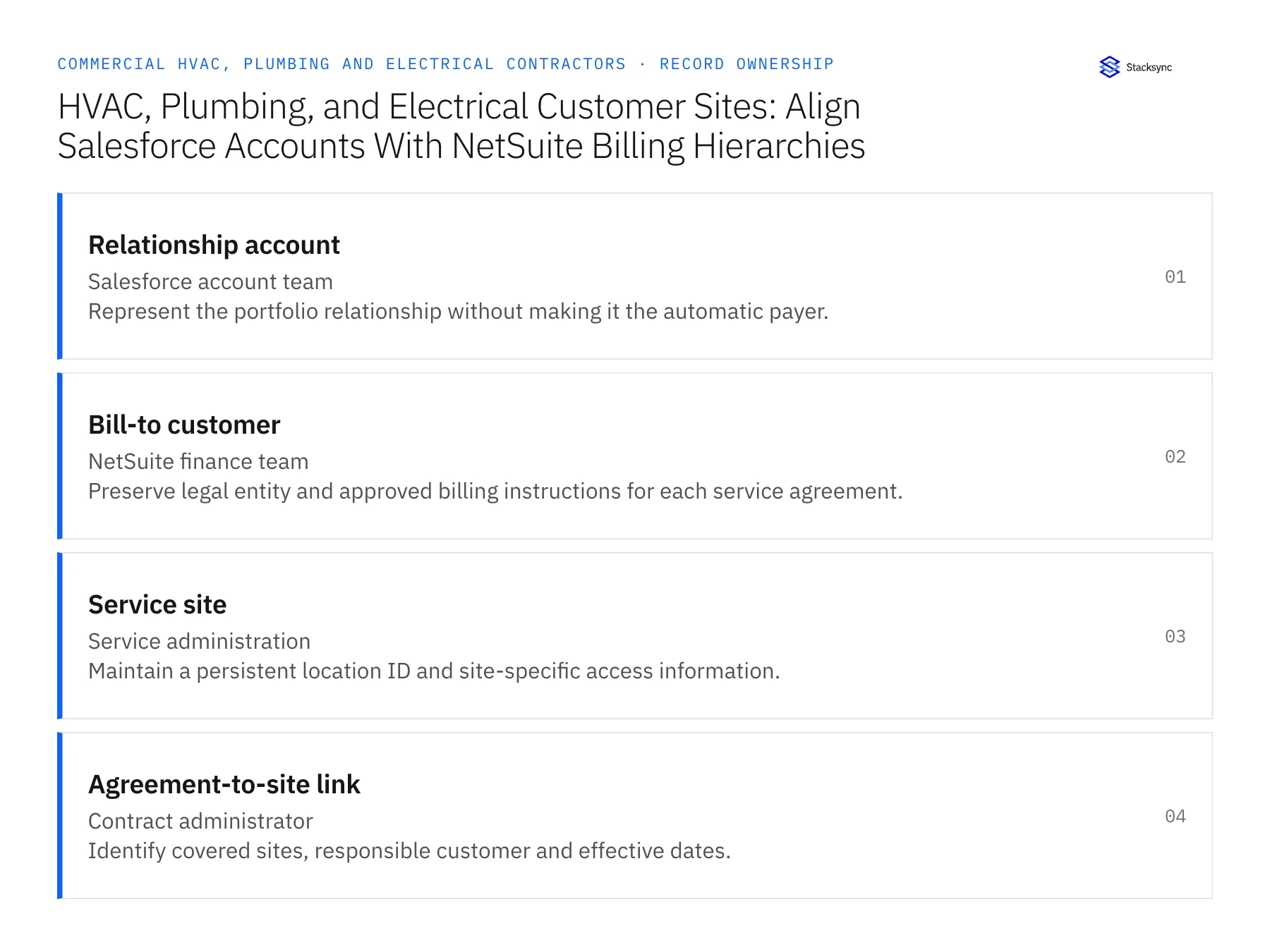
| Record | Owner | Operating rule |
|---|---|---|
| Relationship account | Salesforce account team | Represent the portfolio relationship without making it the automatic payer. |
| Bill-to customer | NetSuite finance team | Preserve legal entity and approved billing instructions for each service agreement. |
| Service site | Service administration | Maintain a persistent location ID and site-specific access information. |
| Agreement-to-site link | Contract administrator | Identify covered sites, responsible customer and effective dates. |
Work through the process
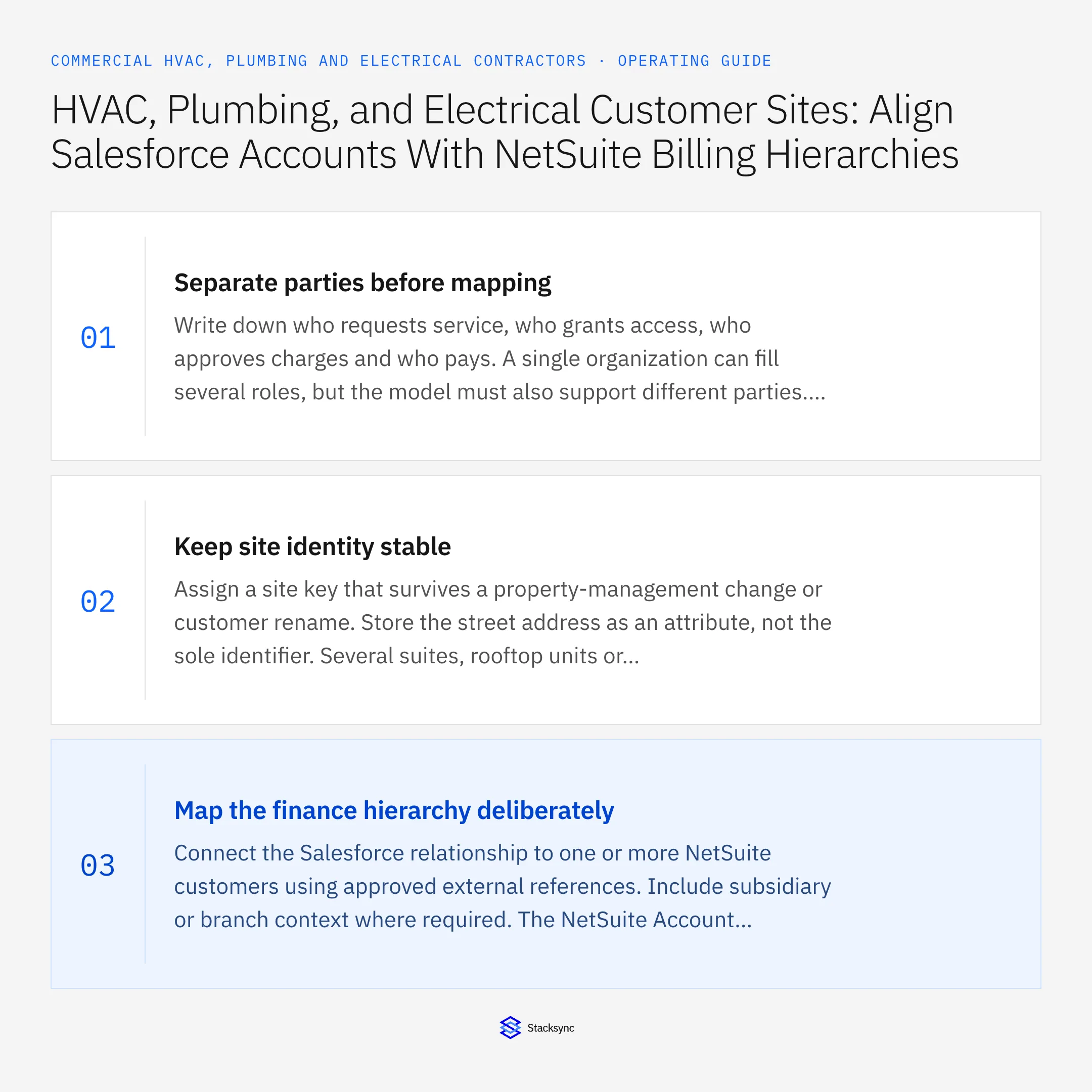
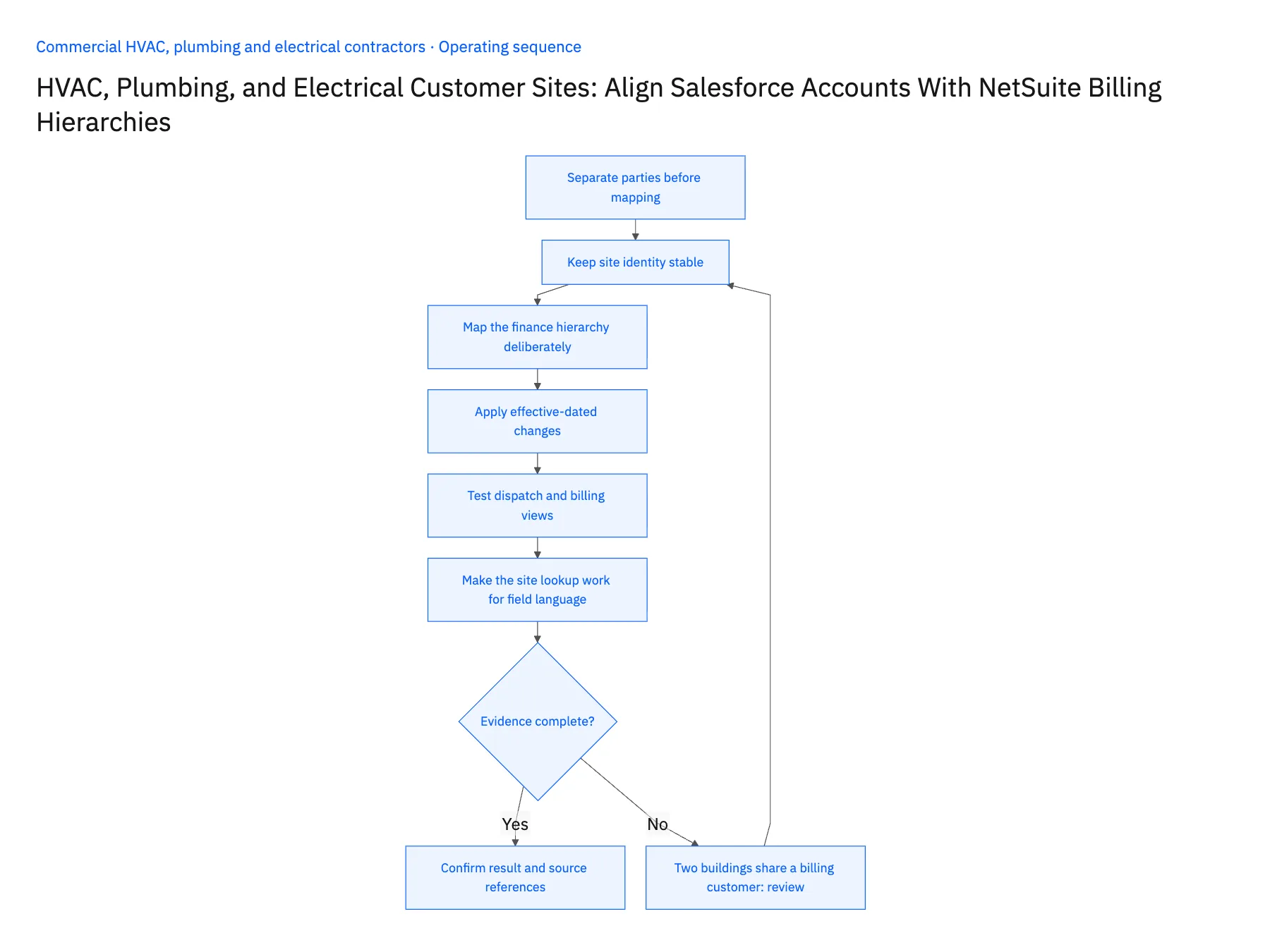
- 01Separate parties before mappingWrite down who requests service, who grants access, who approves charges and who pays. A single organization can fill several roles, but the model must also support different parties. Use these roles to choose relationships rather than forcing every contact onto one customer record.
- 02Keep site identity stableAssign a site key that survives a property-management change or customer rename. Store the street address as an attribute, not the sole identifier. Several suites, rooftop units or electrical rooms can share an address, so equipment and service history need more precise relationships.
- 03Map the finance hierarchy deliberatelyConnect the Salesforce relationship to one or more NetSuite customers using approved external references. Include subsidiary or branch context where required. The NetSuite Account object is not the equivalent of a Salesforce Account; validate the actual customer and project objects in the selected mapping.
- 04Apply effective-dated changesWhen management or billing responsibility changes, capture the effective date and review open work. Do not automatically move unpaid historical invoices to the new payer. Route contracts, future service requests and unresolved receivables through their respective owners so the transition is commercially accurate.
- 05Test dispatch and billing viewsAsk a dispatcher to locate the correct site and an accounts-receivable user to identify the payer for the same service call. Test a portfolio with multiple legal entities, a renamed site and a management transfer. Confirm connector permissions and object eligibility for every intended update.
- 06Make the site lookup work for field languageKeep verified aliases such as the customer's building name or local campus label searchable, while the stable site ID remains the actual join key. Dispatchers and technicians often know a location by a name that differs from the legal customer. An alias helps them find the right record without creating another billing account. Have operations review duplicate aliases, especially where several properties use labels such as main office or building one.
Handle the exceptions explicitly
Two buildings share a billing customer
Preserve separate site IDs and route technician instructions by site.
Property manager changes midmonth
Update relationship contacts with effective dates while finance reviews billing responsibility.
Service request arrives without a site
Ask for the location or asset reference rather than guessing from the caller's company.
What to verify before expanding
- A site keeps its service history after a management change.
- The dispatcher and billing clerk see the same service-call reference.
- Different payers under one portfolio remain separate.
- A CRM contact edit cannot rewrite historical invoice ownership.

Connect this process to the rest of your operation
Explore Stacksync two-way sync and scope the records and actions against your actual systems. Book a demo with a real relationship account example and the exception your team handles most often, for example two buildings share a billing customer.
- Salesforce–NetSuite Two-Way Sync for Commercial MEP Contractors
- HubSpot–Acumatica Two-Way Sync for MEP Service Contracts
- Multi-Trade Service Contracts: Keep HubSpot Renewal Dates and Acumatica Contract Status Aligned
- Truck Stock and Service Parts: Connect a Supabase Field App With NetSuite Item and Location Records
- Emergency MEP Service Calls: Route Dispatch, Rate Approval, and Billable Work
- NetSuite Field Service Management: Boost Efficiency & Accuracy
- Coordinate Equipment Repairs Across Service, Inventory, and Scheduling
The shared architecture guide covers record matching, ownership, and recovery across systems.
Technical references
FAQ
Frequently asked questions










Related articles






