






















Fire and Security Handoff Exceptions: Missing Device IDs, Conflicting Site Records, and Unapproved Remediation
Resolve identity and authorization exceptions before an AI-prepared fire or security handoff becomes a work commitment.
- Author
- Ignacio Malpartida · GTM Engineer
- Published
- Read time
- 5 min read

The operating decision
Fire and security handoff exceptions should stop the specific unsupported decision: identifying a device, assigning a site, interpreting service coverage or releasing remedial work. A Genie can organize the competing evidence and draft a focused review task. Keep the source inspection or service record intact and name the person authorized to resolve the issue. Neither a likely device match nor a customer conversation should be treated as technical acceptance or approval of a repair.
Explore the complete fire, life-safety and security integrators integration and automation hub for the systems and processes around this guide.
What this looks like in fire, life-safety and security integrators
An integrator receives a report naming Panel 2, but the customer has two buildings that use that label. The CRM site record points to one address and the attachment names another. A salesperson has discussed a possible repair with the customer, yet no approved scope exists. The exception queue needs three separate decisions: identify the site, confirm the device and obtain the required authorization. Combining them into ready for service would conceal the actual risk.
Records, ownership, and update rules
| Record | Owner | Operating rule |
|---|---|---|
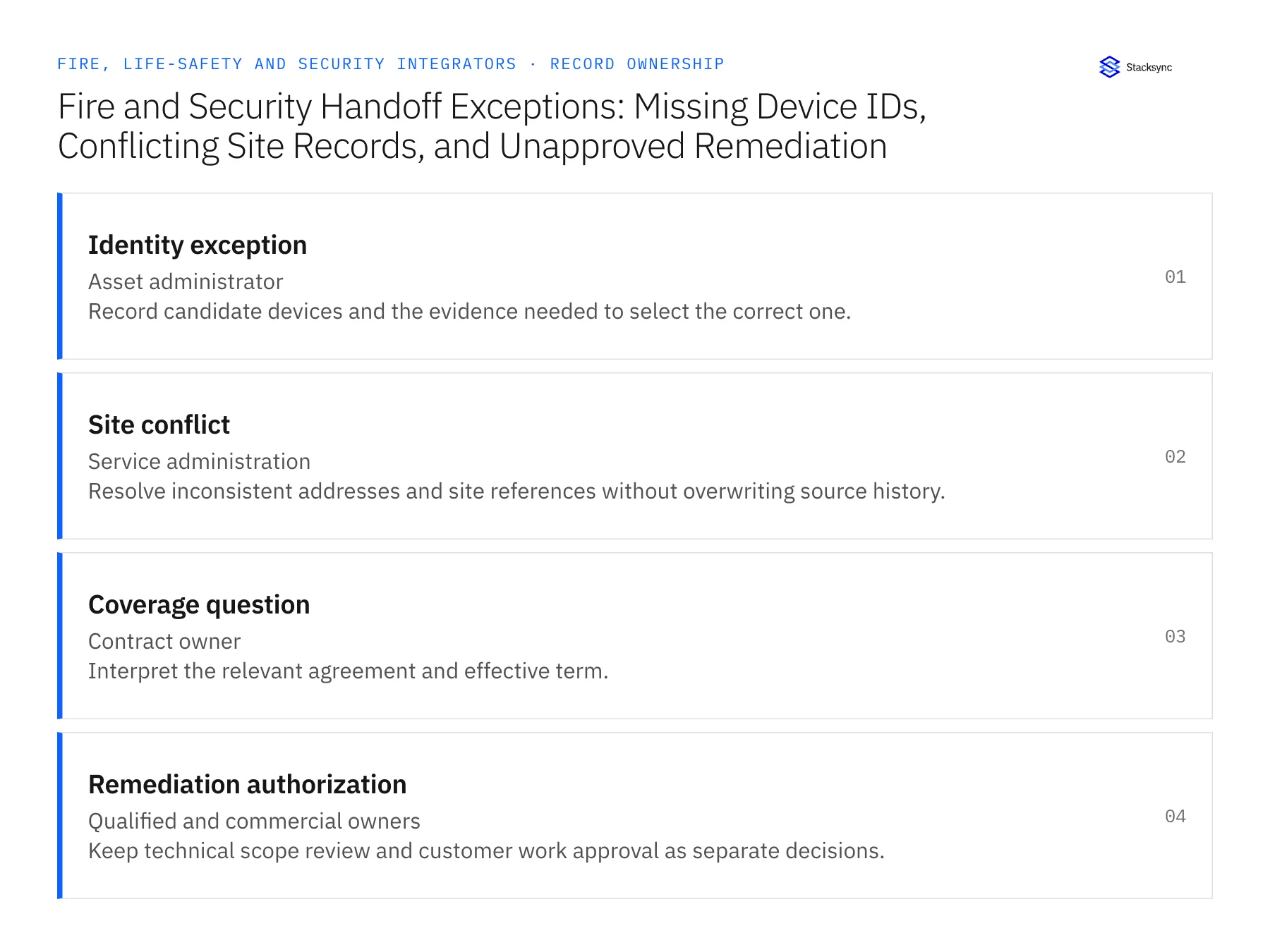
| Identity exception | Asset administrator | Record candidate devices and the evidence needed to select the correct one. |
| Site conflict | Service administration | Resolve inconsistent addresses and site references without overwriting source history. |
| Coverage question | Contract owner | Interpret the relevant agreement and effective term. |
| Remediation authorization | Qualified and commercial owners | Keep technical scope review and customer work approval as separate decisions. |
Work through the process
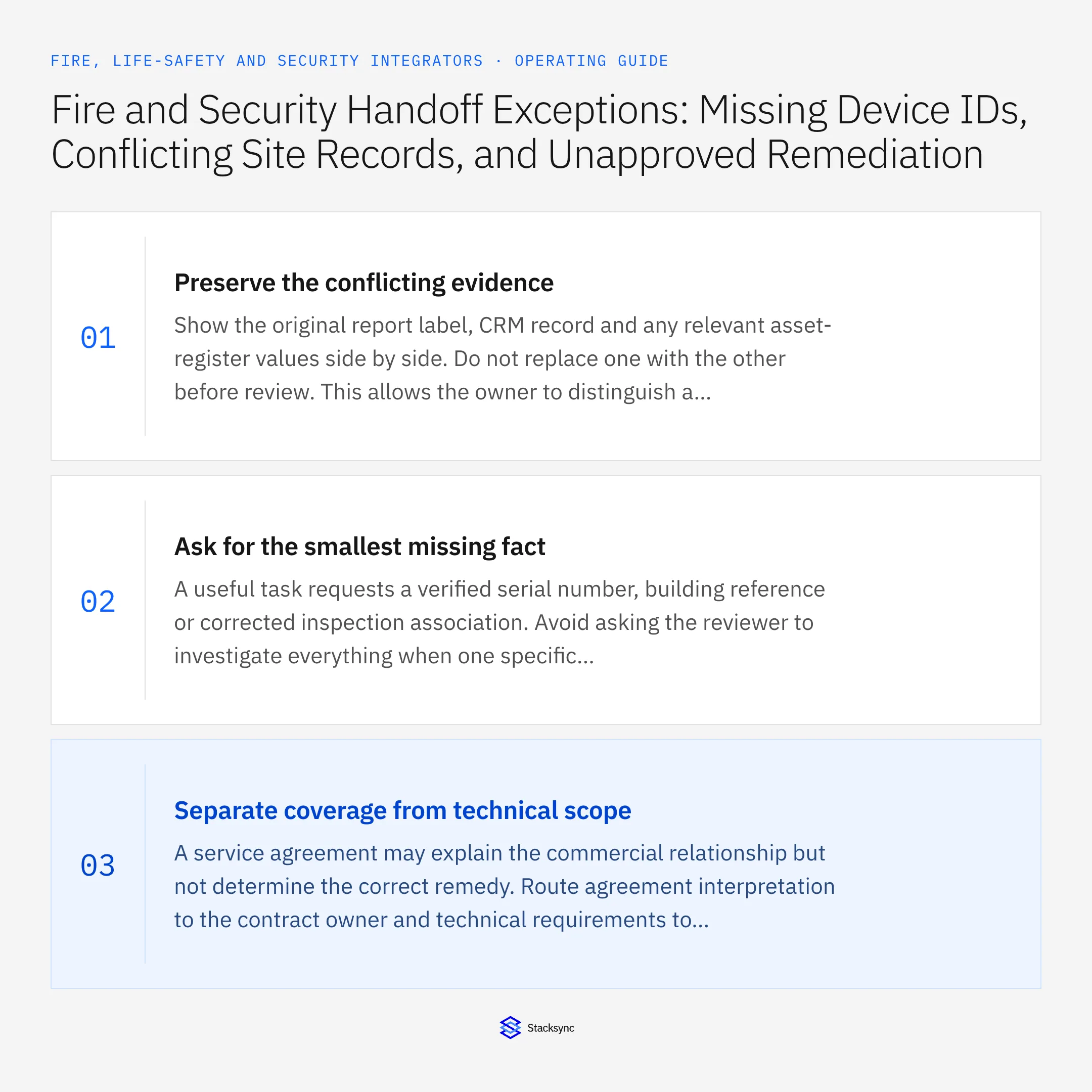
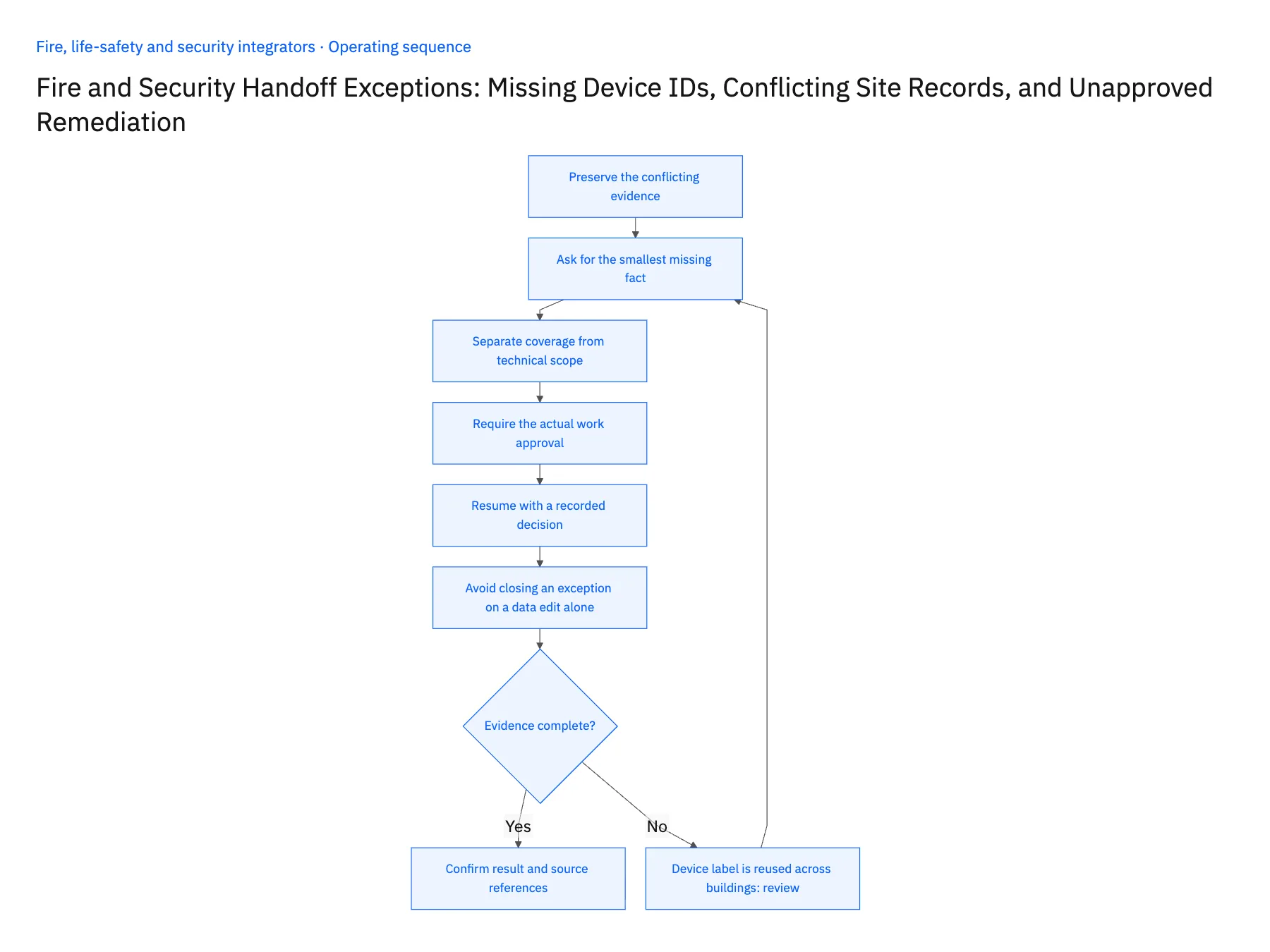
- 01Preserve the conflicting evidenceShow the original report label, CRM record and any relevant asset-register values side by side. Do not replace one with the other before review. This allows the owner to distinguish a stale address, a reused device label and a report attached to the wrong customer.
- 02Ask for the smallest missing factA useful task requests a verified serial number, building reference or corrected inspection association. Avoid asking the reviewer to investigate everything when one specific identifier would resolve the ambiguity. Keep the affected downstream actions on hold until that identity is confirmed.
- 03Separate coverage from technical scopeA service agreement may explain the commercial relationship but not determine the correct remedy. Route agreement interpretation to the contract owner and technical requirements to the qualified reviewer. The Genie should not use an included-service phrase to infer that any requested repair is authorized.
- 04Require the actual work approvalCompare the proposed remedial scope with the available customer authorization. A conversation about a possible repair, a request for pricing and approval to perform the work are different states. Preserve partial approvals and exclusions so the workflow can release only the permitted scope.
- 05Resume with a recorded decisionWhen the owner resolves an exception, store the accepted identity, corrected relationship or approval reference. Rebuild the packet from those decisions and check for existing work before creating another handoff. Keep previous evidence available so later reviewers can understand why the association changed.
- 06Avoid closing an exception on a data edit aloneA corrected site or device field may resolve the identity problem, but it can change the applicable agreement, customer or existing-work search. Reevaluate those dependent relationships before marking the entire handoff ready. Keep the corrected source value and the review decision together. The purpose is to restore a dependable chain of evidence, not simply to make an error indicator disappear from the coordinator's dashboard.
Handle the exceptions explicitly
Device label is reused across buildings
Hold the match until the site and device are independently verified.
Sales note says customer interested
Treat it as discussion context, not authorization to perform the proposed repair.
Corrected site changes the agreement relationship
Recheck coverage and billing context rather than carrying forward the old conclusion.
What to verify before expanding
- Conflicting source values remain visible until resolution.
- Device identity and site identity are verified independently.
- Technical review cannot substitute for customer authorization.
- A resolved case rechecks existing work before creating another handoff.

Connect this process to the rest of your operation
Explore Stacksync AI agents (Genies) and scope the records and actions against your actual systems. Book a demo with a real identity exception example and the exception your team handles most often, for example device label is reused across buildings.
- AI Service Handoffs for Fire and Security Integrators
- Genies for Fire and Security Service Handoffs: Assemble Inspection, Asset, and Service-Agreement Evidence
- Fire and Security Equipment Procurement: Match Supplier EDI Shipments to Project POs and Serial Records
- Fire and Security Integrators: Align Salesforce Installed Equipment With NetSuite Customer and Service Records
- Two-Way Sync Production-Readiness Checklist
- Remove Duplicate HubSpot Contacts Fast with Stacksync
The shared architecture guide covers record matching, ownership, and recovery across systems.
Technical references
FAQ
Frequently asked questions










Related articles





