






















Fire and Security Equipment Procurement: Match Supplier EDI Shipments to Project POs and Serial Records
Connect supplier equipment shipments to project purchase lines and preserve serial evidence when the supplier transmits it.
- Author
- Alexis Favre · Co-Founder & CTO
- Published
- Read time
- 4 min read

The operating decision
Fire and security equipment EDI should link supplier documents to the project purchase order and preserve item, quantity, destination and serial or lot evidence where the partner supplies it. Do not assume every shipment message contains serial numbers. Receiving must confirm what arrived, and asset administration must validate the installed-equipment association. EDI can improve the purchasing handoff without certifying device suitability or automatically replacing the approved equipment specification.
Explore the complete fire, life-safety and security integrators integration and automation hub for the systems and processes around this guide.
What this looks like in fire, life-safety and security integrators
An integrator orders panels, readers and accessories for several commercial sites. The distributor ships a mixed carton to a staging warehouse and another shipment directly to a project. Some device serials are in the shipment detail; others are captured at receiving. The design should reconcile the purchase quantities and retain the available serial evidence without inventing missing identifiers or attaching every device to the site named on the order header.
Records, ownership, and update rules
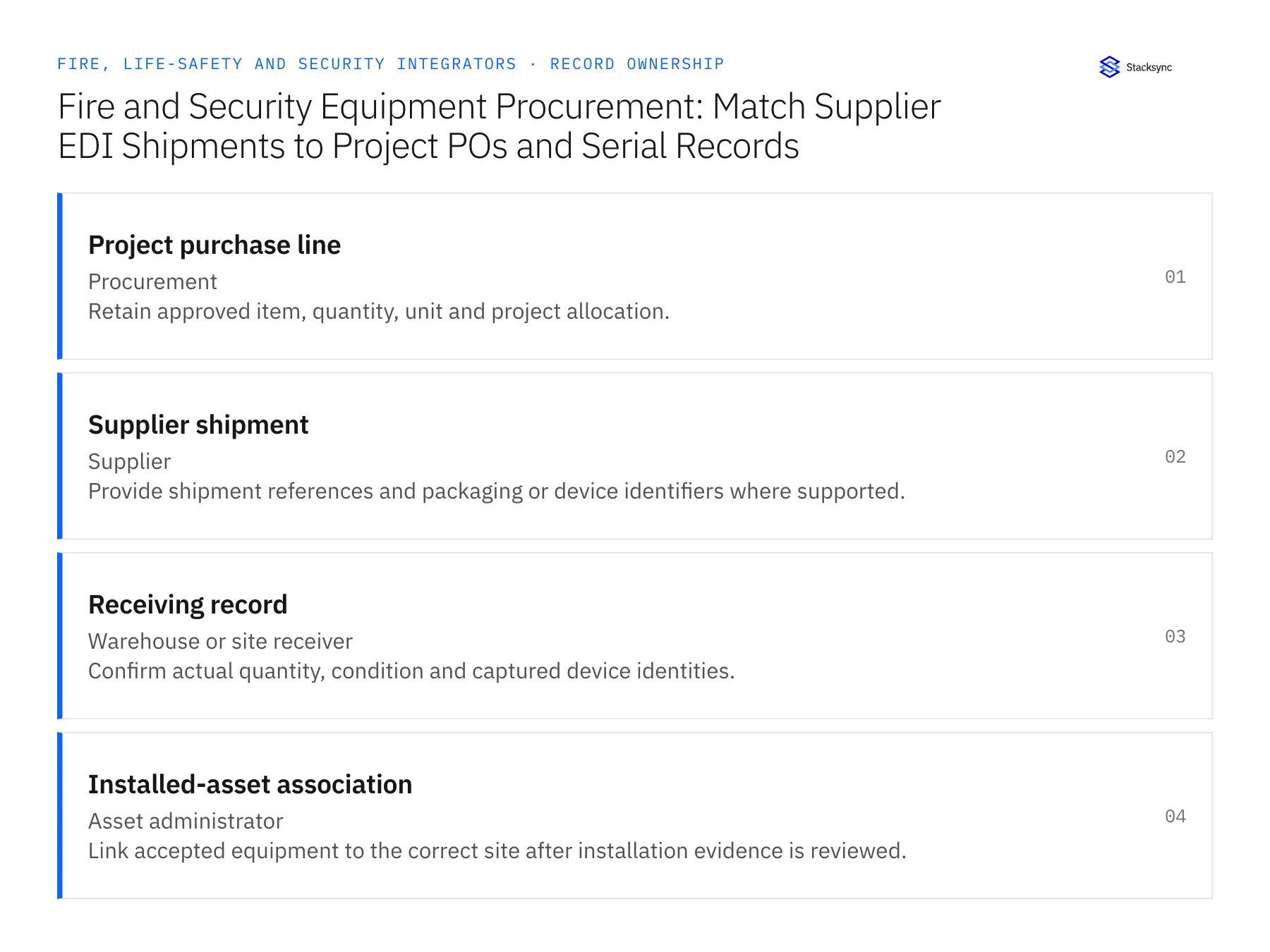
| Record | Owner | Operating rule |
|---|---|---|
| Project purchase line | Procurement | Retain approved item, quantity, unit and project allocation. |
| Supplier shipment | Supplier | Provide shipment references and packaging or device identifiers where supported. |
| Receiving record | Warehouse or site receiver | Confirm actual quantity, condition and captured device identities. |
| Installed-asset association | Asset administrator | Link accepted equipment to the correct site after installation evidence is reviewed. |
Work through the process
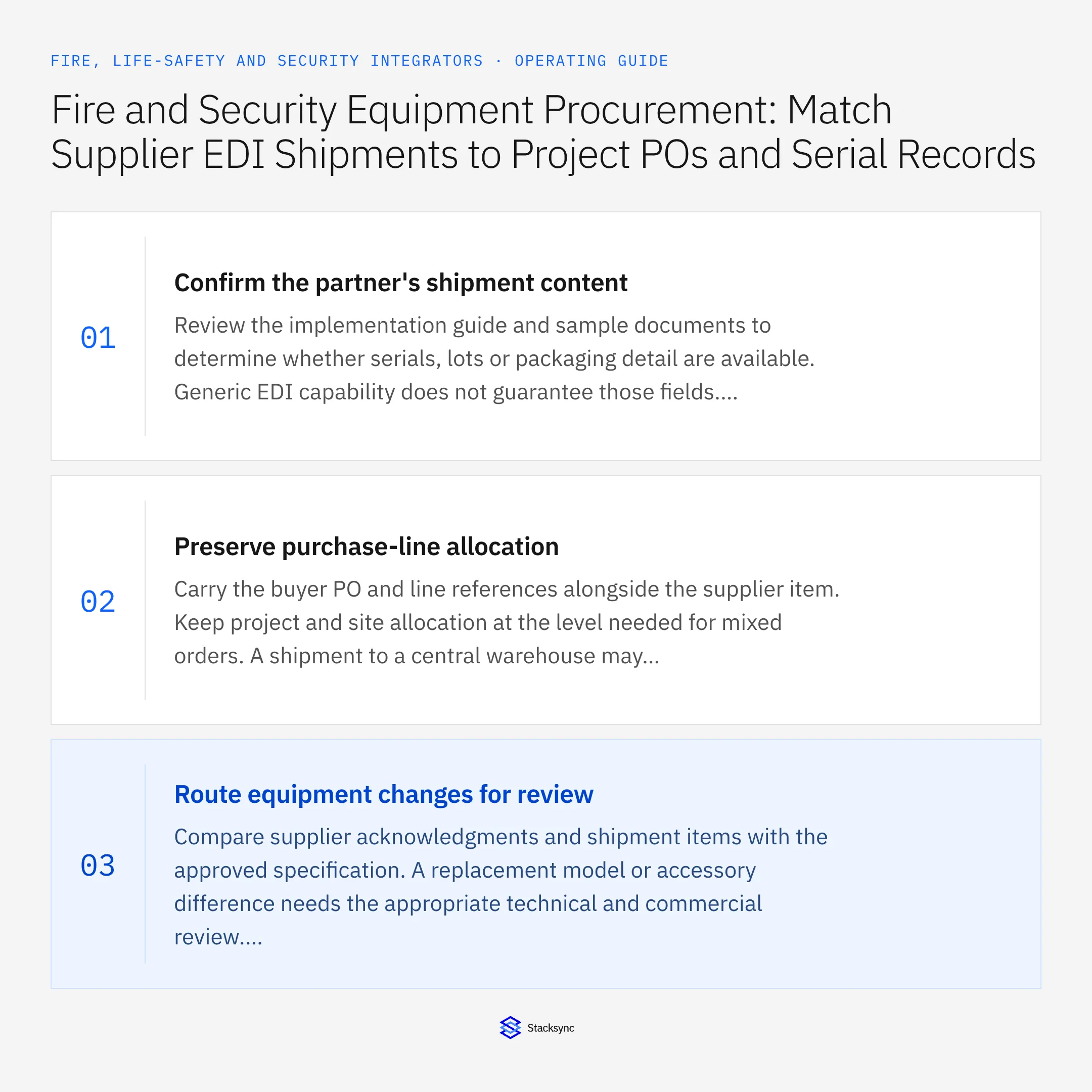
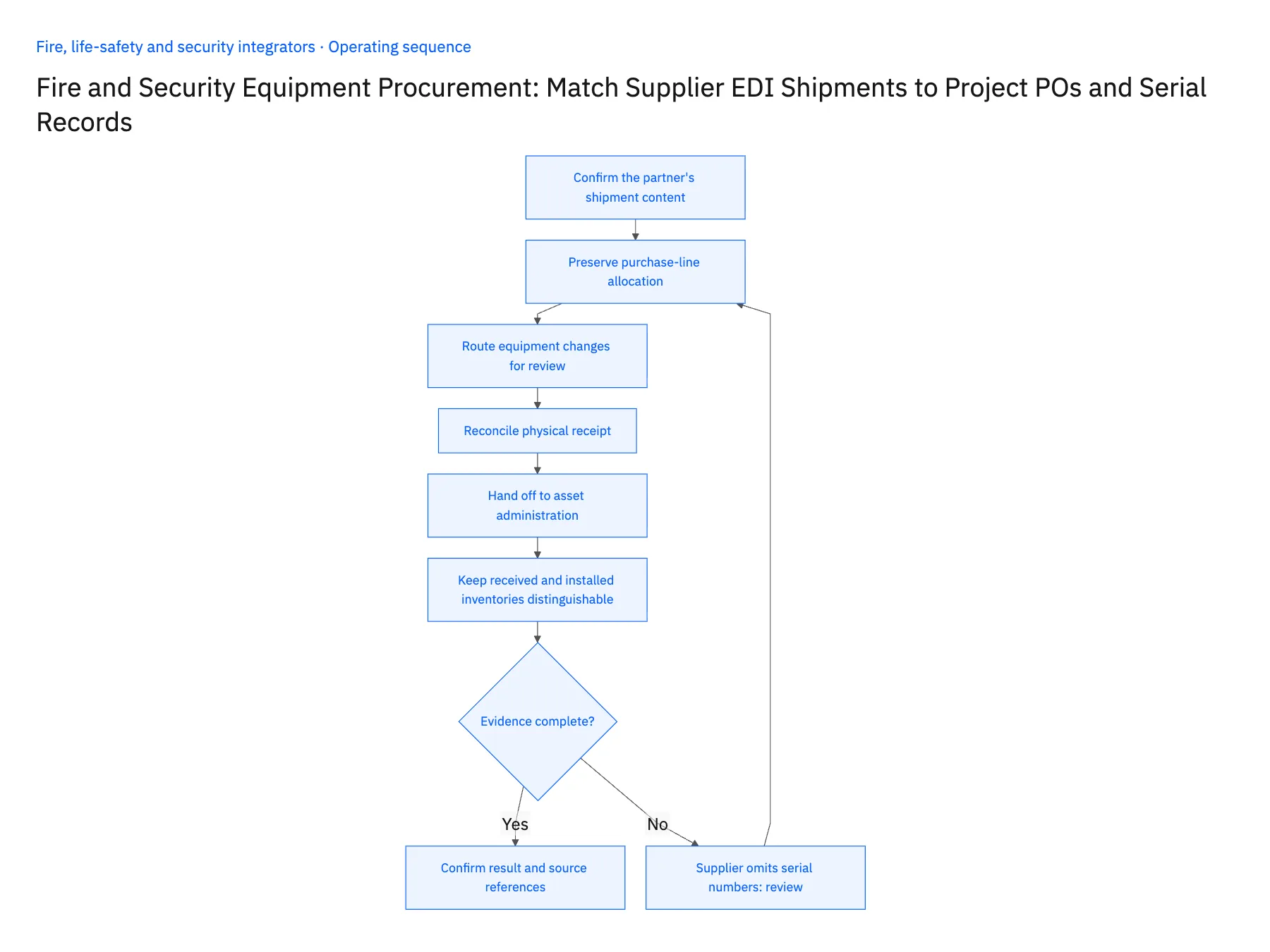
- 01Confirm the partner's shipment contentReview the implementation guide and sample documents to determine whether serials, lots or packaging detail are available. Generic EDI capability does not guarantee those fields. Define the receiving fallback for identifiers that the supplier does not transmit.
- 02Preserve purchase-line allocationCarry the buyer PO and line references alongside the supplier item. Keep project and site allocation at the level needed for mixed orders. A shipment to a central warehouse may contain devices for several sites, so a header address cannot determine every final asset location.
- 03Route equipment changes for reviewCompare supplier acknowledgments and shipment items with the approved specification. A replacement model or accessory difference needs the appropriate technical and commercial review. Do not let a successful product-code match or supplier substitution automatically change the installed-system design.
- 04Reconcile physical receiptHave the receiving owner confirm quantities, condition and the device identifiers actually observed. Use the shipment notice to prepare that work, not to declare it complete. Keep identifiers supplied electronically distinguishable from those verified at receiving if the operating process requires that distinction.
- 05Hand off to asset administrationAfter equipment is accepted and installation evidence exists, route the device-to-site association through the asset process. Preserve the purchase, shipment and receiving references so service teams can trace provenance. Test retransmissions and corrected shipment data to prevent duplicate devices or asset assignments.
- 06Keep received and installed inventories distinguishableEquipment accepted into a staging warehouse is not yet installed at a customer's site. Retain its custody location until the authorized installation evidence establishes the site relationship. If devices move between projects before installation, route that allocation change through the inventory and project owners. Service history should begin from a verified installation association, while purchasing provenance remains connected to the original order and receipt throughout those movements.
Handle the exceptions explicitly
Supplier omits serial numbers
Capture them through the approved receiving or installation process; do not generate placeholders that look verified.
Mixed shipment covers several projects
Allocate by purchase line and reviewed receiving detail rather than the header destination alone.
Supplier sends an alternative model
Hold the affected item for qualified specification review before updating the project requirement.
What to verify before expanding
- Missing serial evidence is explicitly marked unresolved.
- Each received quantity resolves to the correct purchase line.
- Alternative equipment requires the designated review.
- A retransmitted shipment cannot create duplicate asset identities.

Connect this process to the rest of your operation
Explore Stacksync EDI and scope the records and actions against your actual systems. Book a demo with a real project purchase line example and the exception your team handles most often, for example supplier omits serial numbers.
- Fire and Security Integrators: Align Salesforce Installed Equipment With NetSuite Customer and Service Records
- Inspection and Monitoring Contracts: Align HubSpot Renewal Status With Acumatica Billing Accounts
- Multi-Site Alarm and Access-Control Service: Connect a Supabase Asset Register With Salesforce
- Remove Duplicate HubSpot Contacts Fast with Stacksync
- Salesforce–NetSuite Integration: Mapping and Setup
The shared architecture guide covers record matching, ownership, and recovery across systems.
Technical references
FAQ
Frequently asked questions










Related articles






