






















Building-products AI order exceptions: dimensions, finishes and selling units
Twenty bundles, a schedule in linear feet and a handwritten finish code: how an AI agent should surface each reading of a dealer order line instead of picking one.
- Author
- Ignacio Malpartida · GTM Engineer
- Published
- Read time
- 4 min read

The operating decision
Building-products AI order exceptions should identify the specific ambiguity that prevents an accurate commercial and operational handoff. Dimensions, finish codes, unit conversions and delivery-stage references can each change what the manufacturer must supply. A Genie should compare approved records and preserve the conflicting source values, then ask the responsible owner a bounded question. Similar product descriptions and apparently reasonable dimensions are not sufficient evidence to accept an order line.
Explore the complete building products manufacturing integration and automation hub for the systems and processes around this guide.
What this looks like in building products manufacturing
A dealer order asks for twenty bundles of a profile, but its attached schedule lists linear footage and a handwritten finish abbreviation. The prior quote used a different length. An agent can extract all those values correctly while still producing an inconsistent order. The exception process should show the alternative interpretations and what each would mean for product selection and quantity. Product operations or customer service then resolves the intended variant and selling unit before the draft can become accepted manufacturing demand.
Records, ownership, and update rules
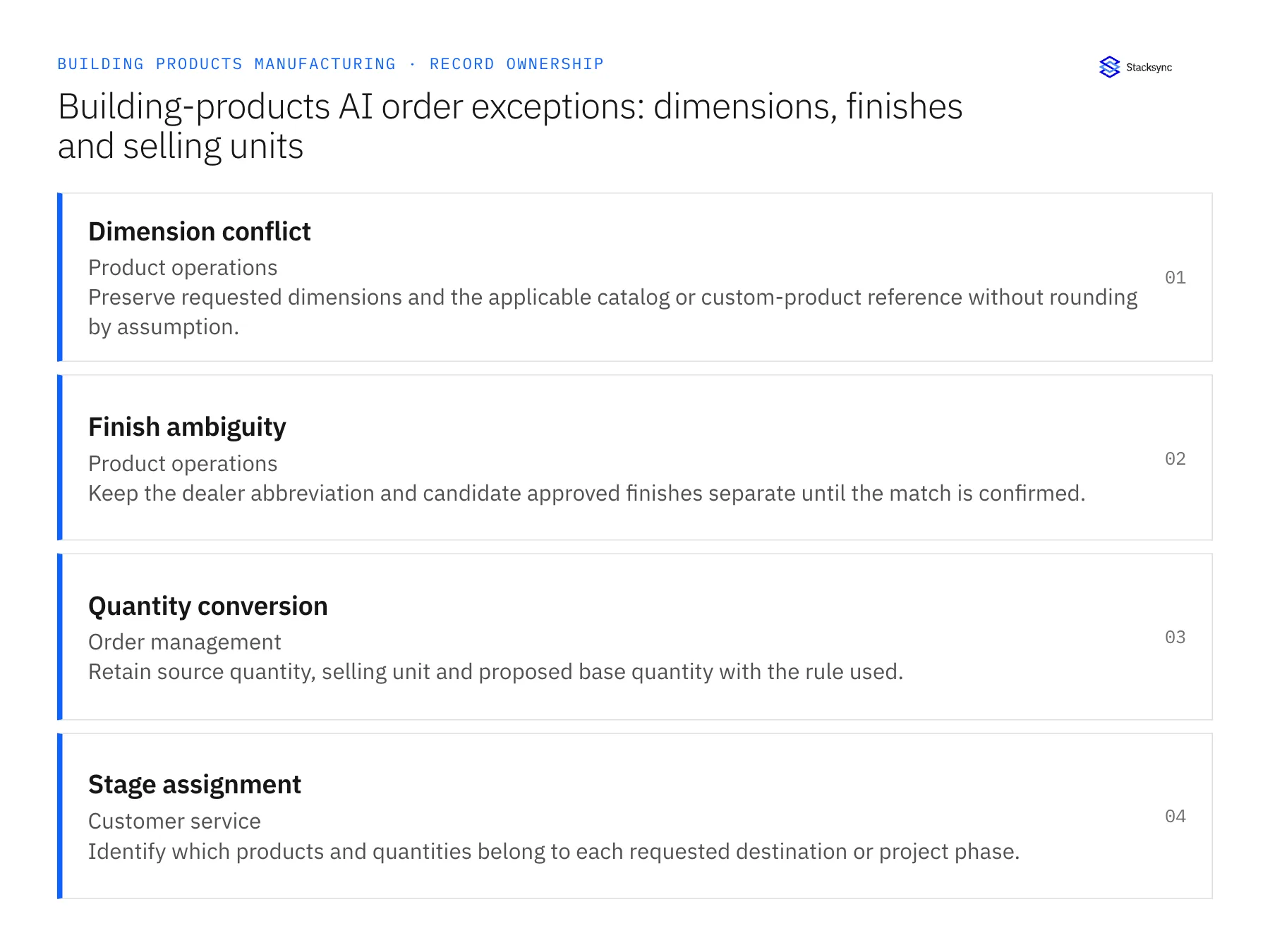
| Record | Owner | Operating rule |
|---|---|---|
| Dimension conflict | Product operations | Preserve requested dimensions and the applicable catalog or custom-product reference without rounding by assumption. |
| Finish ambiguity | Product operations | Keep the dealer abbreviation and candidate approved finishes separate until the match is confirmed. |
| Quantity conversion | Order management | Retain source quantity, selling unit and proposed base quantity with the rule used. |
| Stage assignment | Customer service | Identify which products and quantities belong to each requested destination or project phase. |
Work through the process
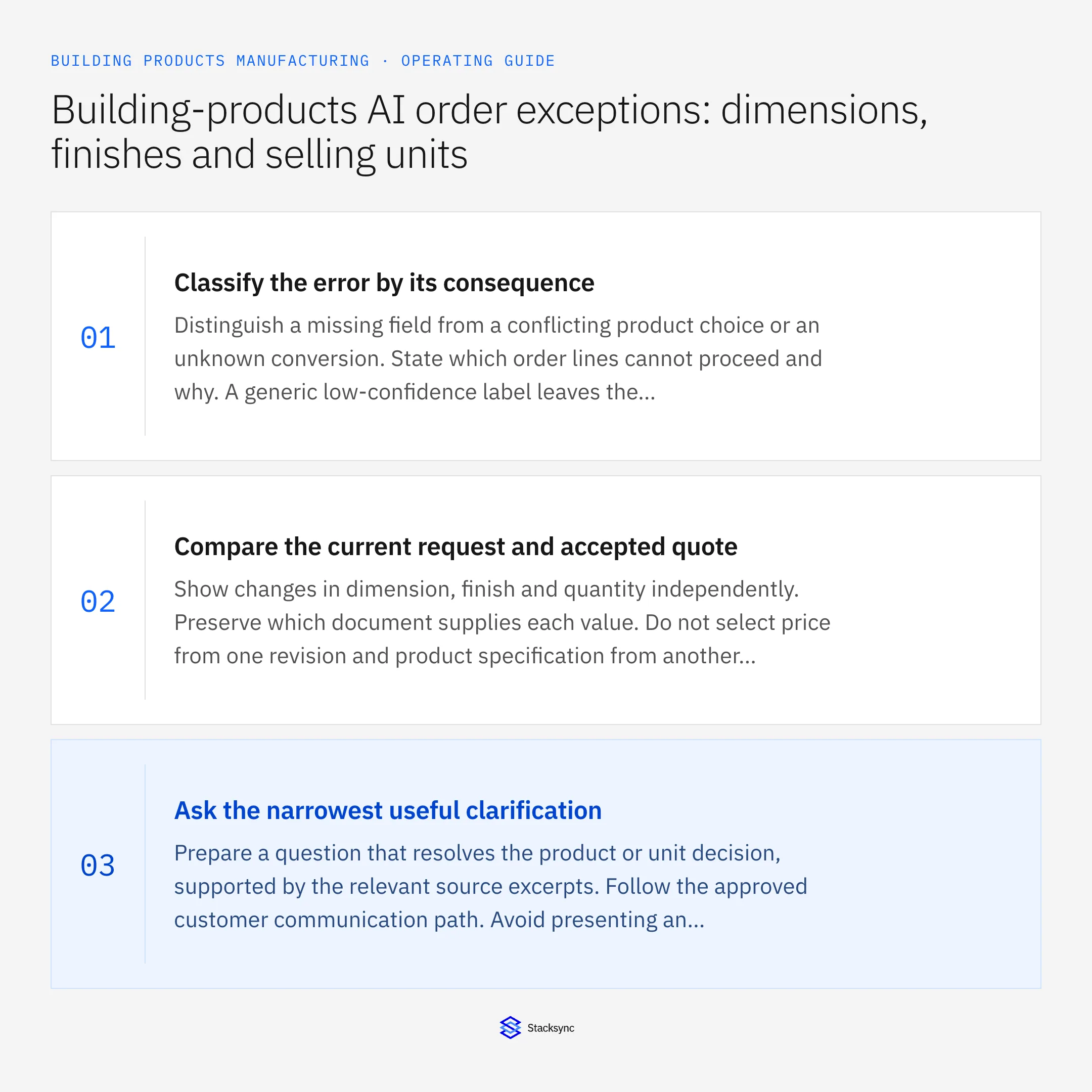
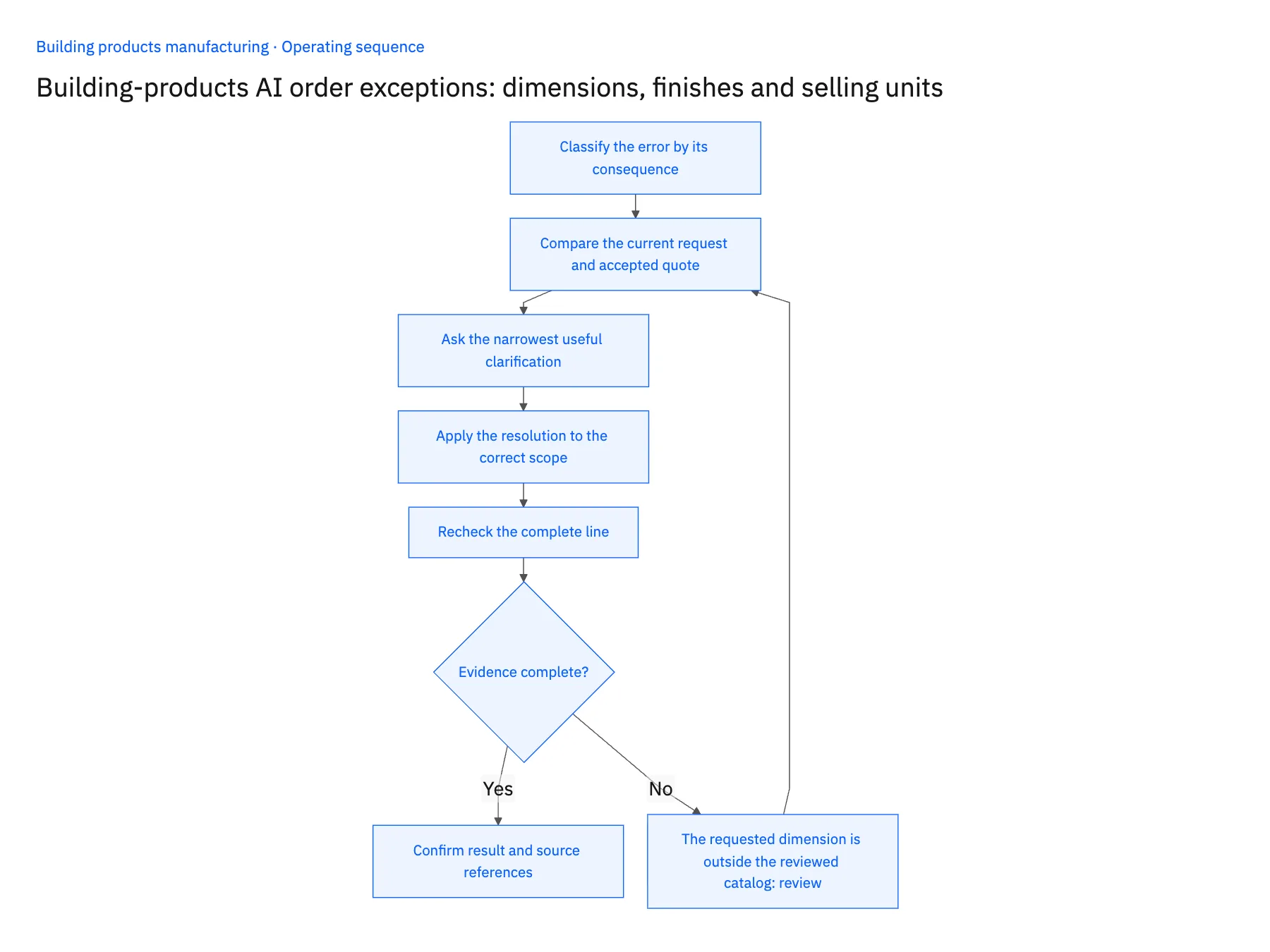
- 01Classify the error by its consequenceDistinguish a missing field from a conflicting product choice or an unknown conversion. State which order lines cannot proceed and why. A generic low-confidence label leaves the reviewer to reconstruct the entire problem.
- 02Compare the current request and accepted quoteShow changes in dimension, finish and quantity independently. Preserve which document supplies each value. Do not select price from one revision and product specification from another without the commercial owner accepting that combined scope.
- 03Ask the narrowest useful clarificationPrepare a question that resolves the product or unit decision, supported by the relevant source excerpts. Follow the approved customer communication path. Avoid presenting an unapproved candidate as if the dealer already selected it.
- 04Apply the resolution to the correct scopeUpdate the current draft and retain the reviewer’s decision. If the answer should become a reusable dealer cross-reference, route that master-data change separately. A one-project abbreviation should not automatically change how every dealer order is interpreted.
- 05Recheck the complete lineAfter a dimension or finish is resolved, recompute the affected quantity under the approved rule and revisit price or delivery implications. A product correction may invalidate the prior quote comparison even if the original exception is now cleared.
Handle the exceptions explicitly
The requested dimension is outside the reviewed catalog
Route the line to the custom-product or engineering process; do not round to a nearby standard size.
The finish code matches two product families
Ask for the governing product reference or approved cross-reference rather than choosing the more common result.
The converted quantity produces an unexpected fraction
Show the calculation and ask the product owner for the applicable selling and rounding rule.
What to verify before expanding
- The exception shows the source values that disagree and the lines they affect.
- The approved product correction triggers review of dependent quantity and commercial fields.
- A one-time dealer clarification stays scoped to the relevant case.
- No unresolved dimension or finish is silently replaced with a plausible default.

Connect this process to the rest of your operation
Explore Stacksync AI agents (Genies) and scope the records and actions against your actual systems. Book a demo with a real dimension conflict example and the exception your team handles most often, for example the requested dimension is outside the reviewed catalog.
- AI dealer-order intake for building-products manufacturers
- AI agents for building-products dealer orders: prepare product and delivery drafts
- Building-products retailer EDI: validate packaging and order revisions before acceptance
- Building-products manufacturers: connect Salesforce dealer quotes to Acumatica orders
- Build a Daily Shopify Delivery-Risk Report in Slack
- NetSuite NSIP Alternatives: A Real-Time Sync Guide
The shared architecture guide covers record matching, ownership, and recovery across systems.
Technical references
FAQ
Frequently asked questions










Related articles





