






















Building-products retailer EDI: validate packaging and order revisions before acceptance
A retailer orders cartons while NetSuite counts pieces; this intake keeps the partner line identity, applies each revision once, and separates receipt from acceptance.
- Author
- Alexis Favre · Co-Founder & CTO
- Published
- Read time
- 4 min read

The operating decision
Building-products retailer EDI intake should map the partner’s item, packaging unit and order-line identity to the manufacturer’s approved product model. Preserve requested delivery details and apply changes against the current accepted order. An 850 purchase order or 860 change can be structurally valid while its product or quantity meaning remains unresolved. Separate transport, business validation and operational approval so the partner response reflects what the manufacturer actually accepted.
Explore the complete building products manufacturing integration and automation hub for the systems and processes around this guide.
What this looks like in building products manufacturing
A manufacturer receives retailer orders for cartons of a building product while its ERP tracks pieces. A later change moves one delivery and increases a quantity after the original order is allocated. If the mapping loses the partner line identifier or assumes every carton contains the current catalog pack, it can update the wrong demand or misstate the requirement. The intake needs the agreed item cross-reference, applicable pack definition and processing history before it can determine whether the request is new, repeated or a consequential revision.
Records, ownership, and update rules
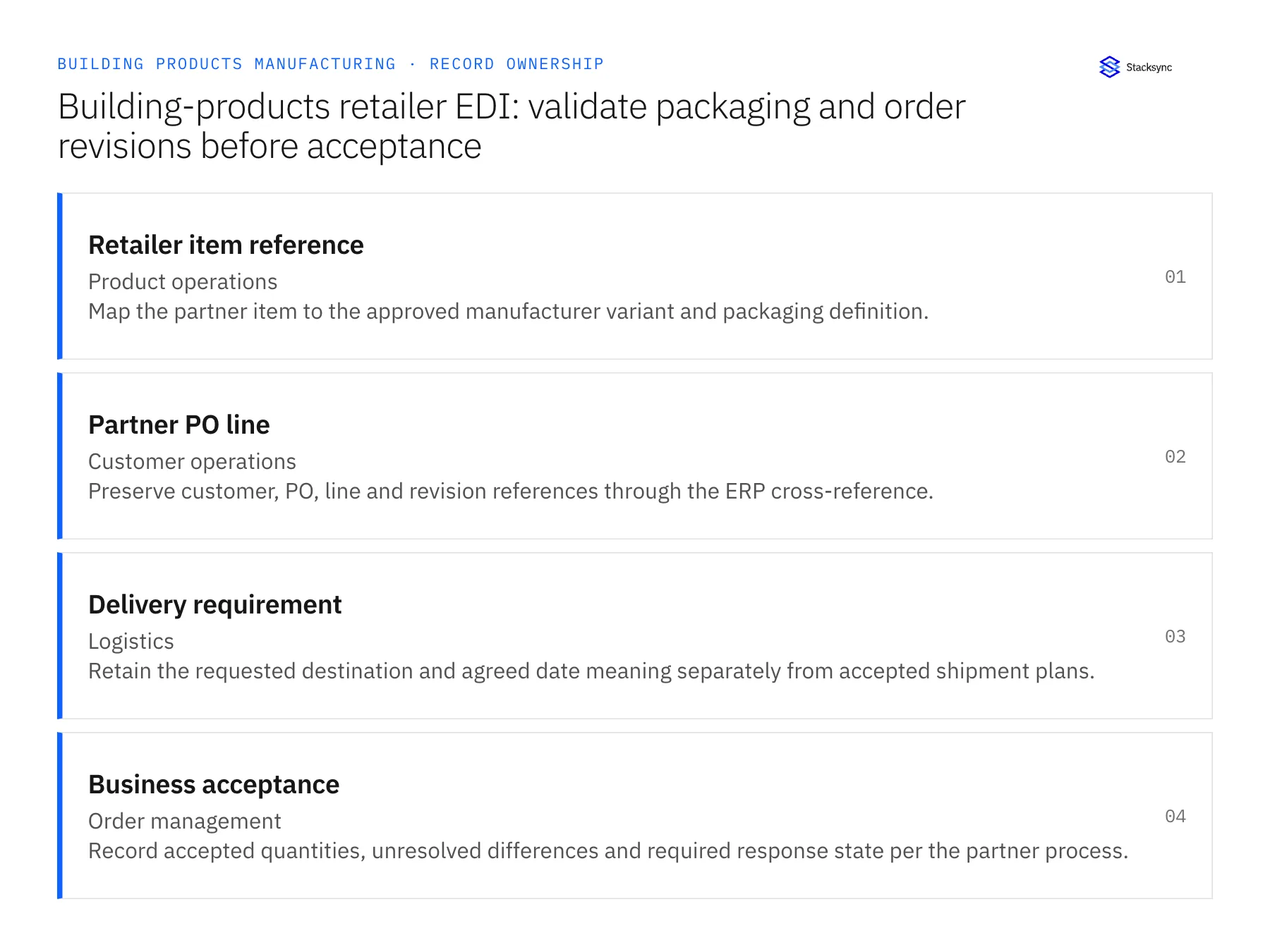
| Record | Owner | Operating rule |
|---|---|---|
| Retailer item reference | Product operations | Map the partner item to the approved manufacturer variant and packaging definition. |
| Partner PO line | Customer operations | Preserve customer, PO, line and revision references through the ERP cross-reference. |
| Delivery requirement | Logistics | Retain the requested destination and agreed date meaning separately from accepted shipment plans. |
| Business acceptance | Order management | Record accepted quantities, unresolved differences and required response state per the partner process. |
Work through the process
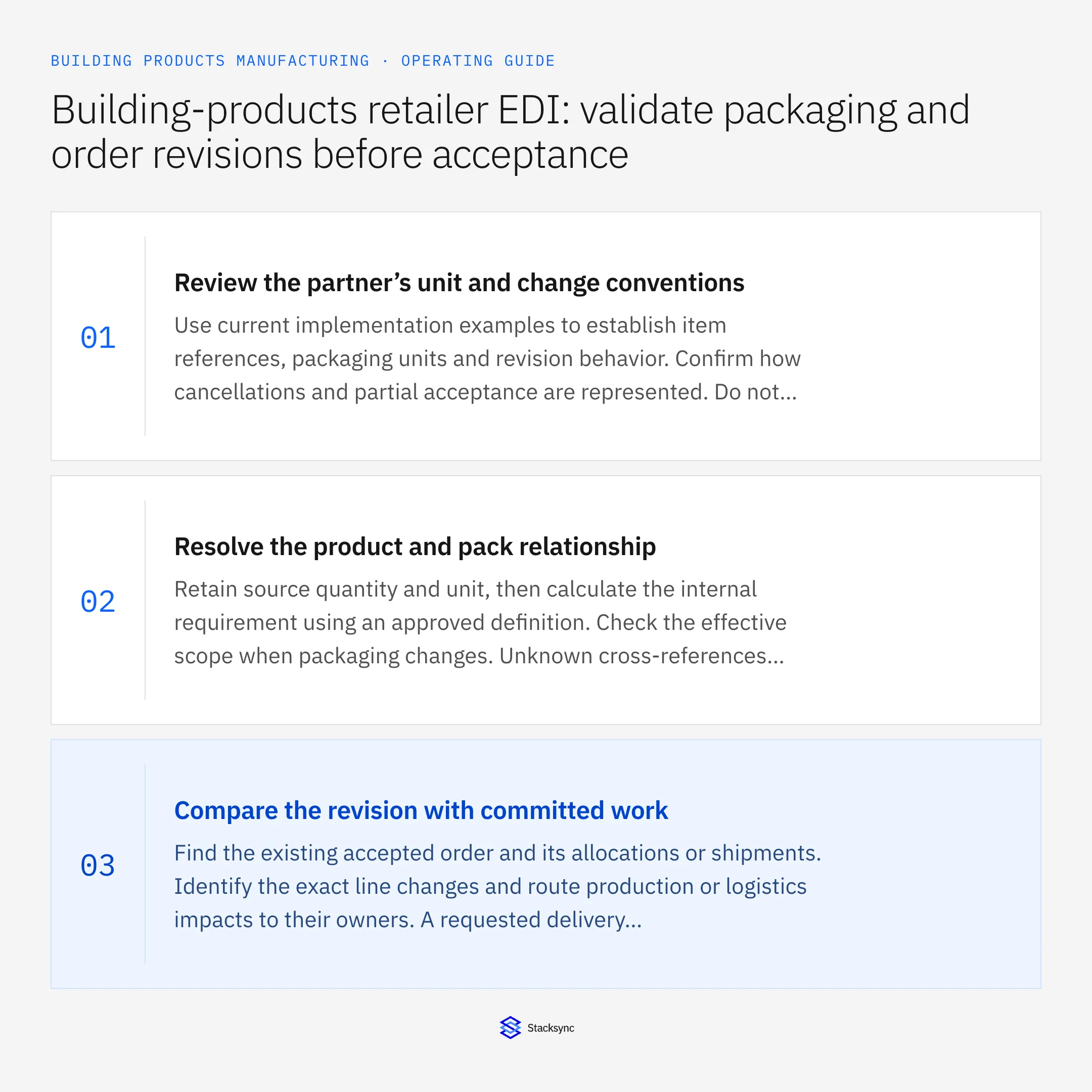
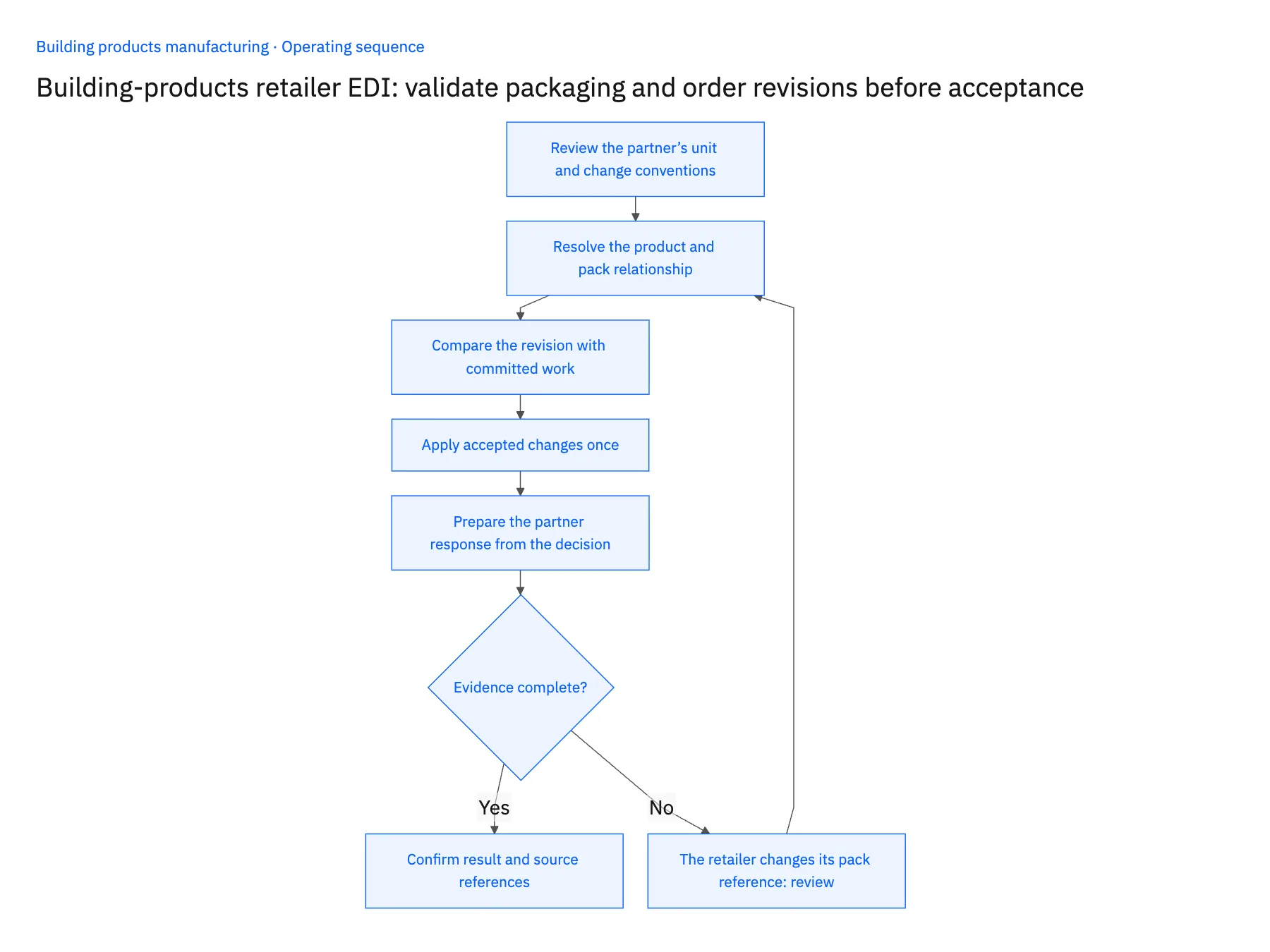
- 01Review the partner’s unit and change conventionsUse current implementation examples to establish item references, packaging units and revision behavior. Confirm how cancellations and partial acceptance are represented. Do not extend another retailer’s mapping solely because both use the same transaction-set number.
- 02Resolve the product and pack relationshipRetain source quantity and unit, then calculate the internal requirement using an approved definition. Check the effective scope when packaging changes. Unknown cross-references should become review cases instead of new catalog entries generated during order intake.
- 03Compare the revision with committed workFind the existing accepted order and its allocations or shipments. Identify the exact line changes and route production or logistics impacts to their owners. A requested delivery change is not confirmation that the current load can be rearranged.
- 04Apply accepted changes onceUse the stable business references and processing ledger to prevent repeated documents from adding demand. Retain the destination order and line identities. Reconcile an uncertain application response before retrying a transactional update.
- 05Prepare the partner response from the decisionUse the accepted business result and partner rules to generate the required response. Keep transmission retries separate from order application. An operator should be able to see which stage failed without resubmitting the entire order blindly.
Handle the exceptions explicitly
The retailer changes its pack reference
Require the reviewed cross-reference and effective definition before accepting affected quantities.
An order change targets a shipped line
Route the remaining commercial or return implications to the designated process rather than automatically reversing shipment history.
A repeated original order arrives after a revision
Recognize its older state and prevent it from restoring superseded quantities or dates.
What to verify before expanding
- Retailer cartons convert to the intended product quantity under the approved definition.
- The original partner line remains traceable after ERP mapping.
- A late original document cannot undo an accepted later revision.
- Response transmission can be retried without repeating the order update.

Connect this process to the rest of your operation
Explore Stacksync EDI and scope the records and actions against your actual systems. Book a demo with a real retailer item reference example and the exception your team handles most often, for example the retailer changes its pack reference.
- Building-products manufacturers: connect Salesforce dealer quotes to Acumatica orders
- Building products on Shopify: sync NetSuite bundles, pieces and saleable stock
- Building-products manufacturing: build a Dynamics-to-SQL Server ready-to-ship view
- EDI Integration for Ecommerce: Scale Without Chargebacks
- Build a Daily Shopify Delivery-Risk Report in Slack
The shared architecture guide covers record matching, ownership, and recovery across systems.
Technical references
FAQ
Frequently asked questions










Related articles





