






















Genies for Flooring Shortage Reviews: Reconcile Takeoffs, Delivered Materials, and Installation Phases
Use a Genie to assemble flooring shortage evidence by phase, unit and lot before a buyer decides what to order.
- Author
- Ignacio Malpartida · GTM Engineer
- Published
- Read time
- 5 min read

The operating decision
A flooring shortage-review Genie can compare approved takeoffs, material requirements, deliveries, allocations and reported installation progress. Its job is to explain the apparent shortfall with source references and unresolved assumptions. Keep quantity conversions and arithmetic deterministic, and separate net installed area from purchased packages and remaining usable stock. The agent should prepare a procurement or project-review packet, not automatically buy more material or assume that every difference represents waste.
Explore the complete commercial flooring and interior installation integration and automation hub for the systems and processes around this guide.
What this looks like in commercial flooring and interior installation
A flooring contractor is partway through an office fit-out when the foreman reports insufficient tile for the final phase. The takeoff is in square feet, supplier deliveries are in boxes, and some boxes were moved to another project. A Genie can gather the relevant records and show the possible causes: quantity conversion, approved overage, damaged material or an allocation transfer. The project manager needs that explanation before deciding whether a new order is necessary.
Records, ownership, and update rules
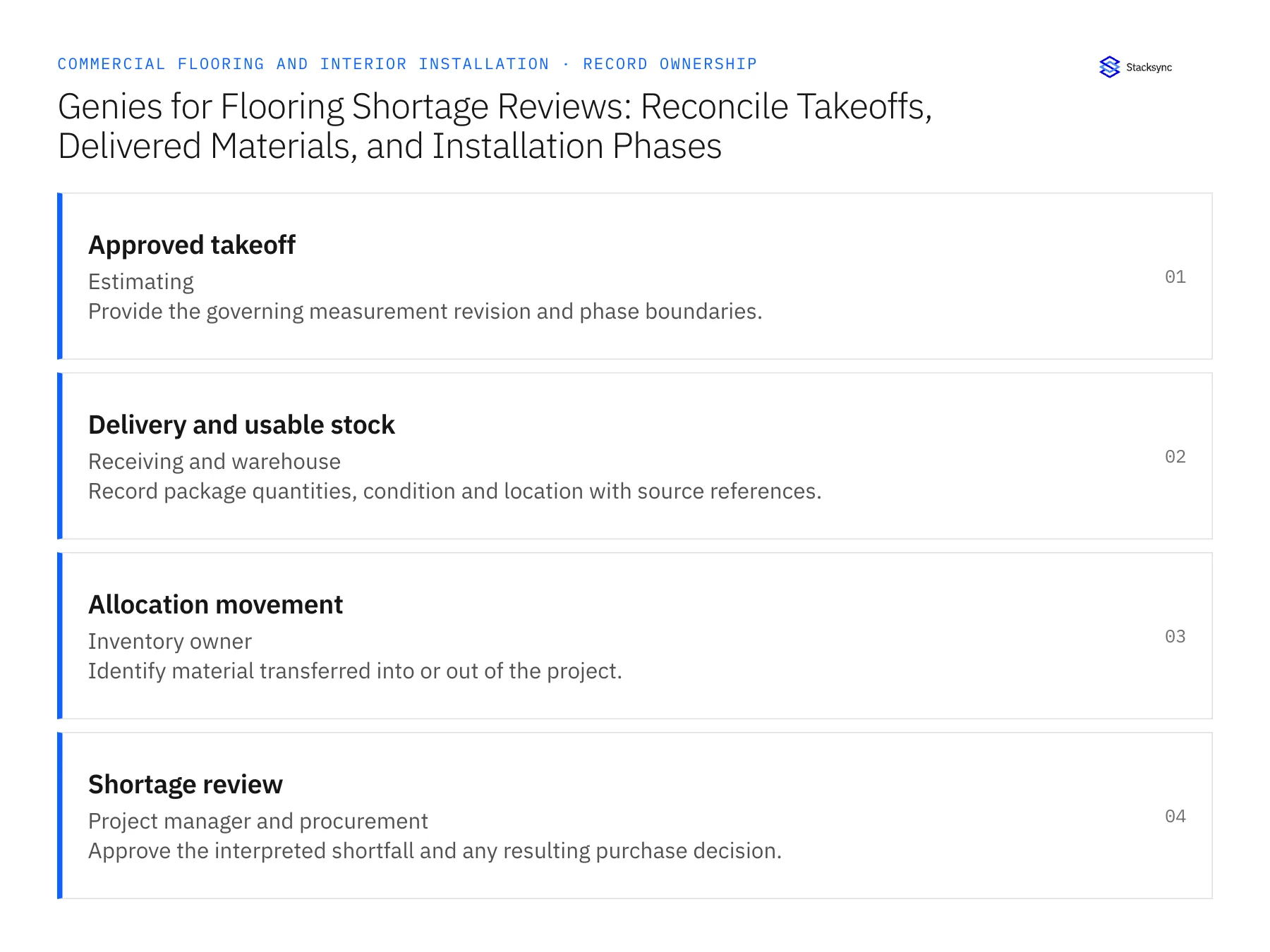
| Record | Owner | Operating rule |
|---|---|---|
| Approved takeoff | Estimating | Provide the governing measurement revision and phase boundaries. |
| Delivery and usable stock | Receiving and warehouse | Record package quantities, condition and location with source references. |
| Allocation movement | Inventory owner | Identify material transferred into or out of the project. |
| Shortage review | Project manager and procurement | Approve the interpreted shortfall and any resulting purchase decision. |
Work through the process
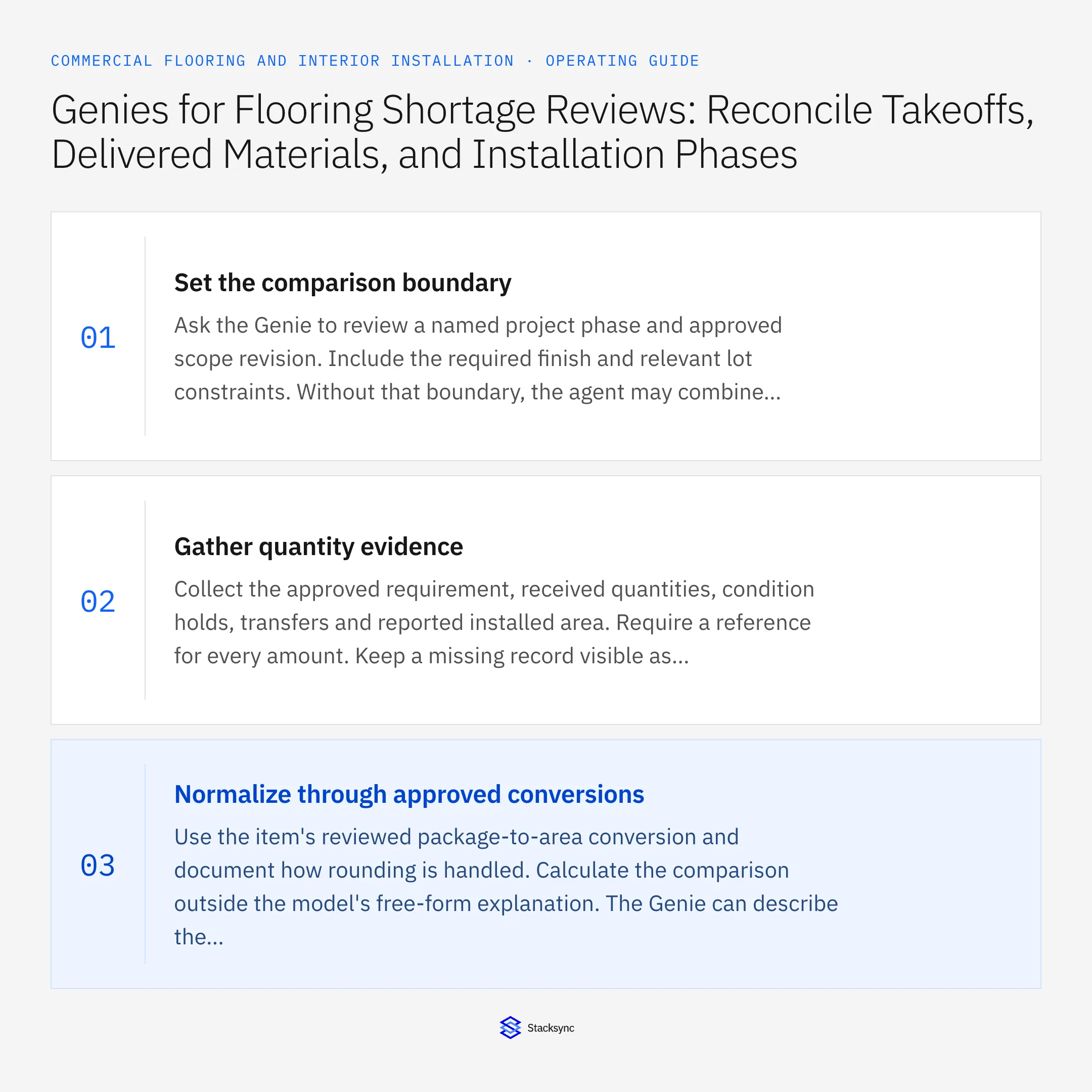
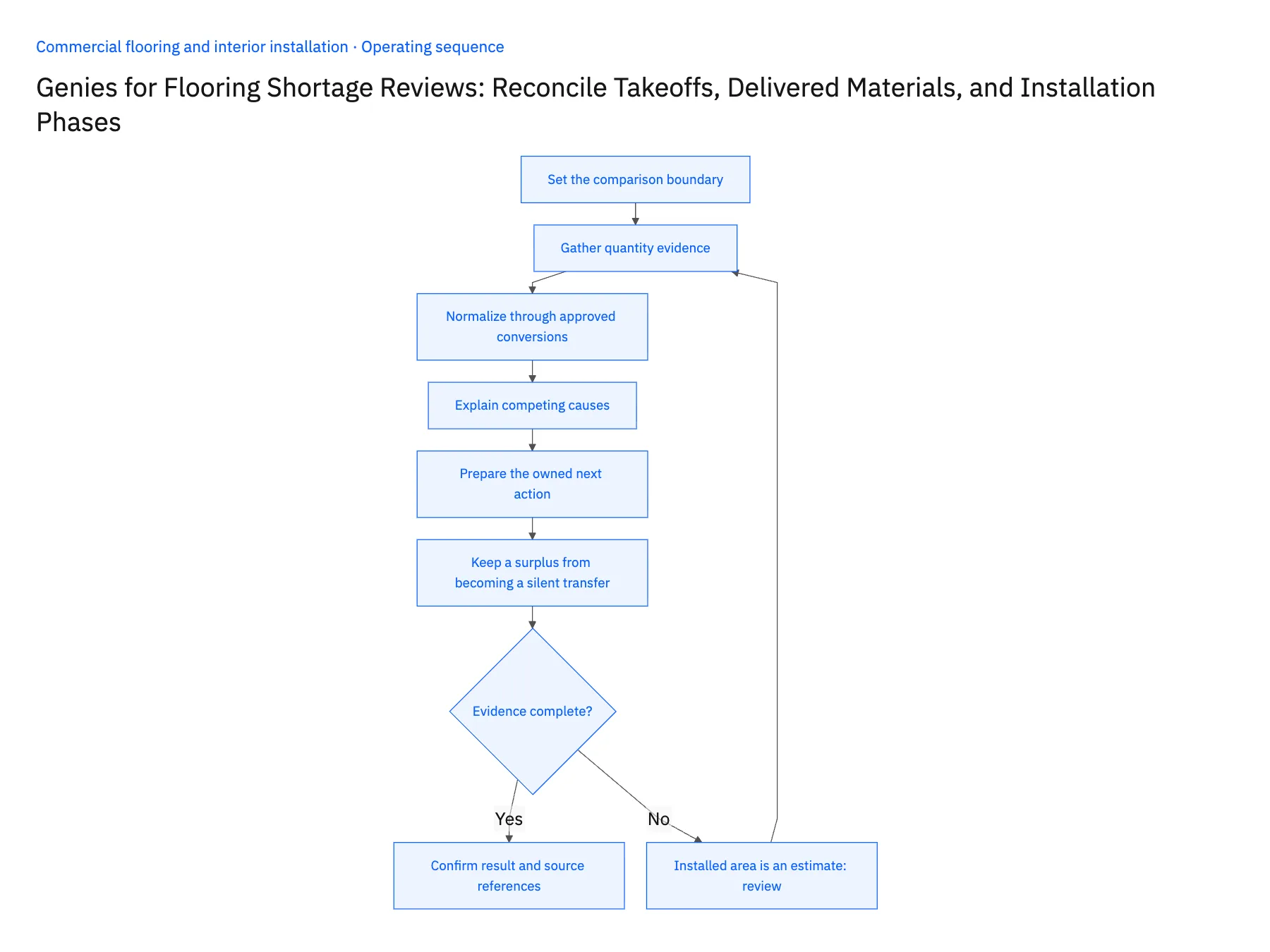
- 01Set the comparison boundaryAsk the Genie to review a named project phase and approved scope revision. Include the required finish and relevant lot constraints. Without that boundary, the agent may combine remaining material for several floors or compare a current requirement with an obsolete takeoff.
- 02Gather quantity evidenceCollect the approved requirement, received quantities, condition holds, transfers and reported installed area. Require a reference for every amount. Keep a missing record visible as missing; do not fill an unexplained gap with an assumed waste percentage or an invented delivery.
- 03Normalize through approved conversionsUse the item's reviewed package-to-area conversion and document how rounding is handled. Calculate the comparison outside the model's free-form explanation. The Genie can describe the result and identify inconsistent units, but it should not improvise conversions from similar products.
- 04Explain competing causesProduce a short list of evidence-backed explanations for the apparent shortage. A material transfer, damaged delivery and scope increase require different decisions. Show which explanation is confirmed and which needs a field, estimating or warehouse response, so procurement does not solve every discrepancy by ordering more.
- 05Prepare the owned next actionSend the reviewed shortfall, required date and specification to the buyer only after the project owner accepts the analysis. If the amount remains uncertain, create a focused evidence request instead. Record the decision and resulting purchase or allocation reference so the next review uses the updated state.
- 06Keep a surplus from becoming a silent transferThe same comparison may reveal excess material instead of a shortage. Show the supported surplus and its lot, condition and project allocation, then route disposition to the inventory and project owners. Do not automatically move it to another job or assume it is free stock. The original project may still require spare material, final-phase work or a customer handover quantity that is not obvious from installed area alone.
Handle the exceptions explicitly
Installed area is an estimate
Label it provisional and ask the field owner to confirm before treating the remaining requirement as exact.
Boxes moved to another job
Show the transfer evidence and route any reallocation through inventory authority.
Material exists in an unsuitable lot
Keep quantity availability and specification suitability separate in the recommendation.
What to verify before expanding
- Every amount in the comparison has a source and unit.
- The model cannot invent a conversion or waste allowance.
- Confirmed causes and unresolved hypotheses are labeled separately.
- A purchase recommendation waits for the project owner's review.

Connect this process to the rest of your operation
Explore Stacksync AI agents (Genies) and scope the records and actions against your actual systems. Book a demo with a real approved takeoff example and the exception your team handles most often, for example installed area is an estimate.
- Flooring Shortage Exceptions: Unit Conversions, Waste Allowances, Dye Lots, and Damaged Deliveries
- Flooring Supplier EDI: Keep Roll, Box, and Pallet Quantities Consistent From PO to Invoice
- Commercial Flooring Estimates: Align HubSpot Project Scope With NetSuite Approved Quotes
- Connect NetSuite with Supabase in Real-Time Using Stacksync
- EDI Integration with NetSuite for Wholesale Distributors
The shared architecture guide covers record matching, ownership, and recovery across systems.
Technical references
FAQ
Frequently asked questions










Related articles





