






















Keep Pipedrive and Salesforce in Lockstep, Both Ways
A guide to running Pipedrive and Salesforce together with real-time two-way sync. It covers what two-way actually means versus a one-time migration, the three situations where you need it (migrating without a big-bang cutover, letting two teams run different CRMs, and a phased rollout), how field-level conflict resolution settles simultaneous edits, and how origin tracking keeps the two CRMs consistent without echo loops.
- Author
- Ruben Burdin · Founder & CEO
- Published
- Read time
- 8 min read

Plenty of companies end up running both Pipedrive and Salesforce at the same time. A migration is in progress. An acquisition brought a second CRM. Two teams each prefer a different tool and neither wants to switch. Whatever the reason, the moment both are live, the same contacts and deals exist in two places and start to drift apart.
The fix is not another one-time export. It is a living two-way sync that keeps every contact, account, and deal consistent across both CRMs in real time. This guide covers what two-way actually means, when you need it, and how the sync settles edits that happen on both sides at once.
If you are weighing integration platforms in general, the guide to an enterprise iPaaS for Pipedrive covers the engine underneath; here we focus on the two-CRM case.
What two-way actually means
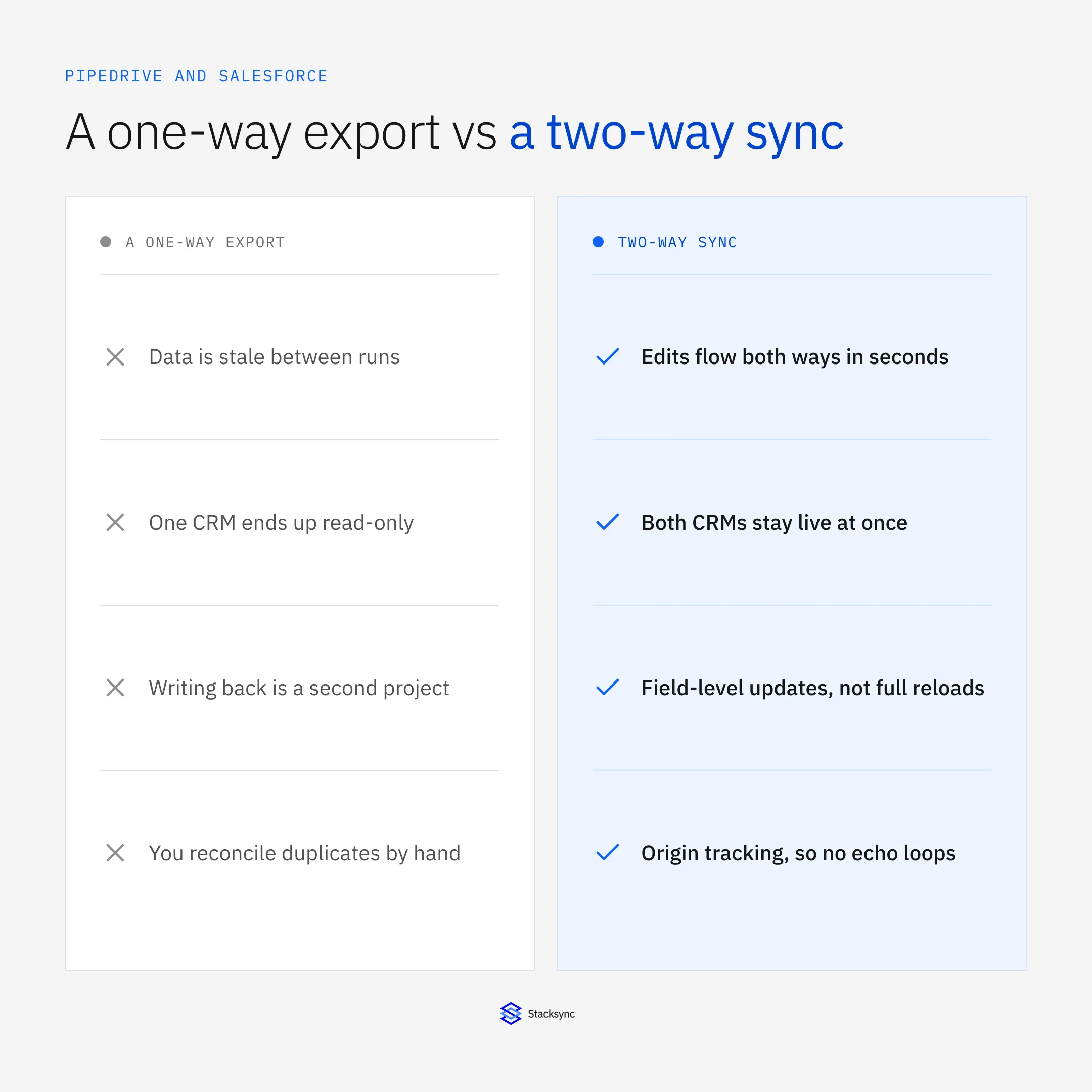
A one-time migration copies data across once. From that second on, the two CRMs diverge: every new edit in one is invisible to the other, and you are back to reconciling by hand. Two-way sync is different in kind, not degree. It keeps both sides current continuously.
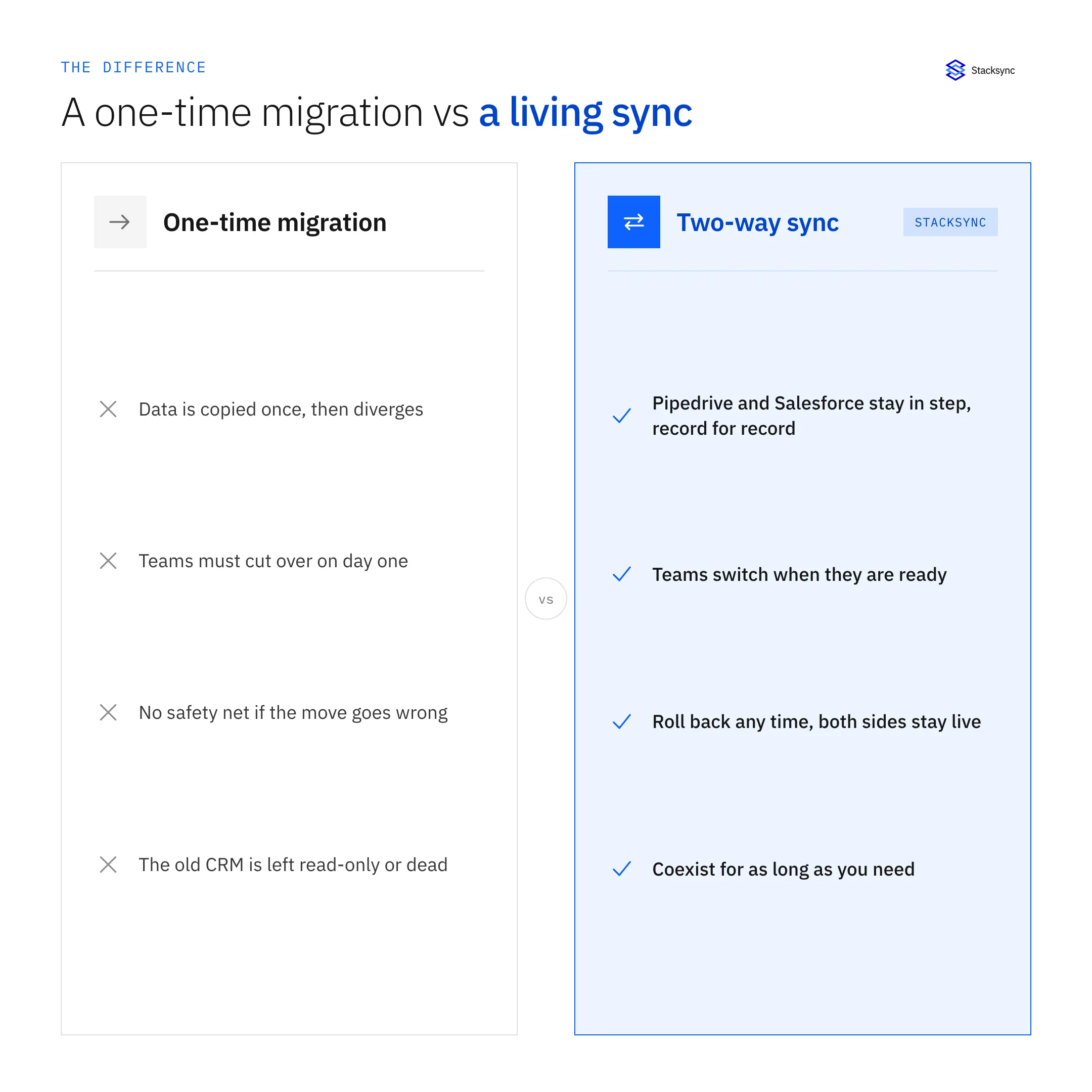
With a genuine two-way sync, a change in Pipedrive appears in Salesforce within seconds and a change in Salesforce appears in Pipedrive, and when the same field changes on both sides a conflict policy you set decides the winner. Origin tracking makes sure a write pushed to one CRM is not treated as a fresh change and bounced back, which is what keeps the two from echoing edits at each other forever.
When you need it
Three situations account for most Pipedrive and Salesforce syncs, and all three are easier as a sync than as a migration.
- Migrate without a big-bang cutover. Keep both CRMs in sync and let teams move to the new one when they are ready. Both stay live, so you can roll back any time, and the cutover becomes a decision instead of a risky single event.
- Let two teams run different CRMs. After an acquisition or reorg, one team keeps Salesforce and another uses Pipedrive, while shared contacts and deals stay one consistent set of records.
- Phase a rollout. Move one region or department at a time, with the sync keeping the movers and the not-yet-movers looking at the same data.
How the sync handles conflicts
The hard part of any two-way sync is what happens when the same record changes on both sides before either change has propagated. A record moves through a short lifecycle: the change is detected, mapped, and applied, and if both sides changed at once, the conflict is resolved at the field level before the winner is re-applied.
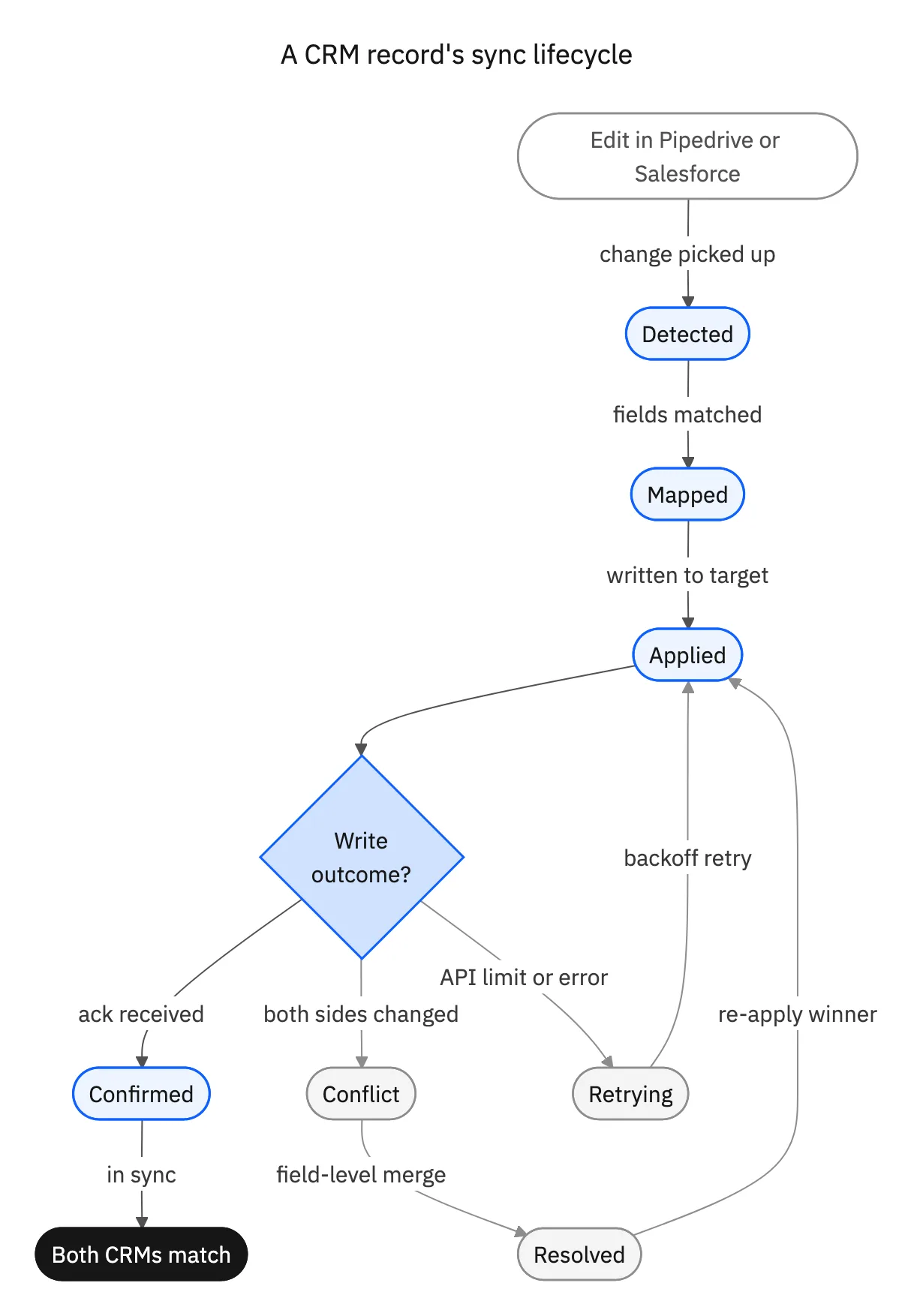
Because you set the policy per field, the two CRMs can share ownership sensibly: Salesforce might own the account owner and Pipedrive the current pipeline stage, for instance. Nothing is overwritten blindly, and a transient API-limit error just backs off and retries rather than dropping the change.

Why two one-way syncs are not two-way
It is tempting to approximate two-way sync with two one-way jobs pointed in opposite directions. In practice they overwrite each other, because neither knows about the other’s writes, and you get exactly the echo loops and lost edits a real two-way engine is built to prevent.
| Two one-way exports | Real two-way sync | |
|---|---|---|
| Freshness | Stale between runs | Seconds on both sides |
| Conflicting edits | Last write wins, silently | Resolved per field, by policy |
| Echo loops | Common, hard to debug | Prevented by origin tracking |
| Migration safety | No live rollback | Both CRMs stay live |
Two one-way jobs are not a substitute for a two-way engine with origin tracking.
Run both, as one
A two-way sync makes Pipedrive and Salesforce behave like one system of record for as long as you need both: consistent contacts and deals, conflicts resolved by policy, and no big-bang cutover. Whether you are migrating, coexisting after an acquisition, or phasing a rollout, the sync is what removes the risk.
To see Pipedrive and Salesforce kept in step record for record, book a demo, or read the broader guide to an enterprise iPaaS for Pipedrive.

FAQ
Frequently asked questions










Explore these integrations and topics
- connectorSalesforce integrations
- connectorPipedrive integrations
- platformTwo-way sync
- platformCRM synchronization
- Two-way sync guidesUnderstand two-way sync, record matching, field ownership, and production readiness.
- CRM synchronization guidesConnect customer records across sales, marketing, and operational systems.
Related articles





