






















Supplier Purchase-Order EDI for Construction Services: Connect Orders, Acknowledgments, Deliveries, and Invoices
Connect construction supplier EDI documents to job purchase orders without confusing acknowledgments with acceptance or delivery.
- Author
- Alexis Favre · Co-Founder & CTO
- Published
- Read time
- 5 min read

The operating decision
Supplier EDI for construction services should connect the contractor's purchase order to the supplier acknowledgment, shipment details, receiving evidence and invoice. Preserve purchase-order and line references throughout the exchange. In an X12 flow, the 850, 855, 856 and 810 serve different commercial purposes; partner specifications determine their exact use. A technical acknowledgment does not prove equipment was accepted, shipped or received. Keep EDI transport separate from the ERP record actions it may initiate.
Explore the complete construction services and installation integration and automation hub for the systems and processes around this guide.
What this looks like in construction services and installation
A mechanical contractor buys equipment for two active projects from one distributor. The supplier acknowledges part of the order, backorders a control module and later sends two shipments. Accounts payable receives an invoice before the second delivery reaches the site. Without line-level references, procurement sees the order as accepted while installation assumes everything is available. EDI is useful when these distinct events remain attached to the correct job and purchase lines.
Records, ownership, and update rules
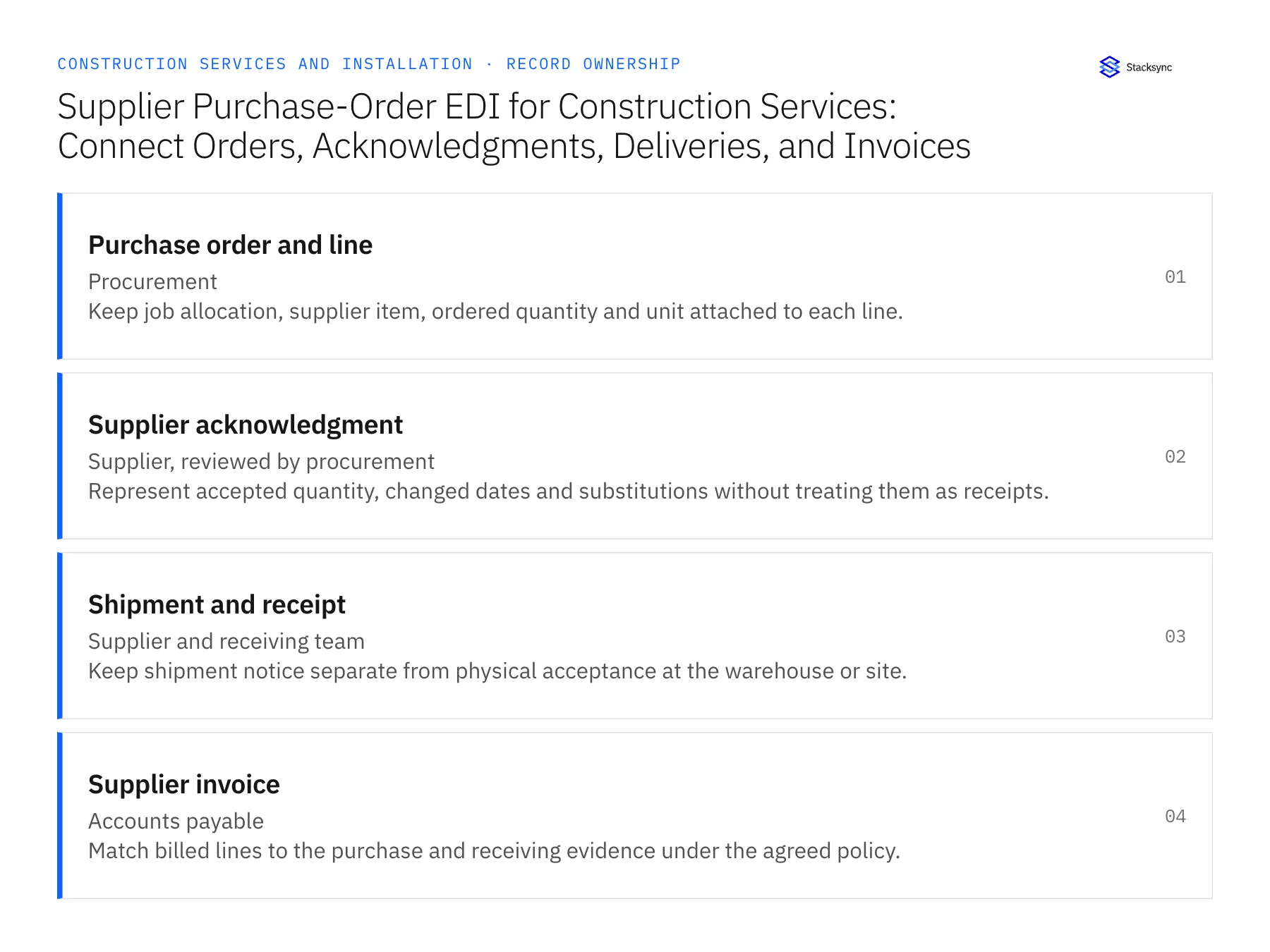
| Record | Owner | Operating rule |
|---|---|---|
| Purchase order and line | Procurement | Keep job allocation, supplier item, ordered quantity and unit attached to each line. |
| Supplier acknowledgment | Supplier, reviewed by procurement | Represent accepted quantity, changed dates and substitutions without treating them as receipts. |
| Shipment and receipt | Supplier and receiving team | Keep shipment notice separate from physical acceptance at the warehouse or site. |
| Supplier invoice | Accounts payable | Match billed lines to the purchase and receiving evidence under the agreed policy. |
Work through the process
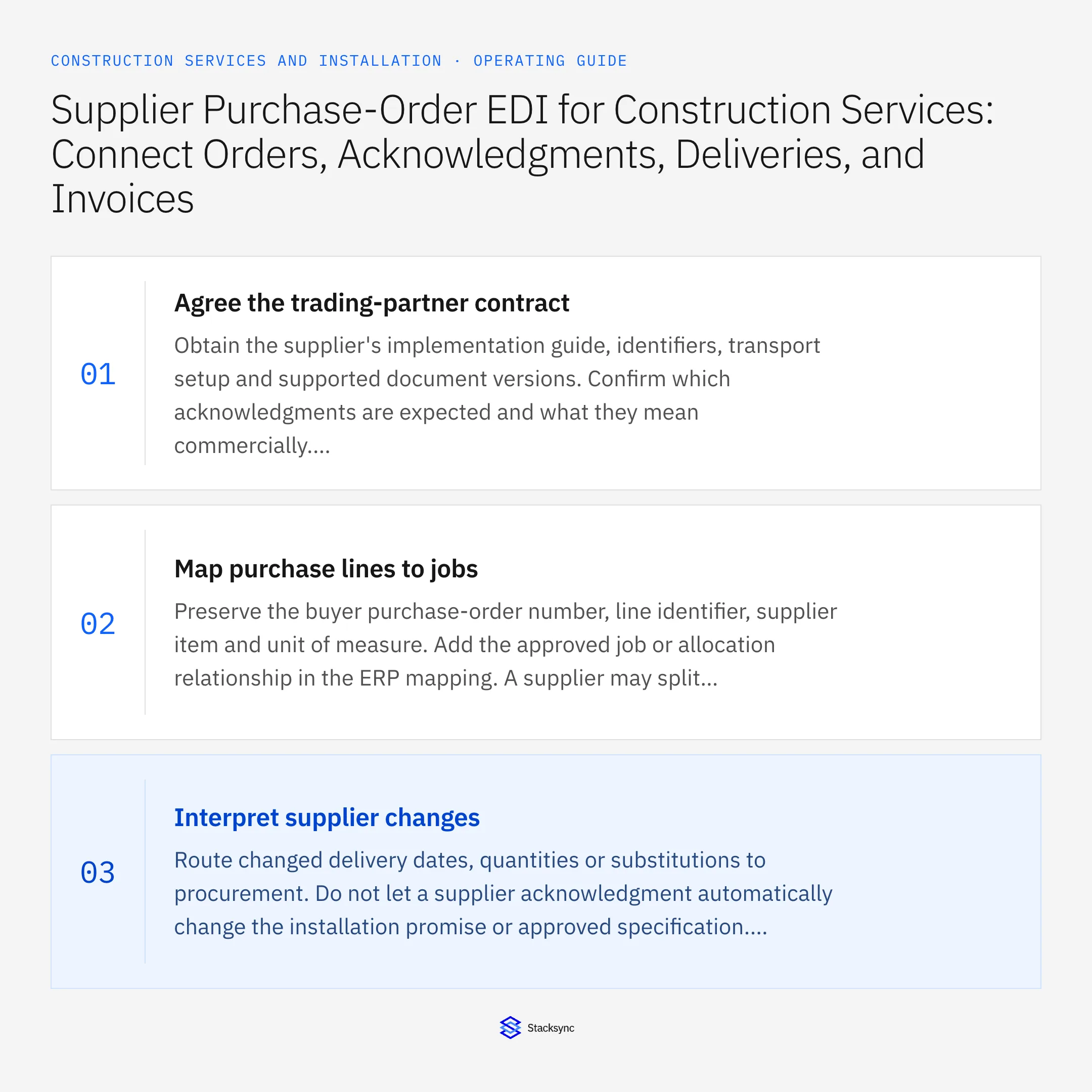
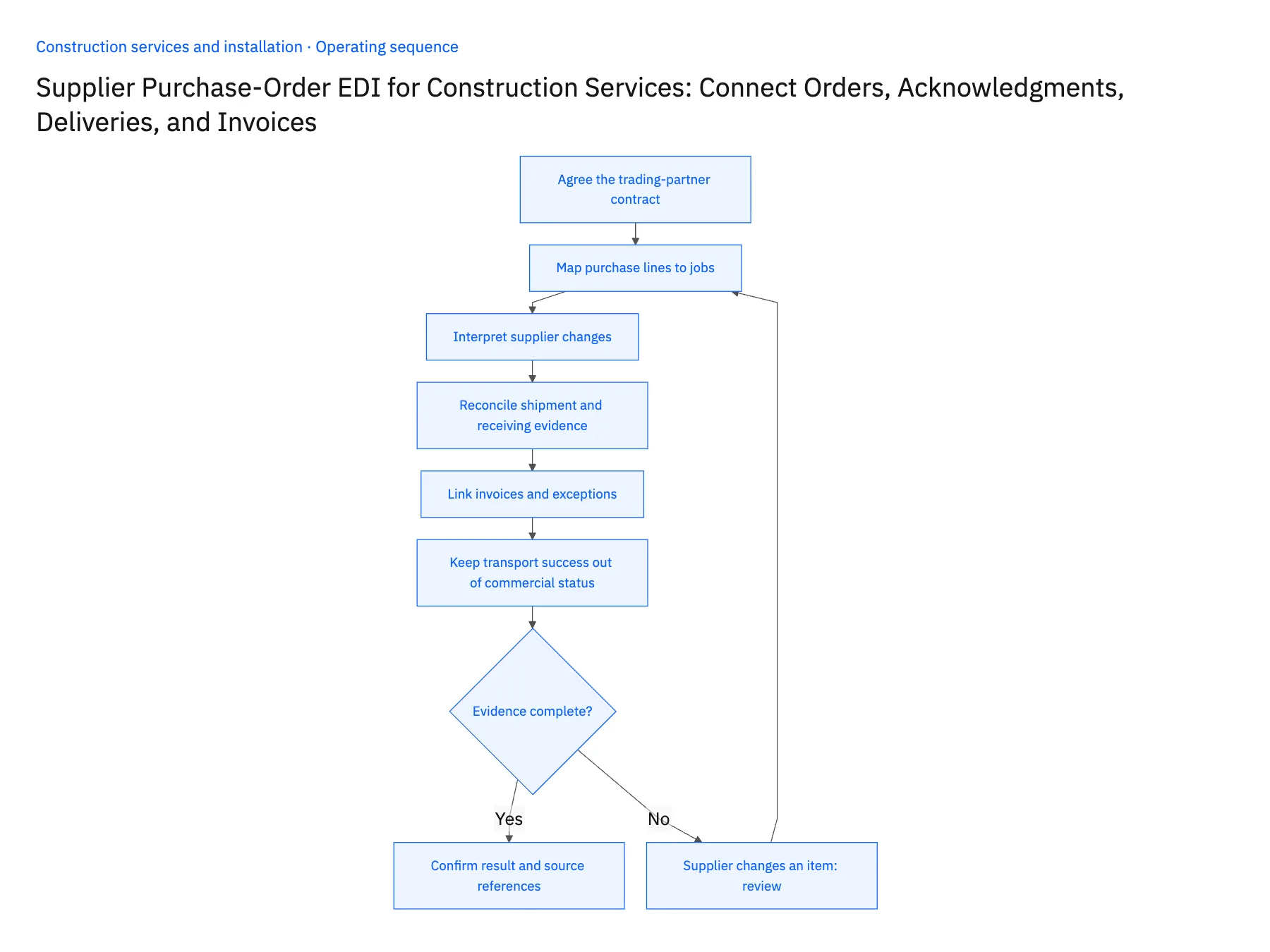
- 01Agree the trading-partner contractObtain the supplier's implementation guide, identifiers, transport setup and supported document versions. Confirm which acknowledgments are expected and what they mean commercially. Generic X12 knowledge is insufficient for a live exchange because each partner constrains fields, codes, references and exception responses.
- 02Map purchase lines to jobsPreserve the buyer purchase-order number, line identifier, supplier item and unit of measure. Add the approved job or allocation relationship in the ERP mapping. A supplier may split one line into several shipments, so the design should not assume one document equals one complete delivery.
- 03Interpret supplier changesRoute changed delivery dates, quantities or substitutions to procurement. Do not let a supplier acknowledgment automatically change the installation promise or approved specification. Record the buyer's acceptance where needed and keep the original order available for comparison with the revised commercial state.
- 04Reconcile shipment and receiving evidenceUse shipment notices to prepare receiving and investigate expected deliveries. Let the receiving process record actual quantities, condition and site acceptance. A carrier tracking event or an 856 message should not silently create proof that the contractor accepted undamaged equipment at the intended location.
- 05Link invoices and exceptionsCompare invoice references and quantities with the purchase and receipt records. Route early billing, price differences and missing line references to accounts payable with the supporting documents. Make processing repeatable by preserving interchange and transaction identifiers alongside the resulting ERP references.
- 06Keep transport success out of commercial statusRecord document transmission, technical processing and business review as separate results. A message that reached the supplier may still contain a rejected line or a changed delivery promise. Procurement should be able to find that commercial response without asking the integration team to inspect transport logs. When the response is missing, show an outstanding acknowledgment task rather than declaring the purchase accepted from transmission success alone.
Handle the exceptions explicitly
Supplier changes an item
Hold the affected line for approved substitution review; do not rewrite the required equipment specification.
Delivery is split across sites
Retain shipment and receipt allocation by job and location so quantities cannot be counted twice.
Document is retransmitted
Recognize the prior transaction and reconcile its processing status before creating another ERP action.
What to verify before expanding
- Every supplier document resolves to the intended purchase order.
- Acknowledged quantity remains distinct from received quantity.
- Duplicate transmission cannot duplicate the mapped business action.
- A price or unit mismatch reaches an owned review queue.

Connect this process to the rest of your operation
Explore Stacksync EDI and scope the records and actions against your actual systems. Book a demo with a real purchase order and line example and the exception your team handles most often, for example supplier changes an item.
- Two-Way Sync for Construction Service Companies: Which Records to Connect First
- HubSpot–Acumatica for Construction Services: Customers, Projects, and Invoice Status
- Salesforce–NetSuite for Construction Service Groups: Accounts, Jobs, and Approved Commercial Data
- NetSuite Integration Failing? Fix Duplicate Data Fast
- Acumatica to Salesforce & HubSpot Integration
The shared architecture guide covers record matching, ownership, and recovery across systems.
Technical references
FAQ
Frequently asked questions










Related articles






