






















Steel and Fence-Material Supplier EDI: Map Bundles, Pieces, and Lengths to Project Purchase Orders
Map fencing material EDI quantities and units to project purchase lines without losing package or specification context.
- Author
- Alexis Favre · Co-Founder & CTO
- Published
- Read time
- 5 min read

The operating decision
Steel and fence-material EDI should preserve item specification, buyer purchase line, quantity unit and packaging context from order through receipt and invoice. Bundles, pieces, length and weight are not interchangeable quantities. Use the supplier's implementation guide and approved item conversions, then keep the original supplier values available for review. Procurement owns accepted commercial changes; receiving confirms physical quantity and condition; EDI processing should not silently substitute materials or recalculate the fabrication requirement.
Explore the complete fencing fabrication and installation integration and automation hub for the systems and processes around this guide.
What this looks like in fencing fabrication and installation
A fabricator buys posts and steel sections for several installation jobs. The order uses pieces, the supplier ships bundles and the invoice describes weight for one product group. A partial bundle arrives at the warehouse, with some material allocated to a specific project. The flow needs enough detail to reconcile what was ordered and what can actually be used. A simple quantity field could multiply stock or make a valid invoice appear incorrect.
Records, ownership, and update rules
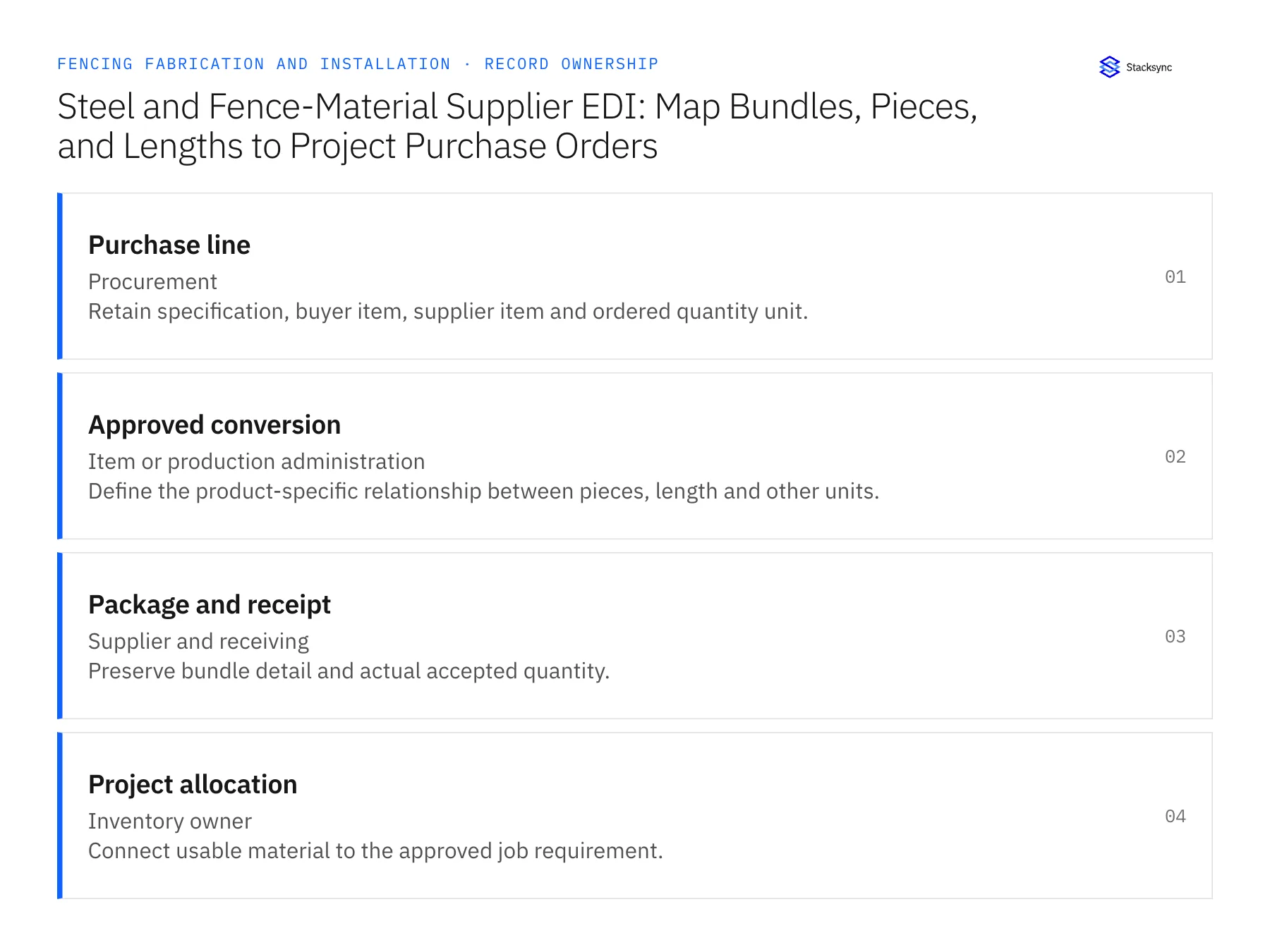
| Record | Owner | Operating rule |
|---|---|---|
| Purchase line | Procurement | Retain specification, buyer item, supplier item and ordered quantity unit. |
| Approved conversion | Item or production administration | Define the product-specific relationship between pieces, length and other units. |
| Package and receipt | Supplier and receiving | Preserve bundle detail and actual accepted quantity. |
| Project allocation | Inventory owner | Connect usable material to the approved job requirement. |
Work through the process
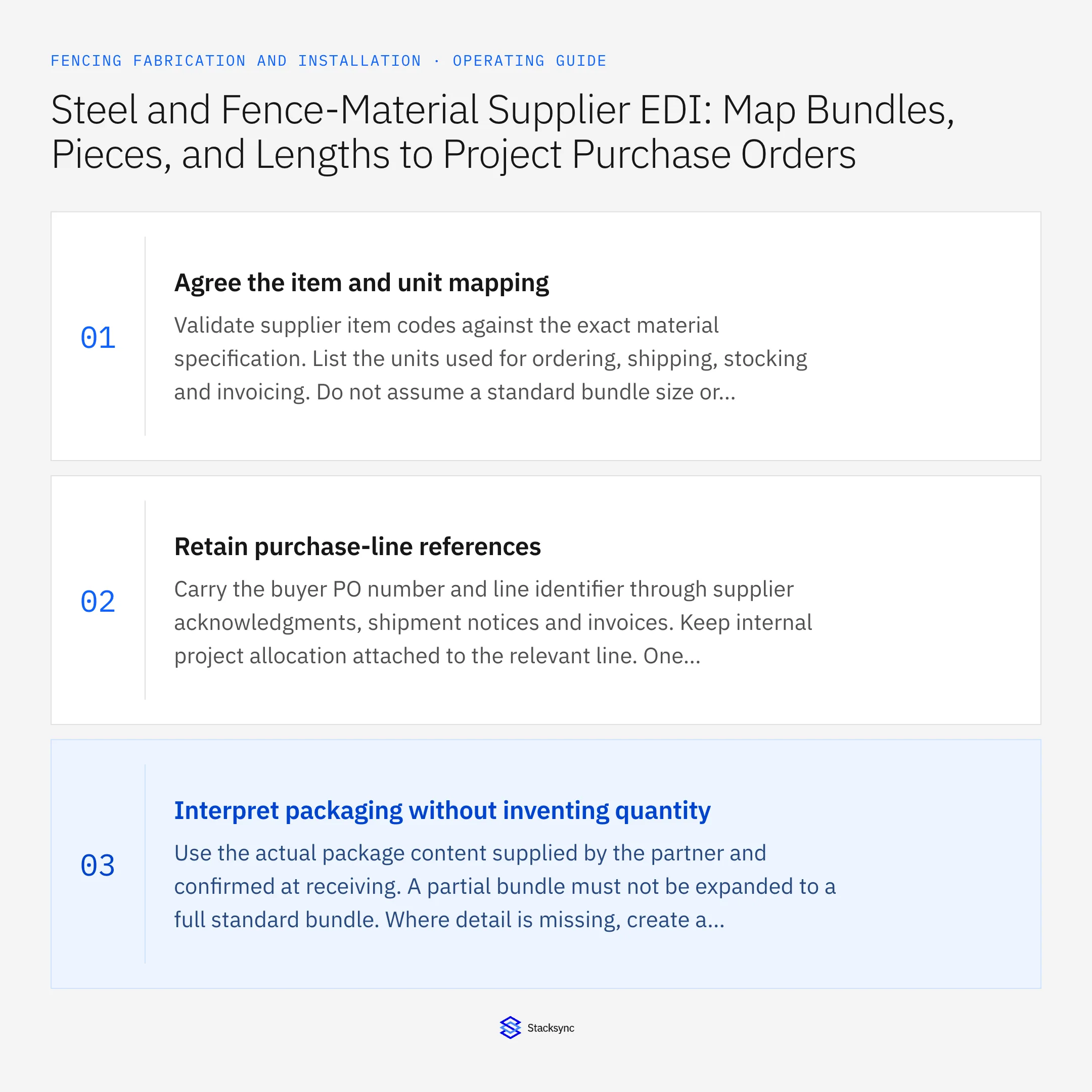
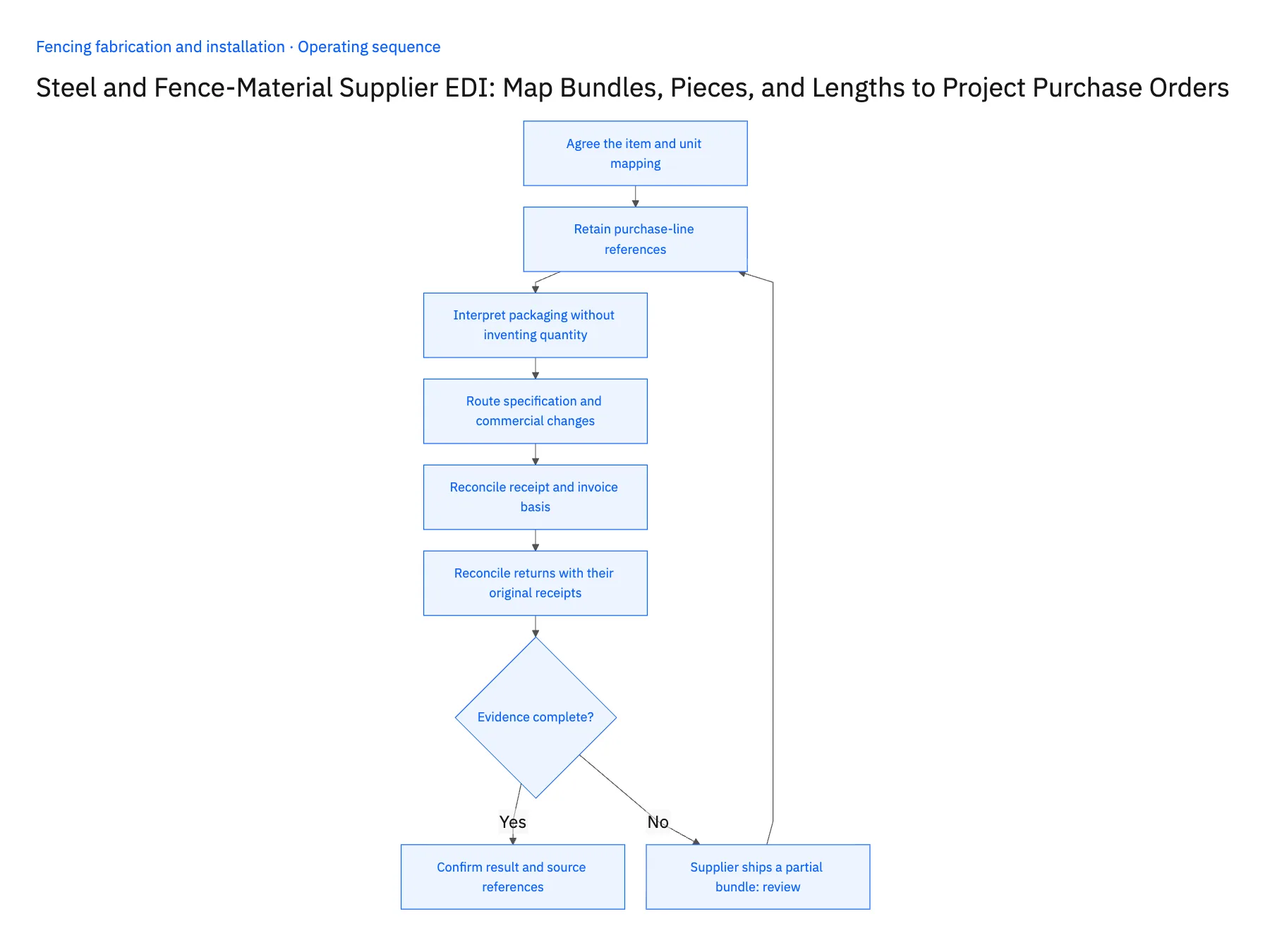
- 01Agree the item and unit mappingValidate supplier item codes against the exact material specification. List the units used for ordering, shipping, stocking and invoicing. Do not assume a standard bundle size or weight relationship applies to every section or supplier product.
- 02Retain purchase-line referencesCarry the buyer PO number and line identifier through supplier acknowledgments, shipment notices and invoices. Keep internal project allocation attached to the relevant line. One order can serve several jobs, so the document header alone should not determine the final allocation.
- 03Interpret packaging without inventing quantityUse the actual package content supplied by the partner and confirmed at receiving. A partial bundle must not be expanded to a full standard bundle. Where detail is missing, create a receiving exception and preserve the source document rather than forcing the quantity into a default conversion.
- 04Route specification and commercial changesCompare supplier responses with the original order for material, finish, length and price differences. Qualified reviewers decide technical suitability, and procurement accepts commercial changes. Keep these approvals distinct from successful EDI syntax or transport processing.
- 05Reconcile receipt and invoice basisNormalize quantities using approved product rules for the comparison finance needs. Keep original units and source references so discrepancies can be explained. Record processing and destination identifiers to recognize retransmissions before they create another receipt or invoice action.
- 06Reconcile returns with their original receiptsWhen material is returned, preserve the original purchase line and receipt reference and record the actual returned quantity in the correct unit. A supplier credit is a financial event, while removing usable stock is an inventory event; both need their own confirmed state. Linking them gives procurement and finance a shared explanation of the difference without assuming that every credit means the material physically left the warehouse.
Handle the exceptions explicitly
Supplier ships a partial bundle
Use actual confirmed content and keep missing detail in an owned exception.
Invoice quantity is expressed by weight
Apply only the approved conversion for that product and show the comparison basis.
Material finish differs from the PO
Hold the affected line for specification and purchasing review.
What to verify before expanding
- Bundle counts reconcile to actual accepted pieces or quantities.
- Conversions identify the exact product and rule.
- Project allocations remain attached to purchase lines.
- Retransmitted documents cannot duplicate the business action.

Connect this process to the rest of your operation
Explore Stacksync EDI and scope the records and actions against your actual systems. Book a demo with a real purchase line example and the exception your team handles most often, for example supplier ships a partial bundle.
- Fence Fabricators and Installers: Align Salesforce Approved Configurations With NetSuite Sales Orders
- Fence Material Reservations: Connect NetSuite Stock With a Supabase Fabrication and Installation Board
- Commercial Fencing Accounts: Align HubSpot Site Contacts With Acumatica Customer and Project Records
- Build vs. Buy: Should You Develop Custom Code or Use a Platform to Sync CRM Data?
- How Stacksync Manages Schema Changes: Ensuring Continuous Data Flow Between CRM and Databases
The shared architecture guide covers record matching, ownership, and recovery across systems.
Technical references
FAQ
Frequently asked questions










Related articles





