






















Resolve Ambiguous Device Reports with Serial Numbers and Service Agreements
Resolve an ambiguous equipment report by collecting the serial number and checking it against the registered asset at the verified facility.
- Author
- Stacksync · App tips writer
- Published
- Read time
- 6 min read

A model name is not a unique device identity
Resolve an ambiguous equipment report by collecting the serial number and checking it against the registered asset at the verified facility. Two identical devices can have different installation dates, service agreements, or maintenance histories. Choosing the first matching model can route a ticket under the wrong coverage even when the facility is correct.
Use the details already available before asking the clinic to repeat information. If an exact serial is present, verify its relationship to the facility. If only a model or room description is present and several assets match, request the serial before proceeding. Keep the question narrow enough that the clinic knows what to provide.
Evidence needed to resolve the exception
Use this exception guide when reviewing a proposed Genie workflow or investigating a case that cannot proceed confidently. The tables describe operational decisions to configure in your environment. They are not claims that a connected application automatically supplies your organization’s policies, identity mappings, or approval process.
| System or owner | Evidence and responsibility |
|---|---|
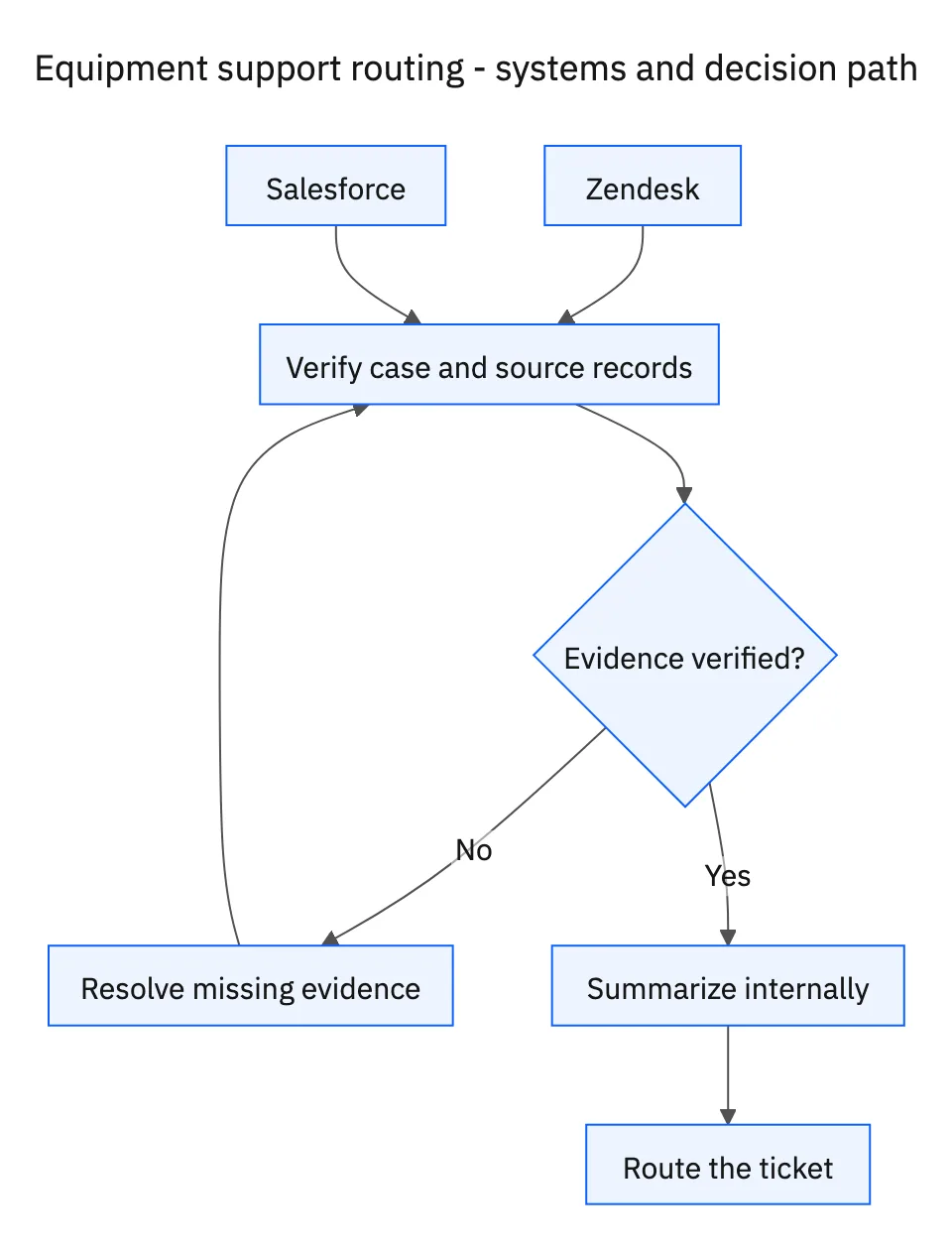
| Zendesk | Clinic’s equipment issue, clarification request, internal summary, and service-team assignment. |
| Salesforce | Facility identity, registered assets, and the applicable service agreement. |
Required context for this workflow design.
Separate an identity gap from a coverage gap
An identity gap means the correct device is not established. A coverage gap means the device is established but its applicable service agreement is missing, expired in the record, or otherwise unclear. The first needs an equipment identifier; the second needs service administration to review the agreement. Asking for the serial repeatedly will not resolve a missing contract.
When a serial points to a different registered facility, surface the mismatch. The asset may have moved without an administrative update, or the requester may have supplied another unit’s serial. Do not silently move the asset or change the agreement to force a match. Route the specific discrepancy to the responsible team.
Keep the internal summary within equipment scope
The summary should include the reported symptom, confirmed facility and asset, agreement evidence, and the reason for the chosen service route. It should not include patient names, appointments, treatment details, or clinical conclusions. If a clinic offers such context, direct the administrative conversation back to the equipment details needed for routing.
Avoid promising that the reported issue is covered or that a technician will arrive by a certain time unless the authoritative service record and authorized process support that statement. This job routes support. It does not authorize a repair, determine charges, or certify equipment for use. A precise internal handoff helps the service team make those subsequent decisions with the correct asset in view.
Decision table for common exceptions
Use the condition in the first column to choose the next action. The final column describes the boundary that must remain true while the case is unresolved. Apply the organization’s actual policy and source records to the live case; do not treat an illustrative condition as proof that the condition exists.
| Observed condition | Next action | Required boundary |
|---|---|---|
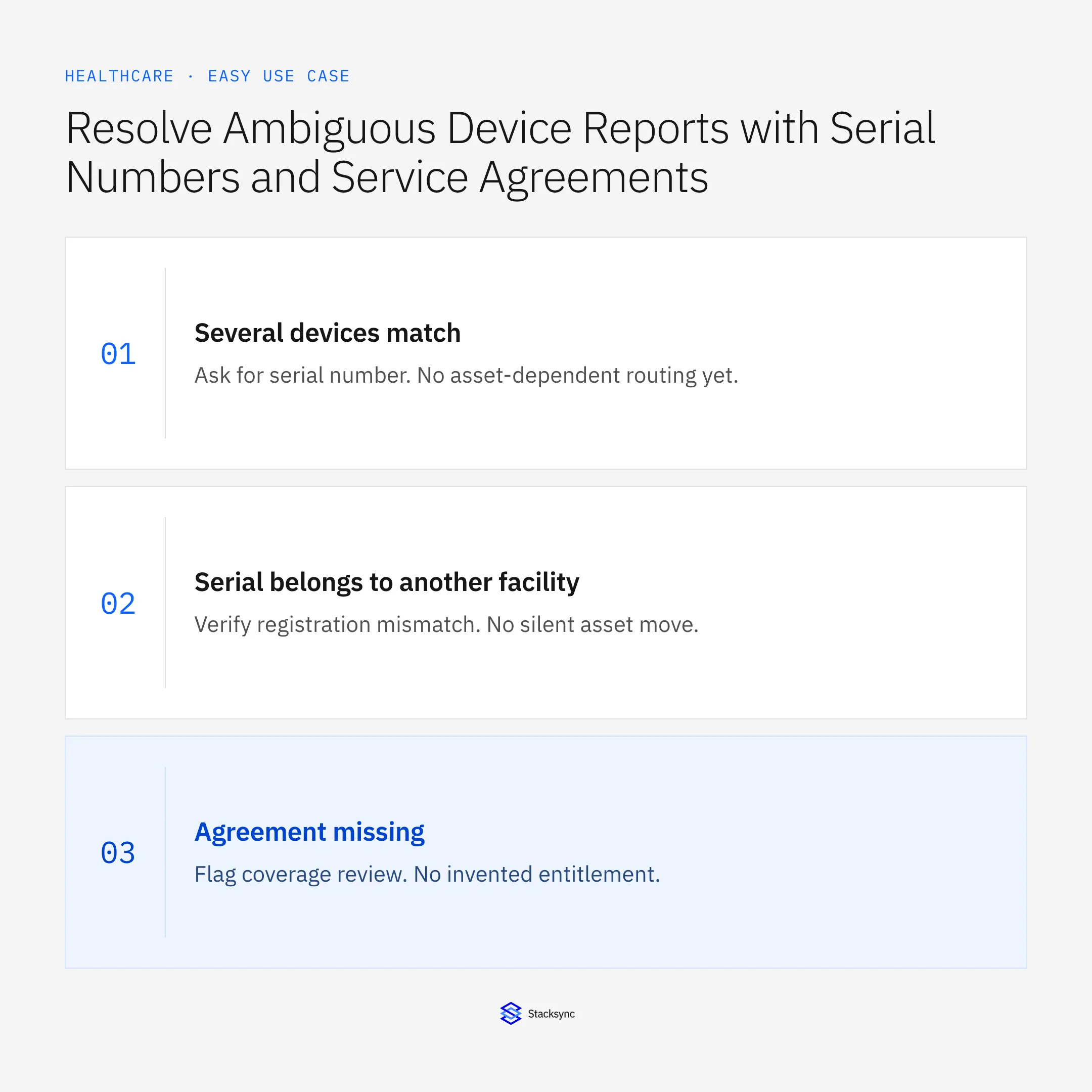
| Several devices match | Ask for serial number | No asset-dependent routing yet |
| Serial belongs to another facility | Verify registration mismatch | No silent asset move |
| Agreement missing | Flag coverage review | No invented entitlement |
| Patient details included | Exclude from matching and summary | Equipment-only handoff |
Exception decisions for equipment support routing.
Illustrative exception and recovery
A supplied serial belongs to an asset registered at another facility. The workflow records the mismatch and asks for verification. It does not select the nearest matching model or update the facility registration without an authorized review.
This example uses fictional records to show the decision logic. It is not a customer case study or a claim of measured results. In a live case, retain the actual record IDs and evidence behind each statement, and replace all illustrative quantities or timing assumptions with the approved operational inputs.
What to record before resuming
An internal Zendesk handoff containing facility, unique registered asset, reported equipment issue, agreement reference, routing rationale, and any unresolved administrative gap.
Preserve the original finding and the evidence that resolves it. Record which person or system supplied the clarification, which proposal it applies to, and the action now permitted. Do not erase the uncertainty from the history: a later reviewer needs to understand why the case paused and why it resumed.
Boundaries that remain in force
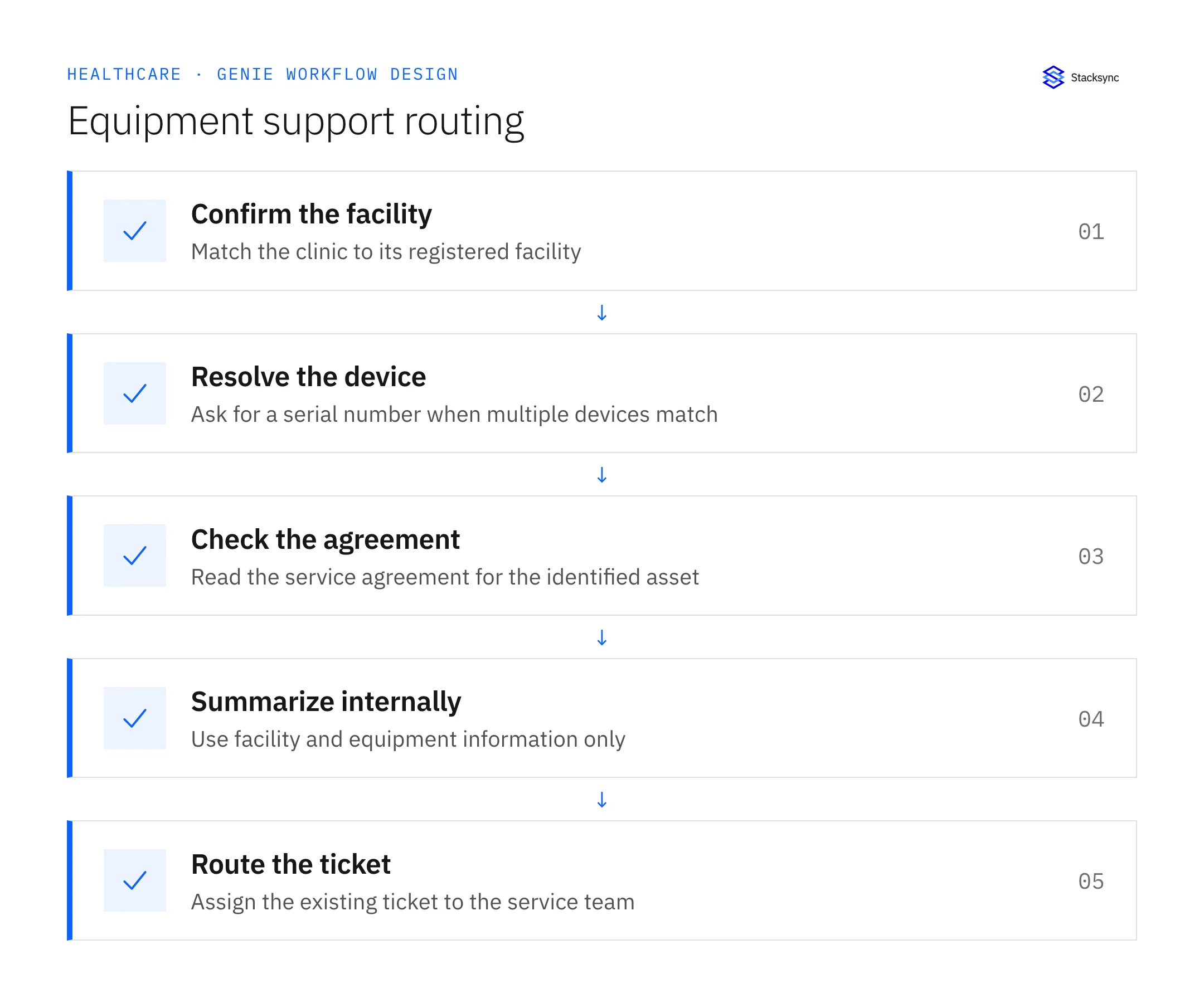
- Match the clinic to the correct Salesforce facility and registered asset.
- Ask for the serial number before proceeding when several devices match.
- Use the applicable service agreement and add an internal Zendesk summary.
- Route to the service team using facility and equipment information only, excluding patient records.

Review the case before restarting
First verify that the new evidence resolves the original blocker rather than a different issue. Then check whether the case, source records, or proposed action changed during the wait. A response attached to the right ticket can still be insufficient if it refers to an earlier proposal or leaves a required quantity, identity, or approval unresolved.
Run the relevant row from the decision table as a review scenario. Confirm that the job stops at the required boundary, asks for the specified information or decision, and resumes from the confirmed state. If a write or message may already have succeeded, inspect its destination before repeating it; if this job only prepares a draft or report, verify that it stays within that output scope.
- Tickets routed with a unique facility and asset match
- Ambiguous matches resolved before assignment
- Internal summaries limited to facility and equipment information
Track unresolved cases by their actual blocker and owner. A case waiting for clarification needs a different next action from one waiting for a confirmed result. Review the evidence when the state changes, and keep any still-unresolved completion condition visible instead of treating a successful intermediate step as the end of the work.
Give your Genie a job description
Copy the job description below. It preserves the scope and decision boundaries of this use case. Configure the referenced systems, record relationships, policies, and approval owners in your workspace before enabling the job.
Paste this into “Give your Genie a job description.” Explore Stacksync Genies.
Implementation references
These first-party references document the underlying records and interfaces. The cross-system sequence, approvals, and completion rules in this article are a proposed operational configuration; validate them against your connected workspace before enabling it.

FAQ
Frequently asked questions
Related articles





