






















See Pipedrive Deals in Snowflake the Instant They Change
A guide to keeping Pipedrive and Snowflake in real-time two-way sync. It explains why nightly ETL leaves CRM analytics stale, how a Pipedrive change reaches Snowflake in seconds, how modeled scores are pushed back into Pipedrive so reps act on them (reverse ETL), why a field-level sync stays under the Pipedrive API rate limits, and how real-time sync compares to a batch export.
- Author
- Ruben Burdin · Founder & CEO
- Published
- Read time
- 7 min read

Analytics teams want Pipedrive data in Snowflake so the pipeline sits next to product, billing, and marketing data they already model. The usual way to get it there is a nightly ETL job, and that is exactly where the trouble starts: the dashboards are a day stale, and the job hammers the Pipedrive API by pulling everything each run.
A real-time sync is better on both counts. It streams each change into Snowflake within seconds and moves only what changed, and it can push modeled values back into Pipedrive so reps act on them. Here is how it works and why it beats the batch.
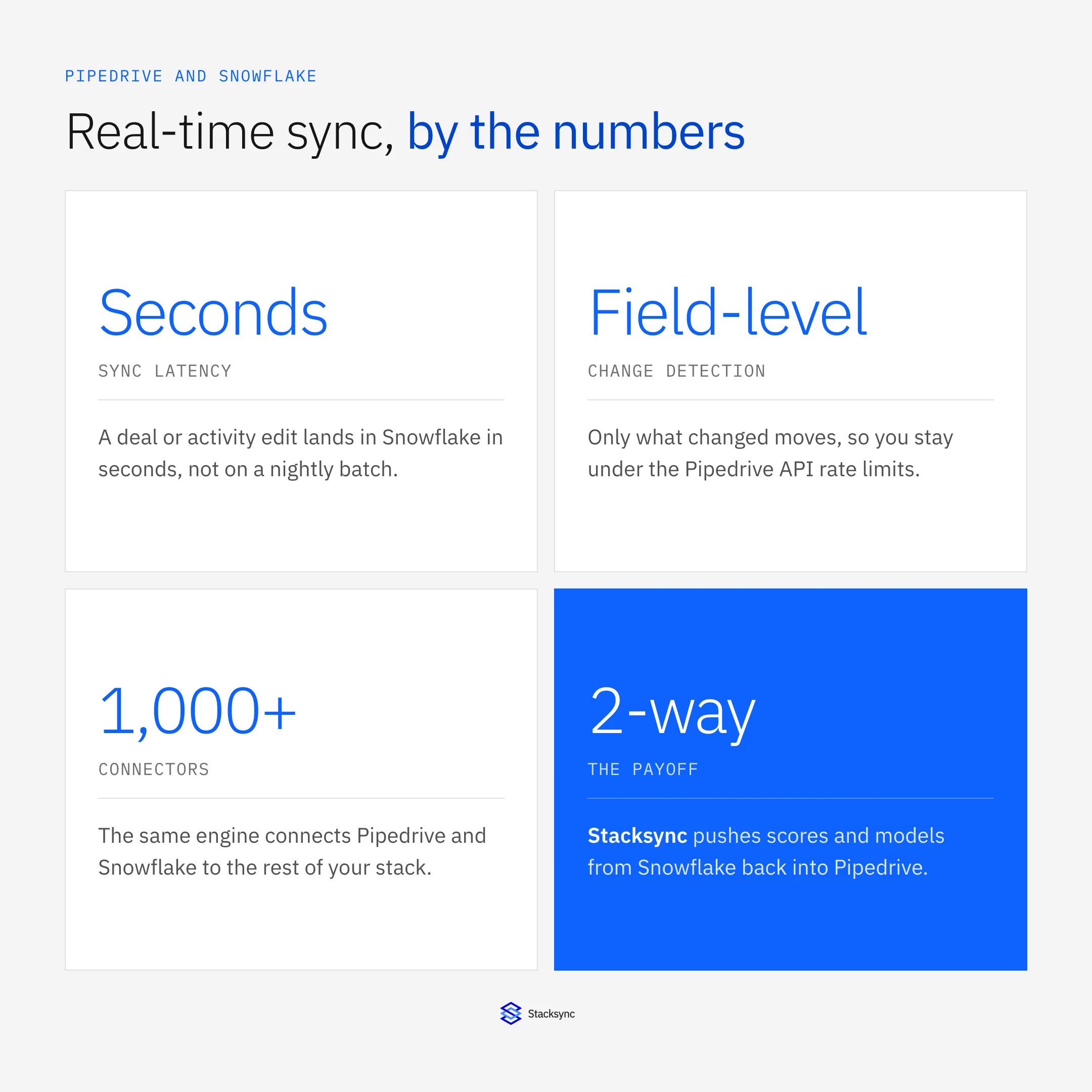
The engine behind this is the same one used for any pairing; the broader guide to an enterprise iPaaS for Pipedrive covers it. Here we focus on the warehouse case.
Why real time matters for CRM analytics
A pipeline changes all day: deals move stages, activities get logged, contacts get updated. A nightly reload means every dashboard, forecast, and model is working from yesterday’s picture, and the gap is widest exactly when the day is busiest and the data matters most.
Real-time sync closes that gap. Snowflake reflects the pipeline as it is now, so a forecast built at 3pm uses 3pm data, and a churn or scoring model runs on current activity rather than a stale snapshot. For teams making decisions off CRM data, that difference is the whole point.
How a Pipedrive change reaches Snowflake
When a deal or activity changes in Pipedrive, a short pipeline runs: a webhook fires, the changed fields are detected, mapped to your Snowflake tables, resolved against any conflict, and applied, and then any value modeled in Snowflake is pushed back to Pipedrive.
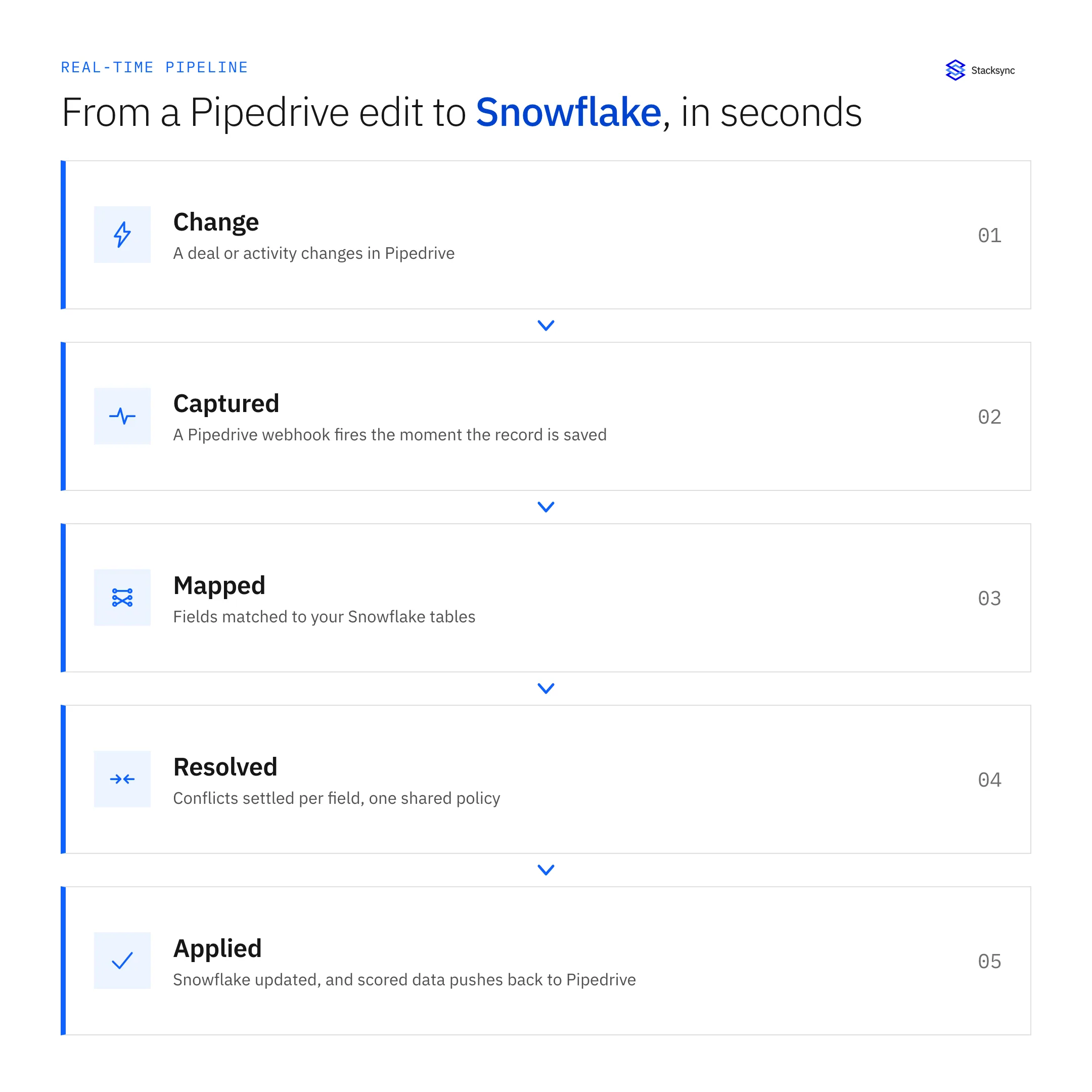
Because detection is field-level, only what changed moves, so the sync uses a fraction of the API budget a full export would and stays well under the Pipedrive rate limits. If it ever approaches one, it backs off and retries rather than failing the run.
The round trip: scores back into Pipedrive
Getting Pipedrive into Snowflake is half the value. The other half is sending what the warehouse computes back to the CRM: a lead score, a health flag, an account tier. That reverse-ETL leg is what turns a dashboard nobody opens into a field on the deal that reps actually use.
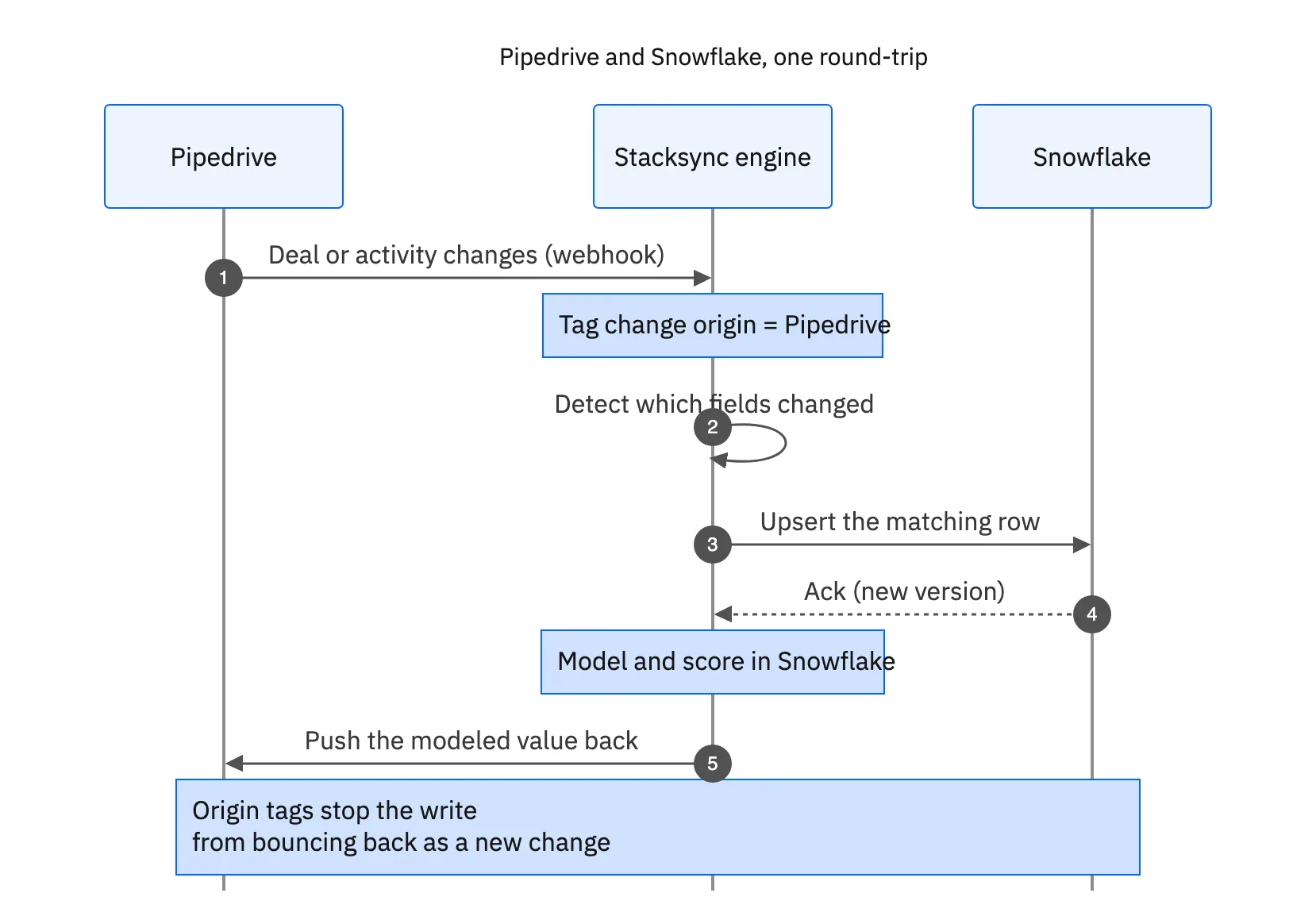
Origin tracking makes this safe: the value written back into Pipedrive is tagged as coming from the sync, so it is not picked up as a fresh CRM change and streamed back to Snowflake again. The loop closes cleanly.

Real-time sync versus a batch export
The contrast with a scheduled ETL job is stark once you line the two up.
| Nightly batch ETL | Real-time two-way sync | |
|---|---|---|
| Freshness | A day stale | Seconds behind the change |
| What moves | Every record, every run | Only the fields that changed |
| API pressure | High, pulls everything | Low, stays under limits |
| Write-back to Pipedrive | A separate reverse-ETL tool | Built in, same engine |
| Failure handling | Re-run the whole job | Backs off and retries |
Why a real-time field-level sync beats a nightly batch for Pipedrive and Snowflake.
A warehouse that keeps up
Real-time sync makes Snowflake reflect the Pipedrive pipeline as it is now, and pushes what the warehouse models back into the CRM so reps act on it. It moves only what changed, stays under the API limits, and closes the loop cleanly with origin tracking.
To see Pipedrive and Snowflake kept in real-time two-way sync, book a demo, or read the broader guide to an enterprise iPaaS for Pipedrive.

FAQ
Frequently asked questions










Explore these integrations and topics
- connectorPipedrive integrations
- connectorSnowflake integrations
- platformCRM synchronization
- platformWarehouse data flows
- CRM synchronization guidesConnect customer records across sales, marketing, and operational systems.
- Warehouse data flows guidesChoose between ingestion, reverse ETL, and operational write-back for warehouse data.
Related articles






