






















Plastics manufacturing EDI: distinguish blanket orders, releases and pack quantities
Weekly distributor releases arrive in cartons while NetSuite plans in pieces; EDI intake keeps every release and its original unit intact before planning accepts demand.
- Author
- Alexis Favre · Co-Founder & CTO
- Published
- Read time
- 4 min read

The operating decision
Plastics EDI intake should distinguish the customer’s blanket agreement from the individual releases that create actionable demand. Preserve partner, PO, release and line identity, then map the customer’s part and pack unit to the approved internal item. Document receipt is not production acceptance. Use the partner’s agreed 850/860 process where applicable, and keep tooling, sample or forecast information separate from the quantities planning has accepted for a molding run.
Explore the complete plastics and molding integration and automation hub for the systems and processes around this guide.
What this looks like in plastics and molding
A molder supplies a distributor under a blanket PO. The distributor sends weekly releases in cartons, while the ERP plans production in pieces. A revised release reduces one delivery and moves another date. If intake matches only the PO number, it can overwrite prior accepted releases. If it interprets cartons as pieces, it understates demand. The correct process retains each release and original unit, applies the reviewed conversion, and checks whether changed quantities affect work that has already begun.
Records, ownership, and update rules
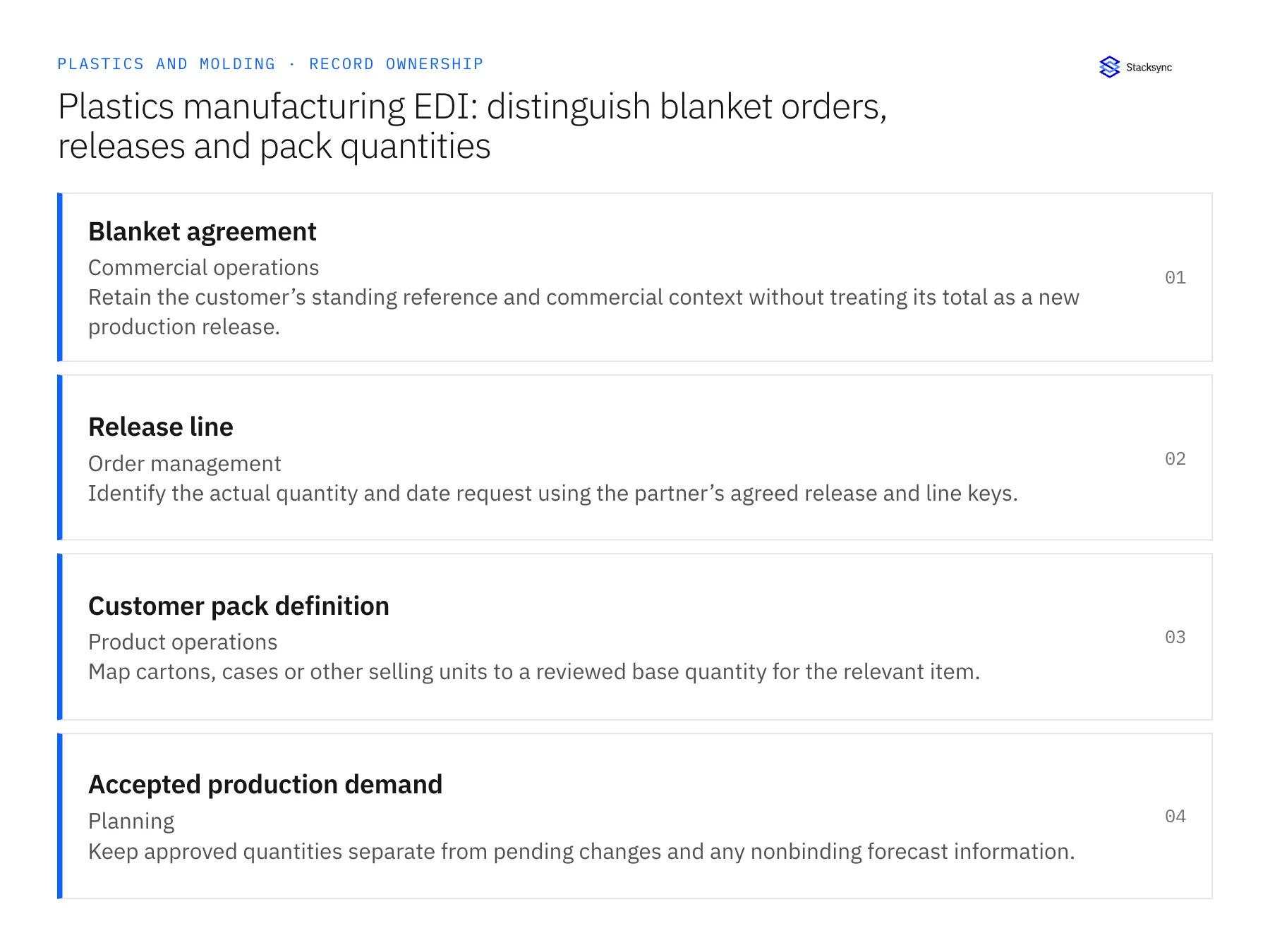
| Record | Owner | Operating rule |
|---|---|---|
| Blanket agreement | Commercial operations | Retain the customer’s standing reference and commercial context without treating its total as a new production release. |
| Release line | Order management | Identify the actual quantity and date request using the partner’s agreed release and line keys. |
| Customer pack definition | Product operations | Map cartons, cases or other selling units to a reviewed base quantity for the relevant item. |
| Accepted production demand | Planning | Keep approved quantities separate from pending changes and any nonbinding forecast information. |
Work through the process
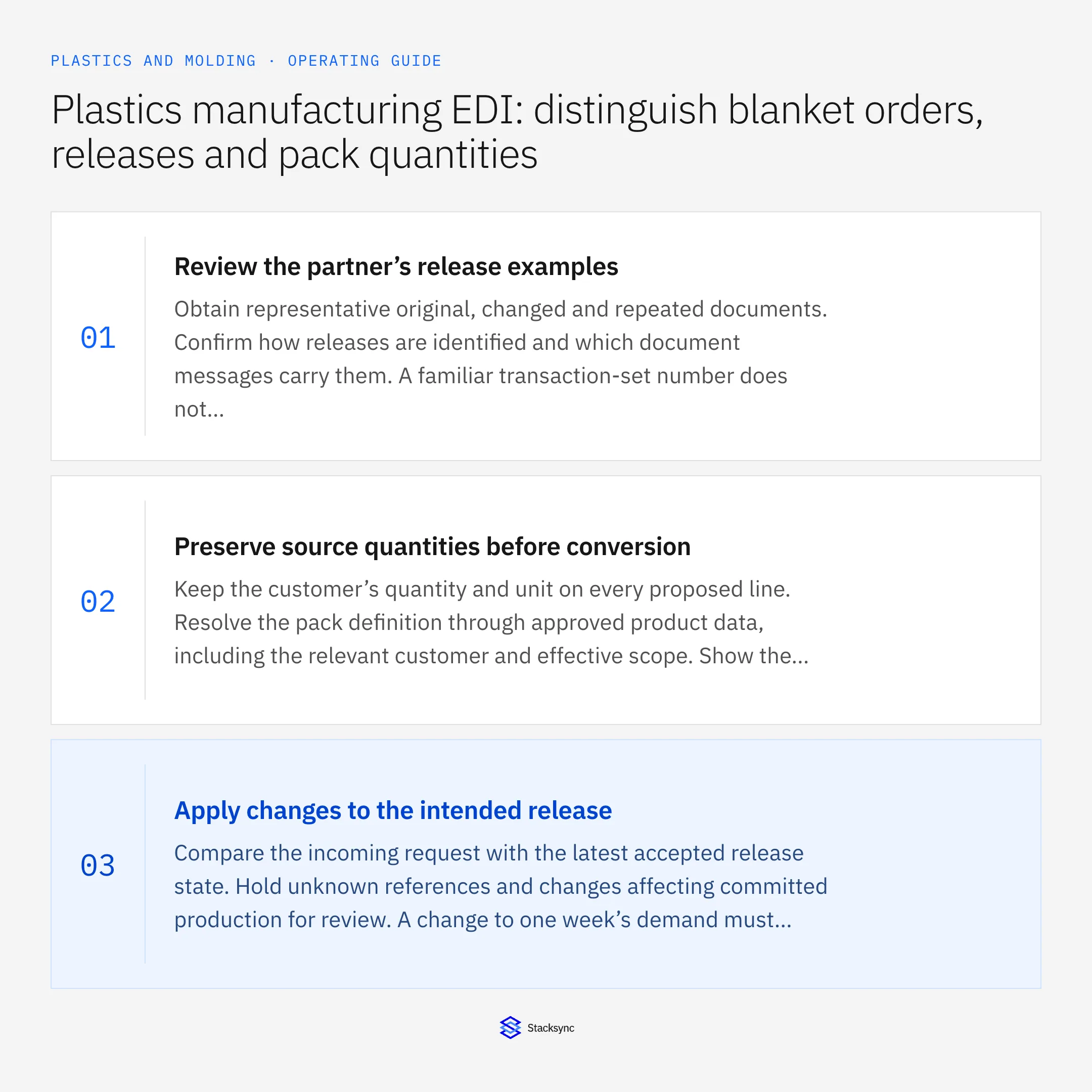
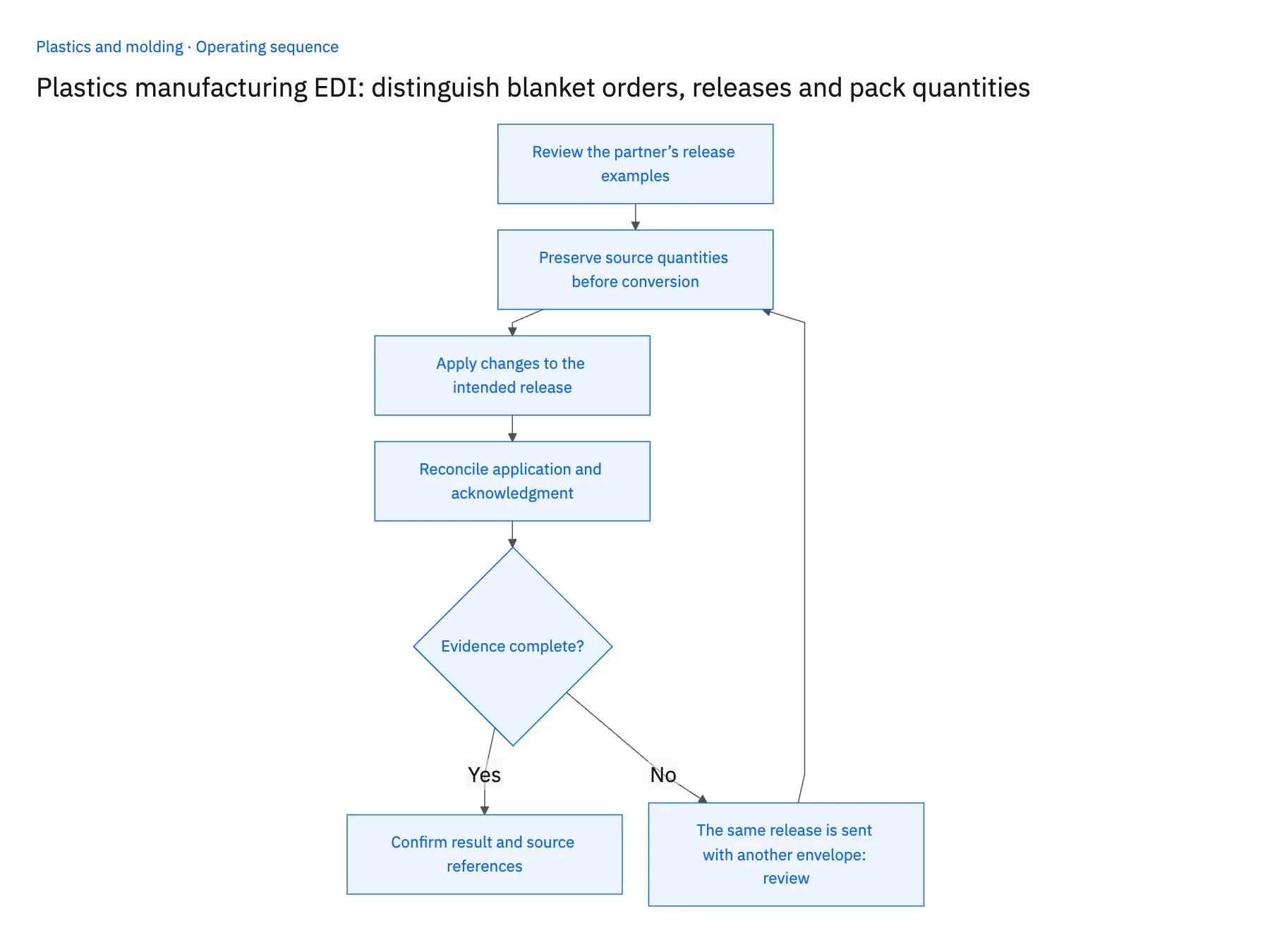
- 01Review the partner’s release examplesObtain representative original, changed and repeated documents. Confirm how releases are identified and which document messages carry them. A familiar transaction-set number does not by itself explain the partner’s business convention.
- 02Preserve source quantities before conversionKeep the customer’s quantity and unit on every proposed line. Resolve the pack definition through approved product data, including the relevant customer and effective scope. Show the calculated base quantity so a reviewer can inspect the conversion.
- 03Apply changes to the intended releaseCompare the incoming request with the latest accepted release state. Hold unknown references and changes affecting committed production for review. A change to one week’s demand must not overwrite another week’s accepted quantity under the same blanket PO.
- 04Reconcile application and acknowledgmentConfirm which lines the ERP accepted and retain their destination references. Prepare the agreed business response from that outcome. Keep transmission failures separate so retrying a response does not recreate the production demand.
Handle the exceptions explicitly
The same release is sent with another envelope
Use the business release identity and processing history to recognize the replay.
The carton quantity changes for a new packaging version
Require a reviewed effective conversion and preserve earlier orders under the version they accepted.
The customer sends an annual estimate with releases
Represent it as planning context under the agreed meaning, not another firm production order.
What to verify before expanding
- Separate releases under one PO retain distinct quantities and dates.
- The original carton quantity remains visible beside the converted piece quantity.
- A replay adds no new demand and an accepted revision updates only its target release.
- Pending production-impacting changes remain distinct from the current accepted schedule.

Connect this process to the rest of your operation
Explore Stacksync EDI and scope the records and actions against your actual systems. Book a demo with a real blanket agreement example and the exception your team handles most often, for example the same release is sent with another envelope.
- Plastics manufacturing: connect Salesforce tooling quotes and NetSuite production orders
- Plastics brands using NetSuite and Shopify: preserve pack sizes and released stock
- Plastics manufacturing: connect Dynamics resin lots to a SQL Server readiness view
- Bi-Directional Sync for Microsoft Dynamics 365 EDI
- Design Reliable Sync: Ditch Exactly-Once Delivery, Embrace Idempotency
The shared architecture guide covers record matching, ownership, and recovery across systems.
Technical references
FAQ
Frequently asked questions










Related articles






