






















Manufacturing EDI 850 and 860: accept orders and revisions without duplicate demand
A document ledger and stable line mapping let a supplier tell an 850 replay from an 860 that cuts a line already in production, and answer the partner from accepted outcomes.
- Author
- Alexis Favre · Co-Founder & CTO
- Published
- Read time
- 4 min read

The operating decision
Manufacturing EDI intake should preserve the identity and sequence of each customer order while separating document receipt from business acceptance. X12 850 carries a purchase order and 860 supports buyer-initiated changes. The partner agreement determines how those documents apply to the order lifecycle. Validate item references, units and existing production commitments before accepting a change. Reprocessing the same business request should not create another order, release or production requirement.
Explore the complete manufacturing integration and automation hub for the systems and processes around this guide.
What this looks like in manufacturing
A supplier receives an 850 purchase order, creates an ERP draft, and then sees the file delivered again after the sender experiences a connection problem. Later, an 860 reduces one line after material has already been issued. Transport receipt alone cannot distinguish a harmless replay from a consequential revision. The intake process needs a document ledger, a stable order-line mapping and a separate approval state for the change. The customer should receive the business response required by its agreed process, based on what the supplier actually accepted.
Records, ownership, and update rules
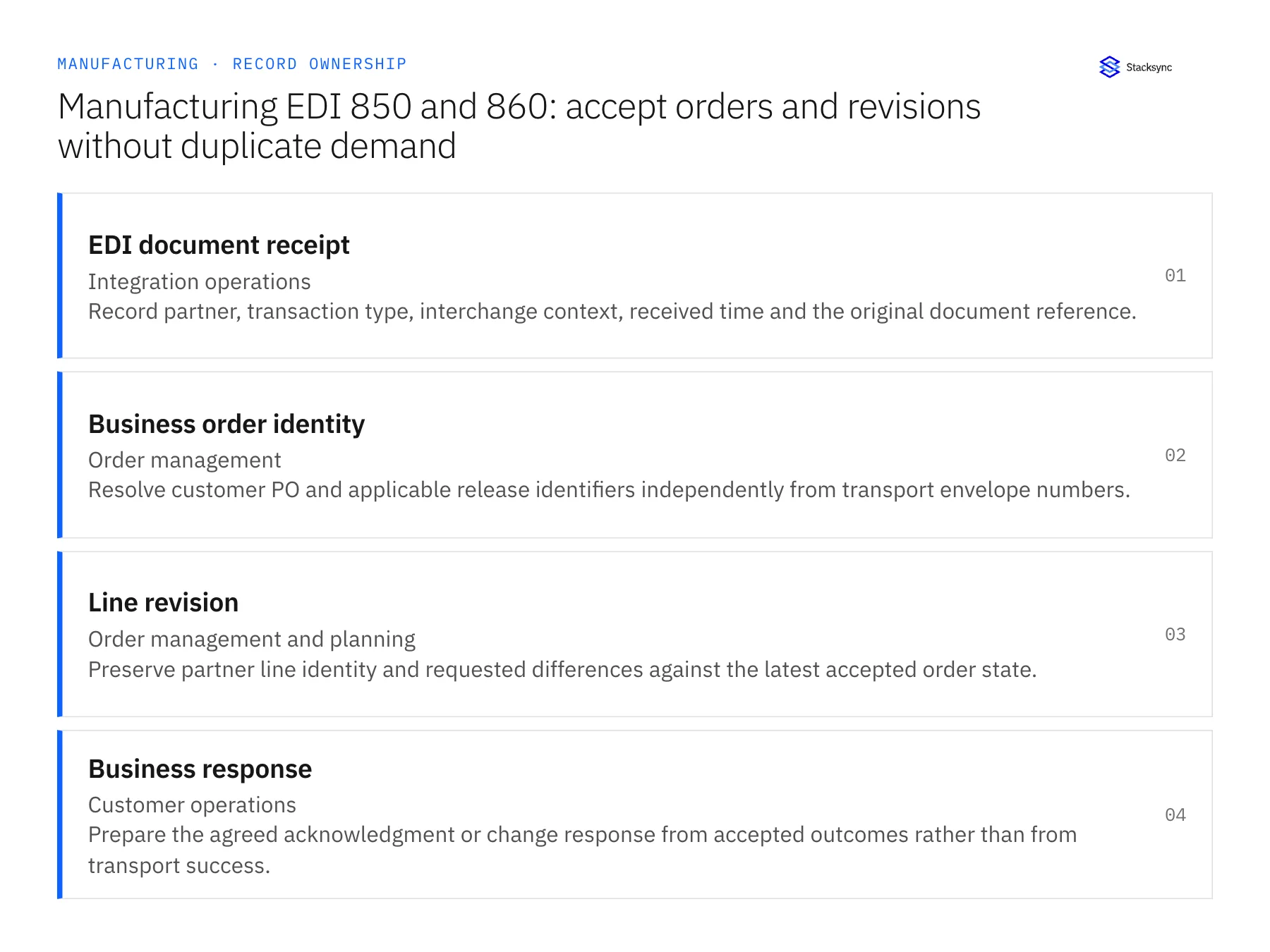
| Record | Owner | Operating rule |
|---|---|---|
| EDI document receipt | Integration operations | Record partner, transaction type, interchange context, received time and the original document reference. |
| Business order identity | Order management | Resolve customer PO and applicable release identifiers independently from transport envelope numbers. |
| Line revision | Order management and planning | Preserve partner line identity and requested differences against the latest accepted order state. |
| Business response | Customer operations | Prepare the agreed acknowledgment or change response from accepted outcomes rather than from transport success. |
Work through the process
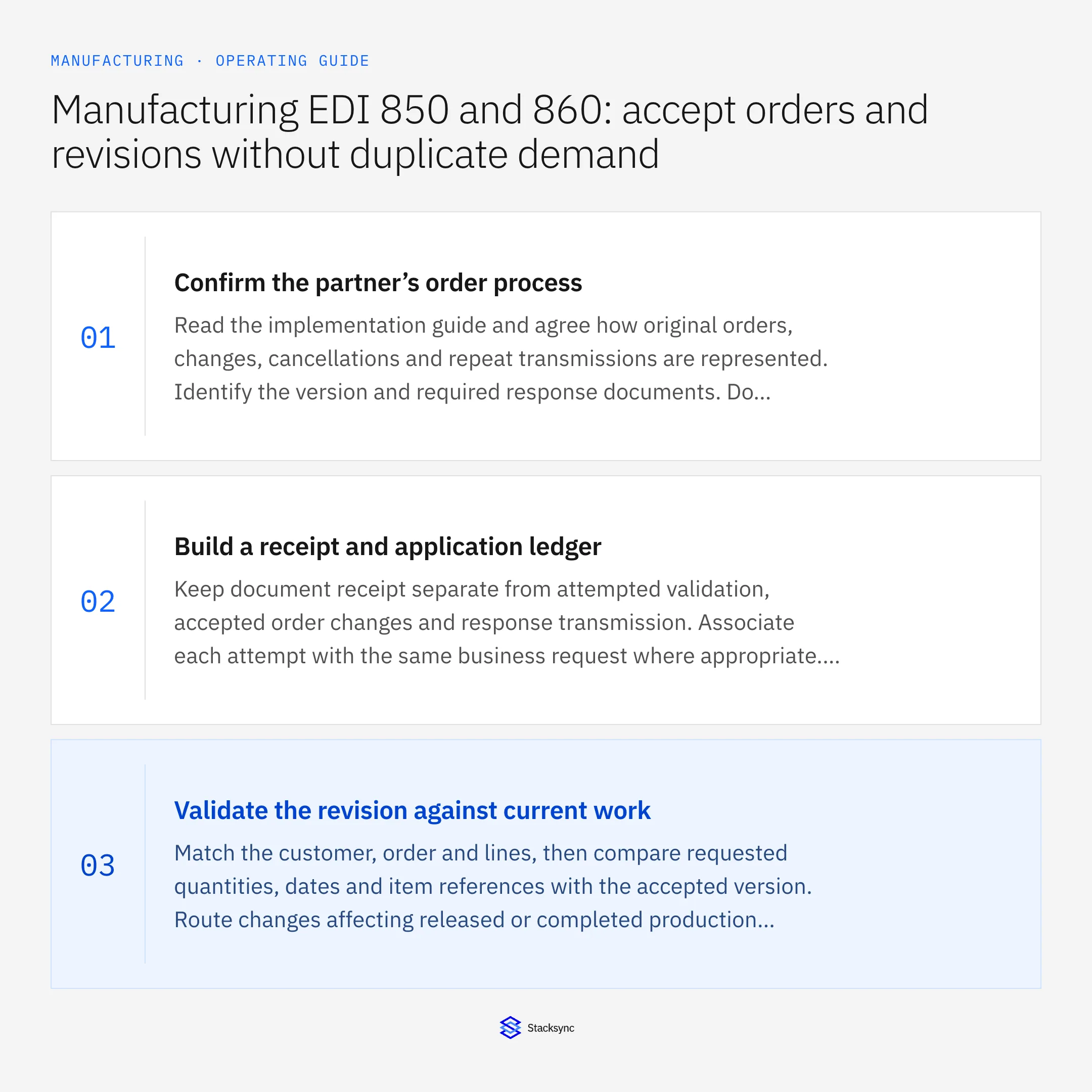
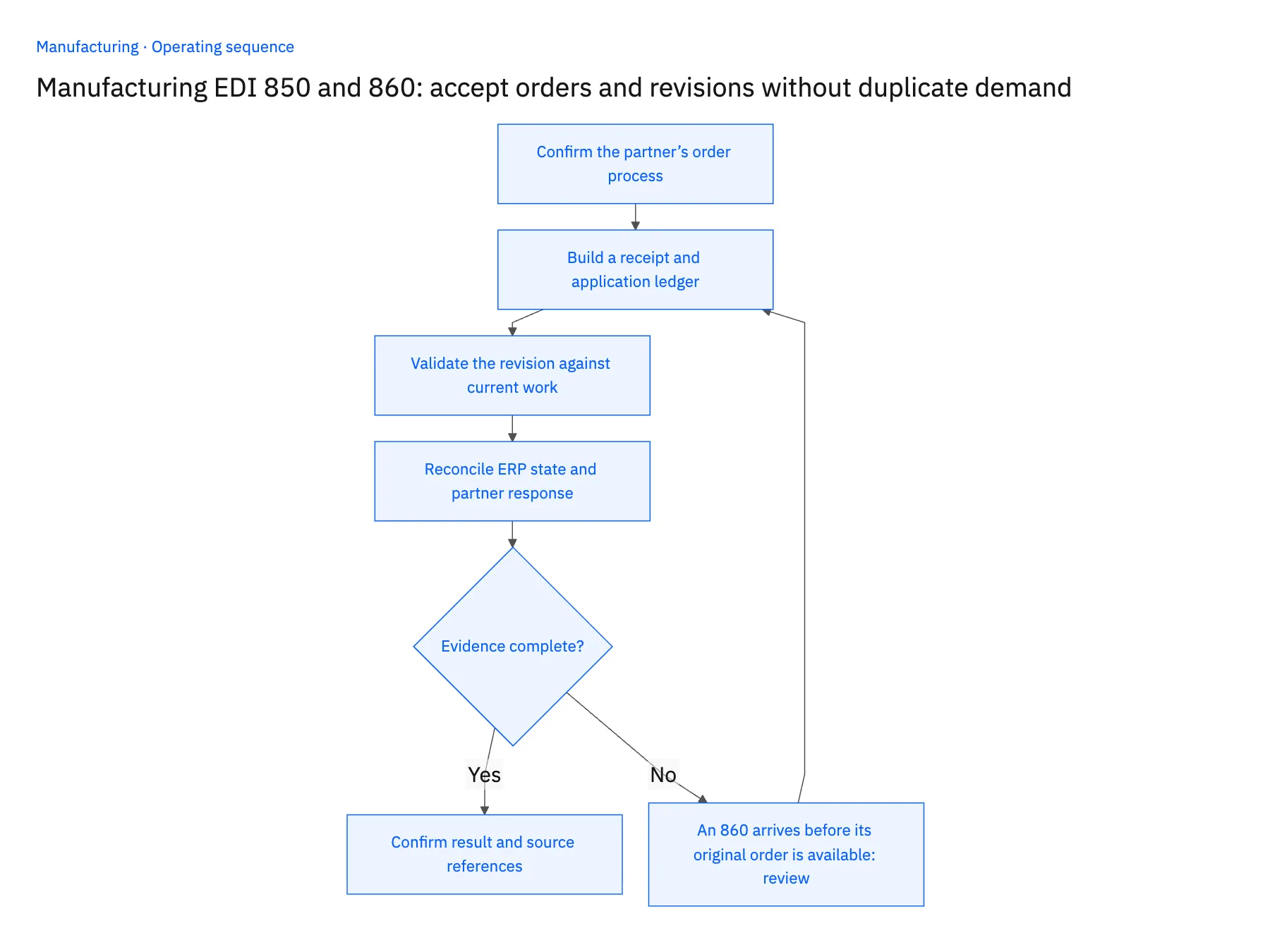
- 01Confirm the partner’s order processRead the implementation guide and agree how original orders, changes, cancellations and repeat transmissions are represented. Identify the version and required response documents. Do not assume that every customer uses an 860 in the same way or that a repeated 850 always means new demand.
- 02Build a receipt and application ledgerKeep document receipt separate from attempted validation, accepted order changes and response transmission. Associate each attempt with the same business request where appropriate. This lets an operator recover from an interrupted run without guessing whether the ERP transaction was already applied.
- 03Validate the revision against current workMatch the customer, order and lines, then compare requested quantities, dates and item references with the accepted version. Route changes affecting released or completed production to planning. Preserve unaffected lines and record partial acceptance if the partner process permits it.
- 04Reconcile ERP state and partner responseConfirm the accepted destination identifiers before marking the application step complete. Generate the agreed response from that result and track its delivery separately. If response delivery fails, retry the response rather than applying the order change a second time.
Handle the exceptions explicitly
An 860 arrives before its original order is available
Hold the change with its references and investigate sequencing or missing intake. Do not create a guessed original order simply to make the change appear processed.
A file is redelivered with different transport metadata
Compare the business request and application ledger before creating demand. Envelope identity alone may not describe whether the commercial instruction is new.
The partner cancels a line already in production
Route the requested cancellation to the approved disposition process. A syntactically valid EDI change does not override production or commercial policy.
What to verify before expanding
- Replaying the same accepted purchase order does not create a second ERP order.
- A line change updates the intended existing line without reassigning unaffected quantities.
- A failed response transmission can be retried without repeating the business update.
- Operators can distinguish received, validated, pending review, applied and responded states.

Connect this process to the rest of your operation
Explore Stacksync EDI and scope the records and actions against your actual systems. Book a demo with a real EDI document receipt example and the exception your team handles most often, for example an 860 arrives before its original order is available.
- Salesforce and Acumatica for manufacturing: turn an approved quote into a traceable order
- Dynamics 365 Finance and SQL Server: keep manufacturing order lines current
- NetSuite and Shopify for manufacturers: publish saleable finished goods
- NetSuite AI Agents: Building SLMs for Instant Insights
- Real-Time Sync for Manufacturing ERP & Shop Floor Data
The shared architecture guide covers record matching, ownership, and recovery across systems.
Technical references
FAQ
Frequently asked questions










Related articles





