






















Approved Change Order to Billing Queue: Automating Construction Service Handoffs
Move approved construction changes into a controlled billing queue with scope versions, acceptance evidence and duplicate protection.
- Author
- Ignacio Malpartida · GTM Engineer
- Published
- Read time
- 4 min read

The operating decision
Automate the handoff from an approved construction change order to billing by carrying the approved scope version, job reference, price basis, and authorization evidence into a reviewable queue. A workflow should check prerequisites and create the next permitted action; it should not infer approval from an email mentioning extra work. Keep the original contract, proposed changes, approved changes and billed changes distinct so an update cannot cause the same variation to be billed twice.
Explore the complete construction services and installation integration and automation hub for the systems and processes around this guide.
What this looks like in construction services and installation
In a commercial plumbing project, the customer requests an additional restroom connection after mobilization. A superintendent records the request, the estimator prices it, and the authorized customer representative approves a revised scope. Billing still waits because the approval is buried in correspondence. A workflow can assemble the approved revision and work evidence for finance. If the customer later changes the quantity, that is another controlled revision rather than an edit to the already billed item.
Records, ownership, and update rules
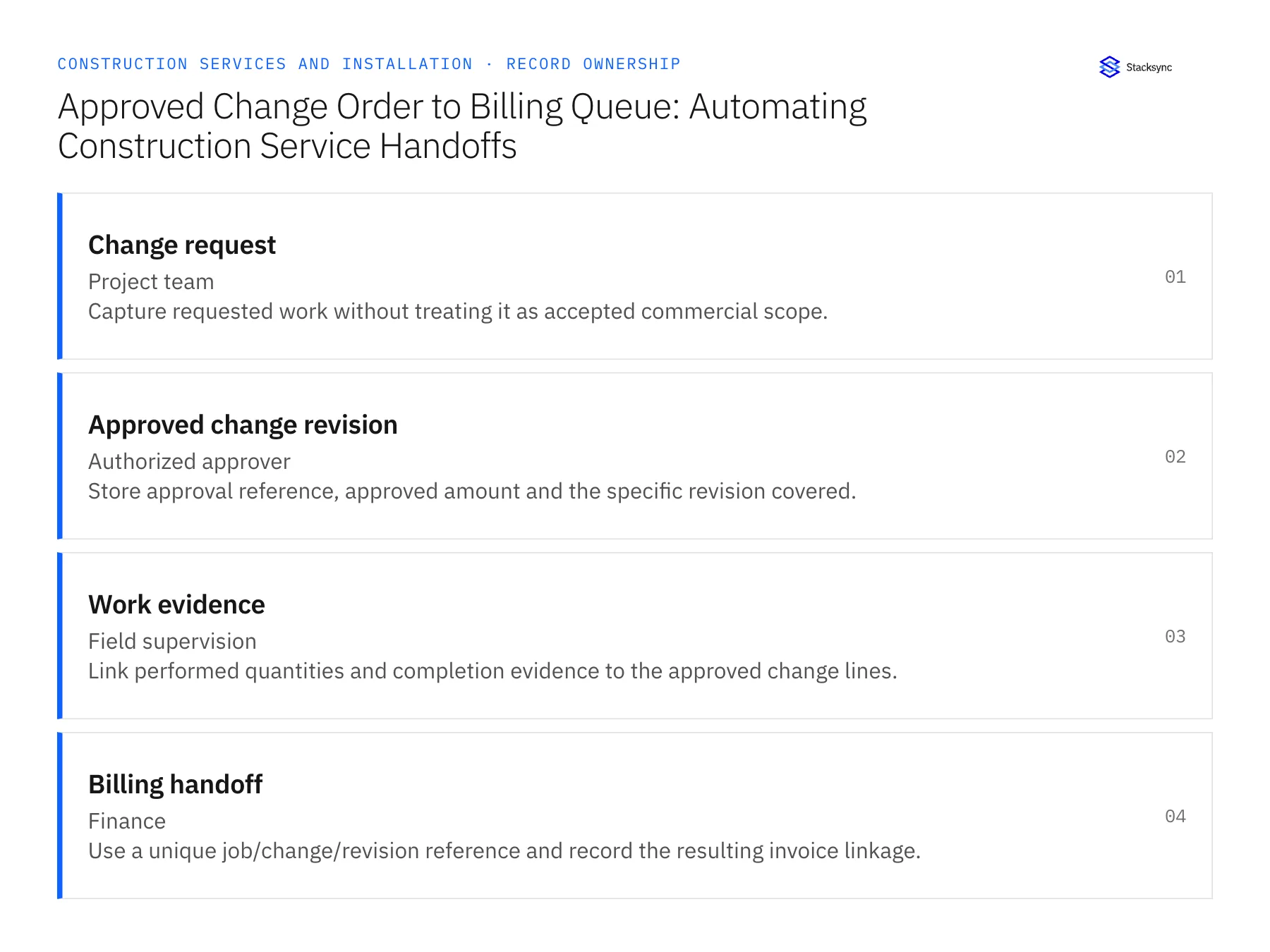
| Record | Owner | Operating rule |
|---|---|---|
| Change request | Project team | Capture requested work without treating it as accepted commercial scope. |
| Approved change revision | Authorized approver | Store approval reference, approved amount and the specific revision covered. |
| Work evidence | Field supervision | Link performed quantities and completion evidence to the approved change lines. |
| Billing handoff | Finance | Use a unique job/change/revision reference and record the resulting invoice linkage. |
Work through the process
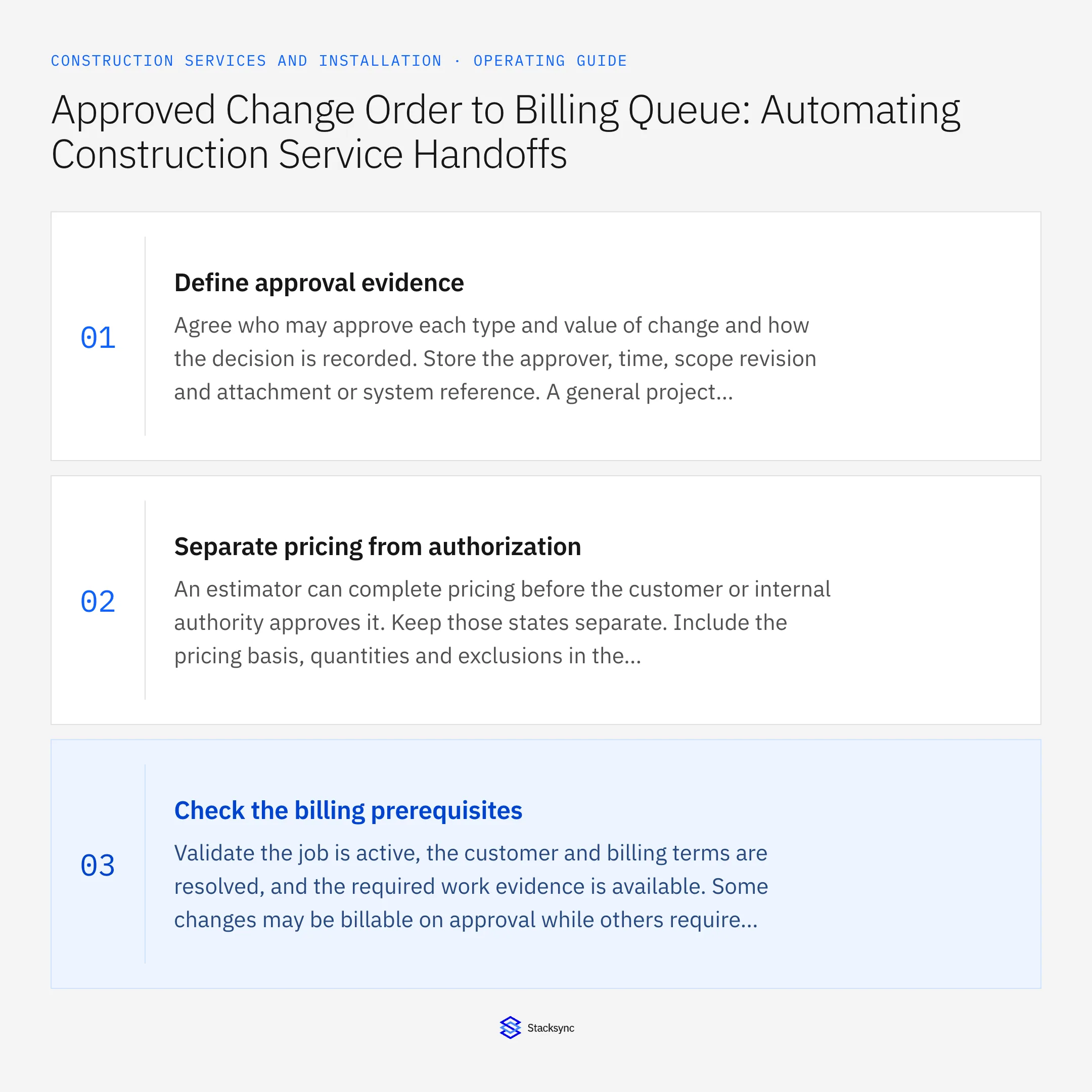
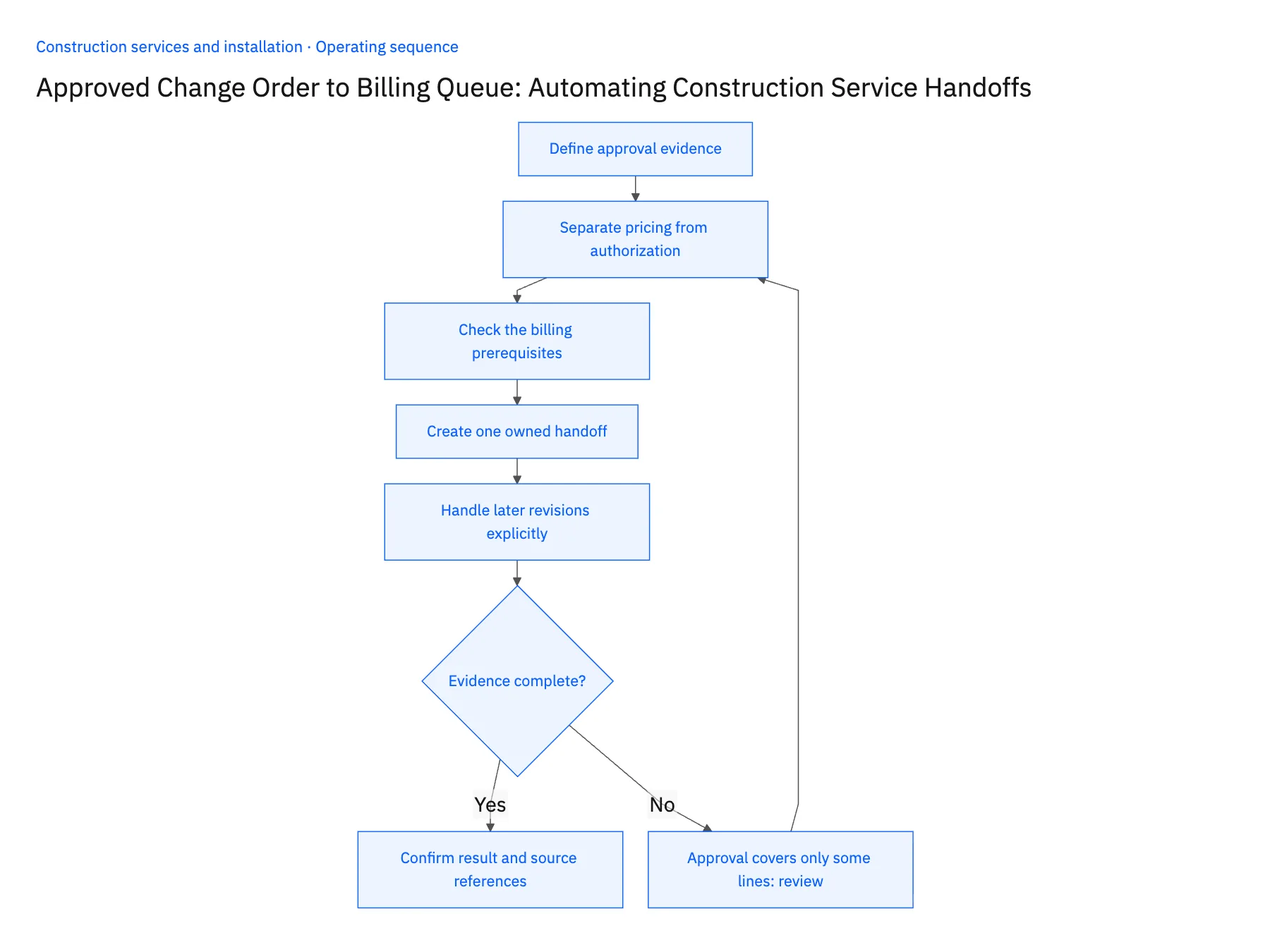
- 01Define approval evidenceAgree who may approve each type and value of change and how the decision is recorded. Store the approver, time, scope revision and attachment or system reference. A general project approval should not silently cover additional lines added afterward. The workflow should be able to show exactly what was accepted.
- 02Separate pricing from authorizationAn estimator can complete pricing before the customer or internal authority approves it. Keep those states separate. Include the pricing basis, quantities and exclusions in the revision passed forward so finance does not have to reconstruct whether the agreed amount includes freight, mobilization or after-hours work.
- 03Check the billing prerequisitesValidate the job is active, the customer and billing terms are resolved, and the required work evidence is available. Some changes may be billable on approval while others require completed work; encode the actual contract rule. Do not substitute one universal completed flag for those different conditions.
- 04Create one owned handoffUse the approved change revision as the deduplication reference for the billing task or supported draft operation. Store the downstream identifier after success. If a timeout occurs, look for that identifier before retrying so the same change cannot create a second billing request.
- 05Handle later revisions explicitlyWhen a previously approved change is revised, compare the new commercial version with what was already handed off or billed. Route the difference to finance with the original reference. A cancellation, credit or additional charge should follow its authorized process rather than erasing the historical record.
Handle the exceptions explicitly
Approval covers only some lines
Release only those lines and keep the remaining scope in an unresolved state.
Customer approval predates the latest price
Hold the handoff until the correct priced revision is approved.
Change was already included on an invoice
Show the existing invoice reference and send any difference for review instead of issuing a duplicate request.
What to verify before expanding
- The billing reviewer can open the exact approved scope.
- Unapproved lines remain outside the billing queue.
- A repeated trigger creates one handoff for one revision.
- A later change preserves its relationship to the earlier invoice.

Connect this process to the rest of your operation
Explore Stacksync workflows and scope the records and actions against your actual systems. Book a demo with a real change request example and the exception your team handles most often, for example approval covers only some lines.
- Construction Installation Readiness: Coordinate Parts, Site Access, and Crew Release
- Construction Invoice Readiness: Match Work Completion, Customer Sign-Off, and Billing Evidence
- AI Invoice and Expense Processing for Construction Services: Prepare Job-Cost Evidence for Finance
- Acumatica to Salesforce & HubSpot Integration
- How to Sync HubSpot and Supabase in minutes with Stacksync
The shared architecture guide covers record matching, ownership, and recovery across systems.
Technical references
FAQ
Frequently asked questions










Related articles





