






















Coordinate Public-Facility Maintenance from Request to Completion
Public-facility maintenance coordination connects a Zendesk report to the Salesforce asset, checks existing work requests in Postgres, and carries approved work through completion and invoice review.
- Author
- Ignacio Malpartida · GTM Engineer
- Published
- Read time
- 7 min read

Link the report to the asset and existing work
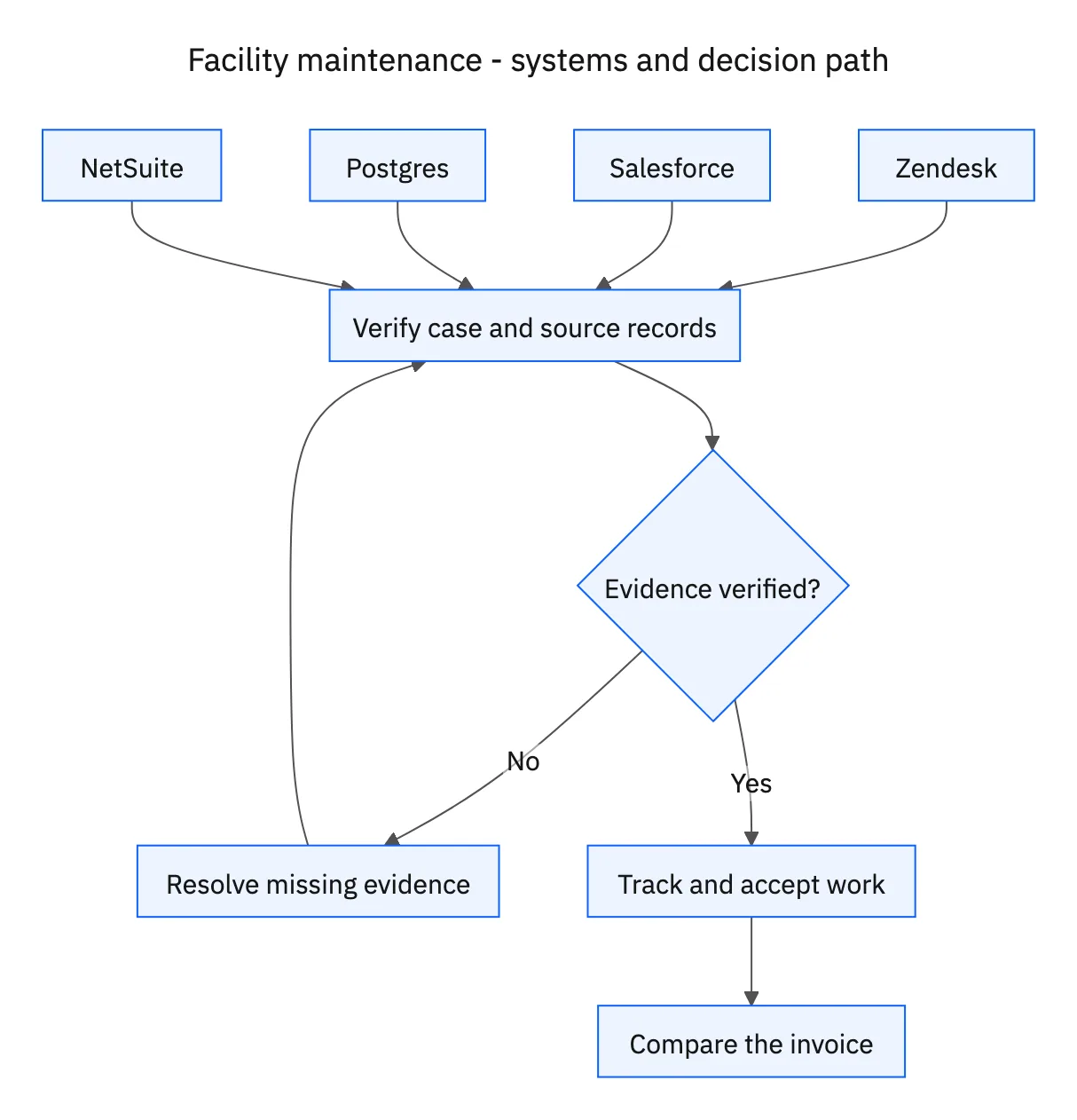
Public-facility maintenance coordination connects a Zendesk report to the Salesforce asset, checks existing work requests in Postgres, and carries approved work through completion and invoice review. The first decision is whether the problem already has an active request. Two reports about the same asset can be updates to one job rather than separate purchasing needs.
Match the facility and asset using registered identifiers. Compare existing request scope and status before deciding that a new job is needed. If the same asset has a different problem, preserve that distinction for facilities review rather than merging unrelated work solely because the asset ID matches.
Systems and prerequisites
This is a workflow design to configure with Stacksync Genies and your existing systems. Connecting an application does not by itself establish the permissions, record mappings, approval routing, or operational process described here. Before enabling the job, confirm which records the Genie can read, which actions it can take, and who receives clarification or approval requests.
| System or owner | Evidence and responsibility |
|---|---|
| Zendesk | Facility report, contractor coordination, progress updates, and facility acceptance. |
| Salesforce | Facility asset identity. |
| Postgres | Existing work requests, approved contractor records, progress, and completion evidence. |
| NetSuite | Approved purchase order and related invoice evidence. |
| Facilities and purchasing | Approval of the contractor quote and purchasing commitment. |
| Finance | Review of invoice discrepancies and all payment decisions. |
Required context for this workflow design.
Obtain the quote and both approvals before purchasing
Gather a quote from a contractor on the approved list. The proposal should identify the asset, work scope, quoted items, quantities or hours, cost, and the intended completion arrangement. If the contractor is not approved or the quote lacks enough detail, request the missing information rather than creating a purchase order against an unreviewed scope.
Obtain facilities and purchasing approval before creating the NetSuite purchase order. Record both decisions against the quote version they reviewed. A facilities agreement that work is needed does not substitute for purchasing approval of the commitment. Changes to scope or cost need the applicable approval process before additional work is recorded as authorized.
Track acceptance and then reconcile the invoice
Track the work in Postgres and coordinate updates through Zendesk. Preserve the contractor’s progress, completion evidence, and any remaining actions. Collect facility acceptance before closing the maintenance request; the contractor’s statement that work is complete does not establish the facility’s acceptance.
Compare the invoice with the approved work, purchase order, and completion evidence. Identify differences in scope, quantities, rates, or unsupported charges and send them to finance. Keep financial exceptions linked even when the maintenance work itself has been accepted. The workflow never authorizes payment, whether the invoice matches or requires investigation.
A five-step operating sequence
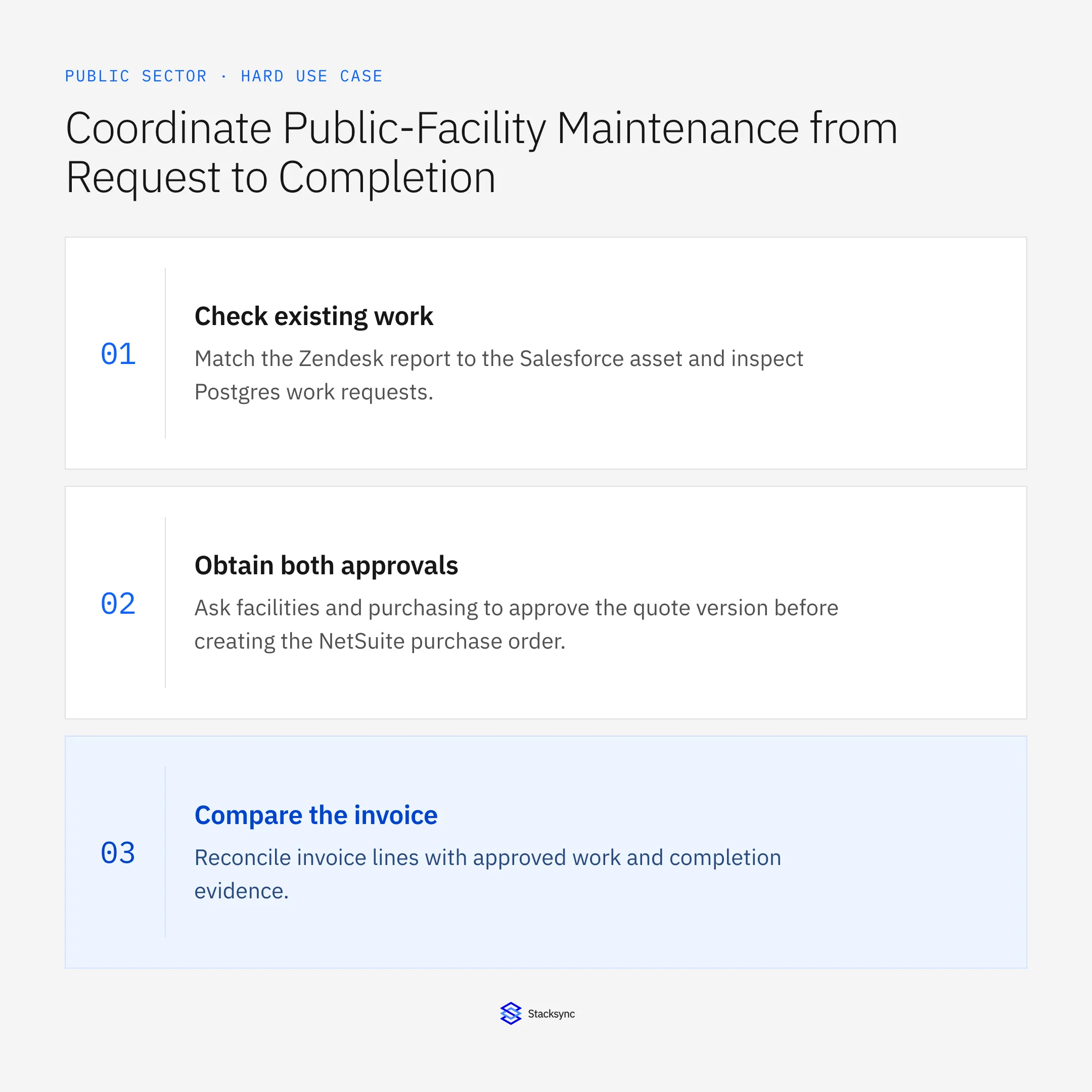
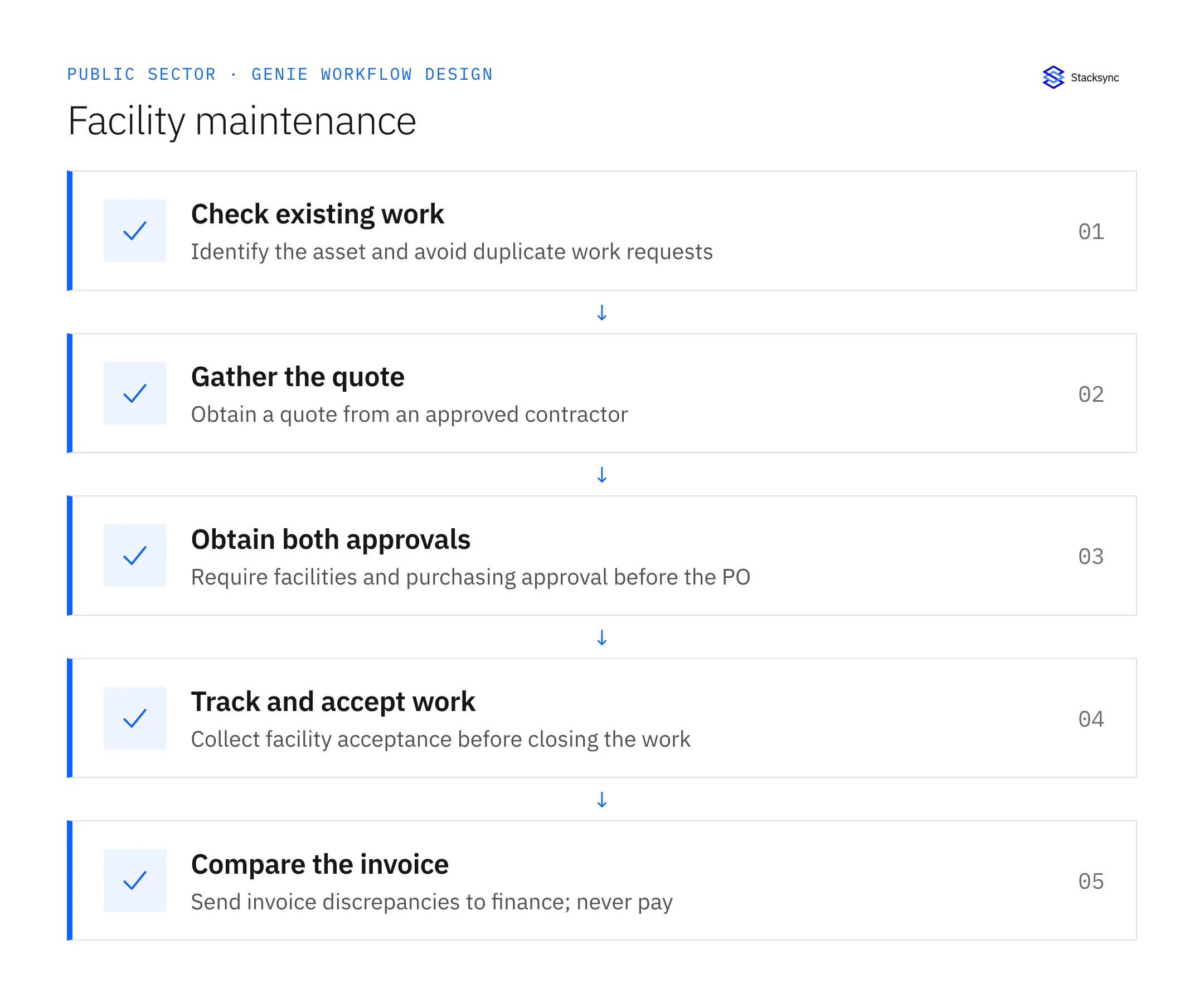
- 01Check existing workMatch the Zendesk report to the Salesforce asset and inspect Postgres work requests. Compare problem scope before creating or linking a request. The same asset can have unrelated issues, while repeated reports may describe one existing job.
- 02Gather the quoteUse an approved contractor and obtain a quote specifying the work, asset, quantities or hours, cost, and completion arrangement. Resolve missing scope before requesting approval. Do not treat a contractor’s informal availability as purchasing authorization.
- 03Obtain both approvalsAsk facilities and purchasing to approve the quote version before creating the NetSuite purchase order. Preserve both decisions and the approved scope. Additional work or cost must follow the applicable change-approval process rather than silently extending the order.
- 04Track and accept workTrack progress in Postgres and communicate through Zendesk. Collect completion evidence and facility acceptance before closing the maintenance request. A contractor’s completion note alone does not establish that the facility accepts the result.
- 05Compare the invoiceReconcile invoice lines with approved work and completion evidence. Send discrepancies to finance with the linked records, keeping financial exceptions visible after work acceptance. Do not authorize payment even when the invoice matches the approved purchase order.
Illustrative workflow example
Two facility staff report the same asset problem. The workflow links the second report to the existing work request, obtains an approved-contractor quote and both approvals, then creates one purchase order. Closure waits for facility acceptance.
This example uses fictional records to show the decision logic. It is not a customer case study or a claim of measured results. In a live case, retain the actual record IDs and evidence behind each statement, and replace all illustrative quantities or timing assumptions with the approved operational inputs.
What the handoff should contain
A linked maintenance record from asset and contractor quote through dual approval, purchase order, completion, facility acceptance, and any finance-owned invoice exception.
Keep the evidence reference, observation time, current owner, and outstanding decision with the case. A colleague taking over should be able to distinguish a proposal from a confirmed result without reading every previous message. If a source value changes while the case is waiting, recheck the affected decision before proceeding.
Approval and completion checklist
- Identify the Salesforce asset and check Postgres work requests before creating another.
- Use an approved contractor and require facilities plus purchasing approval before a NetSuite PO.
- Track work in Postgres and updates in Zendesk; obtain facility acceptance before closing.
- Compare invoice, approved work, and completion evidence; route discrepancies to finance and never authorize payment.

Validate the job before enabling it
Start with a small reviewed set of cases from the systems above. Include a complete case, an ambiguous match, a missing source record, and an interrupted action where the result is uncertain. Use a draft or test environment for validation and compare the output with the source records before allowing the configured production actions.
For this job, the most important checks are identify the Salesforce asset and check Postgres work requests before creating another. Compare invoice, approved work, and completion evidence; route discrepancies to finance and never authorize payment. Record the expected result before the trial, then compare both the proposed action and the final evidence. A fluent message is not a passing result if it skips one of these conditions.
- Duplicate work requests and purchase orders prevented
- Purchase orders backed by facilities and purchasing approval
- Accepted maintenance jobs with unresolved invoice discrepancies
Use these as operating measures, not promised performance improvements. Establish the current baseline and review exceptions with the team that owns the process. Investigate an increase in incorrect matches, unauthorized actions, or premature closure before expanding the job’s scope.
Give your Genie a job description
Copy the job description below. It preserves the scope and decision boundaries of this use case. Configure the referenced systems, record relationships, policies, and approval owners in your workspace before enabling the job.
Paste this into “Give your Genie a job description.” Explore Stacksync Genies.
Implementation references
These first-party references document the underlying records and interfaces. The cross-system sequence, approvals, and completion rules in this article are a proposed operational configuration; validate them against your connected workspace before enabling it.

FAQ
Frequently asked questions










Explore these integrations and topics
Related articles






