






















Investigate Supplier Invoice Exceptions Before Finance Review
Supplier invoice exception handling compares a flagged NetSuite invoice with the associated purchase order and evidence that goods or services were received.
- Author
- Ignacio Malpartida · GTM Engineer
- Published
- Read time
- 6 min read

Investigate the exception at invoice-line level
Supplier invoice exception handling compares a flagged NetSuite invoice with the associated purchase order and evidence that goods or services were received. The output is a documented proposed resolution for finance. The automation can gather records and request missing information, but it must not approve or release payment.
Identify the supplier, invoice number, purchase-order reference, currency, line quantities, and amounts. Link each disputed line to its purchasing and completion evidence. A correct invoice total does not establish that every line is valid, and a missing receipt for one line does not necessarily explain a price discrepancy on another.
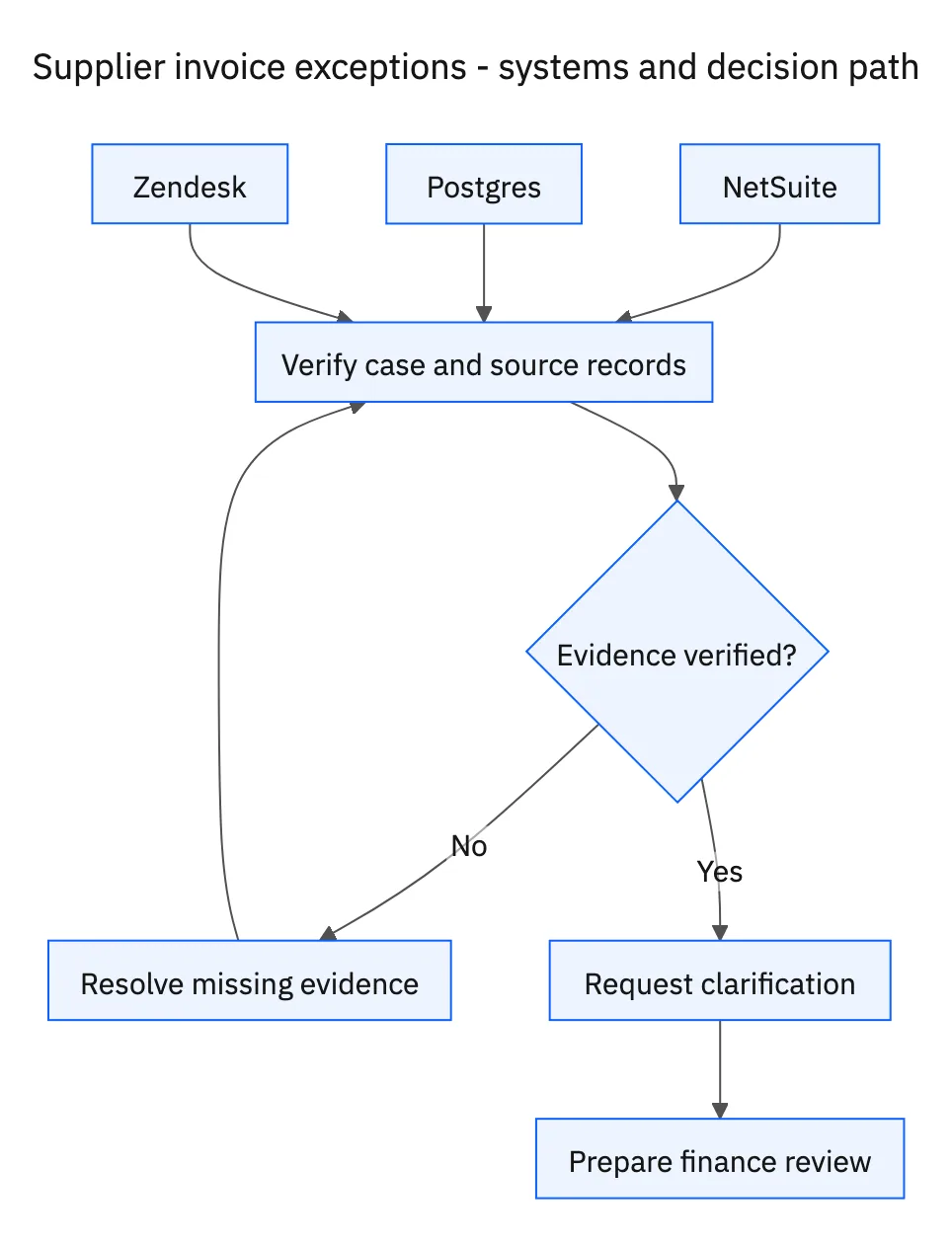
Systems and prerequisites
This is a workflow design to configure with Stacksync Genies and your existing systems. Connecting an application does not by itself establish the permissions, record mappings, approval routing, or operational process described here. Before enabling the job, confirm which records the Genie can read, which actions it can take, and who receives clarification or approval requests.
| System or owner | Evidence and responsibility |
|---|---|
| NetSuite | Flagged supplier invoices, purchase-order references, and potential duplicate records. |
| Postgres | Purchase-order evidence, goods receipts, or service-completion records. |
| Zendesk | Requests for missing evidence from suppliers or responsible departments. |
| Finance | Review and decision on the documented resolution; payment authority remains outside this workflow. |
Required context for this workflow design.
Separate duplicates, price differences, and missing completion
Check for potential duplicate invoices using supplier identity and invoice references, supported by amount, date, and purchase-order context. A similar amount alone is only a possible match. Recurring services can legitimately produce repeated amounts, while formatting differences in invoice numbers can hide a duplicate. Surface candidates with evidence rather than deleting or dismissing records automatically.
Compare agreed quantities and prices with invoiced values. For goods, use receipt quantities and units; for services, use the recorded completion or acceptance evidence relevant to the scope. Identify whether the issue is a price mismatch, quantity mismatch, missing receipt, missing service confirmation, or an ambiguous record link.
Request the specific evidence and prepare finance’s decision
Use Zendesk to ask the supplier or responsible department for the missing document, corrected line, or completion reference. Make the request specific enough to resolve the discrepancy. A general “please resend the invoice” wastes time when the actual gap is a departmental service acceptance.
Keep the invoice reference, comparison, source evidence, clarification history, and proposed next step together. When the requested information arrives, re-evaluate the affected lines and update the finance review packet. Report what is established and what remains unresolved. Even a fully matched packet remains for finance review; this workflow does not authorize a payment release.
A five-step operating sequence
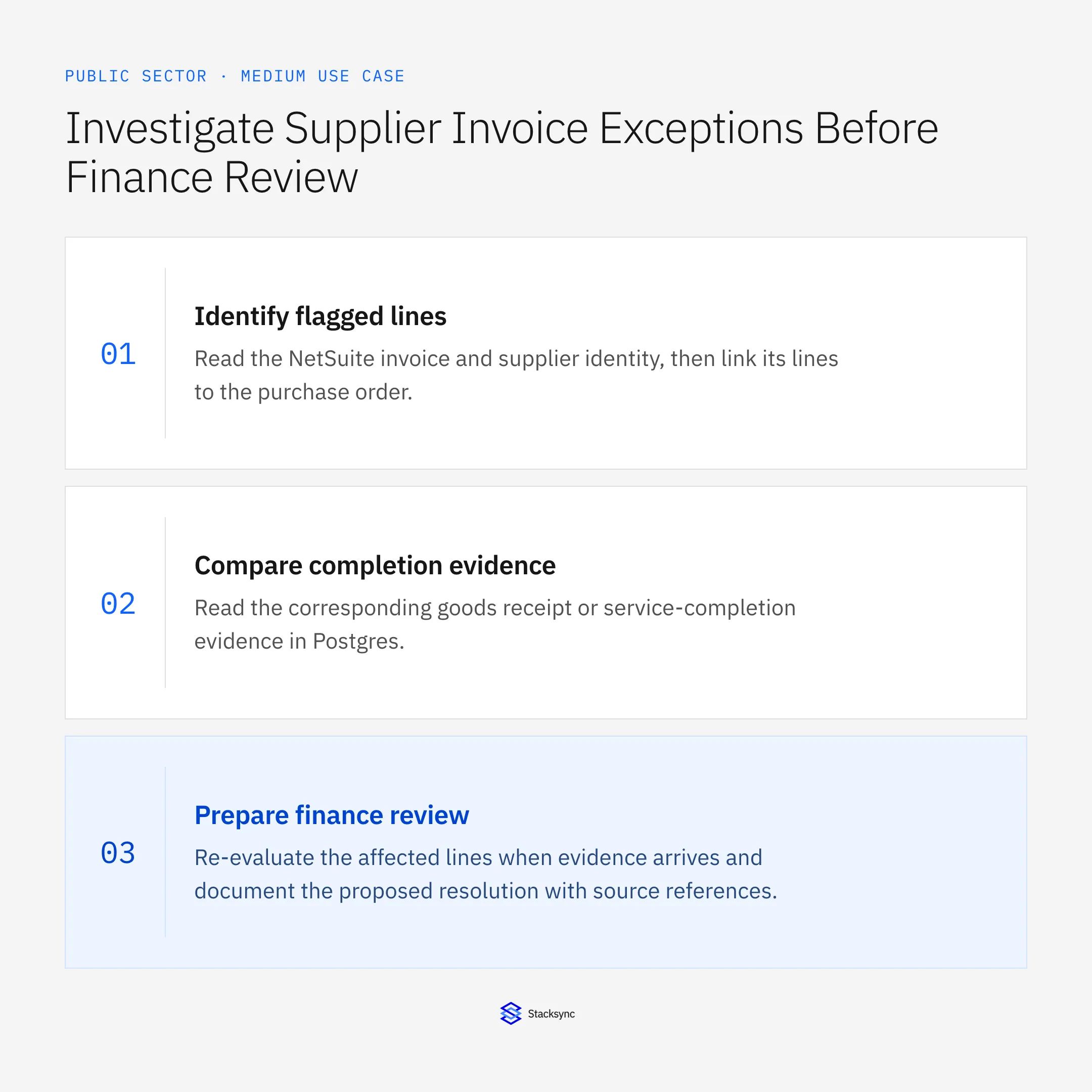
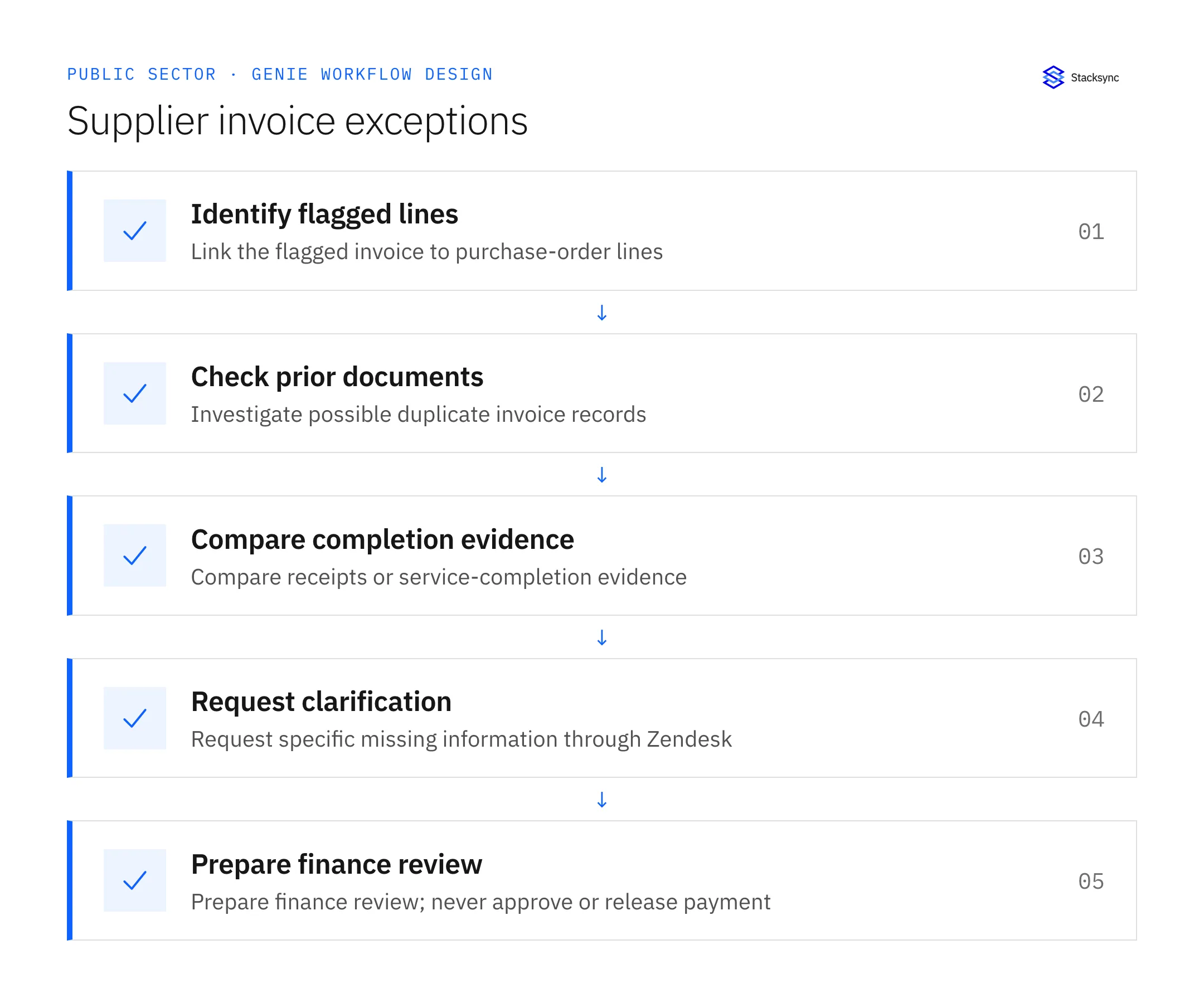
- 01Identify flagged linesRead the NetSuite invoice and supplier identity, then link its lines to the purchase order. Preserve currencies, units, and references. A total-only comparison can hide unsupported line items even when the final invoice amount looks familiar.
- 02Check prior documentsSearch potential duplicate invoices using supplier, document number, amount, date, and purchasing context. Treat similarity as a reason to investigate. Recurring service periods, corrections, and credit relationships can explain superficially matching documents.
- 03Compare completion evidenceRead the corresponding goods receipt or service-completion evidence in Postgres. Use consistent units and approved conversions. Separate price or quantity mismatches from missing evidence so the next request goes to the right person.
- 04Request clarificationUse Zendesk to request the exact missing receipt, completion acceptance, corrected invoice line, or document relationship from the supplier or department. Link the conversation to the invoice so a later response updates the same review packet.
- 05Prepare finance reviewRe-evaluate the affected lines when evidence arrives and document the proposed resolution with source references. Leave unresolved questions explicit. Even a fully matched packet remains for finance review; the workflow neither approves nor releases payment.
Illustrative workflow example
An invoice bills twelve units at the agreed price, while the linked goods receipt confirms ten. The packet identifies a two-unit discrepancy, asks the responsible department for any additional receipt evidence through Zendesk, and remains pending finance review.
This example uses fictional records to show the decision logic. It is not a customer case study or a claim of measured results. In a live case, retain the actual record IDs and evidence behind each statement, and replace all illustrative quantities or timing assumptions with the approved operational inputs.
What the handoff should contain
A finance review packet with invoice and purchase-order lines, receipt or service evidence, duplicate candidates, Zendesk clarification history, and an explicit proposed resolution.
Keep the evidence reference, observation time, current owner, and outstanding decision with the case. A colleague taking over should be able to distinguish a proposal from a confirmed result without reading every previous message. If a source value changes while the case is waiting, recheck the affected decision before proceeding.
Approval and completion checklist
- Compare flagged invoices with purchase orders and receipt or service-completion evidence.
- Check possible duplicates using supplier and document context.
- Identify exact discrepancies and request missing information through Zendesk.
- Prepare a documented resolution for finance; never approve or release payment.

Validate the job before enabling it
Start with a small reviewed set of cases from the systems above. Include a complete case, an ambiguous match, a missing source record, and an interrupted action where the result is uncertain. Use a draft or test environment for validation and compare the output with the source records before allowing the configured production actions.
For this job, the most important checks are compare flagged invoices with purchase orders and receipt or service-completion evidence. Prepare a documented resolution for finance; never approve or release payment. Record the expected result before the trial, then compare both the proposed action and the final evidence. A fluent message is not a passing result if it skips one of these conditions.
- Exceptions with an exact line-level discrepancy
- Evidence requests routed to the correct supplier or department
- Finance packets with all source and clarification references
Use these as operating measures, not promised performance improvements. Establish the current baseline and review exceptions with the team that owns the process. Investigate an increase in incorrect matches, unauthorized actions, or premature closure before expanding the job’s scope.
Give your Genie a job description
Copy the job description below. It preserves the scope and decision boundaries of this use case. Configure the referenced systems, record relationships, policies, and approval owners in your workspace before enabling the job.
Paste this into “Give your Genie a job description.” Explore Stacksync Genies.
Implementation references
These first-party references document the underlying records and interfaces. The cross-system sequence, approvals, and completion rules in this article are a proposed operational configuration; validate them against your connected workspace before enabling it.

FAQ
Frequently asked questions










Related articles






