How to Connect Snowflake for Two-Way Sync (No Certificates Needed)
A practical setup guide for teams asking whether Snowflake is as easy to connect as HubSpot or as fussy as a system that needs certificates. The answer is closer to NetSuite: you generate an access token, paste the account URL and warehouse, and the schema is read for you. Covers what actually makes a warehouse feel hard, token versus certificate auth, the three-step connection, and how it compares to a one-click CRM.
- Author
- Ruben Burdin · Founder & CEO
- Published
- Read time
- 9 min read

One question comes up almost every time a team looks at adding Snowflake to a sync: is it as painless as connecting a CRM, or is it going to be certificates and support tickets? People have been burned by integrations that ask for TLS certificates, key-pairs, and a rotation schedule, and they want to know which kind of setup they are signing up for before they start.
The short answer is that connecting Snowflake sits closer to connecting NetSuite than to any certificate ordeal. You generate an access token, paste in the account URL and warehouse, and the schema is read for you. This guide walks through what actually makes a warehouse feel hard to connect, why a token beats a certificate, the three steps it takes, and how the whole thing compares to a one-click CRM.
The setup below assumes a managed sync platform such as Stacksync connecting Snowflake to a CRM or database. For the pairing most teams ask about first, see the HubSpot to Snowflake sync guide. This post stays on the one thing that decides whether people dread the project: how you connect.
What actually makes a warehouse feel hard to connect
The fear is rarely about Snowflake itself. It is about the memory of an integration that needed a certificate. Certificate and key-pair authentication is not exotic, but it carries a chain of small chores: generate a key-pair, register the public key, store the private key somewhere the tool can reach it, and then re-issue and redeploy the whole thing when it expires. Each step is minor, and together they are why a connection that should take an afternoon slips into next week.
The other thing that makes a warehouse feel heavy is uncertainty about access. People worry they will have to hand over broad admin rights. In practice you grant a scoped role: a user, a warehouse for compute, and grants on the specific databases and schemas the sync should touch. That is a normal Snowflake permission, reviewable and revocable like any other, not a master key.
Snowflake auth is a token, not a certificate
Here is the part that settles the question. Stacksync connects to Snowflake with an access token. You create a user in Snowflake, generate a token against it, and hand that token to Stacksync once. There is no certificate file to move around and nothing to rotate on a calendar. If you have connected NetSuite with a token-based login, this will feel familiar.
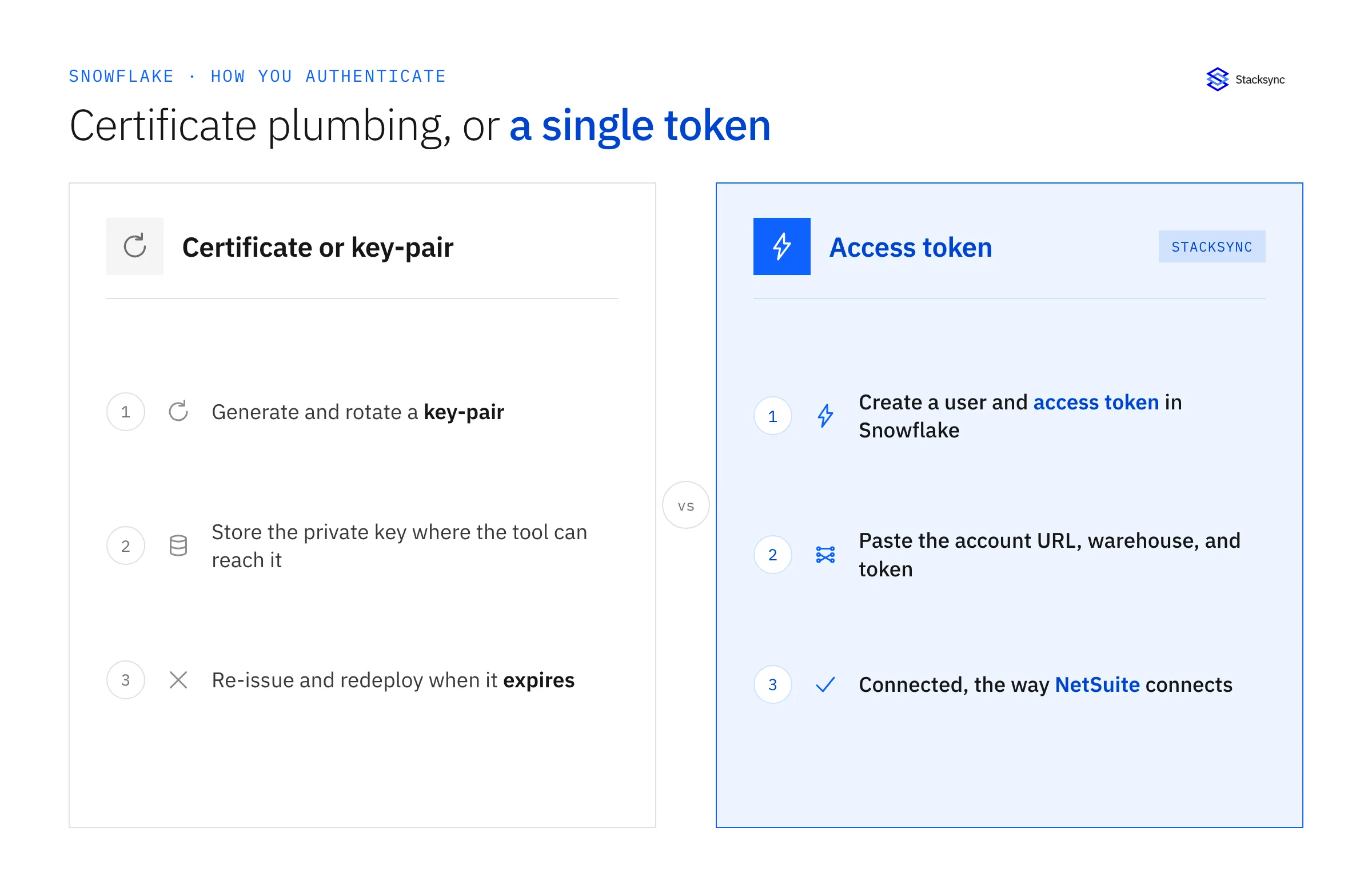
The difference is not cosmetic. Token auth removes the two steps that cause most of the delay: storing a private key where a service can safely read it, and remembering to re-issue it before it expires. With a token, the connection you set up today keeps working, and when you want to cut it off you revoke the token in Snowflake. That is the whole lifecycle.
What connecting Snowflake actually looks like
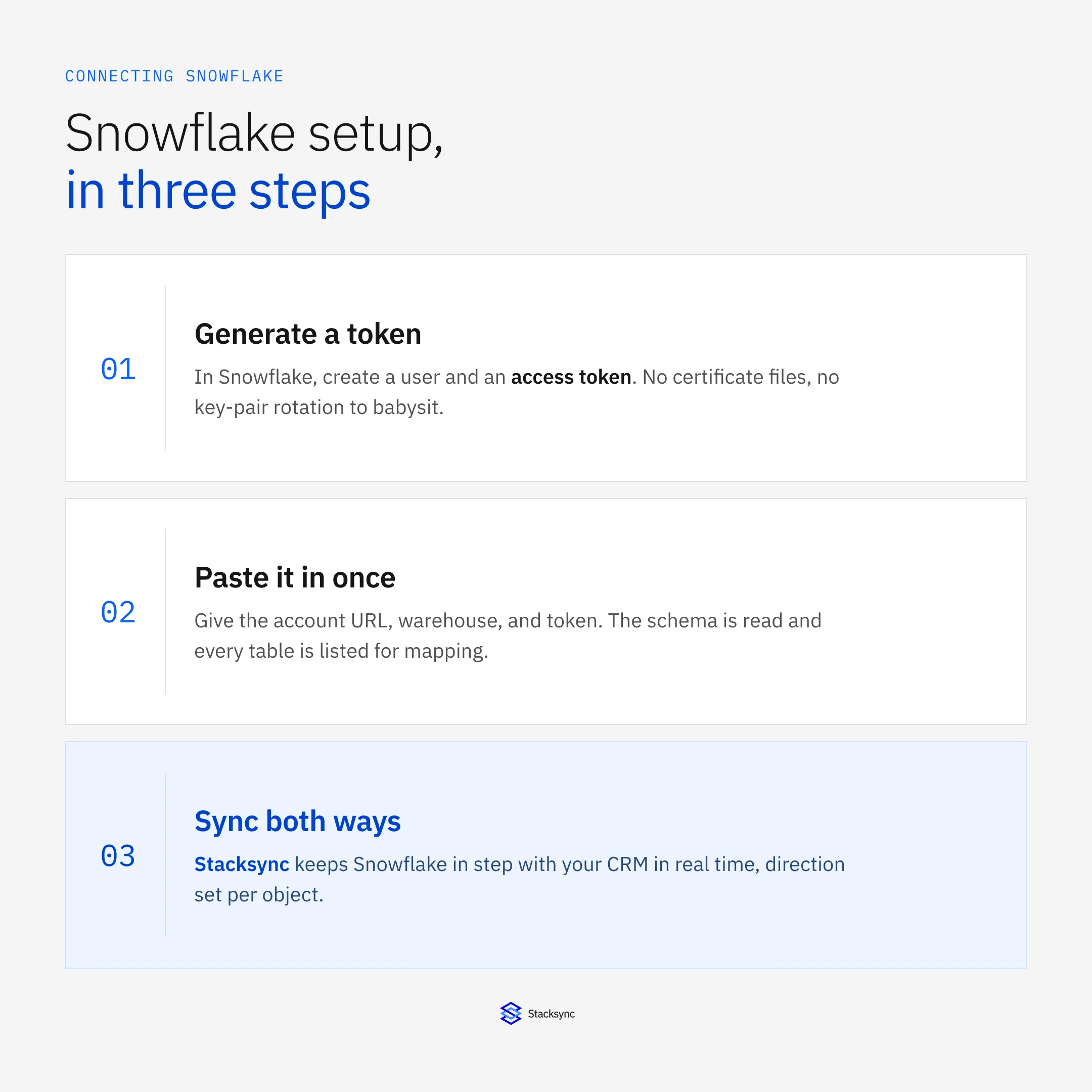
Concretely, connecting Snowflake is three steps, and only the first happens inside Snowflake.
- 01Create a user and access tokenIn Snowflake, create a user for the sync, grant it the databases, schemas, and warehouse it needs, and generate an access token.
- 02Paste three values into StacksyncGive the account URL, the warehouse to run compute on, and the token. That is the entire credential.
- 03Let it read the schemaStacksync reads the tables and fields you granted, lists them, and you pick what to sync and in which direction.
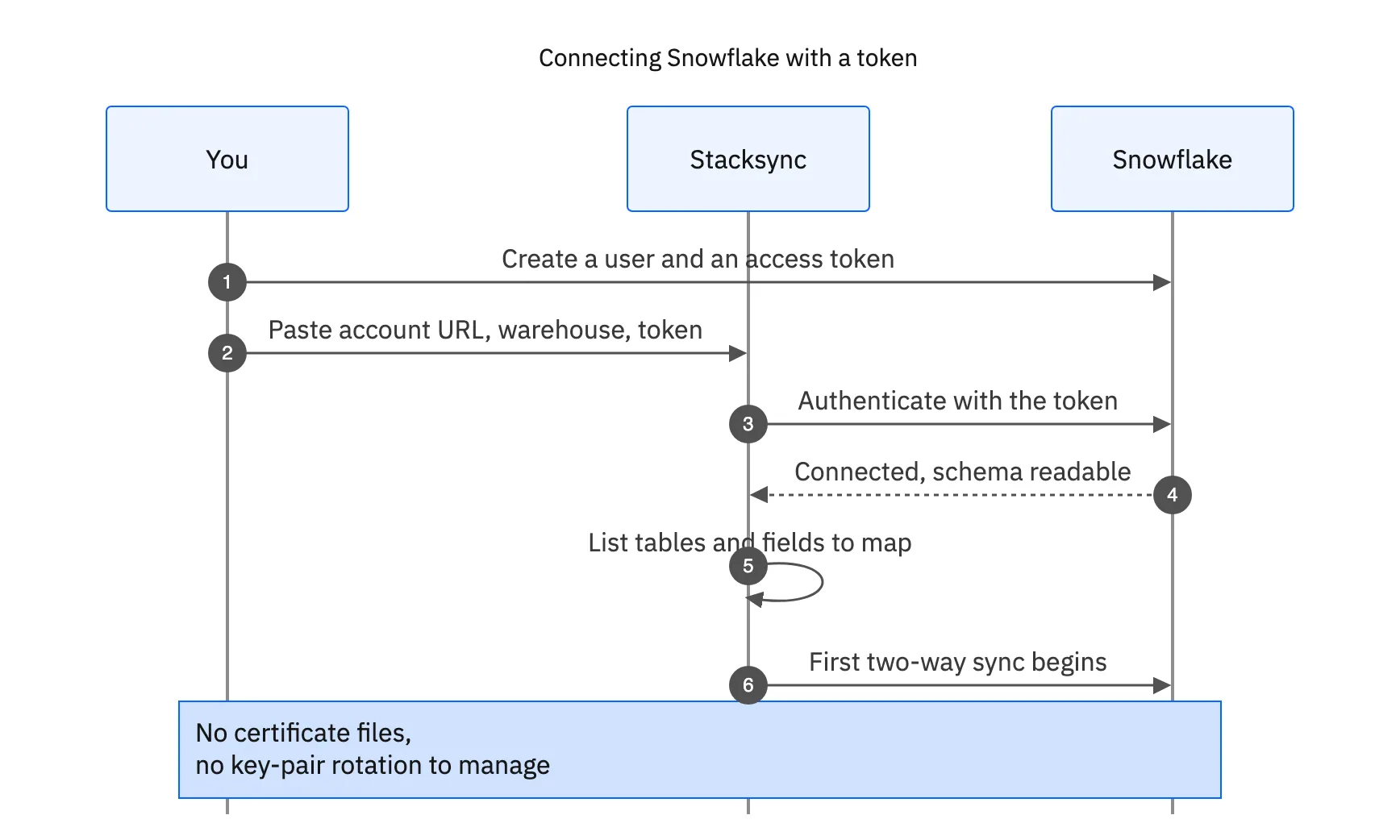
Once the schema is read, the rest is mapping, not plumbing. You choose the tables, match the fields, and set direction per object. A record change in Snowflake or in the connected system then flows through in real time. For the pattern of deciding which system holds the truth once both are connected, see warehouse versus CRM as your source of truth.
How it compares to a one-click CRM connection
A CRM like HubSpot connects with an OAuth pop-up: click, approve, done. Snowflake is one honest step past that, because a warehouse does not do a consumer-style OAuth flow. But the gap is a single token, not a category of pain. Here is the side by side.
| One-click CRM (OAuth) | Certificate / key-pair | Snowflake with a token | |
|---|---|---|---|
| How you authenticate | OAuth pop-up | Generate and register keys | Create a user, generate a token |
| What you store | Nothing, it is handled | A private key, safely | One token, pasted once |
| Rotation | None | Re-issue before expiry | Revoke when you choose |
| Time to connected | Seconds | Hours to days | Minutes |
| Direction | Two-way, per object | Depends on the tool | Two-way, per object |
Snowflake connects with a token, so setup lands minutes away from a one-click CRM, not days.
The practical takeaway: if the thing holding up your Snowflake project is a worry about certificates, that worry does not apply here. The connection is a token and three fields, and you spend your real time on the interesting decision, which is what to sync and which way it should flow.

What you can do once Snowflake is connected
Connecting is the start, not the point. Once Snowflake is in, the same platform lets you keep it in two-way sync with the tools your teams live in, and stack more systems into the flow later. Two common next moves:
- Keep Snowflake and a CRM in agreement. Map contacts, companies, and deals so warehouse data and CRM data stop disagreeing, with the direction set per object.
- Chain more systems in. Land CRM data in a database, model it in Snowflake, and push the clean version back out, all as stacked syncs. See multi-hop sync for that pattern.
Because direction and scope are set per object, you can start with one table as a proof of concept and expand without rebuilding. The connection you make on day one is the same one that carries the full rollout.
The connection is the easy part
So, is connecting Snowflake as easy as a CRM? Nearly. It is a token instead of a pop-up, and everything people fear about certificates simply is not in the path. Generate the token, paste three values, and the schema is yours to map.
If Snowflake has been sitting on your roadmap because the setup felt like a project, it is smaller than you think. To see a token-based Snowflake connection and a two-way sync on your own account, book a demo.

FAQ
Frequently asked questions










Explore these integrations and topics
Related articles