






















AI Invoice and Expense Processing for Construction Services: Prepare Job-Cost Evidence for Finance
Use Genies to assemble invoice and expense evidence by job while keeping coding, approval and posting decisions reviewable.
- Author
- Ignacio Malpartida · GTM Engineer
- Published
- Read time
- 4 min read

The operating decision
A construction invoice and expense Genie can read accessible invoices, receipts and job context, propose associations, and prepare a review packet for finance. Give it a bounded task: identify the document, match the likely job and purchase reference, compare the supporting evidence, and explain uncertainty. Deterministic checks should validate totals and identifiers. The agent should escalate missing cost codes, unclear approval and possible duplicates rather than inventing accounting facts or posting an unsupported transaction.
Explore the complete construction services and installation integration and automation hub for the systems and processes around this guide.
What this looks like in construction services and installation
A service contractor receives supplier invoices, employee receipts and job notes through several systems. A material invoice mentions a superintendent's name but no job number; an expense receipt covers supplies for two sites. Finance can find the answer, but only after checking schedules and purchase records. A Genie can collect candidate matches and cite why each appears plausible. The reviewer still chooses the job allocation and confirms whether the expense is authorized.
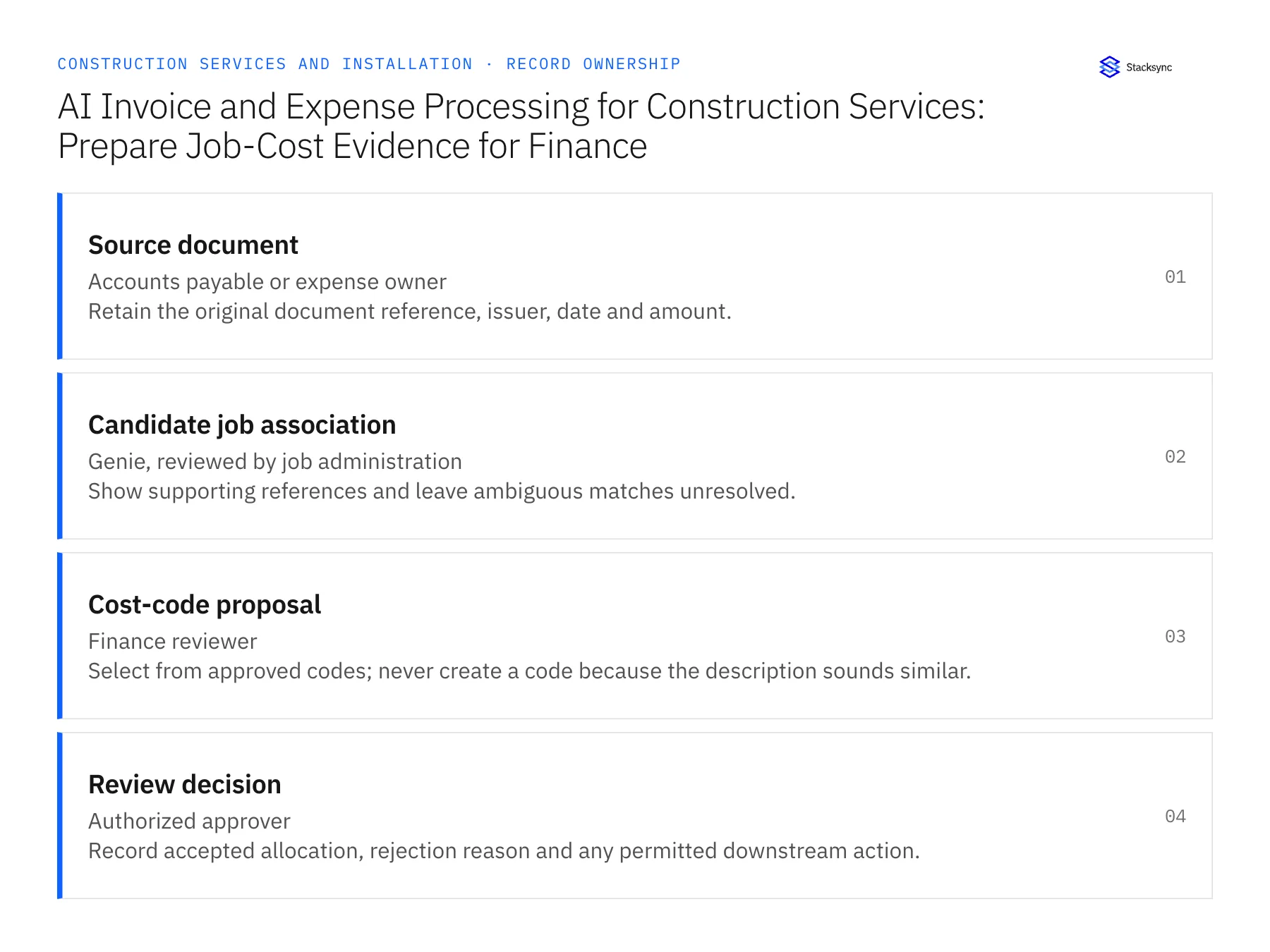
Records, ownership, and update rules
| Record | Owner | Operating rule |
|---|---|---|
| Source document | Accounts payable or expense owner | Retain the original document reference, issuer, date and amount. |
| Candidate job association | Genie, reviewed by job administration | Show supporting references and leave ambiguous matches unresolved. |
| Cost-code proposal | Finance reviewer | Select from approved codes; never create a code because the description sounds similar. |
| Review decision | Authorized approver | Record accepted allocation, rejection reason and any permitted downstream action. |
Work through the process
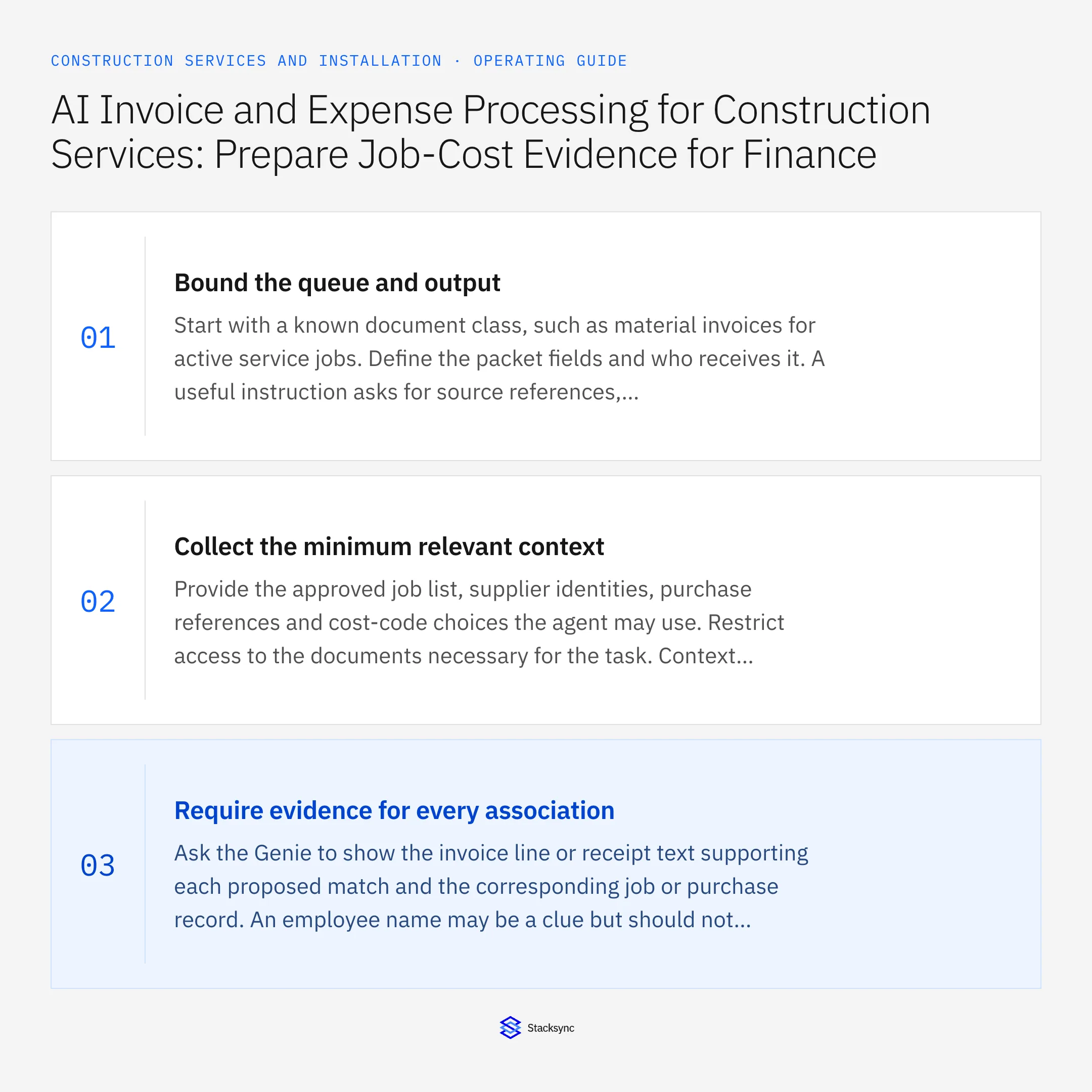
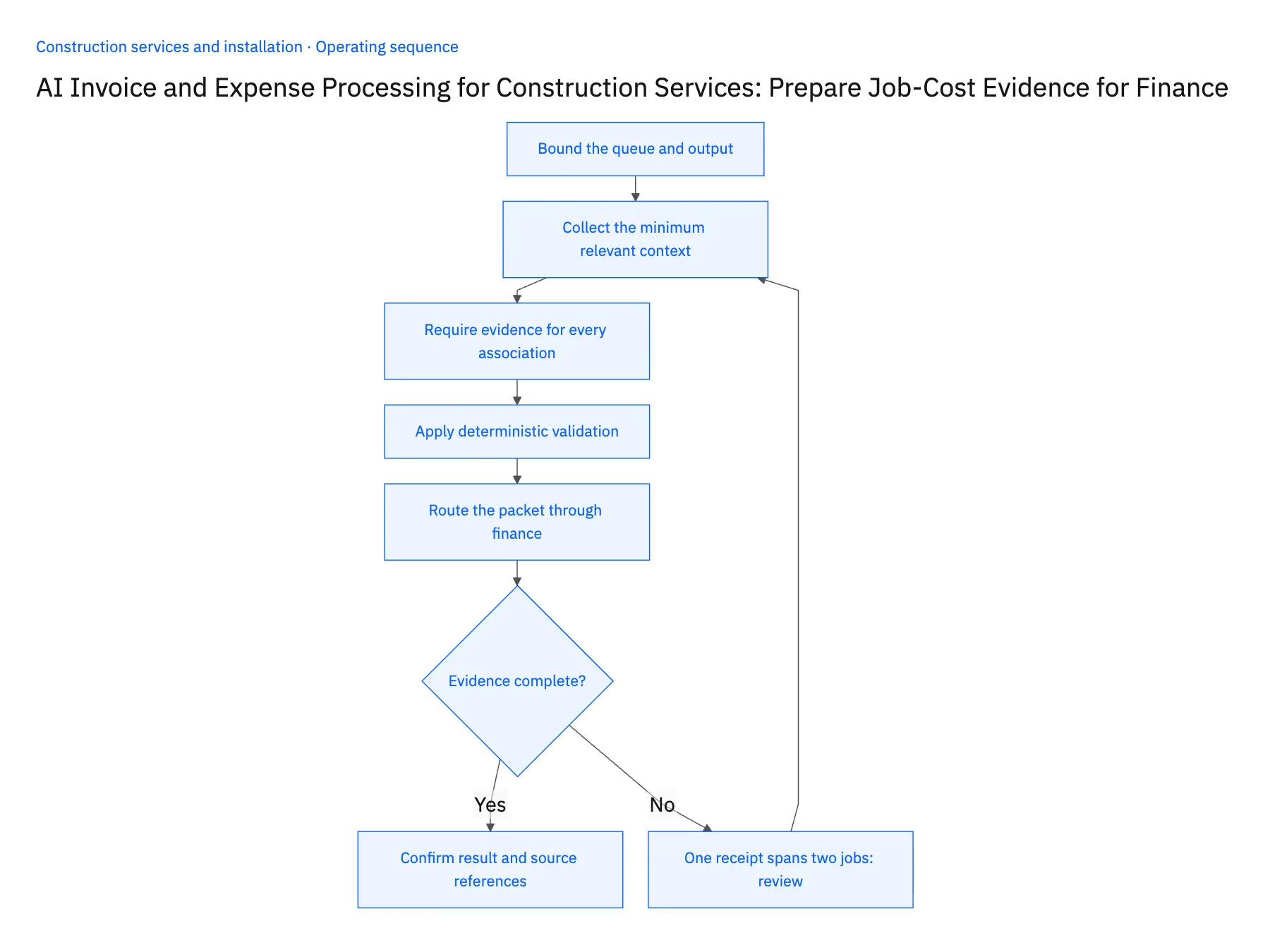
- 01Bound the queue and outputStart with a known document class, such as material invoices for active service jobs. Define the packet fields and who receives it. A useful instruction asks for source references, candidate job matches, amount checks and unresolved questions. Avoid a broad instruction to process all construction expenses without specifying authority.
- 02Collect the minimum relevant contextProvide the approved job list, supplier identities, purchase references and cost-code choices the agent may use. Restrict access to the documents necessary for the task. Context should be current enough to distinguish an active job from a similarly named closed project or another branch's work.
- 03Require evidence for every associationAsk the Genie to show the invoice line or receipt text supporting each proposed match and the corresponding job or purchase record. An employee name may be a clue but should not establish the allocation alone. Multiple plausible jobs should produce a review question rather than an arbitrary winner.
- 04Apply deterministic validationCheck currency, line totals, tax and document arithmetic using reliable rules. Compare duplicate keys and existing posting references before proposing any new action. An agent explanation can help a reviewer understand a mismatch, but a fluent explanation does not make an invalid total or unsupported cost code acceptable.
- 05Route the packet through financeDeliver a proposed allocation and exception list to the authorized reviewer. Record the chosen job, cost code and approval reference. Only then call a verified downstream action within its allowed scope. Keep the source document and decision attached so a later audit can reconstruct why the entry was made.
Handle the exceptions explicitly
One receipt spans two jobs
Propose a split only when line-level evidence supports it; otherwise ask the expense owner for allocation.
Supplier invoice lacks a job reference
Offer candidate purchase or delivery matches with reasons and hold the job assignment for review.
Document may already be posted
Show the suspected existing entry and stop the new action until finance resolves it.
What to verify before expanding
- Every proposed job match includes a source reference.
- Unrecognized cost codes produce an exception.
- Totals are checked independently of the model's prose.
- No financial action proceeds without the configured approval and verified capability.

Connect this process to the rest of your operation
Explore Stacksync AI agents (Genies) and scope the records and actions against your actual systems. Book a demo with a real source document example and the exception your team handles most often, for example one receipt spans two jobs.
- Construction Invoice and Expense Exceptions: Missing Cost Codes, Duplicate Receipts, and Unapproved Work
- Supplier Purchase-Order EDI for Construction Services: Connect Orders, Acknowledgments, Deliveries, and Invoices
- Two-Way Sync for Construction Service Companies: Which Records to Connect First
- Automated Invoice Reconciliation: Catch Billing Discrepancies Before They Cost You
- Match Invoices to Purchase Orders and Completion Evidence
The shared architecture guide covers record matching, ownership, and recovery across systems.
Technical references
FAQ
Frequently asked questions










Related articles






