






















Run Dynamics 365 and Zoho Side by Side While You Move
A guide to two-way sync between Microsoft Dynamics 365 and Zoho, aimed at teams migrating from one to the other. It explains why a hard cutover is the riskiest way to move a CRM, how keeping both systems live turns the migration into a reversible process, how field-level mapping keeps sensitive columns from ever leaving Dynamics, what happens to documents and attachments, and how OAuth lets a distributed team work on records without anyone sharing a login.
- Author
- Ruben Burdin · Founder & CEO
- Published
- Read time
- 10 min read

Moving a CRM is not really a data problem. Exporting accounts and contacts out of Microsoft Dynamics 365 and loading them into Zoho is the easy part, and most teams get through it in a week. The hard part is everything around it: the sales team that cannot stop working for a weekend, the records that keep changing while you migrate, the fields that are not allowed to leave the old system, and the uncomfortable question of what happens if the new setup turns out to be wrong.
Those risks all come from the same assumption, that a migration is a single event with a before and an after. Two-way sync removes that assumption. If both CRMs stay live and stay in agreement, moving stops being a cutover and becomes a process you can run at your own pace and reverse if you need to.
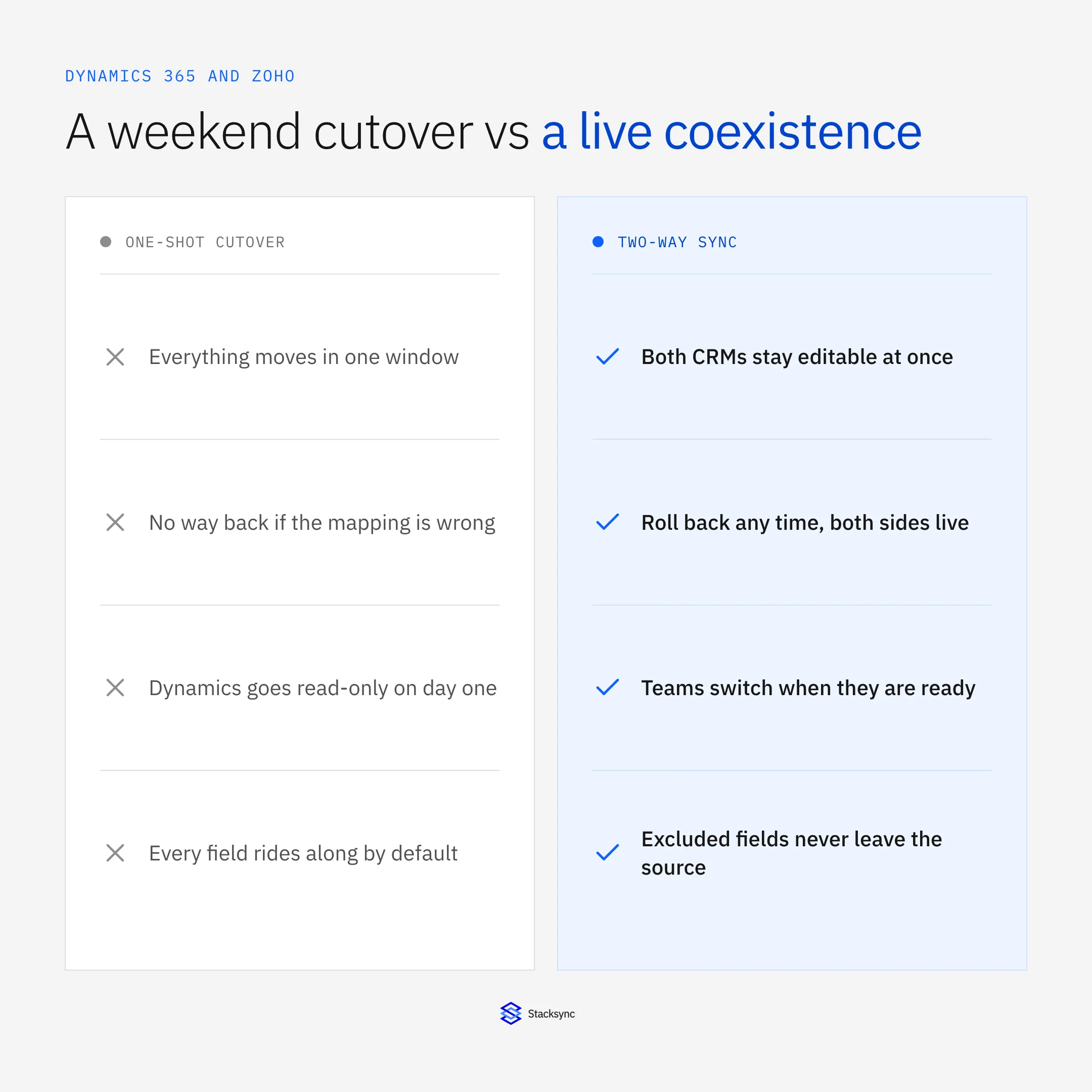
This guide covers how that works in practice: what two-way sync actually means between these two systems, how to control which fields move, what happens to documents, and how access works for a team that is not all in one office. For the wider platform question, see the guide to choosing a Zoho integration platform.
Why the hard cutover is the risky option
The classic plan is a freeze: export everything on Friday, load it over the weekend, tell everyone to open Zoho on Monday. It concentrates every risk in the project into a window where nobody can work, and the failure modes are all expensive. A mapping mistake found on Monday means a restore. Records edited during the freeze are lost or have to be reconciled by hand. And the old CRM goes read-only immediately, so if something important turns out to be missing, you are recovering it from an export rather than a running system.
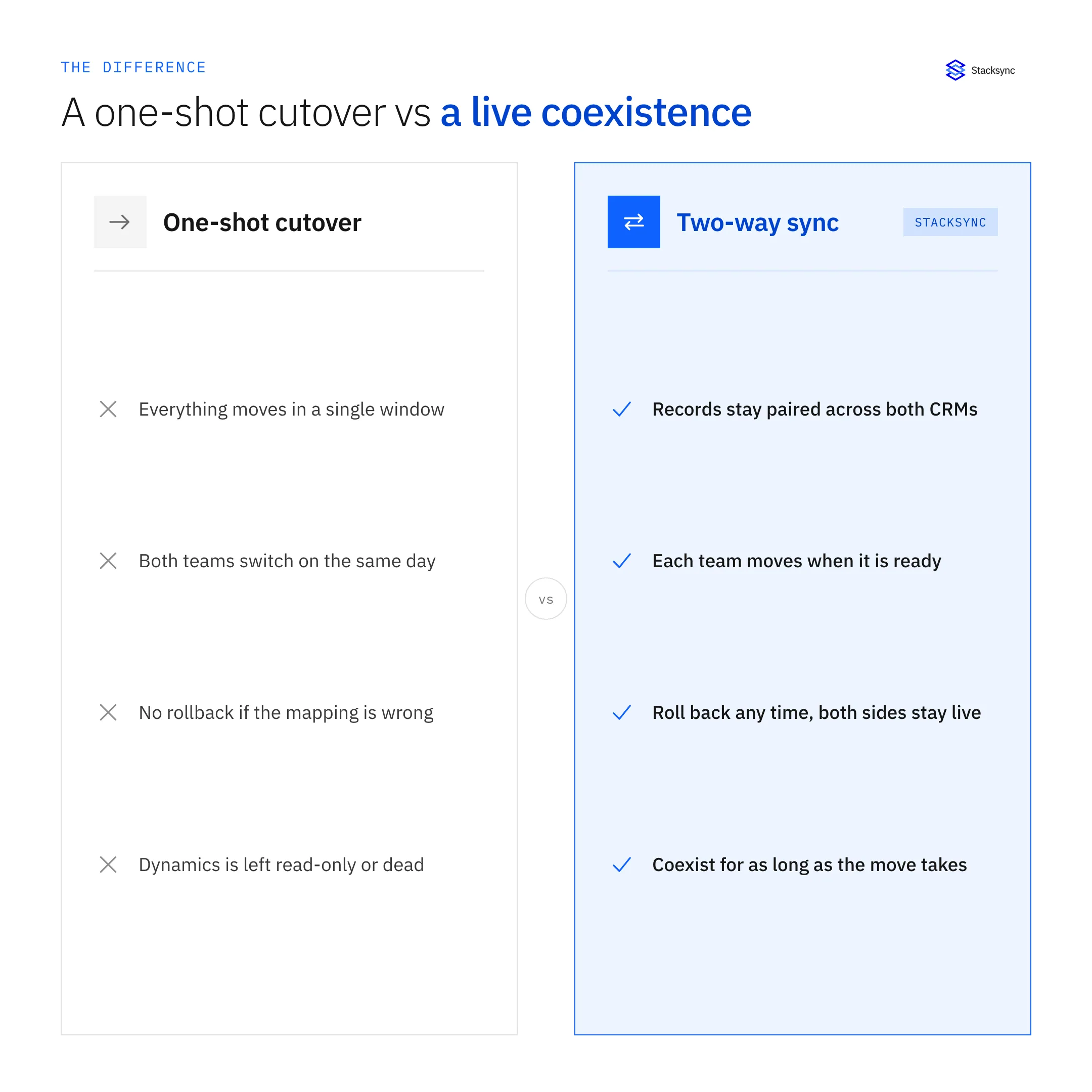
Coexistence changes the shape of the project. Both CRMs stay live and stay paired, so a team can move to Zoho when its workflows are ready rather than when the calendar says so. Finance can stay on Dynamics while sales works in Zoho, and both see the same customers. If something is wrong, you fix the mapping and the records reconcile, because neither side was ever frozen. The migration finishes when you turn the sync off, which is a decision rather than an event.
What two-way sync actually means here
The phrase gets used loosely, so it is worth being precise. Two scheduled exports pointed at each other are not a two-way sync. Without a way to tell which system a change came from, each export reads the other's writes as new changes and sends them back, so records ping between the two systems, duplicate, and drift. Any tool describing a pair of one-way jobs as bidirectional is describing that failure mode.
A real two-way sync tracks the origin of every change. When the engine writes an updated account into Zoho, that write is tagged, so it is not picked up as a fresh Zoho edit and pushed back to Dynamics. It also detects changes at the field level, so only what actually changed moves, and it resolves genuine conflicts, where the same field changed on both sides, under a policy you set rather than by letting the last write win.
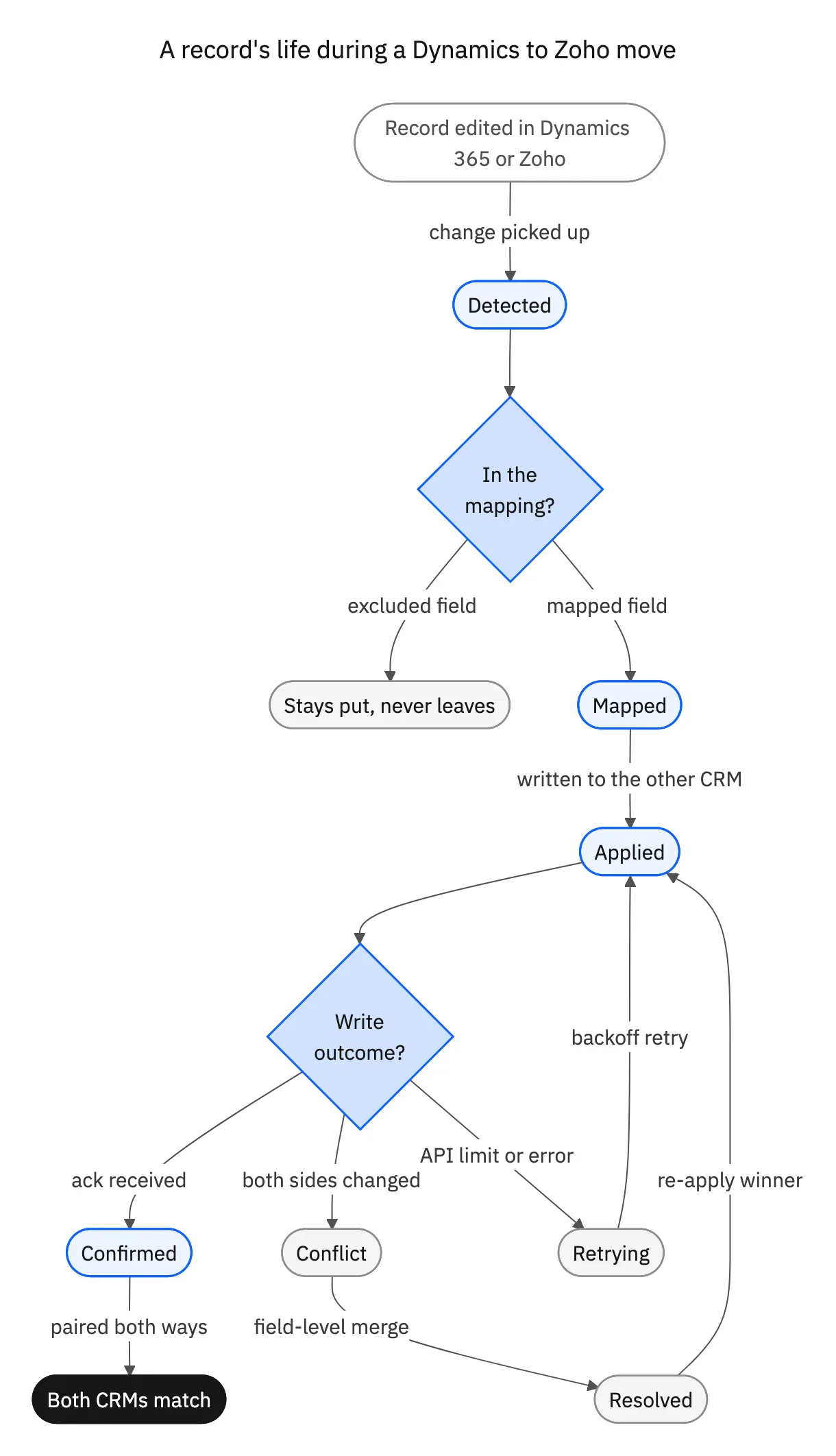
The gate near the top of that path is the piece most relevant to a migration. Every change is checked against the mapping before anything leaves the source system, which is what makes selective migration possible rather than aspirational.
Leaving some fields behind, on purpose
Most CRM migrations carry at least one field that should not make the trip. A social security number or other national identifier, a bank detail, a case note with clinical or legal content. The usual compromise is to migrate everything and then lock the field down in the new system, which technically works and satisfies nobody, because the data did cross and now lives in two places instead of one.
Field-level mapping gives you the cleaner answer. Because the mapping is an allow list, an excluded column is never read and never forwarded, so it does not arrive in Zoho at all. The scope of the migration shrinks to what you deliberately chose, and the review question becomes easy to answer: the field stayed in Dynamics, and here is the audit log showing what did move. If you are evaluating vendors, ask for that live rather than on a slide. Excluding a field and proving it never lands takes about two minutes to demonstrate and tells you a lot.

Documents, and who gets to touch the records
Two practical items get discovered late in almost every Dynamics to Zoho project. The first is files. Record data and attachments are different problems: contracts, scans, and signed documents attached to a CRM record often physically live in a linked SharePoint library, and moving the record does not move the file. Plan the file migration as its own step, relinking each document to the matching Zoho record so references still resolve afterwards, and test it on real records early rather than assuming it comes along for free.
| One-shot cutover | Two-way sync coexistence | |
|---|---|---|
| Working during the move | Frozen for the window | Both CRMs stay editable |
| Switching teams | Everyone on the same day | One team at a time |
| If the mapping is wrong | Restore from a backup | Fix it and let records reconcile |
| Sensitive fields | Migrated, then locked down | Never leave the source system |
| Records changed mid-move | Reconciled by hand | Synced automatically |
| Rolling back | Not realistic | Both sides are still live |
The same migration, run as an event or as a process.
The second is access. Teams working across offices or time zones need to operate on the same records, and the shortcut, one shared login passed around, is exactly what a security review will reject. OAuth solves it properly: each person connects with their own scoped grant, so access is granted and revoked individually and nobody handles a password that belongs to someone else. When a contractor rolls off, you revoke one grant instead of rotating a credential everyone depends on.
Move at your own pace
A Dynamics 365 to Zoho migration does not have to be a weekend with a rollback plan nobody believes in. Keeping both CRMs live and in agreement turns it into something you can start, pause, and reverse: teams switch when they are ready, records stay current on both sides, sensitive fields stay where they belong, and the project ends when you decide to turn the sync off.
Stacksync runs that sync in real time and in both directions, with field-level mapping and conflict resolution, an audit log of every change, and OAuth access per person. The same engine also connects Zoho to your MySQL database and to Snowflake, so the systems around the CRM keep up too. To walk through your own migration, book a demo.

FAQ
Frequently asked questions










Explore these integrations and topics
Related articles





