






















Construction Invoice and Expense Exceptions: Missing Cost Codes, Duplicate Receipts, and Unapproved Work
Define the exception decisions a construction finance Genie must escalate instead of hiding them behind a confident match.
- Author
- Ignacio Malpartida · GTM Engineer
- Published
- Read time
- 4 min read

The operating decision
A construction finance Genie needs explicit exception rules for ambiguous job coding, duplicate documents, arithmetic differences and unapproved work. Each exception should identify the affected lines, supporting evidence, decision owner and allowed next step. Keep detection separate from resolution: the agent can identify two similar receipts or a missing approval, but that does not authorize deleting a document, choosing a cost code, or approving additional work.
Explore the complete construction services and installation integration and automation hub for the systems and processes around this guide.
What this looks like in construction services and installation
In an electrical service business, two employees submit photographs of the same store receipt. Another receipt uses a closed project's nickname, and a supplier invoice includes a part installed before the customer approved it. The amounts are small enough to look routine, yet they require different decisions. One needs duplicate review, one needs job identification, and one needs commercial authorization. A useful exception queue tells finance exactly which decision is missing.
Records, ownership, and update rules
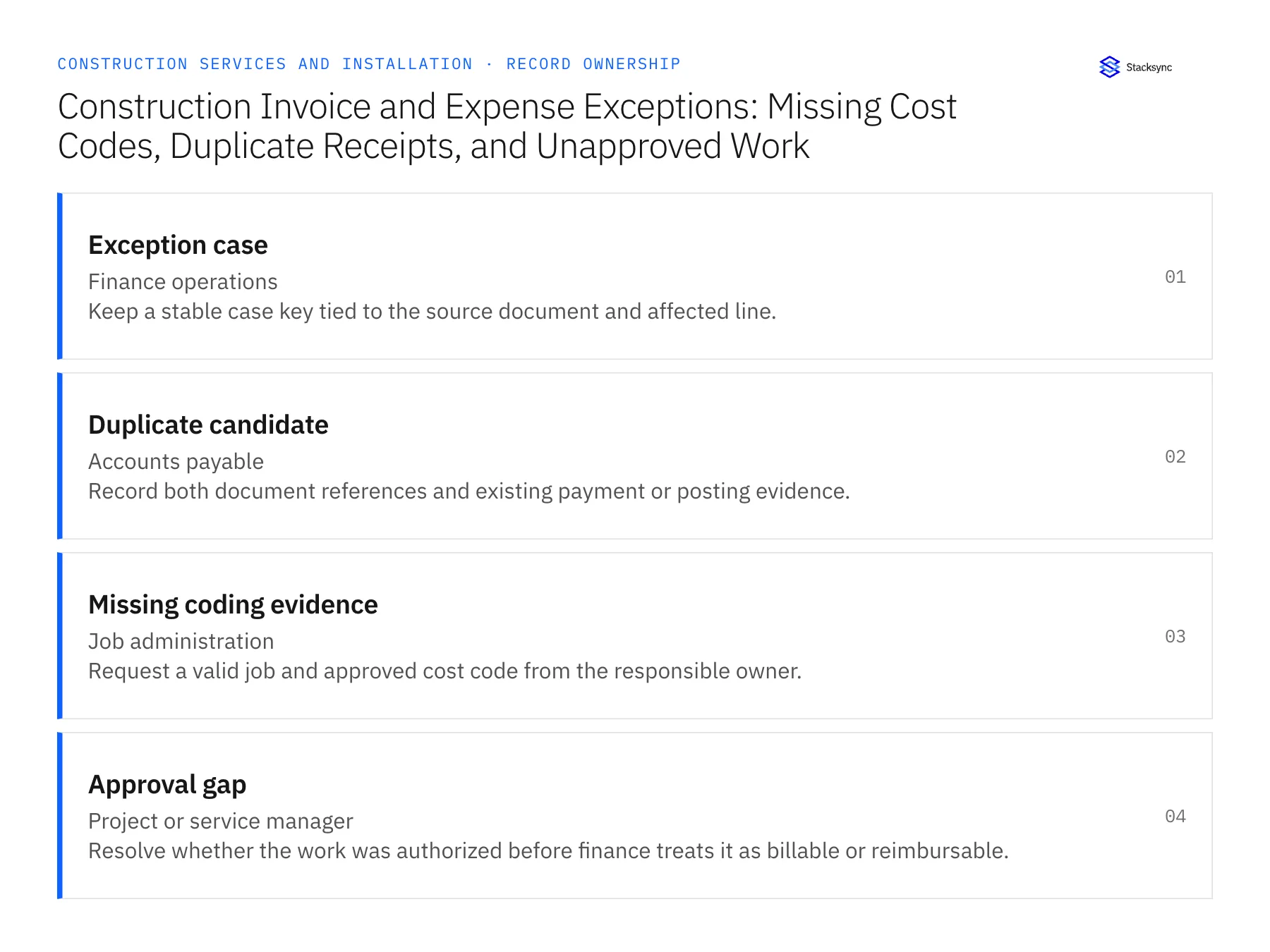
| Record | Owner | Operating rule |
|---|---|---|
| Exception case | Finance operations | Keep a stable case key tied to the source document and affected line. |
| Duplicate candidate | Accounts payable | Record both document references and existing payment or posting evidence. |
| Missing coding evidence | Job administration | Request a valid job and approved cost code from the responsible owner. |
| Approval gap | Project or service manager | Resolve whether the work was authorized before finance treats it as billable or reimbursable. |
Work through the process
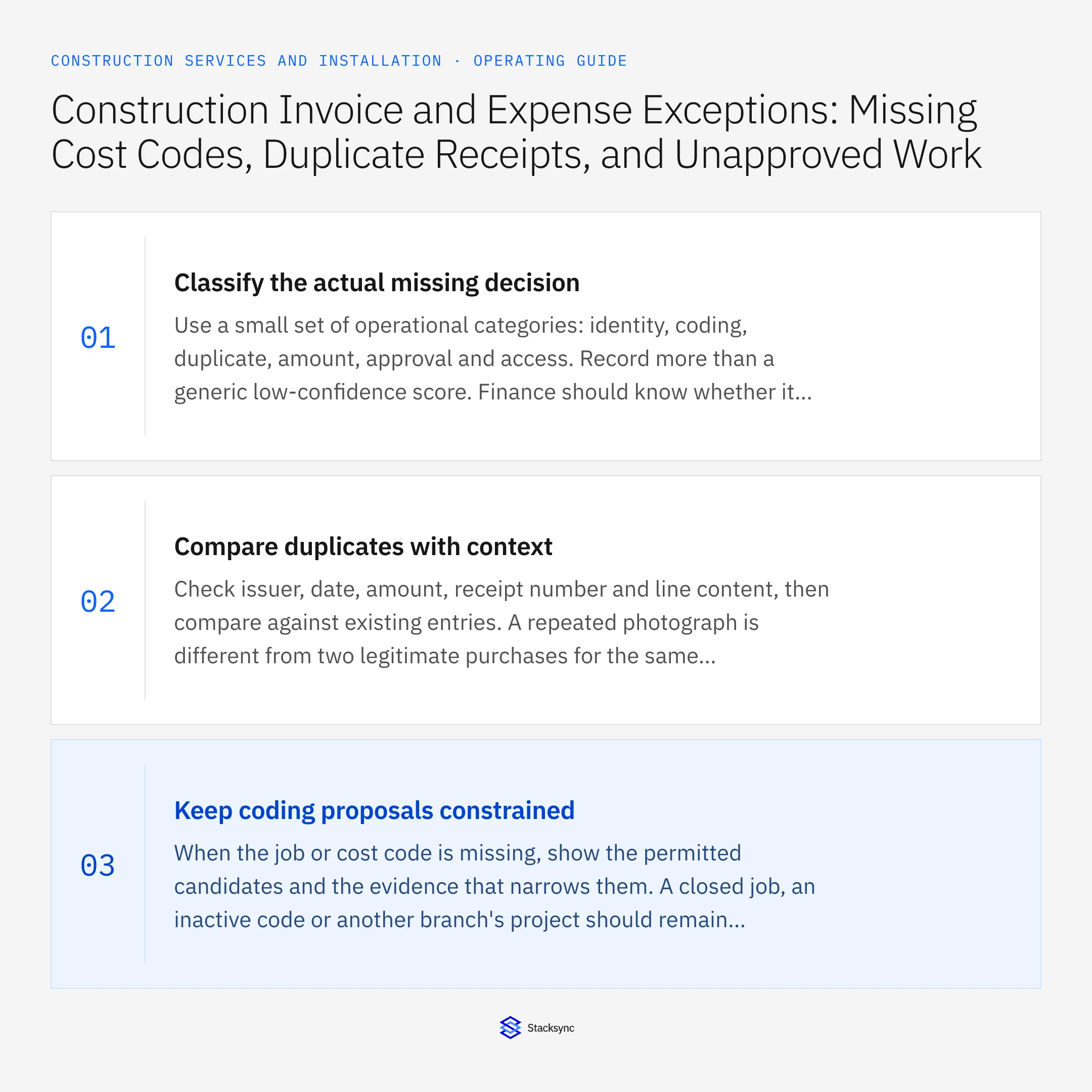
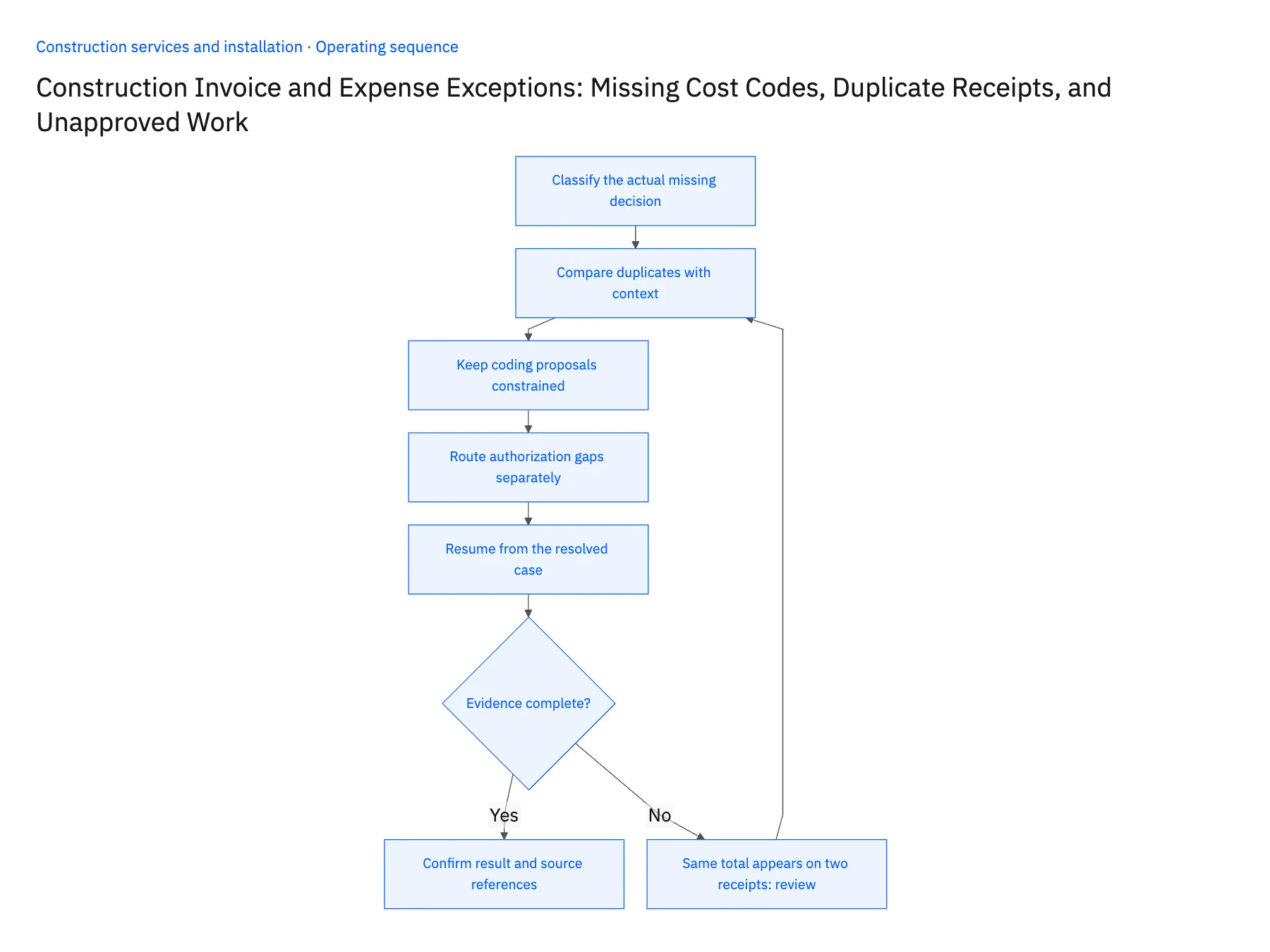
- 01Classify the actual missing decisionUse a small set of operational categories: identity, coding, duplicate, amount, approval and access. Record more than a generic low-confidence score. Finance should know whether it needs a clearer receipt, a job owner's decision or a customer approval before opening the document.
- 02Compare duplicates with contextCheck issuer, date, amount, receipt number and line content, then compare against existing entries. A repeated photograph is different from two legitimate purchases for the same amount. Preserve both submissions and ask the reviewer to confirm the duplicate; do not silently delete evidence or mark an employee claim fraudulent.
- 03Keep coding proposals constrainedWhen the job or cost code is missing, show the permitted candidates and the evidence that narrows them. A closed job, an inactive code or another branch's project should remain blocked unless the owning team authorizes the correction. The model must not make a new code to complete the form.
- 04Route authorization gaps separatelyUnapproved work is not merely missing data. Send it to the service or project manager with the original scope and the additional line. Finance can record the supplier obligation under its own process while separately deciding whether the cost may be charged to the customer; those are different business questions.
- 05Resume from the resolved caseStore the review decision, reviewer and corrected values. Recheck the original document and any already-created downstream record before resuming. A retry should continue the same case rather than create another expense. Track repeated exception reasons to identify supplier, field-entry or process changes that would prevent them.
Handle the exceptions explicitly
Same total appears on two receipts
Use document and transaction evidence to distinguish duplicate images from separate purchases.
Valid cost code belongs to another branch
Request the correct authorized mapping instead of borrowing the code to clear the queue.
Expense is real but customer approval is absent
Separate internal expense treatment from the decision to bill the customer.
What to verify before expanding
- Every exception has one named decision owner.
- Duplicate review preserves both source references.
- A resolved case resumes without creating a second entry.
- Approval gaps remain visible even when arithmetic and coding are valid.

Connect this process to the rest of your operation
Explore Stacksync AI agents (Genies) and scope the records and actions against your actual systems. Book a demo with a real exception case example and the exception your team handles most often, for example same total appears on two receipts.
- AI Invoice and Expense Processing for Construction Services: Prepare Job-Cost Evidence for Finance
- Supplier Purchase-Order EDI for Construction Services: Connect Orders, Acknowledgments, Deliveries, and Invoices
- Two-Way Sync for Construction Service Companies: Which Records to Connect First
- Automated Invoice Reconciliation: Catch Billing Discrepancies Before They Cost You
- Match Invoices to Purchase Orders and Completion Evidence
The shared architecture guide covers record matching, ownership, and recovery across systems.
Technical references
FAQ
Frequently asked questions










Related articles






