Integration Evaluation Worksheet: Compare Sync Options
Compare native connectors, managed two-way sync, and custom integrations using the same object coverage, recovery, ownership, and cost requirements.
- Author
- Ignacio Malpartida · GTM Engineer
- Published
- Read time
- 4 min read

Compare evidence against the same workload
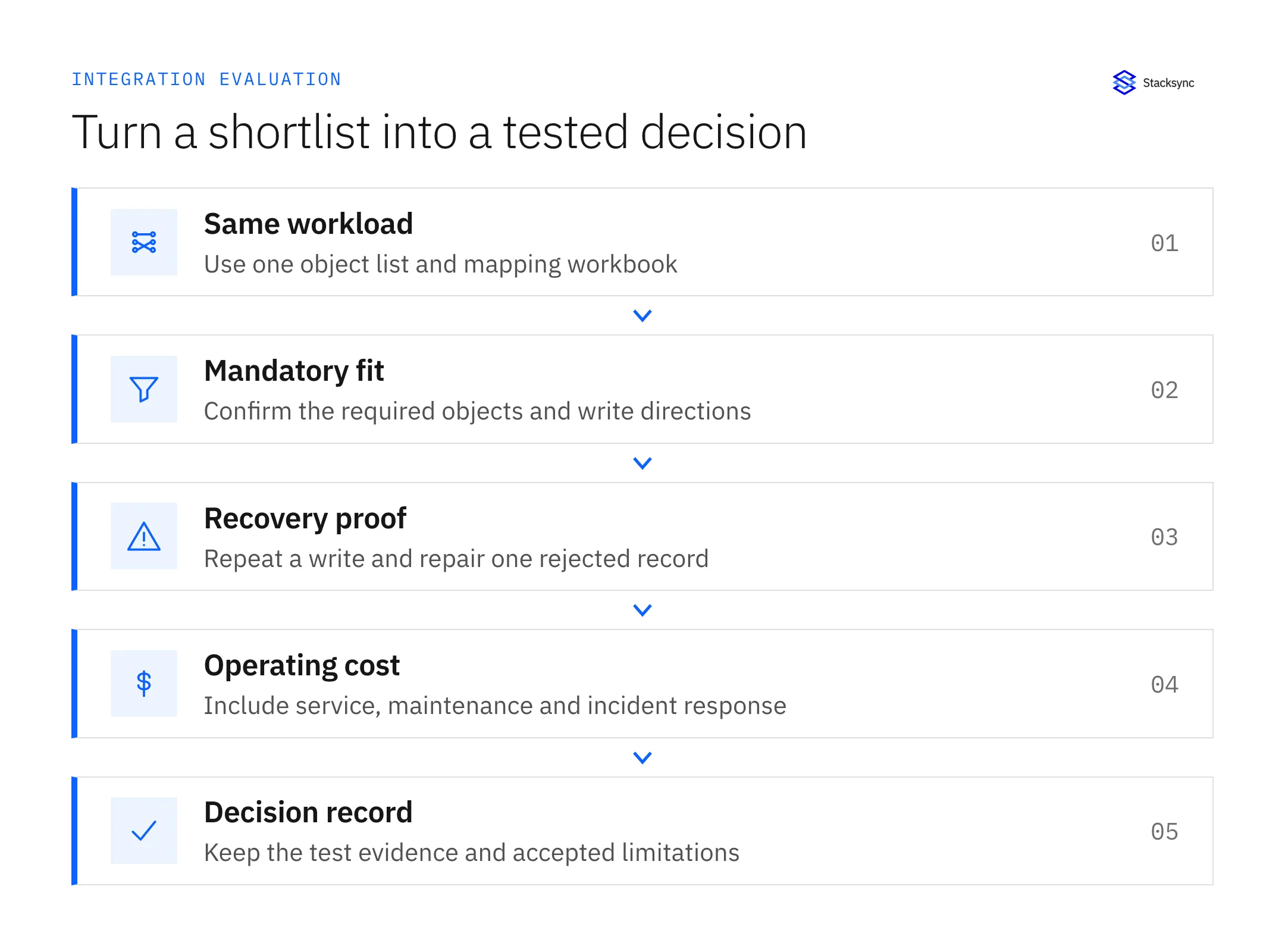
An integration evaluation worksheet compares options against a defined business workflow, not a list of vendor features. Document the required objects, write directions, identity rules, latency target, and failure tests. Then ask each native connector, managed platform, or custom implementation to meet the same acceptance criteria.
Download the evaluation CSV or download the Markdown worksheet. The rows cover 12 requirements and provide separate evidence columns for native, managed, and custom options. Empty cells mean evidence is missing; they do not mean a product fails.
Start with your field mapping workbook. If one vendor demonstrates ten simple contact fields while another estimates a multi-subsidiary order flow, the comparison is not meaningful. Fix the scope before comparing effort, price, or performance.
Match the approach to the job
A native integration is often a sensible starting point when it supports the exact pair, objects, and sync rules you need. A managed sync platform becomes relevant when additional systems, object coverage, or operational requirements exceed that fit. A custom implementation is appropriate when a differentiated workflow justifies owning its code and operations.
| Approach | Evidence to request | Work your team still owns |
|---|---|---|
| Native connector | Current object matrix, field rules, filters and error behavior | Configuration, business policies and application administration |
| Managed two-way sync | Your objects and both directions working with a recovery example | Mapping decisions, access approval and business acceptance |
| Custom integration | Working implementation plus repeat-delivery and outage tests | Code, API changes, infrastructure, monitoring and on-call recovery |
| Batch export or ETL | Reliable snapshot or incremental load with acceptable freshness | Refresh scheduling and downstream reporting assumptions |
Keep migration separate from synchronization. A one-time export may satisfy a system replacement, but it does not prove ongoing write-back behavior. Similarly, a warehouse load can be successful without supporting edits from the warehouse to the source application.
Set pass conditions before watching a demo
Use “Must” for requirements that make the workflow invalid if absent, and “Should” for preferences that can be traded against effort or price. A high total feature score cannot compensate for a missing required object or a recovery process that can create duplicate invoices.
- Coverage: show the actual custom object, field types, and relationship—not only a connector logo.
- Ownership: edit a shared field on both sides and explain the winner.
- Identity: repeat a create after an ambiguous timeout and locate the original record.
- Operations: make one record fail validation, then recover it without disturbing successful records.
- Capacity: show measured lag and catch-up behavior for the expected workload.
- Security: document required permissions, data region, and access to sensitive fields.
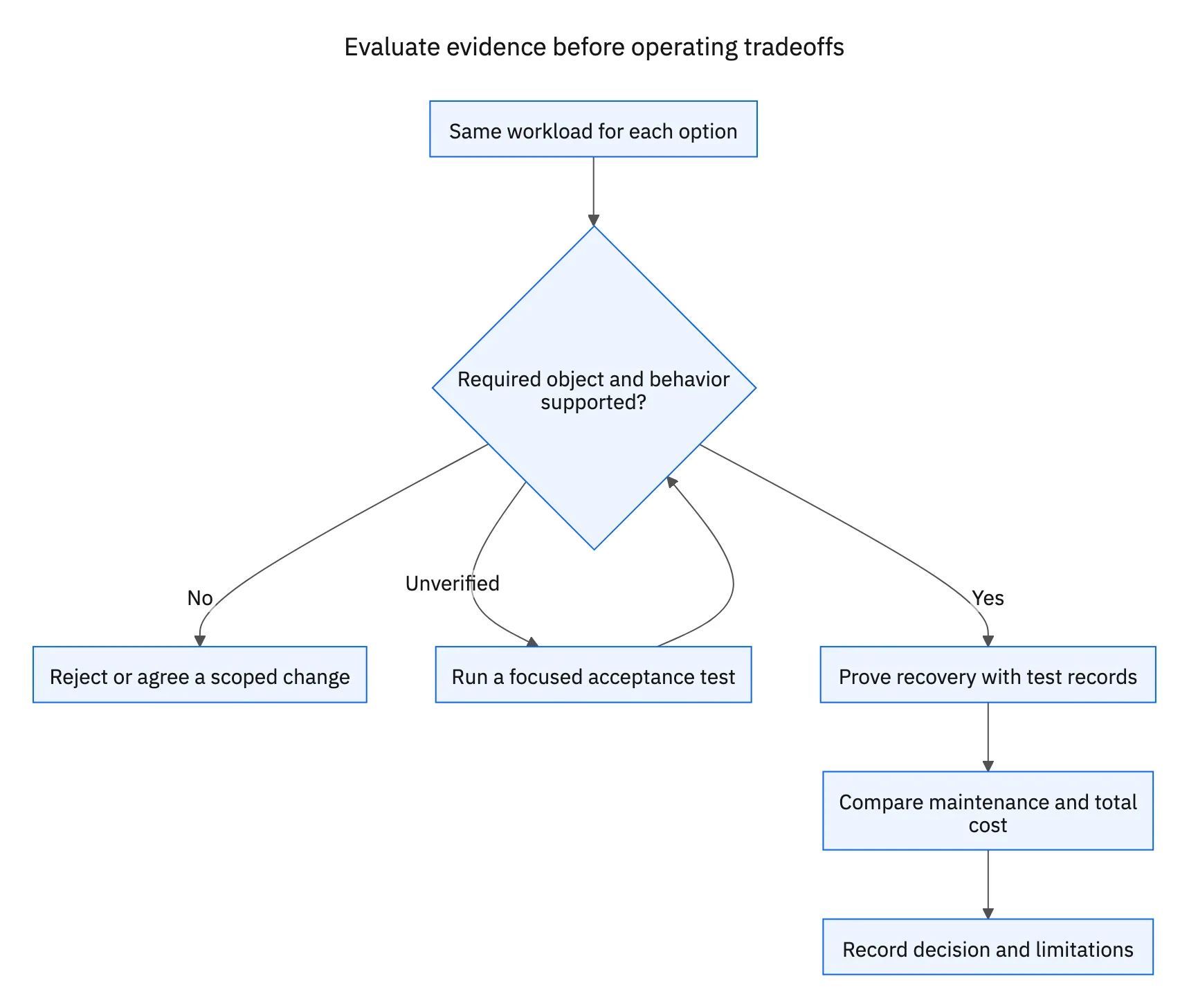
Write a short evidence note with a date and URL or test output. Separate “documented,” “demonstrated in our test,” and “not verified.” These labels prevent a sales conversation from turning into an unsupported production assumption.
Compare total ownership cost without invented savings
Ask every provider to price the same normal workload, peak workload, and catch-up event. Include environments, support, extra connectors, implementation, and any relevant task, record, API, or volume charges. For a custom build, include maintenance and incident response as well as initial development.
| Cost item | What to write down |
|---|---|
| Implementation | Estimated tasks, owners, dependencies and testing effort |
| Recurring service | Quoted scope, billing unit, included capacity and overage rules |
| Operations | Responder time, monitoring, credential rotation and schema maintenance |
| Growth | Expected peak, additional systems and recovery capacity |
| Exit | Configuration export, identity preservation and migration work |
Use current written quotes instead of unverified percentage-savings claims. A lower service fee can be outweighed by a custom recovery process; a broader platform can be unnecessary for a small, stable workflow. Record the tradeoff in terms of your workload and your team’s operating capacity.

Finish with an acceptance decision
Shortlist only options that meet the mandatory requirements or have a concrete, owned plan to close the gap. Run the production-readiness checklist on the finalist. Record why it was chosen, which limitations were accepted, and which future changes would trigger a reevaluation.
For example, the native HubSpot–Salesforce integration documents two-way field rules. Its existence means “needs bidirectional sync” alone is not a reason to reject it. Evaluate the actual mapping and operating requirements before selecting an alternative.
If Stacksync fits your shortlist, request a proof of concept using this worksheet. Bring the selected pair, critical objects, expected volumes, latency target, and hardest recovery case. The useful output is evidence against your requirements, not a generic product tour.
FAQ
Frequently asked questions










Related articles