






















Heroku Connect vs Stacksync After a Build.io Migration
Comparing Heroku Connect and Stacksync after moving off Heroku with Build.io: where Postgres runs, sync direction, error visibility, and which systems connect.
- Author
- Stacksync · App tips writer
- Published
- Read time
- 4 min read

What changes when Stacksync replaces Heroku Connect after a Build.io migration?
After Build.io moves your app and Postgres off Heroku, Heroku Connect no longer fits, because it is tied to Heroku Postgres. Stacksync takes its place and connects to Postgres wherever it runs. Your tables stay the same; what changes is where the sync runs, how you see failures, and which systems you can connect.
This comparison focuses on the practical differences a team notices in the weeks after cutover.
How do Heroku Connect and Stacksync compare?
| Area | Heroku Connect | Stacksync |
|---|---|---|
| Where Postgres runs | Heroku Postgres | Postgres wherever it is hosted, including after a Build.io move |
| Sync direction | Read-only or read-write per mapping | Real-time, two-way sync |
| Systems supported | Salesforce | Salesforce, HubSpot, NetSuite and others |
| Error visibility | Managed within Heroku | Record-level failures your team can see and act on |
| Platform dependency | Requires staying on Heroku | Independent of hosting platform |
| Application tables | Heroku Connect tables | Same objects, same tables |
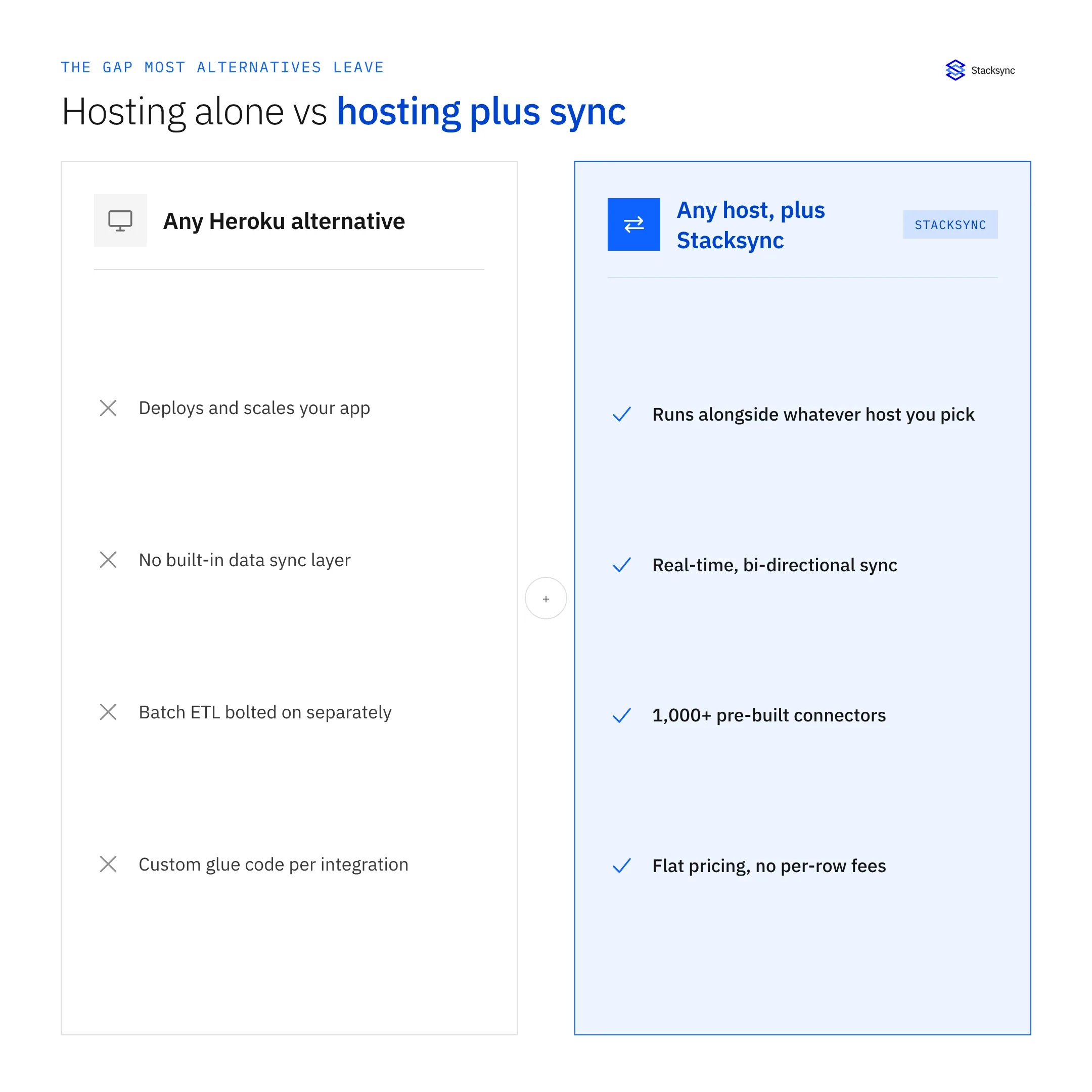
For a fuller breakdown, see Stacksync as a Heroku Connect alternative.
What stays the same for engineering?
The application keeps querying the same tables. When table and column names are kept during the move, the code path does not change. Salesforce admins keep working in Salesforce as before.
- Same Salesforce objects and fields.
- Same Postgres tables and columns.
- Same application queries.
- Changes in either system still reach the other.
What changes for operations?
The sync no longer depends on the hosting platform
With Heroku Connect, the sync and the hosting platform were the same vendor decision. With Build.io for the platform and Stacksync for the sync, each can be evaluated on its own merits.
Failures are visible at the record level
When a write to Salesforce is rejected, for example because of a validation rule, Stacksync shows which record failed and the reason, so the owner can fix it.
More systems can share the same database
Teams that also run HubSpot or NetSuite can sync them to the same Postgres database rather than maintaining separate scripts.
What does day-to-day sync management look like?
With Heroku Connect, sync management was part of the Heroku dashboard. After the migration, the sync has its own home in Stacksync, separate from where the application runs. That separation matters when something goes wrong, because the team investigating a sync problem does not need access to the hosting platform.
- Review sync activity to confirm records are moving in both directions.
- Check open errors and assign an owner to each one.
- Add a Salesforce field to an existing mapping when the app needs it.
- Bring a new system, such as HubSpot or NetSuite, into the same database when a project calls for it.
Most teams set up alerts for sync failures so issues reach the right person without anyone needing to watch a dashboard.
How do you make the switch after the platform move?
- 01Confirm the new Postgres locationGet connection details for the database Build.io set up.
- 02Recreate mappingsConfigure each Heroku Connect mapping in Stacksync with the same table names.
- 03Test in stagingUse a Salesforce sandbox and a staging database to confirm inserts, updates and write-backs.
- 04Cut overStop Heroku Connect, enable Stacksync and match existing rows by Salesforce ID.
- 05MonitorReview sync activity and errors daily during the first weeks.
See the Salesforce connector for supported objects, or book a demo to compare your current Heroku Connect setup with Stacksync.

When should you decide on the sync?
Decide before the platform cutover, not after. Heroku has said the platform is in sustaining engineering, and the sync is the piece that keeps Salesforce and your database consistent. Choosing the replacement early lets both teams test together in staging and cut over in one window.
What questions do teams ask before switching?
Most questions are about risk to the application and to Salesforce data. The answers come back to the same principle: keep the contract between Salesforce and Postgres stable, and change only the system that maintains it.
- Will the first sync overwrite data? Existing rows are matched by Salesforce ID, so the first run updates in place.
- Do we need to change Salesforce? Usually no; the objects and fields stay the same.
- Can we roll back? Keep the Heroku Connect configuration documented until the new sync has run cleanly in production.

FAQ
Frequently asked questions
Related articles





