






















Build.io + Stacksync FAQ: Planning a Heroku Exit
Answers for engineering leaders planning a Heroku exit: what Build.io moves, how Stacksync replaces Heroku Connect, cutover, cost and how to start.
- Author
- Stacksync · App tips writer
- Published
- Read time
- 5 min read

What do Build.io and Stacksync do together?
Build.io moves your application and platform off Heroku: app hosting, dynos, Postgres, add-ons and pipelines. Stacksync replaces Heroku Connect with real-time two-way sync between Salesforce and Postgres, and can also sync HubSpot, NetSuite and other systems. Together they cover the two parts of a Heroku exit for Salesforce-connected apps.
The questions below are the ones engineering leaders ask most when scoping the work.
Who is responsible for which part of the migration?
The split follows a simple line. Anything that runs your code or stores your data belongs to the platform move. Anything that keeps Salesforce and Postgres equal belongs to the sync.
| Question | Build.io | Stacksync |
|---|---|---|
| Where does the app run? | Yes | No |
| How are dynos and processes moved? | Yes | No |
| How is Postgres moved? | Yes | Connects to it after |
| What happens to add-ons and pipelines? | Yes | No |
| What replaces Heroku Connect? | No | Yes |
| Can we sync HubSpot or NetSuite too? | No | Yes |
Why isn't one tool enough?
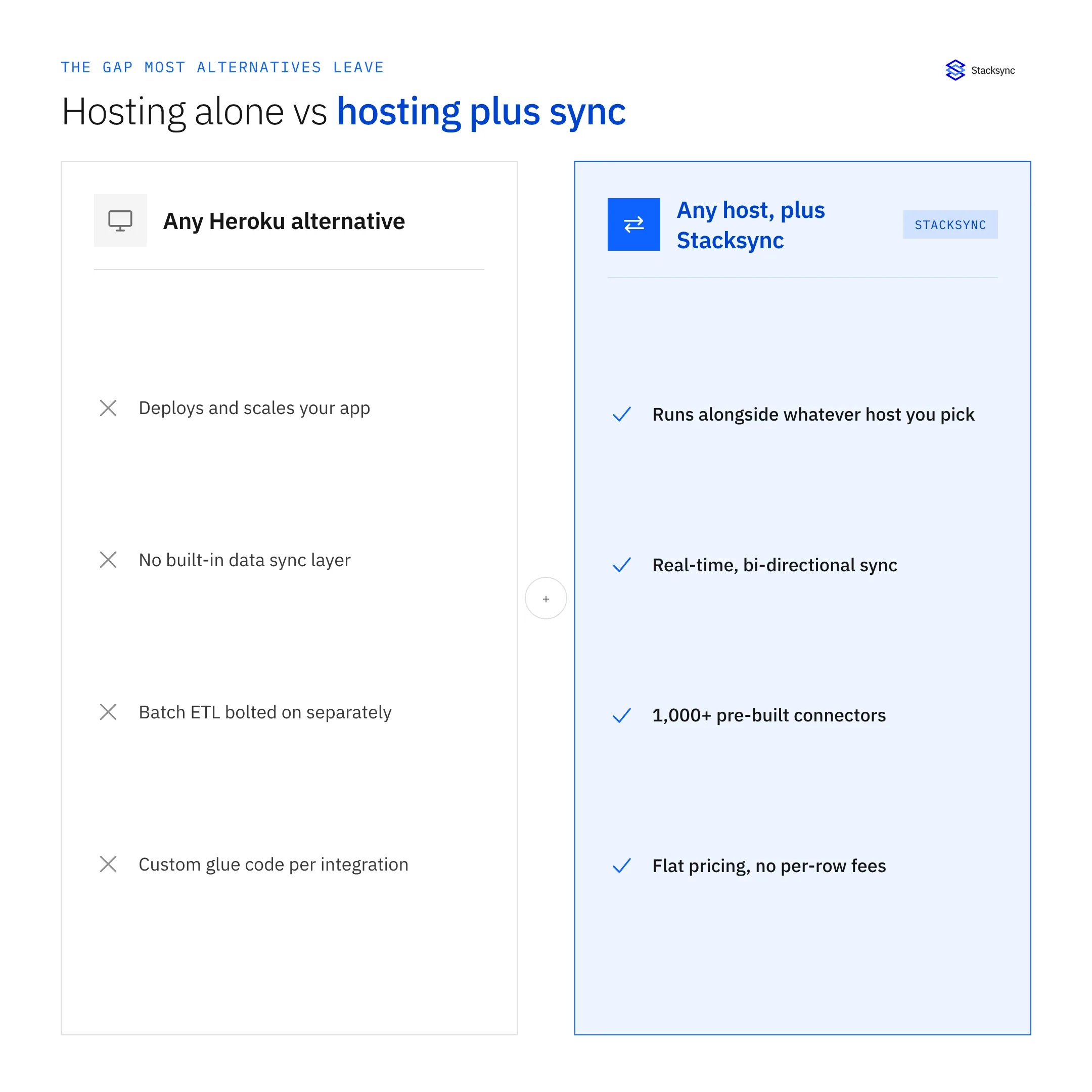
Heroku Connect only works with Heroku Postgres. Any platform that moves your database off Heroku leaves the sync behind, and hosting providers generally do not build Salesforce sync engines. Splitting the work lets each company focus on what it does well.
For a side-by-side look at the sync options, read our Heroku Connect alternative page.
There is also a practical benefit to two vendors with clear boundaries. When something goes wrong during testing, it is easier to tell whether the issue sits in the platform or in the sync, and the right team can pick it up without a long handoff. Each part can also be tested on its own schedule before the joint cutover.
How does Stacksync replace Heroku Connect?
Is the sync one-way or two-way?
Each object can be configured as one-way or two-way. Most teams match whatever their Heroku Connect mappings did, then decide later whether to change it.
Can we keep our existing table names?
Matching the existing schema is the usual goal, because it keeps app changes small. Document the tables and columns your app reads before setup.
Which Salesforce objects are supported?
Standard and custom objects are covered. See the Salesforce connector page for setup details.
Can it run next to Heroku Connect?
Yes. A parallel run with Heroku Connect on the old database and Stacksync on the new one is the recommended way to validate data before cutover.
What does a typical project plan look like?
- 01ScopeList Heroku resources (apps, dynos, Postgres, add-ons, pipelines) and Heroku Connect mappings (objects, fields, directions).
- 02Kickoff with both teamsBuild.io scopes the platform move. Stacksync scopes the sync. Agree on one cutover target.
- 03Build the target platformBuild.io sets up the new environment and database.
- 04Configure the syncStacksync connects Salesforce and the new database and backfills data.
- 05Run in parallel and validateCompare data between Heroku Connect and Stacksync tables and test writes.
- 06Cut overMove app traffic, switch Salesforce writes to Stacksync, and turn off Heroku Connect.
- 07Decommission HerokuRemove remaining Heroku resources once everything is stable.
What are the main risks and how are they handled?
- Data drift during cutover. Handled by running both syncs in parallel and validating before switching.
- Two systems writing to Salesforce. Avoided by keeping one writer at a time.
- Salesforce API usage. Planned for during the parallel window.
- App changes. Kept small by preserving the Heroku Connect table shape.
- Platform downtime. Planned with Build.io as part of the database and app move.

How should we think about cost?
Compare the full cost of staying, meaning Heroku dynos, Heroku Postgres, add-ons and Heroku Connect, against the cost of the new platform, the new sync and a one-time migration effort. Use your own invoices and contract terms; list prices rarely match what teams pay.
Build.io and Stacksync each quote their own part. Ask both early so the budget reflects the whole exit, not half of it.
Who on our team should be involved?
A Heroku exit touches more people than the platform team. Plan for these roles from the start:
- Platform or DevOps lead. Owns the move with Build.io: environments, deploys, database and add-ons.
- Data or integration owner. Owns the sync with Stacksync: mappings, sync direction and validation.
- Salesforce admin. Confirms the integration user's permissions, field-level security and API allowance.
- Application engineers. Confirm which tables and columns the app depends on and test the app against the new database.
- Business owner. Signs off on the cutover date and the expected behavior for sales and support users.
Getting the Salesforce admin involved early saves time. Most write-back issues during testing trace back to permissions on the integration user rather than to the sync tool itself.
How do we get started?
Start with an inventory of your Heroku resources and Heroku Connect mappings. That one document is enough for both teams to scope the work. Then contact Build.io for the platform side, and book a demo with Stacksync to review your Salesforce mappings and plan the sync.

FAQ
Frequently asked questions
Related articles





