






















Heroku Connect Replacement: A Step-by-Step Plan with Build.io
A practical plan for replacing Heroku Connect while Build.io moves your app off Heroku: inventory, mapping, staging tests, cutover and decommission, in order.
- Author
- Stacksync · App tips writer
- Published
- Read time
- 4 min read

What is the plan for replacing Heroku Connect when you leave Heroku?
Inventory every Heroku Connect mapping, recreate each one in Stacksync against the Postgres database that Build.io sets up, test in staging, then cut over the app and the sync in the same window. Decommission Heroku Connect only after record counts and write-backs are verified in production.
This article breaks the plan into phases with owners and checks, so engineering, operations and Salesforce admins can work from the same list.
What do you need before you start?
A replacement project is only as good as its inventory. Heroku Connect configuration often grows over years, with mappings added by people who have since moved on. Collect the following before any build work:
- Every mapped Salesforce object and the fields on each mapping.
- The sync direction for each mapping: read-only or read-write.
- The Postgres schema and table names the app queries.
- Jobs, reports or services outside the app that read those tables.
- The Salesforce org and sandbox you will test against.
- Who owns the cutover on the app, platform and Salesforce sides.
What are the phases of the replacement plan?
- 01Phase 1: InventoryExport Heroku Connect mappings and list dependent services. Owner: your engineering lead.
- 02Phase 2: Platform scopingBuild.io plans the target environment, including how Postgres moves and the cutover window.
- 03Phase 3: Sync designRecreate each mapping in Stacksync with the same object, fields, direction and table name.
- 04Phase 4: Staging testConnect a Salesforce sandbox to the staging database. Verify initial load, inserts, updates and write-backs.
- 05Phase 5: Cutover rehearsalRun the exact production sequence in staging and time each step.
- 06Phase 6: Production cutoverFreeze writes, stop Heroku Connect, finish the database move, enable Stacksync, reopen writes.
- 07Phase 7: DecommissionAfter a stable period, remove Heroku Connect and the remaining Heroku resources.
Who owns each phase?
| Phase | Build.io | Stacksync | Your team |
|---|---|---|---|
| Inventory | Platform resources | Heroku Connect mappings | Dependent services |
| Platform scoping | Leads | Advises on database access | Approves window |
| Sync design | Provides database access | Leads | Confirms fields and direction |
| Staging test | Staging environment | Sync configuration | Acceptance checks |
| Production cutover | App and database move | Sync enablement | Go or no-go decision |
| Decommission | Heroku resources | Confirms Heroku Connect is off | Final sign-off |
Clear ownership keeps the two workstreams from waiting on each other. The platform move and the sync design can run in parallel until the staging test brings them together.
How should you design the new sync?
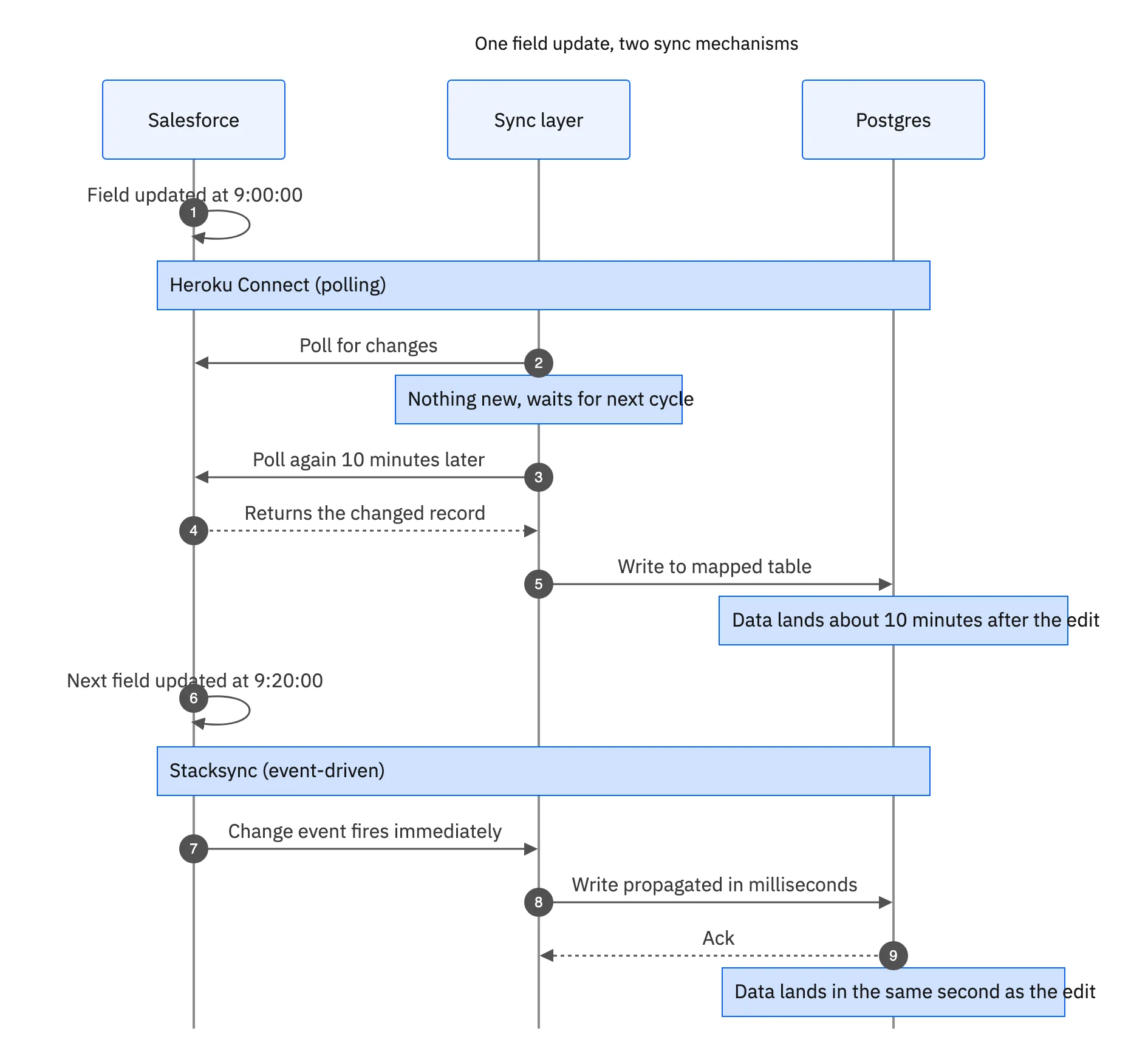
Start by matching Heroku Connect behavior exactly. Keep table names, column names and sync direction the same. Change only what the move requires, such as connection details for the new database. Improvements can come after the cutover is stable.
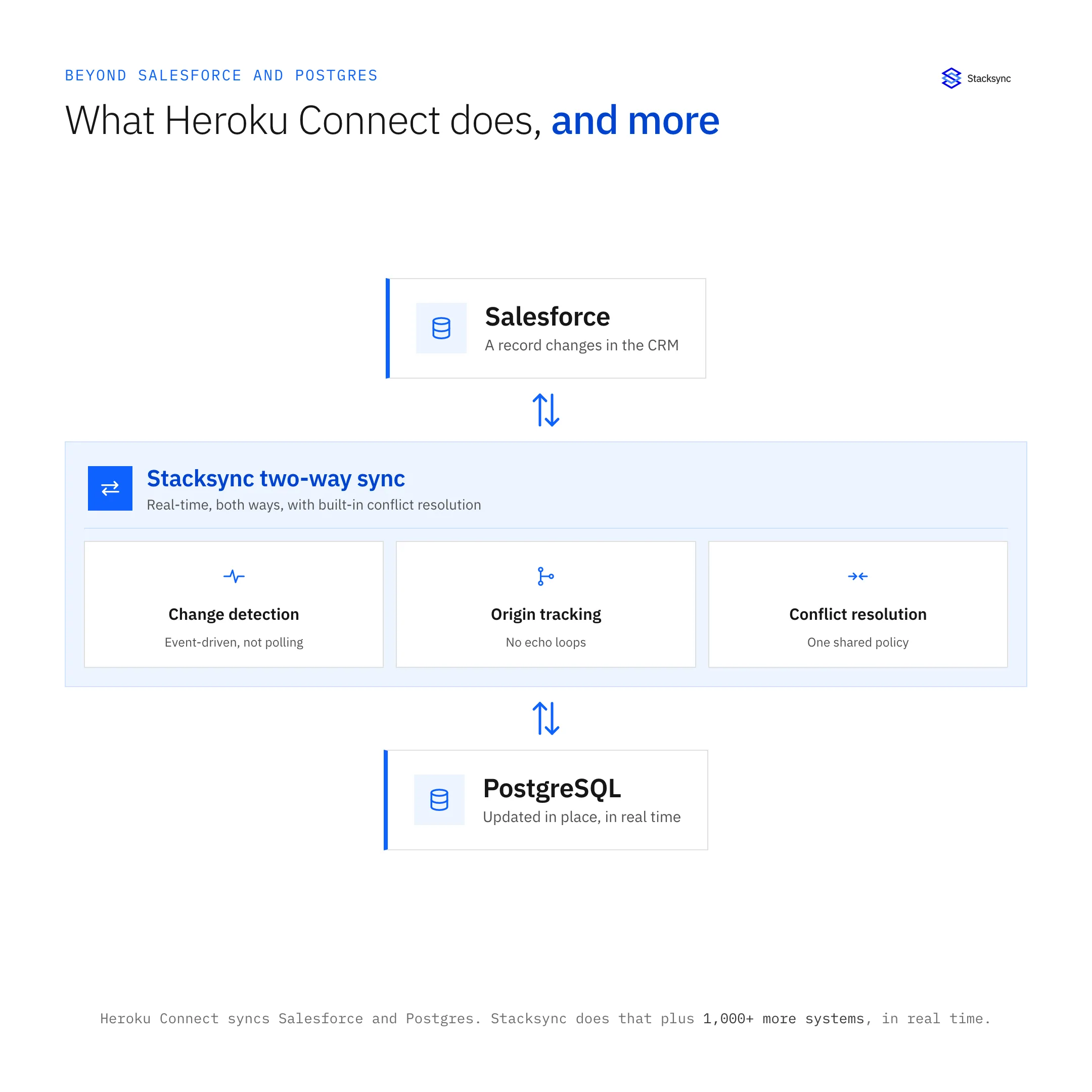
Stacksync syncs in real time in both directions and shows errors at the record level, so your team can see when a write to Salesforce fails and why. Review supported objects and options on the Salesforce connector page.

What are the common risks, and how do you reduce them?
Missing mappings
A mapping left out of the inventory means a table that silently stops updating. Compare the inventory against the actual Postgres schema before cutover.
Duplicate records
Match existing rows by Salesforce ID before enabling write-back so the first sync updates rows instead of inserting new ones.
Two syncs writing at once
Make sure Heroku Connect is stopped before Stacksync begins writing to the same tables in production.
For a deeper comparison of capabilities, see Stacksync as a Heroku Connect alternative. When your inventory is ready, book a demo and we will walk through it with you.
How long should each phase take?
Timelines depend on how many apps, databases and mappings you have, so we do not quote a fixed duration. What matters more is the order. The inventory and sync design can start as soon as the decision to leave Heroku is made, while Build.io scopes the platform. Staging tests should not begin until both the target database and the sync configuration exist.
Give the rehearsal enough time to run end to end at least once without shortcuts. A rehearsal that finishes cleanly is the best signal that the production cutover window is realistic.
- Start the inventory and sync design in parallel with platform scoping.
- Book the Salesforce sandbox early; refreshes can take time to schedule.
- Agree on the production window with every owner before the rehearsal, then confirm it after.

FAQ
Frequently asked questions
Related articles




