






















Real-Time Sync Between Microsoft Dynamics 365 Sales and HubSpot
A guide to keeping Microsoft Dynamics 365 Sales and HubSpot in step in real time when sales runs on Dynamics and marketing runs on HubSpot. It explains why batch sync leaves the two out of date, how a real-time two-way sync keeps leads, contacts, and deals current the moment they change, and how field-level change detection stays under both systems' API limits. Covers the round-trip of a single change, conflict handling, and where the boundary between marketing and sales should sit.
- Author
- Ignacio Malpartida · GTM Engineer
- Published
- Read time
- 9 min read

A lot of go-to-market teams run sales on Microsoft Dynamics 365 Sales and marketing on HubSpot. It is a reasonable split, until the two fall out of step. Marketing enriches a lead in HubSpot, sales works the account in Dynamics, and unless the two systems agree in real time, each team is acting on a slightly stale version of the same customer.
The fix is a real-time two-way sync, not a nightly one. Leads, contacts, and deals stay current in both systems the moment they change, so sales and marketing see the same record at the same time. This guide covers how that sync works, why real time is the part that matters, and where to draw the line between the two teams.
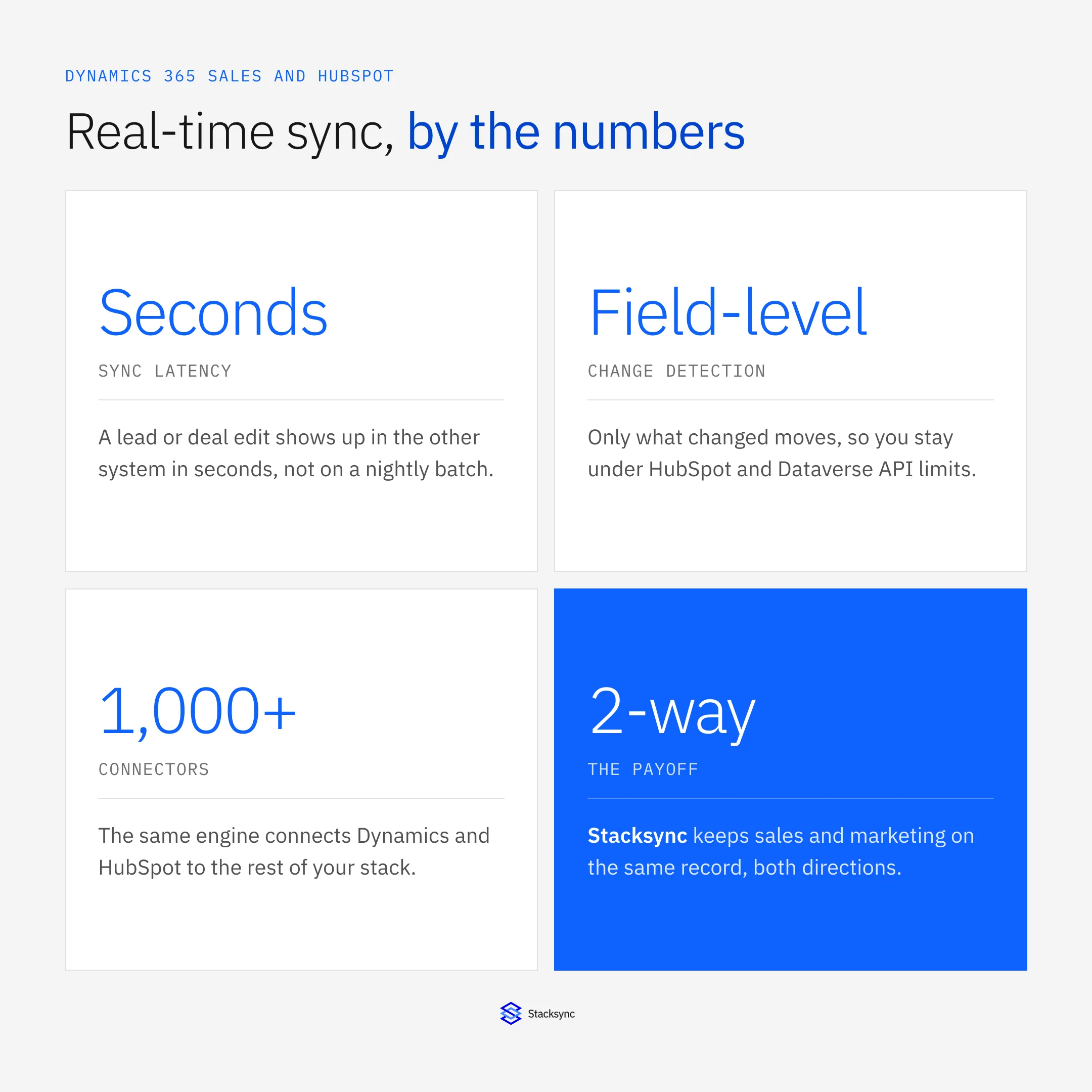
The setup assumes a two-way sync platform such as Stacksync between the CRM and HubSpot. If you want the platform view first, the HubSpot connector and the Dynamics and HubSpot bidirectional sync guide cover it; here we focus on keeping the two current in real time.
Why real time is the point
The gap between sales and marketing is measured in minutes, not days. A prospect fills a form, downloads a paper, or replies to a sequence in HubSpot, and a rep may be looking at that exact account in Dynamics the same afternoon. A batch sync that runs overnight guarantees the rep sees a version of the record that is already wrong.
Real-time sync removes that lag. A change in either system is reflected in the other within seconds, so a marketing signal reaches the rep while it still means something, and a sales update reaches marketing before the next campaign fires on stale data. Speed is not a nice-to-have here; it is the entire reason to connect the two.
What one change does
It helps to follow a single edit end to end. A change does not just appear in the other system; it is captured, mapped, checked for conflicts, and applied, all in the few seconds between the save and the update.
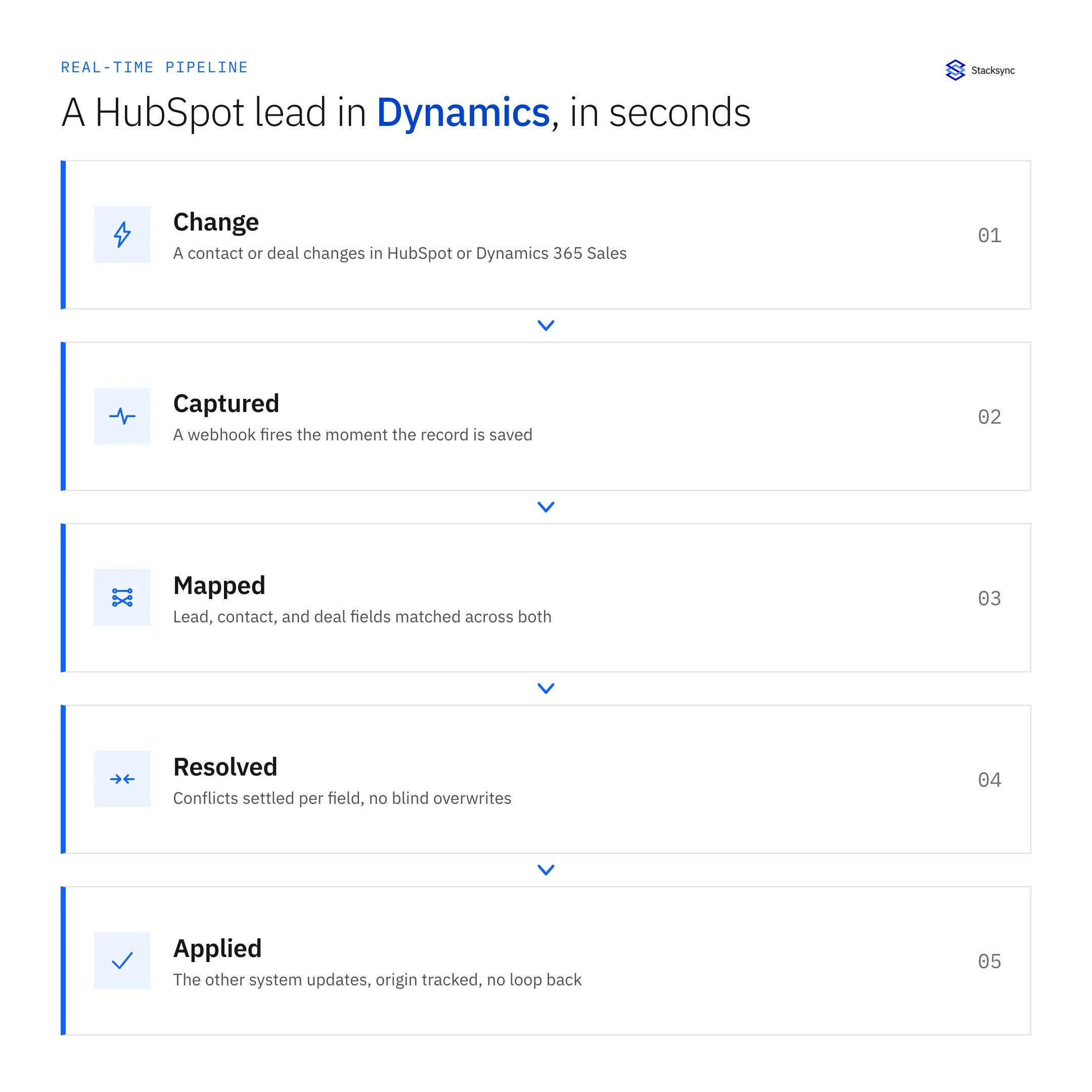
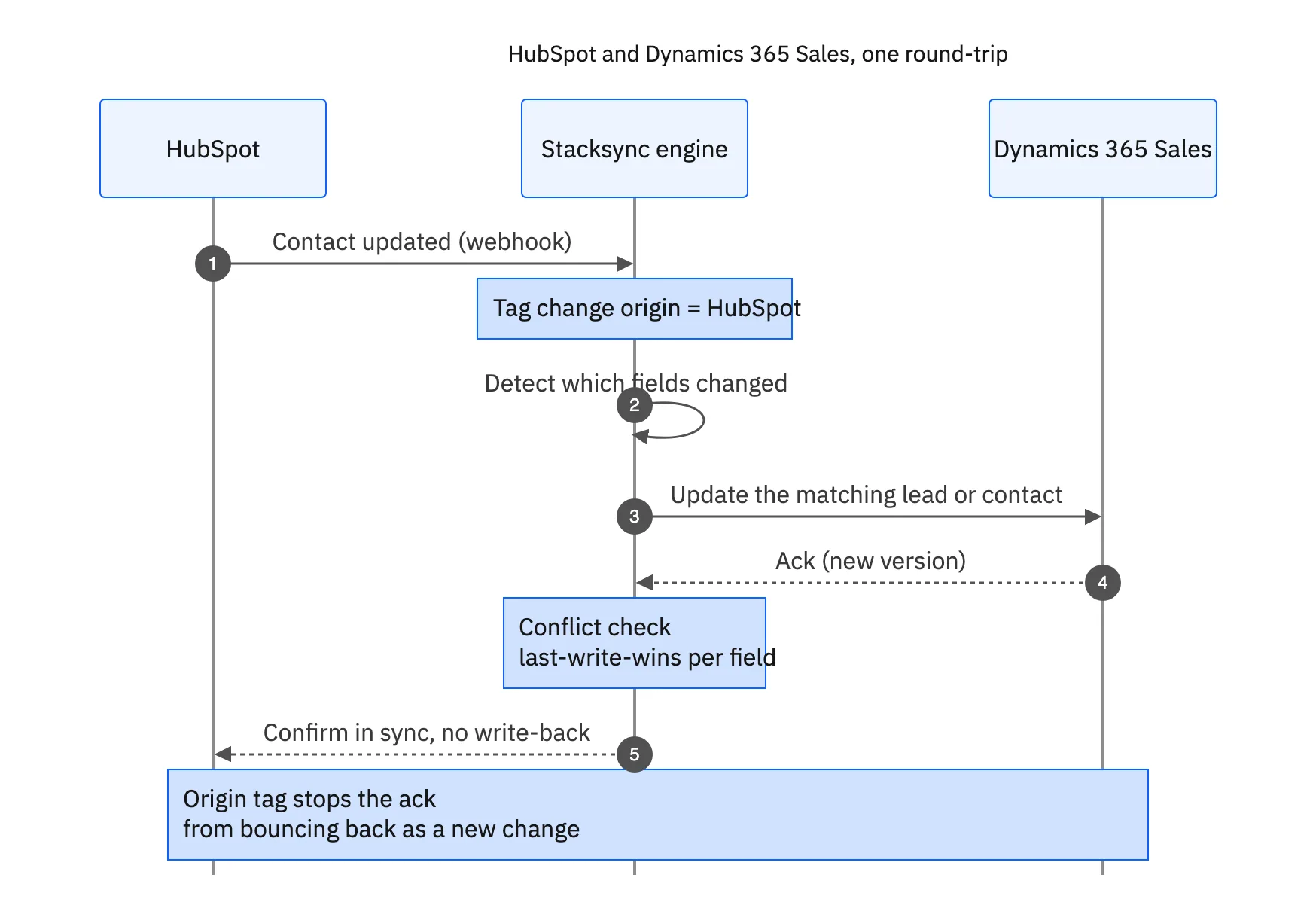
A HubSpot update fires a webhook, the engine tags its origin as HubSpot, detects which fields changed, and updates the matching Dynamics lead or contact. Dynamics acknowledges, a field-level conflict check runs, and the change is confirmed. Because the origin was tagged, the write into Dynamics is not sent back to HubSpot as a fresh change, so the two stay in step without looping.
Drawing the line between the teams
Two-way does not mean everything overwrites everything. The cleanest setups decide, per field, which system owns the truth, and sync accordingly. That boundary is what keeps marketing and sales from stepping on each other's data.
| Field group | Source of truth | Sync direction |
|---|---|---|
| Campaign source, lifecycle stage | HubSpot | HubSpot to Dynamics |
| Deal stage, amount, close date | Dynamics 365 Sales | Dynamics to HubSpot |
| Contact details, email, phone | Shared | Two-way, conflict policy |
| Account owner | Dynamics 365 Sales | Dynamics to HubSpot |
| Marketing consent | HubSpot | HubSpot to Dynamics |
Set ownership per field once, and the two-way sync stops the two teams overwriting each other.
With ownership set this way, the sync moves each field in the direction that makes sense and only settles a conflict where the field is genuinely shared. Marketing keeps owning capture and enrichment, sales keeps owning the opportunity, and both see the parts of the record they need from the other.

Staying under both APIs
Running in real time might sound heavier on the APIs than a nightly job, but it is the opposite. A batch export re-reads every record every run and pushes hard against both HubSpot's rate limits and the Dataverse service protection limits. A change-driven sync only touches what changed.
Because it is field-level, a single edit moves a single field, not the whole record and not the whole object. Request volume stays low, and when the sync does approach a limit it backs off and retries rather than failing. The result is a sync that is both fresher and lighter on both systems than the batch it replaces. For the same idea applied to a warehouse instead of a marketing tool, see the Dynamics to Snowflake guide.
One record, both teams, in real time
When sales lives in Dynamics 365 Sales and marketing lives in HubSpot, the connection between them has to be real time or it is not worth much. A field-level two-way sync keeps leads, contacts, and deals current in both the moment they change, settles conflicts where fields are shared, and stays under both systems' API limits while doing it.
That is what Stacksync keeps running between Dynamics and HubSpot: real-time, two-way, and field-level, so sales and marketing always work from the same record. To wire your own Dynamics and HubSpot together, book a demo.

FAQ
Frequently asked questions










Related articles






