






















Acumatica vs NetSuite: ERP Comparison (2026)
A neutral buyer comparison of Acumatica and NetSuite: how each is priced, who each fits, and how to keep whichever ERP you choose in real-time two-way sync with your CRM, warehouse, and databases.
- Author
- Ignacio Malpartida · GTM Engineer
- Published
- Read time
- 9 min read

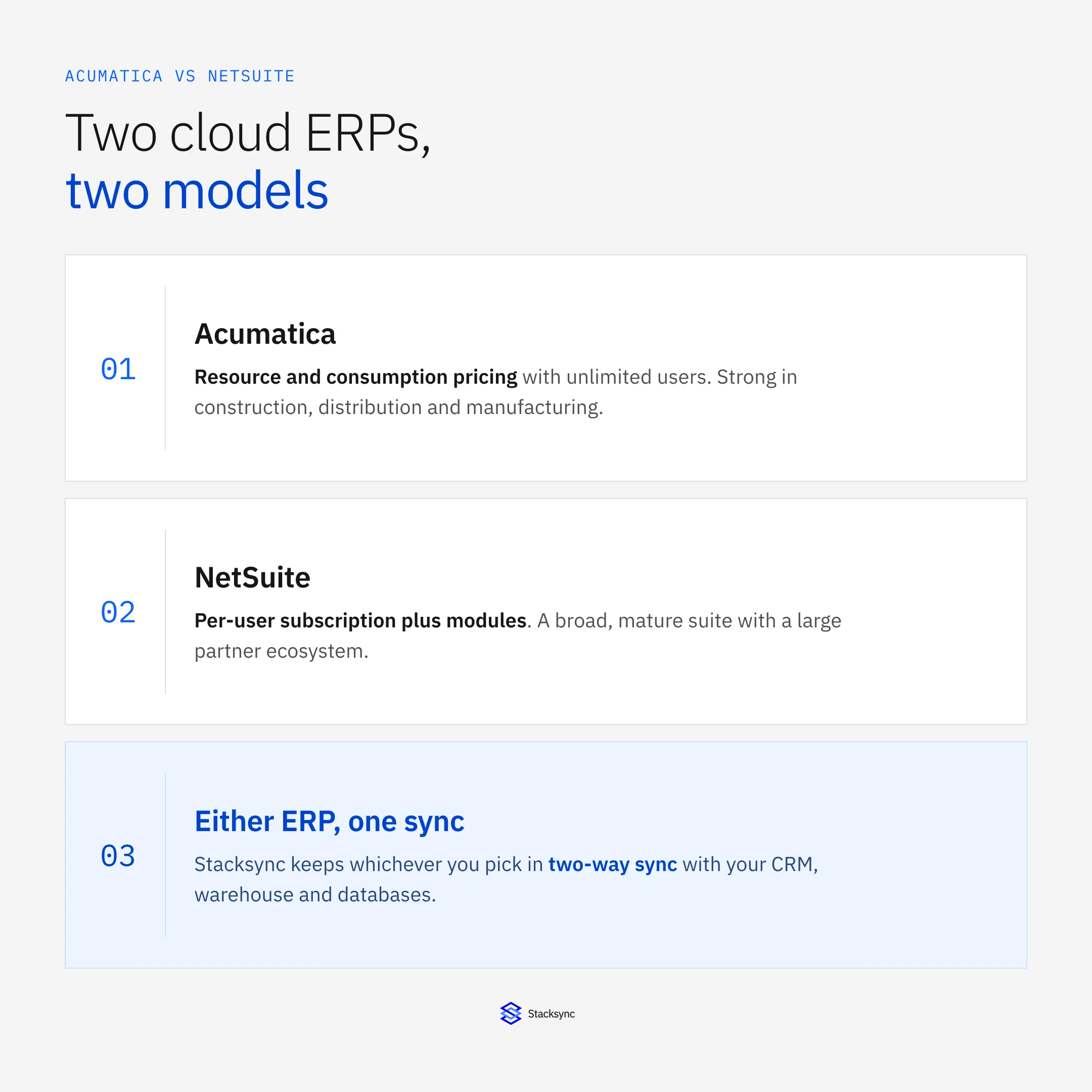
Acumatica and NetSuite are two of the most common cloud ERP systems on buyer shortlists, and teams often weigh them side by side. Here is the quick framing: Acumatica tends to suit companies that want unlimited users on a resource or consumption based license, and it has deep roots in construction, distribution, and manufacturing. NetSuite tends to suit companies that want a broad, mature suite with strong financials, native ecommerce and CRM, and a large partner ecosystem, priced per user.
Neither is the right answer for everyone. The decision usually comes down to how your workforce is structured, which modules you actually need, and how you expect the business to grow over the next few years. This comparison walks through positioning, pricing models, industry fit, and a practical point most buyers hit later: how to keep either ERP in sync with the CRM, warehouse, and databases around it.
Acumatica and NetSuite at a glance
Both products are full cloud ERPs that cover financials, order management, inventory, and reporting. The table below sums up the structural differences most buyers care about before they get into module detail. Read it as a starting map, not a scorecard, because the weight of each row changes with your business.
| Dimension | Acumatica | NetSuite |
|---|---|---|
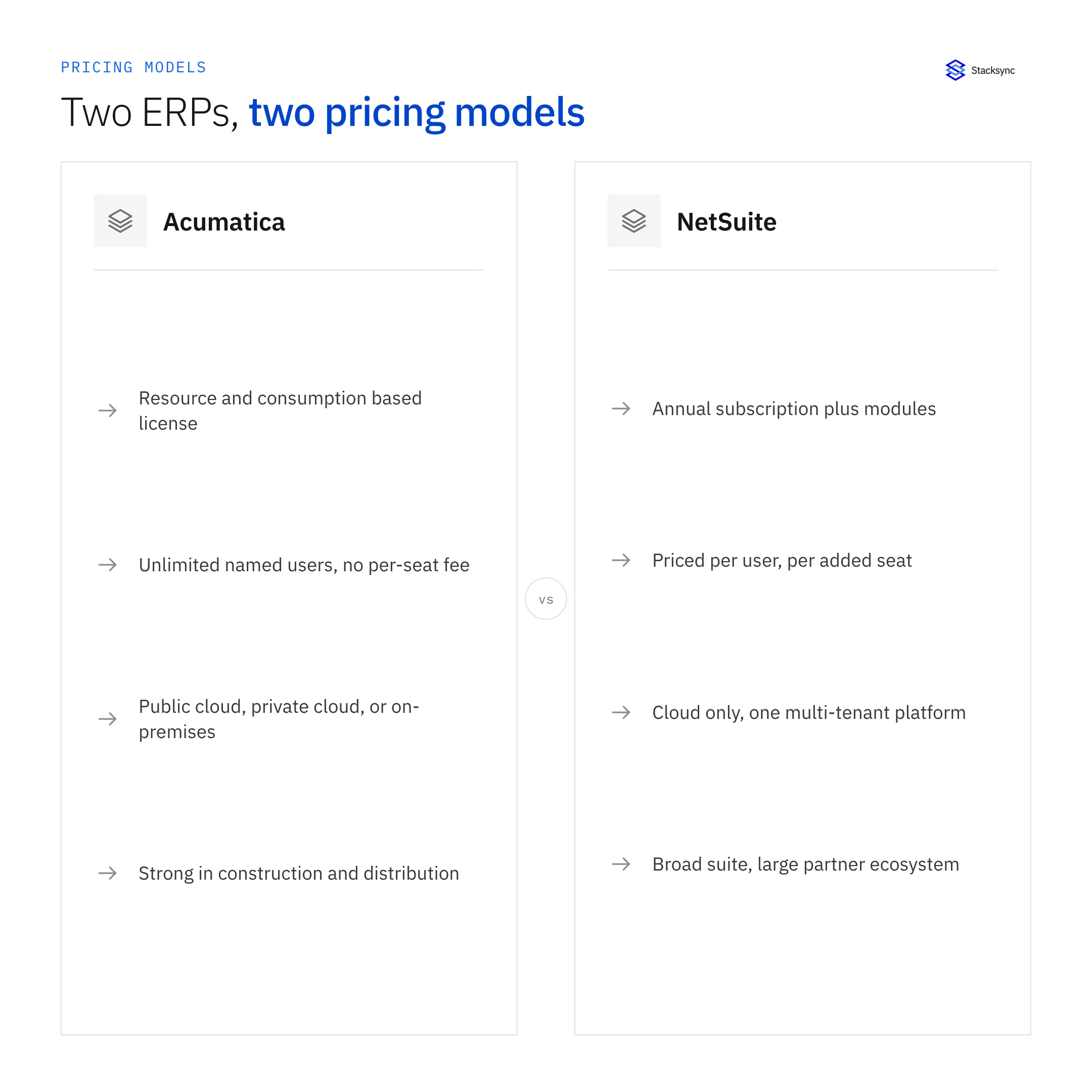
| Pricing model | Resource or consumption based; you pay for transaction volume and the modules in use | Annual subscription: base platform plus modules plus a per-user fee |
| User model | Unlimited named users at no extra per-seat cost | Priced per user; each additional seat adds cost |
| Deployment | Public cloud, private cloud, or on-premises on the same code base | Cloud only, one multi-tenant platform (SuiteCloud) |
| Best-fit industries | Construction, distribution, wholesale, manufacturing, field services | Software, retail and ecommerce, professional services, wholesale, broad general use |
| Customization | Open low-code xRP platform with REST APIs; ISV add-ons | SuiteScript, SuiteFlow, and SuiteCloud; large certified app catalog |
| Ecosystem | Growing VAR channel and marketplace | Large, long-established partner and app ecosystem (SuiteApps) |
Where Acumatica fits
Acumatica is a cloud ERP built around a consumption model rather than a seat count. That single design choice shapes who it suits. Because you are not charged per user, teams with many occasional logins, such as field crews, warehouse staff, or seasonal workers, can all get access without the license bill climbing with headcount.
That model also affects day-to-day operations. Because access is not rationed by cost, companies tend to give more staff direct entry into the system, which can cut down on rekeying and email-based handoffs. The tradeoff is that you plan around transaction volume instead of seat count, so a spike in orders or documents is the number to forecast, not the size of the team.
Strong points
- Unlimited-user licensing, which keeps costs steadier as the team grows
- Industry editions for construction, distribution, manufacturing, retail-commerce, and field service, each with tailored functionality
- Flexible deployment: public cloud, private cloud, or on-premises on the same code base
- An open platform (xRP) with REST APIs that make custom apps and integrations approachable
Acumatica is often chosen by mid-market companies in project-heavy or inventory-heavy industries that want to add users freely and keep some control over where the system runs.
Things to weigh
- Its partner ecosystem, while growing, is smaller than NetSuite's, so some niche add-ons may not exist yet
- Consumption pricing means heavy transaction volume can raise costs, so model your expected activity
- Very large multinationals may find certain advanced financial consolidation features lighter than NetSuite's
Where NetSuite fits
NetSuite, owned by Oracle, is one of the longest-running cloud ERPs and one of the broadest. It runs as a single multi-tenant platform and brings financials, CRM, inventory, order management, ecommerce, and professional services automation under one roof.
Because everything sits on one platform, reporting across finance, sales, and operations tends to stay consistent without stitching separate tools together. That single-platform breadth is a large part of why NetSuite shows up so often in companies that have outgrown entry-level accounting and want room to expand into new lines of business without swapping systems again.
Strong points
- A wide, mature module set that covers many business functions without third-party tools
- Strong multi-subsidiary, multi-currency, and multi-book accounting for companies with complex financials
- A large, established partner and app ecosystem (SuiteApps) with options for most niches
- A well-worn path for companies preparing for audits, investor reporting, or an eventual IPO
NetSuite is often chosen by companies that value breadth and want a single vendor for finance, operations, and customer records, especially those expanding into new entities or countries.
Things to weigh
- Per-user pricing means costs rise as you add seats, which matters for large or fast-growing teams
- The breadth can mean more configuration up front, and some editions expect specialist help
- Deployment is cloud only, so on-premises or private-cloud requirements are not an option
Pricing models compared
Both vendors quote custom pricing, so list prices are hard to find and vary by region, modules, and negotiation. The useful comparison is the model, not a headline number.
Acumatica: resource and consumption based
Acumatica bases its license on the computing resources and transaction volume you use, plus the modules you turn on. Users are unlimited, so adding people does not change the license tier. This favors companies with many light users and predictable transaction growth, and it makes budgeting less tied to headcount.
NetSuite: subscription plus per-user
NetSuite charges an annual subscription made of a base platform fee, the modules you license, and a per-user fee for each seat. This is straightforward to reason about and scales cleanly with a small power-user team, but the per-seat component grows with the number of people who need access.
License fees are only one line. For both products, budget for implementation, data migration, any add-on modules or third-party apps, and ongoing administration. These items often outweigh the year-one license difference, so a fair comparison looks at total cost over two or three years rather than the monthly figure alone. Both ERPs are usually implemented and supported by partners, so it helps to know how they earn: see what a value-added reseller is and how VARs make money.
How to choose, and where alternatives fit
A few practical questions separate the two quickly.
- How does headcount grow? Many occasional users points toward Acumatica's unlimited model; a small finance-heavy team fits NetSuite's per-seat model.
- What industry are you in? Construction, distribution, and discrete manufacturing lean Acumatica; broad or ecommerce-driven operations lean NetSuite.
- Do you need on-premises or private cloud? Only Acumatica offers that; NetSuite is cloud only.
- How complex is your financial consolidation? Multi-subsidiary and multi-book needs often favor NetSuite.
It is also worth knowing where the common alternatives sit. Sage Intacct is often compared for finance-first teams that want deep accounting without a full ERP; QuickBooks suits smaller companies that have not outgrown basic bookkeeping; and Odoo appeals to teams that want an open-source, modular option they can self-host. Acumatica and NetSuite usually enter the conversation once a company has outgrown QuickBooks and needs operations and finance in one system.
Whichever way you lean, plan the switch itself. Moving from an older ERP or from QuickBooks means mapping your chart of accounts, cleaning master data, and retraining staff, and that work is broadly similar regardless of which of the two you pick. Build it into the timeline early rather than treating it as a step you handle after signing.

Customization and extensibility
Most ERP projects need some tailoring, so it helps to know how each product handles changes and outside connections. Both expose modern APIs and both support custom fields, forms, and workflows, but they get there in different ways.
- Acumatica uses its open xRP platform, low-code customization, and REST and contract-based APIs, which many developers find quick to work with for custom screens and integrations.
- NetSuite uses SuiteScript for logic, SuiteFlow for workflows, and SuiteTalk and REST APIs for integration, backed by a large catalog of certified SuiteApps for common needs.
- For either one, keep customizations documented, because heavy custom code raises the effort of upgrades and of connecting the ERP to the rest of your stack.
The practical takeaway is that both are extensible enough for most mid-market and enterprise needs. The question is less whether you can customize and more how much custom work your team wants to own over time.
Running both, or migrating, without losing data consistency
Choosing an ERP is only part of the story. In practice, the ERP rarely lives alone. It has to share data with a CRM, a data warehouse, ecommerce platforms, and operational databases. And plenty of groups end up running both systems at once, for example NetSuite at the parent company and Acumatica in a newly acquired subsidiary, or the reverse during a multi-month migration.
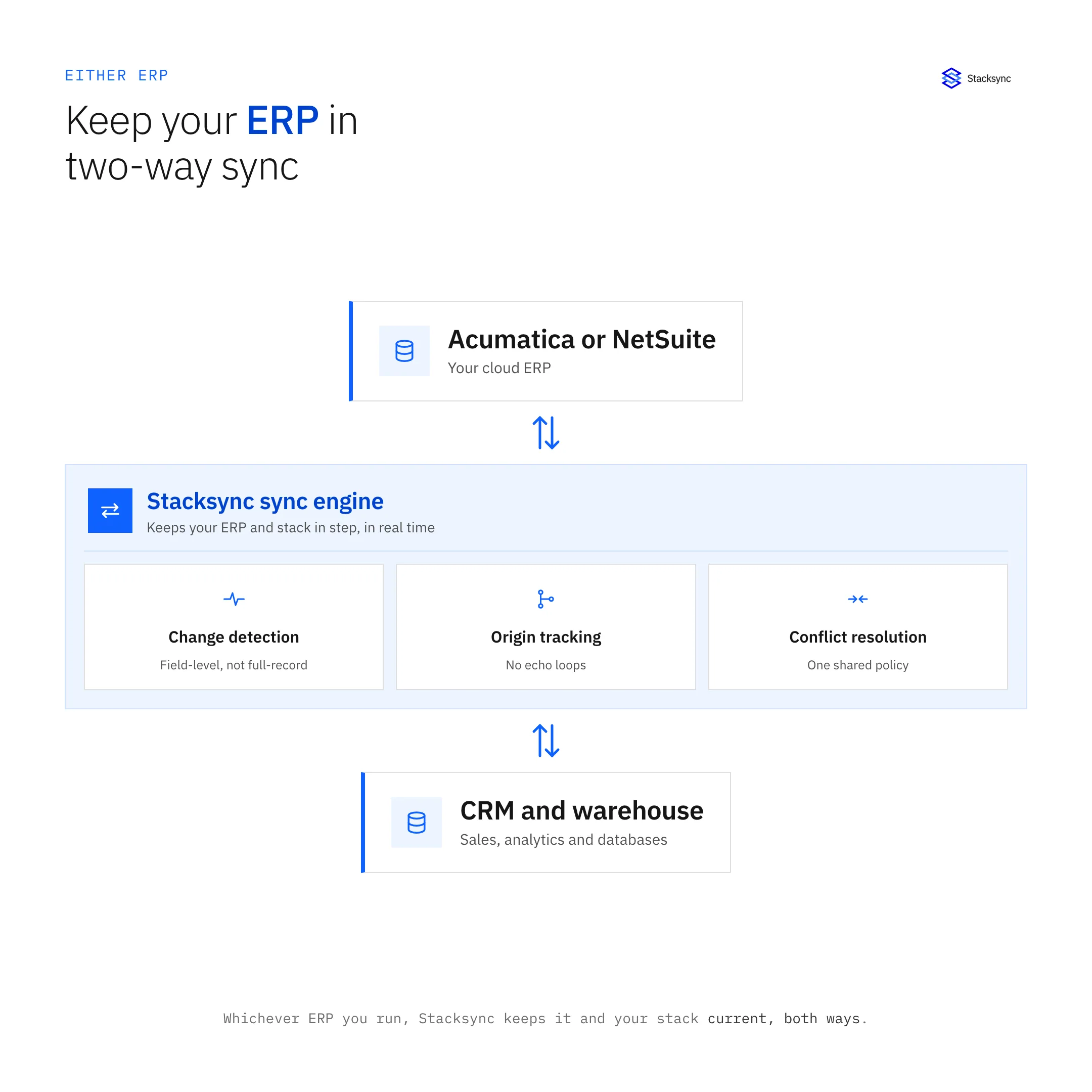
That is where a real-time sync layer matters. Stacksync keeps Acumatica and NetSuite in two-way sync with the CRM, warehouse, and databases around them, so a change in one system shows up in the others in seconds rather than overnight. If you are migrating between the two, or bridging them across subsidiaries, the Acumatica and NetSuite integration keeps customers, orders, inventory, and financial records aligned in both directions while both systems stay live.
Whichever ERP you pick, or if you decide to run both, the goal is the same: every team working from current data. To see how real-time two-way sync would fit your setup, book a demo.

FAQ
Frequently asked questions










Related articles





