






















eClinicalWorks FHIR API Integration Guide
eClinicalWorks exposes a FHIR R4 API behind app registration and OAuth 2.0. This guide covers auth, resources, paging and rate limits, then the HIPAA-compliant way to keep data synced in real time.
- Author
- Ruben Burdin · Founder & CEO
- Published
- Updated
- Read time
- 8 min read

Does eClinicalWorks have an API?
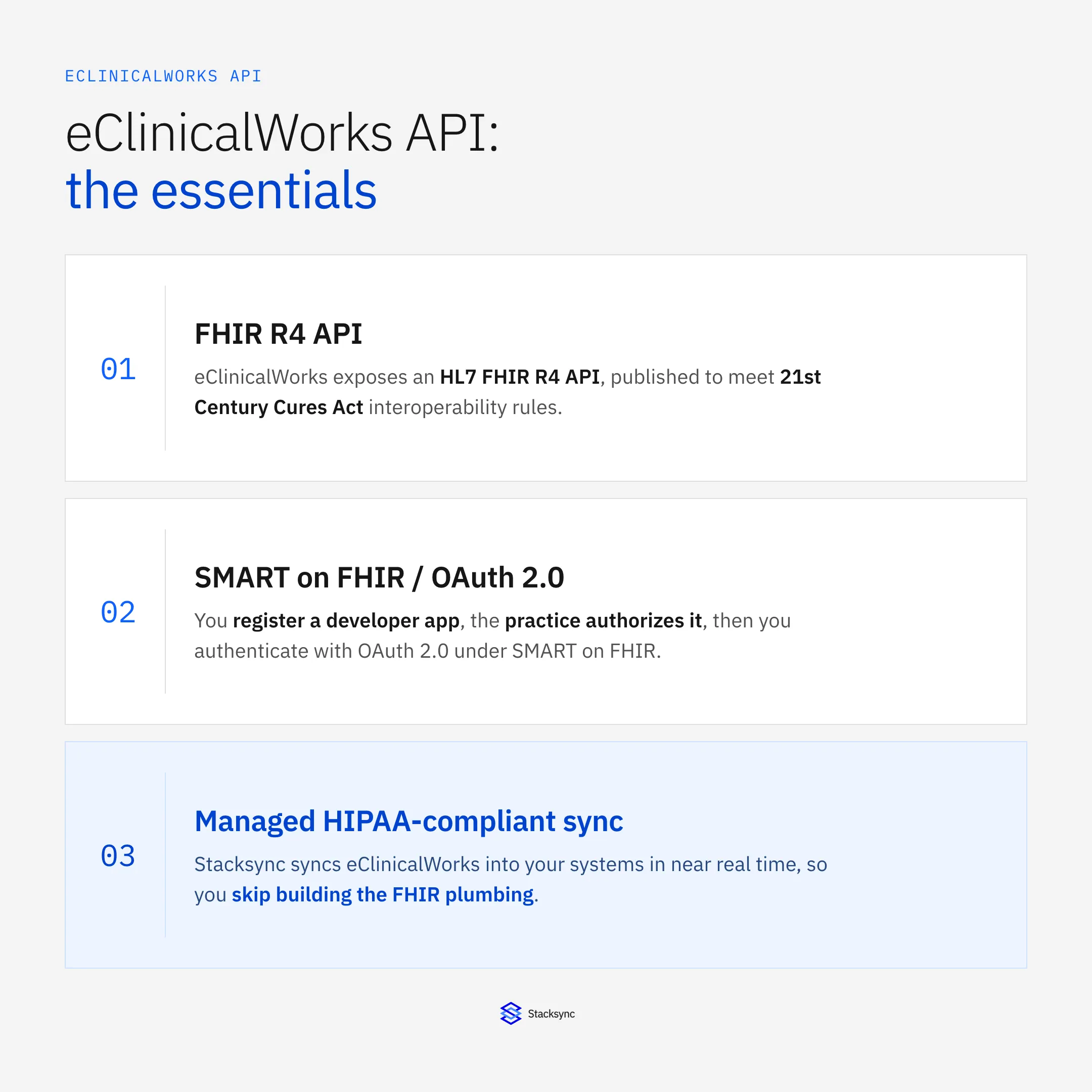
Yes. eClinicalWorks, one of the most widely used ambulatory EHR platforms in the United States, exposes a FHIR (Fast Healthcare Interoperability Resources) R4 API. To integrate with it you register a developer application, have the practice authorize your app, and authenticate with OAuth 2.0 using the SMART on FHIR framework. From there you make HTTPS calls to standard FHIR resource endpoints such as Patient, Encounter, and Observation. The API exists because of US interoperability rules under the 21st Century Cures Act and the ONC certification program, which require certified EHRs to publish standardized patient-facing and provider-facing FHIR endpoints.
That answers the can I question. The rest of this guide is about the how and the honest cost. FHIR auth, app registration, paging, rate limits, and mapping resources into your own systems all take real engineering time, and every byte you move is protected health information (PHI) that has to stay inside a HIPAA-compliant boundary. We walk through the API surface first, then show where a managed sync like Stacksync saves you from building and maintaining that pipeline yourself.
How the eClinicalWorks FHIR API is structured
The eClinicalWorks API follows the HL7 FHIR R4 specification, so if you have worked with any Cures Act certified EHR the shape will feel familiar. Data is organized into resources, each addressable at a REST endpoint under a base FHIR service URL. You request a resource by ID or run a search with query parameters, and the server returns JSON (FHIR also supports XML).
The resources you will use most for clinical and operational integrations include:
Patientfor demographics, identifiers, and contact details.Encounterfor visits and their status, type, and timing.Observationfor labs, vitals, and other measured results.Conditionfor problems and diagnoses.MedicationRequestandMedicationfor prescriptions and drug references.AllergyIntolerancefor documented allergies and reactions.DocumentReferencefor clinical documents and attachments.
eClinicalWorks publishes the US Core profiles required for certification, which constrain how these resources are populated so that a field like a patient identifier or a LOINC-coded observation is predictable across vendors. In practice you should still read the vendor's own FHIR capability statement (the /metadata endpoint) to confirm which resources, search parameters, and versions a given practice's instance supports, because deployments vary from site to site.
FHIR resources also reference each other. An Observation points at a Patient and often an Encounter; a MedicationRequest points at both a patient and a prescriber. To assemble a usable record you resolve those references, which means extra calls or careful batching, and you decide how to represent the relationships in a schema that was probably designed long before anyone at your company had heard of FHIR.
Authentication: app registration and SMART on FHIR
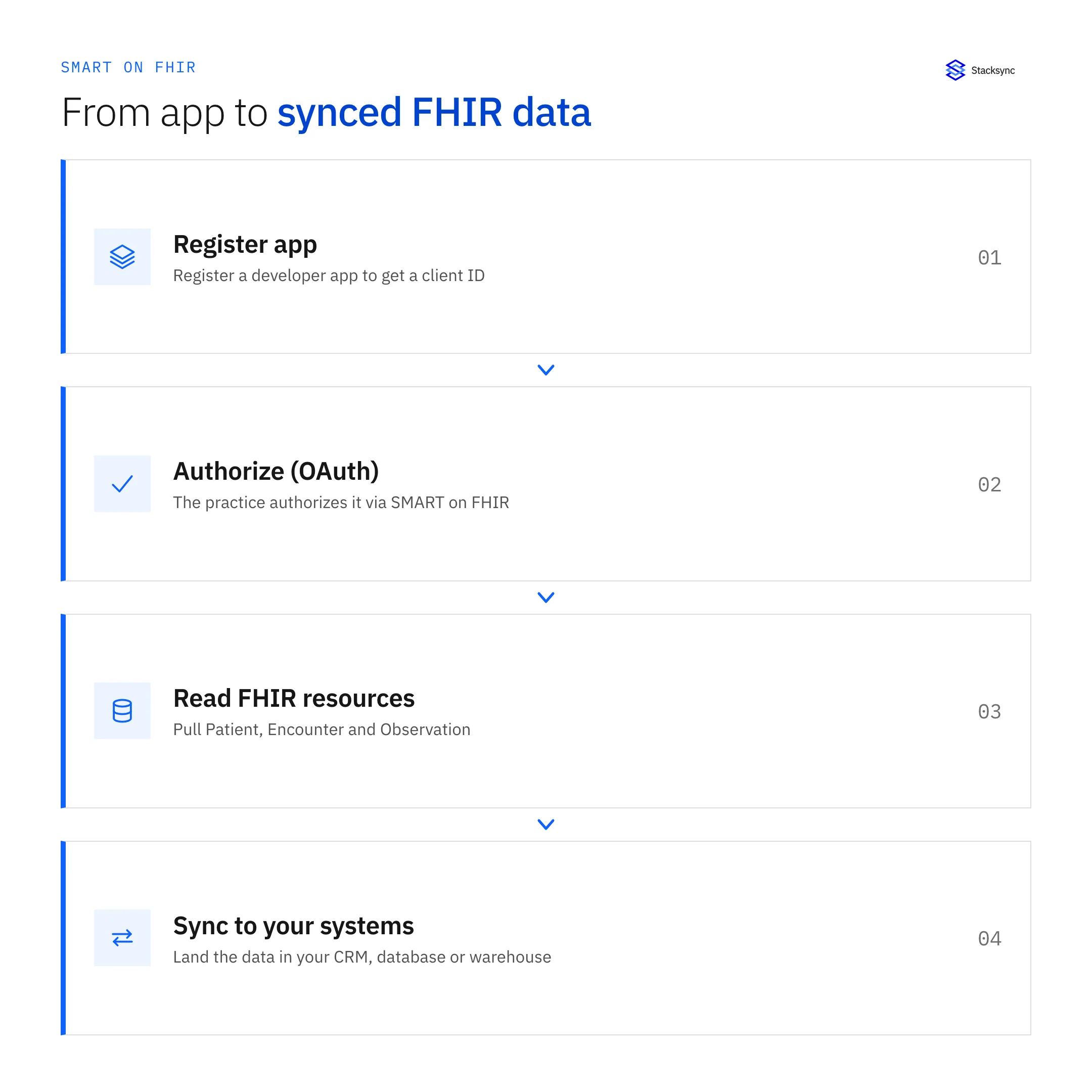
Access is gated in two layers. First you register a developer application in the eClinicalWorks developer program, which issues you a client ID (and a client secret for confidential apps) and records your redirect URIs and requested scopes. Second, a practice has to authorize your app against its own environment before you can read its data. Neither step is instant, so build authorization lead time into your project plan rather than assuming a same-day connection.
Authentication uses OAuth 2.0 under the SMART on FHIR profile. Provider-facing and system-level integrations typically use the authorization code flow (a user signs in and consents) or, where supported, the SMART backend services flow with a signed client assertion for server-to-server access. The token you receive carries the scopes that limit which resources and which patients you can touch. A minimal token exchange and resource call look like this:
# Exchange an authorization code for an access token (SMART on FHIR)
curl -X POST https://<eclinicalworks-fhir-auth-server>/token \
  -H "Content-Type: application/x-www-form-urlencoded" \
  -d "grant_type=authorization_code" \
  -d "code=$AUTH_CODE" \
  -d "redirect_uri=https://yourapp.example/callback" \
  -d "client_id=$CLIENT_ID"

# Then call a FHIR resource with the bearer token
curl https://<eclinicalworks-fhir-base>/Patient/$PATIENT_ID \
  -H "Authorization: Bearer $ACCESS_TOKEN" \
  -H "Accept: application/fhir+json"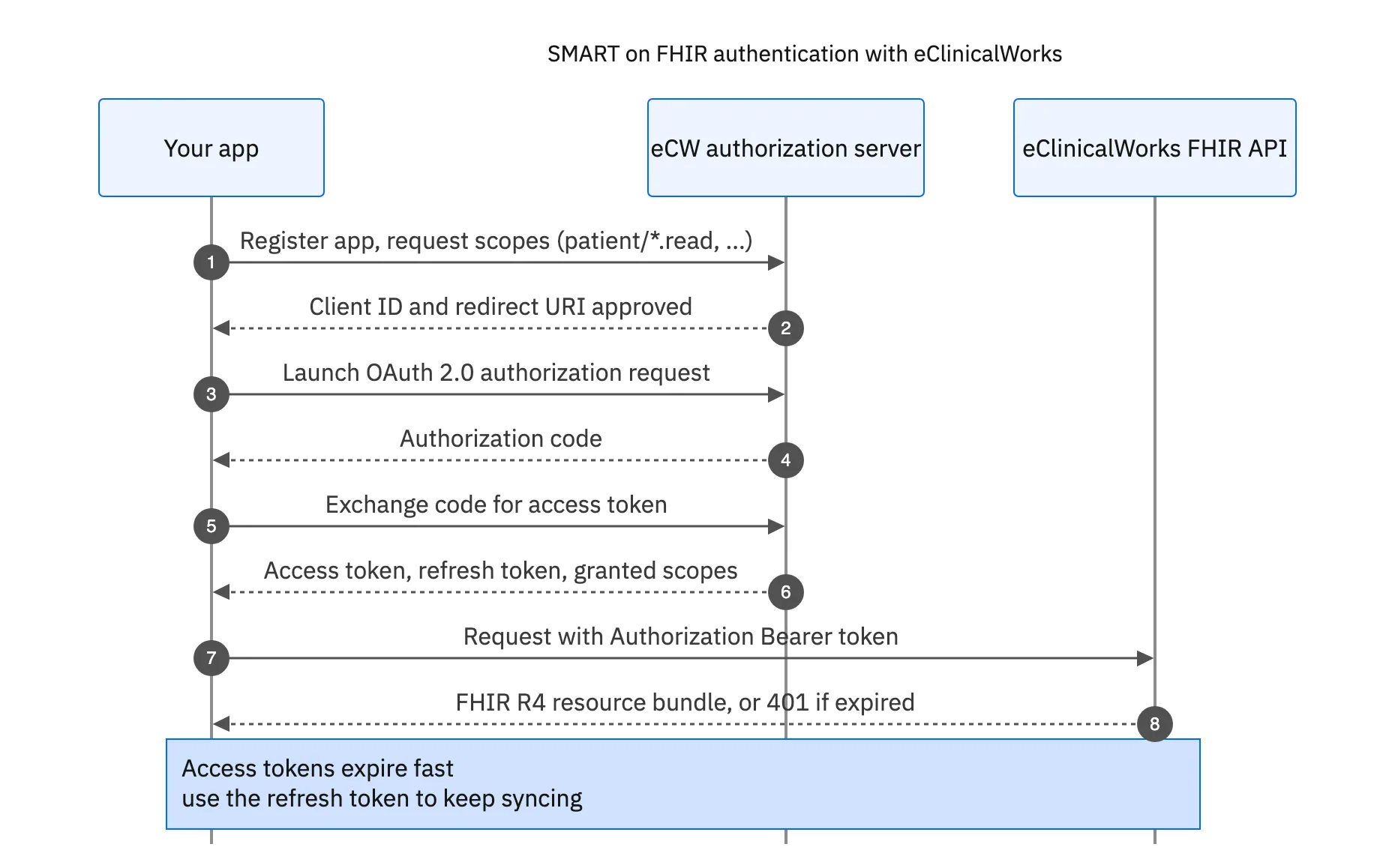
Reading data: search, paging, and rate limits
Once authenticated, you read data with FHIR search. A request like GET /Observation?patient=123&category=laboratory returns a Bundle resource containing matching entries plus paging links. FHIR paginates with next links rather than simple offsets, so your client has to follow the Bundle.link of relation next until it runs out, carrying the opaque cursor the server hands back on each page.
Three realities shape any production reader:
- Rate limits. The API throttles requests, so a naive loop over thousands of patients will hit limits. You need backoff, retries on
429responses, and concurrency control. - Incremental reads. To keep a copy current without refetching everything, you filter on
_lastUpdatedwhere supported and track a high-water mark per resource type. Not every server or resource supports every search parameter, so you confirm against the capability statement. - Bulk and write access are limited. Read access to individual patients is the well-tested path. Warehouse-scale bulk export and write-back are more constrained and depend on the practice's configuration and agreements. Do not assume you can push data back the way you can read it.
None of this is exotic, but it adds up. A resilient reader that respects limits, follows paging, tracks deltas, and recovers from partial failures is a real service to build and then keep running for every practice you connect.
Mapping FHIR resources to your CRM or warehouse schema
FHIR is nested and normalized; your CRM object or warehouse table is flat and denormalized. Bridging the two is where most of the work lives. A single Patient resource holds arrays of names, identifiers, and telecom entries that you have to pick apart and flatten into columns. A lab result sits in Observation with LOINC codes, a value quantity, units, and a reference range that your target schema probably models differently.
Common destinations and what teams do with the data:
- Sync patient and encounter data into Salesforce so care coordination and outreach teams work from current records.
- Land normalized clinical tables in PostgreSQL for operational apps and reporting.
- Feed an analytics warehouse such as BigQuery for population health, quality measures, and finance dashboards.
The mapping is not one and done. FHIR profiles change, practices enable new fields, and your own schema evolves, so the transformation layer needs versioning and tests. And if you want the CRM and the source to agree in both directions, you are now looking at two-way sync with conflict handling, which is a different and harder problem than a one-way pull.

Keeping eClinicalWorks data current is the real work
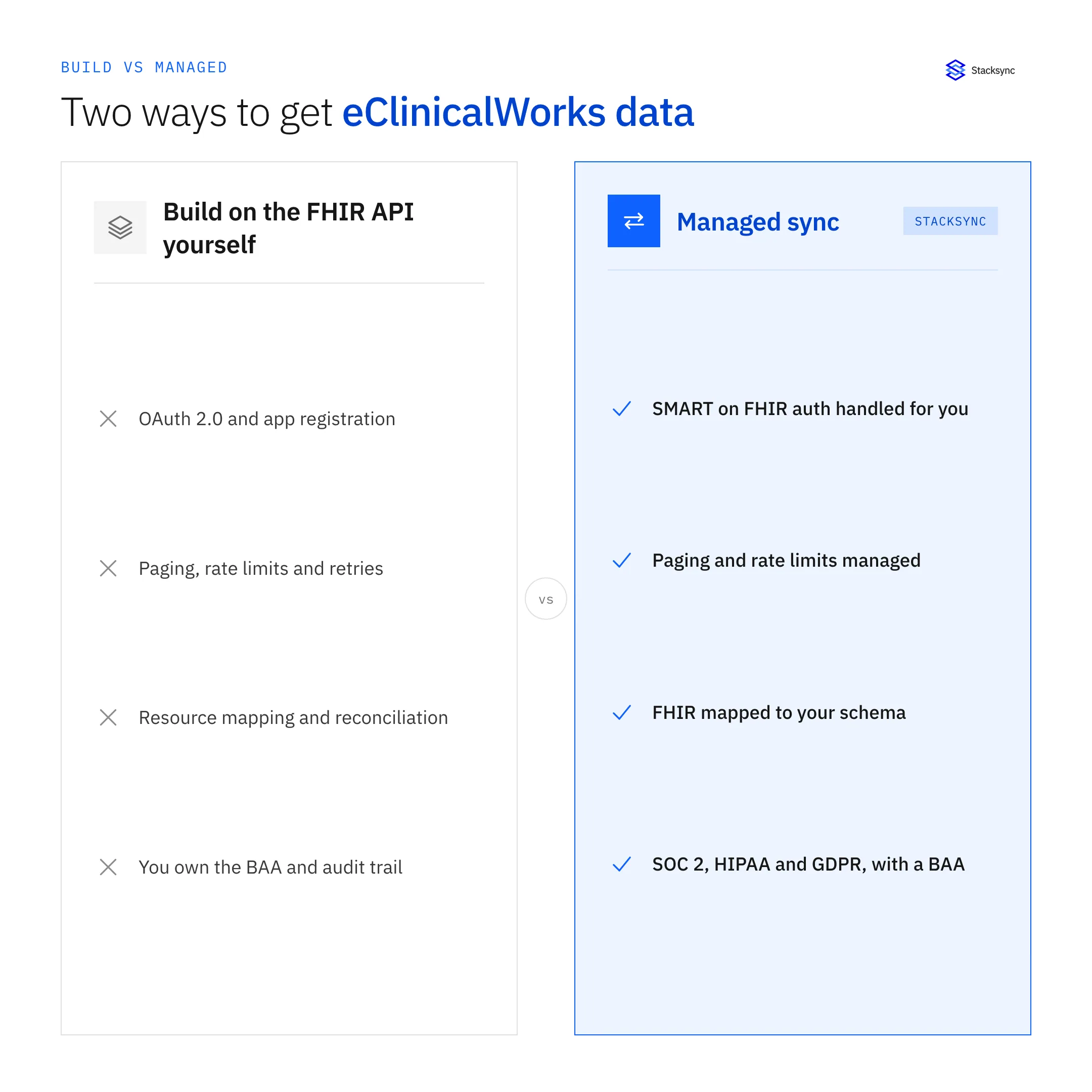
Getting one page of JSON out of the API is a demo. Keeping a faithful, current copy of many practices' data flowing into your systems is a product. You own token refresh, re-authorization when practices rotate access, paging through every resource type, delta detection, rate-limit backoff, schema mapping, retries, monitoring, and an audit trail for every PHI record that moves. Here is the honest tradeoff:
| Aspect | Building on the FHIR API yourself | Stacksync |
|---|---|---|
| Auth & app registration | Implement SMART on FHIR OAuth, manage client secrets, handle per-practice authorization | Managed connection setup and token lifecycle handled for you |
| Paging & rate limits | Write backoff, retry, and cursor-following logic; tune concurrency | Handled by the sync engine with built-in throttling |
| Incremental updates | Track _lastUpdated high-water marks per resource, reconcile gaps | Near real-time change capture keeps records current |
| Schema mapping | Flatten nested FHIR into CRM objects or warehouse tables, version transforms | Configurable field mapping to your destination |
| Direction | Read is well supported; write-back is limited and custom to build | Two-way sync where the source and destination support it |
| HIPAA & PHI | You own encryption, access control, audit logging, and BAAs | SOC 2, HIPAA, and GDPR compliant with a signed BAA |
| Maintenance | Ongoing engineering to track API and profile changes | Maintained connector; API changes absorbed for you |
Building on the eClinicalWorks FHIR API yourself vs managed sync
Read across a row and the pattern is the same. Every capability you would hand-build is something a managed connector already runs and keeps maintained. The FHIR API is the right foundation to work from; the open question is whether standing up and staffing a production sync on top of it is the best use of your engineering team's time.
A HIPAA-compliant managed sync with Stacksync
Stacksync connects eClinicalWorks to your CRMs, databases, and warehouses and keeps the data in sync in near real time, without you building and babysitting a FHIR pipeline. It handles the SMART on FHIR auth, paging, rate limits, and change detection, and maps FHIR resources into the fields your destination expects. Where the source and destination both support it, it runs two-way sync so a change in one system shows up in the other.
Because the data is PHI, this part matters. Stacksync is SOC 2, HIPAA, and GDPR compliant and will sign a Business Associate Agreement, so patient data stays inside a governed, audited boundary as it moves. That is the difference between shipping an integration in days and staffing a pipeline team for months.
If you are weighing whether to build on the eClinicalWorks FHIR API directly or sync it through a managed platform, the deciding factors are usually time, compliance surface, and who maintains it when the API changes. Book a demo and we will map your eClinicalWorks resources to your CRM or warehouse and show the sync running against a real schema.

FAQ
Frequently asked questions










Explore these integrations and topics
Related articles





