


















































































.png)
























































































Digital Workflow Automation Guide | Stacksync
Discover how digital workflow automation streamlines processes, cuts costs, and boosts productivity. Learn how Stacksync enables real-time, AI-driven workflows.
- Author
- Ruben Burdin · Founder & CEO
- Published
- October 5, 2025
- Read time
- 3 min read
Digital workflow automation uses technology to streamline and optimize business processes by replacing manual steps with automated systems.
Instead of handling paperwork, emails, or repetitive approvals, automation connects people, data, and tools in a seamless flow that runs faster, with fewer errors, and higher consistency.
Why Digital Workflow Automation Matters
Automation improves efficiency by reducing repetitive work, standardizing operations, and freeing employees to focus on strategic initiatives. According to McKinsey, up to 30% of hours worked in the U.S. could be automated by 2030, allowing companies to increase productivity while cutting costs.
How Workflow Automation Works
- 01Trigger event – A form submission, email, or task initiates the process.
- 02Rules & conditions – The system applies logic to determine the next steps.
- 03Automatic routing – Tasks are assigned or actions executed automatically.
- 04AI & ML optimization – Modern tools use AI to learn patterns and enhance workflows over time.
Core Benefits of Workflow Automation
1. Enhanced Efficiency
Automating repetitive work increases speed and accuracy, enabling teams to complete projects faster.
2. Cost Reduction
Replacing manual labor with automated systems minimizes operational costs and scales business operations affordably.
3. Fewer Errors and Stronger Compliance
Automation ensures consistency and provides audit trails for every action, which is vital for industries under strict regulations.
4. Scalability and Agility
Automated workflows adapt easily as your business grows or as new systems are added.
5. Improved Employee and Customer Experience
By removing tedious tasks, employees feel more engaged. Customers benefit from faster service and fewer mistakes.
Top Use Cases for Digital Workflow Automation
- Document Approvals: Automatically route contracts and invoices for e-signature.
- Data Extraction: Use AI to extract key fields from invoices or forms.
- Customer Onboarding: Automate user verification, data entry, and notifications.
- Marketing Campaigns: Trigger personalized emails and workflows based on user behavior.
- Operations: Connect CRMs, ERPs, and databases to ensure data consistency in real time.
How Stacksync Enhances Digital Workflow Automation
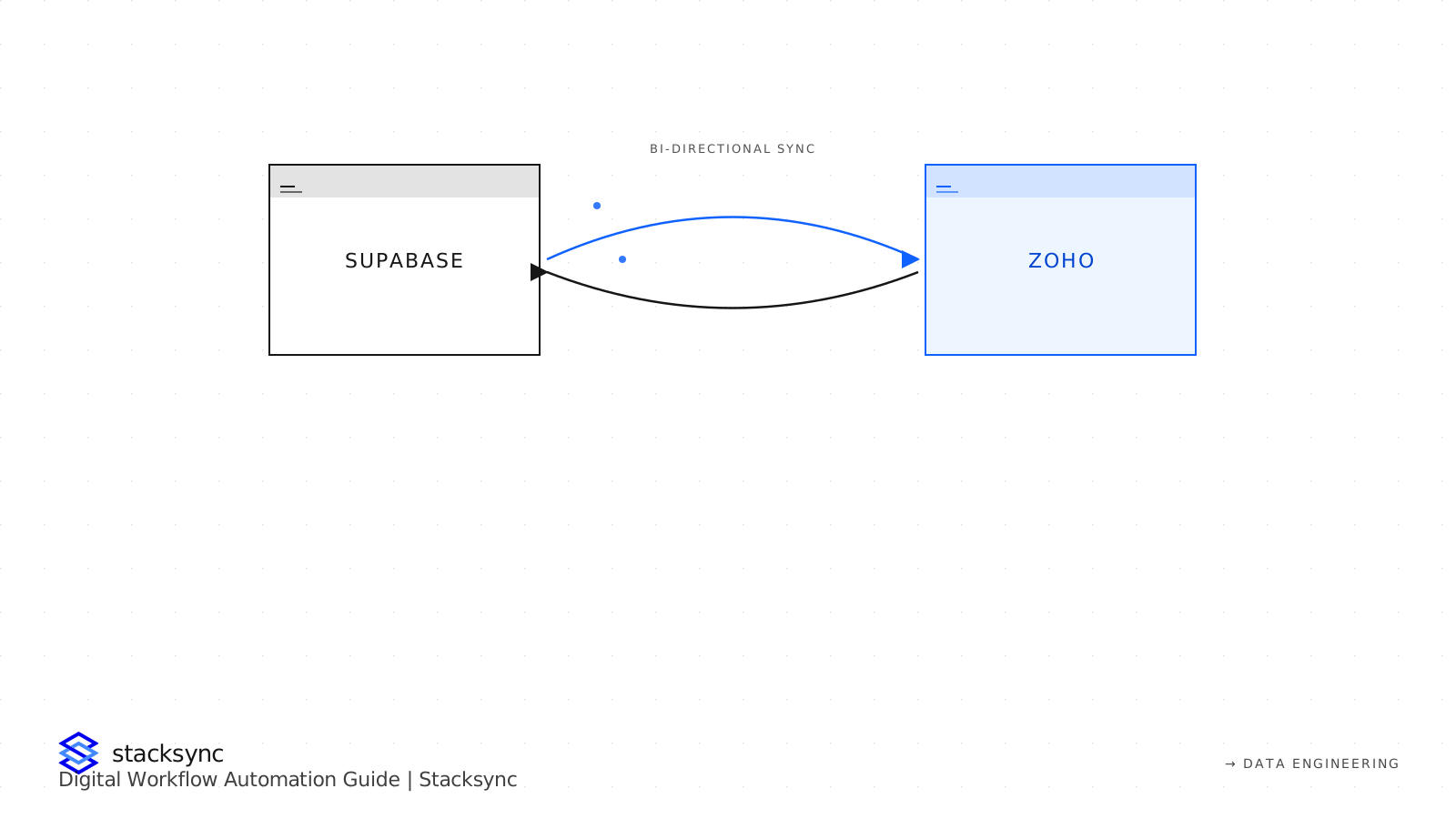
Unlike traditional iPaaS or ETL tools, Stacksync delivers real-time, bi-directional synchronization between CRMs, ERPs, and databases. This means data updates instantly across all systems — eliminating delays and manual syncs.
Key differentiators:
- Sub-second latency between systems.
- 200+ pre-built connectors.
- No-code workflow builder with conditional logic.
- Enterprise-grade compliance (SOC 2, HIPAA, ISO 27001).
- Event-driven architecture for data-triggered workflows.
For example, a logistics company using Salesforce, NetSuite, and Postgres can automate order updates, reduce manual data entry, and ensure accurate inventory records — all in real time.

Steps to Implement Workflow Automation
- 01Map current processes and identify repetitive manual tasks.
- 02Select an automation platform that integrates with existing tools.
- 03Define triggers and logic for each workflow.
- 04Test workflows to ensure accuracy and compliance.
- 05Scale and optimize by monitoring performance and adding AI-driven improvements.
Future Trends in Workflow Automation
- AI-powered decision automation will drive predictive and adaptive workflows.
- Real-time integrations will replace batch syncing, enhancing collaboration.
- No-code/low-code platforms will democratize automation.
- Unified data layers will enable instant insights across departments.
Final Thoughts
Digital workflow automation isn’t just about efficiency, it’s about transformation. By integrating tools like Stacksync, businesses eliminate data silos, reduce friction, and enable teams to work smarter, faster, and more securely.
Ready to automate your workflows?
Discover how Stacksynchelps companies sync data across systems and power real-time, error-free operations.
FAQ
Frequently asked questions

